
ExpanDrive 2023.4.1 – Access cloud storage just like a USB Drive.
ExpanDrive Version 2023 delivers super-fast background saves and transfers, and offers more cloud storage provider options than ever before.
Supports every Cloud:
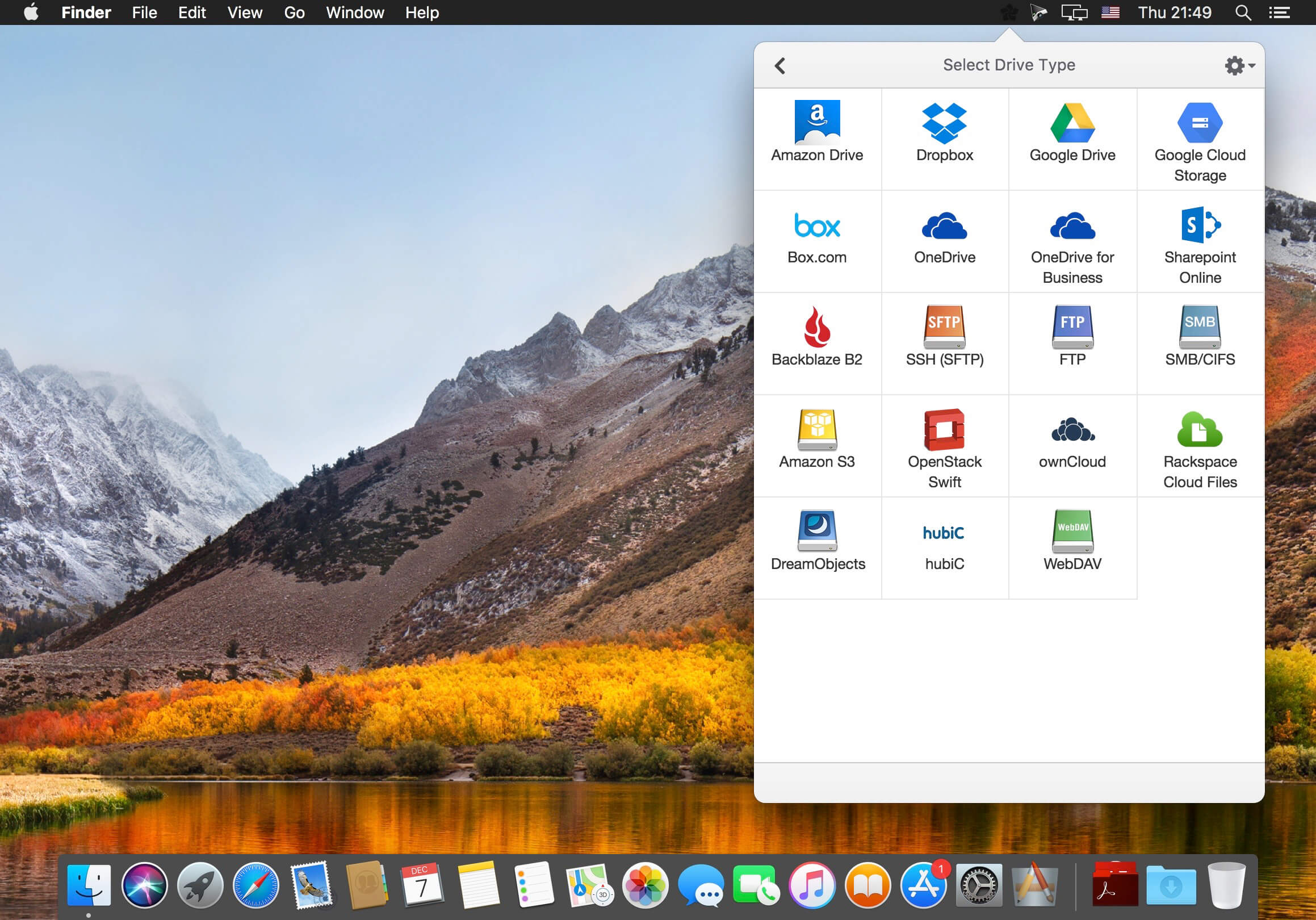
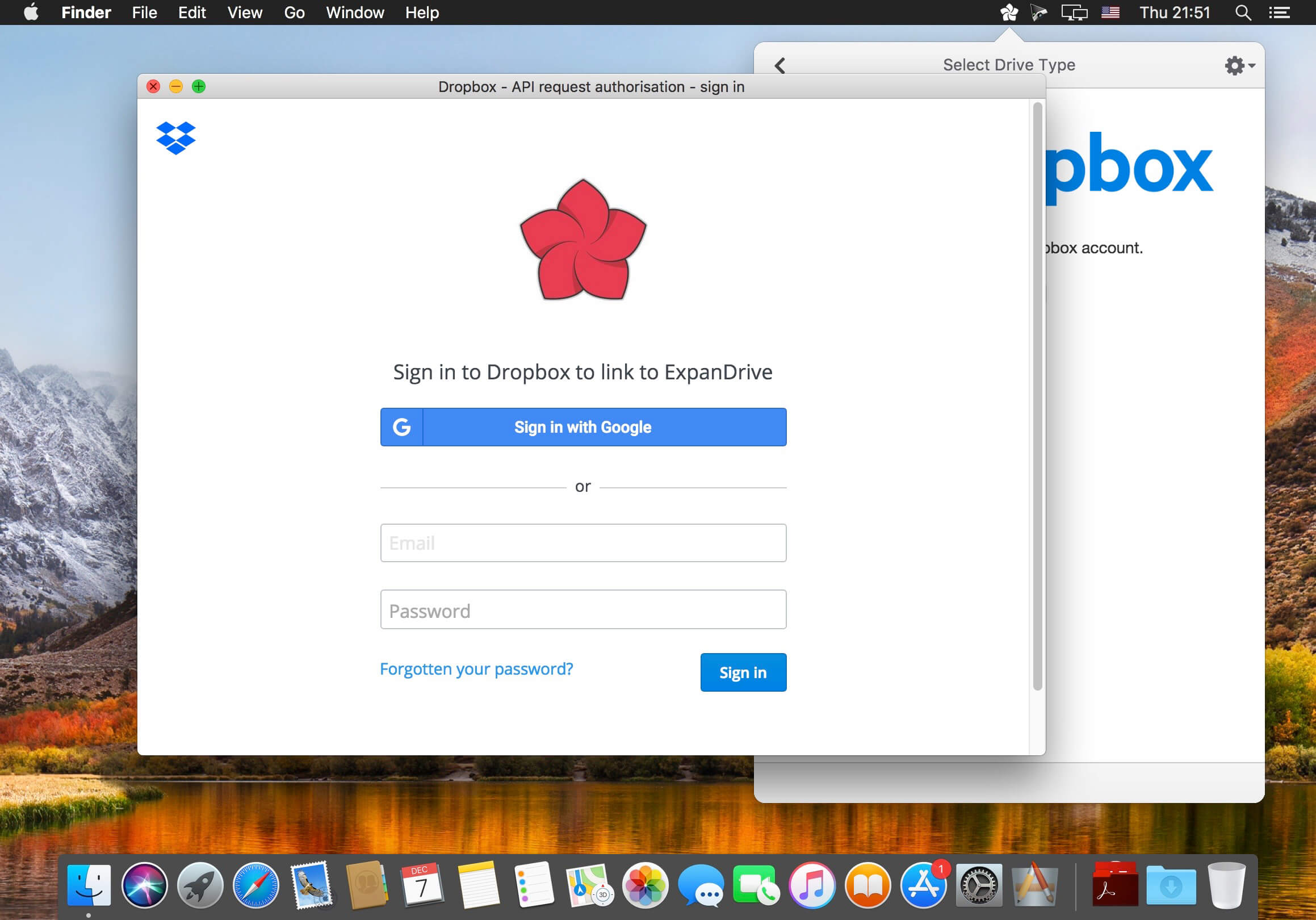
Creates a virtual USB drive that connects to all major cloud storage providers such as Dropbox, Google Drive, Box, OneDrive, Openstack Swift, Amazon S3 or your own SFTP, FTP or WebDAV server.
Super-fast instant uploads:
ExpanDrive v6 changes the game again by moving transfers into the background ? just like popular sync apps do [think: Dropbox/Google Drive]. This let?s you keep working and stop waiting for transfers to complete. ExpanDrive v5 quickly uploads your files in the background. We?ve built a multi-threaded connection engine that makes our latest version faster and much more responsive.
Cloud storage in every application:
Acts just like a USB drive plugged into your computer. Open, edit, and save files to remote computers from within your favorite programs?even when they are on a server half a world away. Enhance every single application on your computer by transparently connecting it to remote data.
Finder & Explorer is your user interface:
Securely access any remote file server directly from Finder and Explorer, or even the terminal. There?s no need to open a separate transfer client just for file transfer. ExpanDrive v6 extends the way all applications can access data.
Version 2023.4.1:
- Release notes were unavailable when this listing was updated.
Frequently asked questions
How do I install the app?
Mount the image, drag the app into the "Applications" folder and launch it. If the system blocks the launch, allow it in "System Settings → Privacy & Security".
The app is damaged or won't launch
Reinstalling from a fresh image usually helps. Make sure your macOS version matches the one listed in the compatibility specs.
How do I update?
Download the new version from the site and install it over the current one — your settings will be preserved.
The download link doesn't work
Try a mirror or a download manager. For large files the browser often drops the connection.
How do I completely remove the app?
Use an uninstaller utility — it cleans up the service files that remain after moving the app to the trash.





Choose a download source
ExpanDrive 2023.4.1 – Access cloud storage just like a USB Drive. · 186.69 MB
Previous versions
ExpanDrive 2023.4.1 – Access cloud storage just like a USB Drive.
Previous versions are available to registered users.
Comments 2