

ClassicWeather Premium 4.0.1
Screenshots
Click to enlarge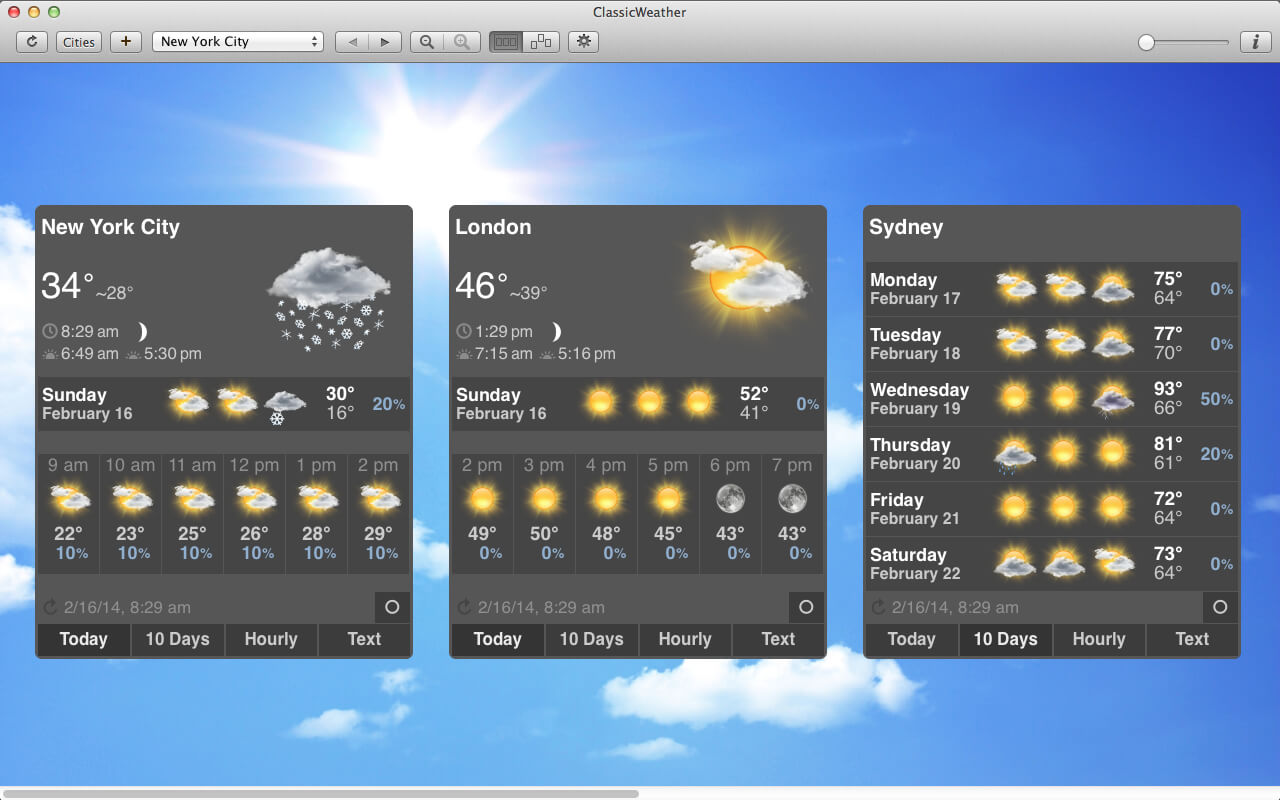
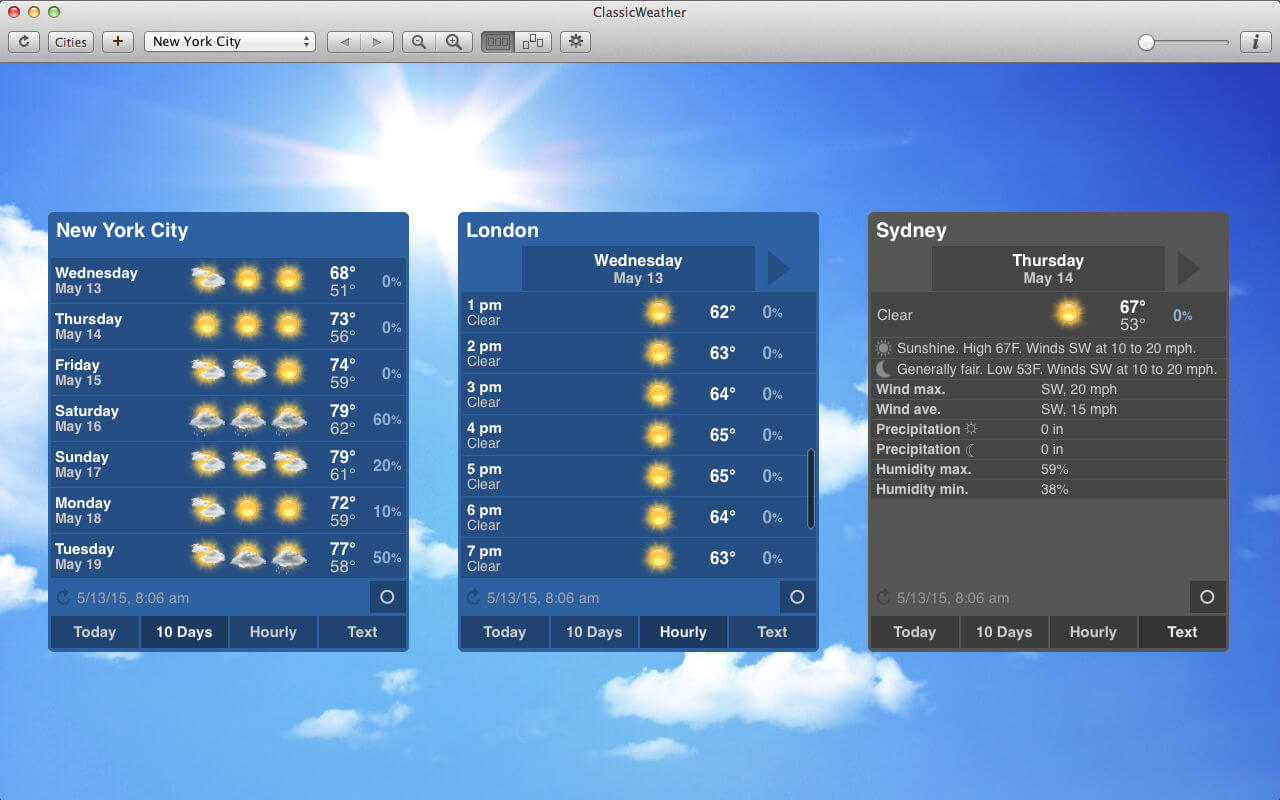
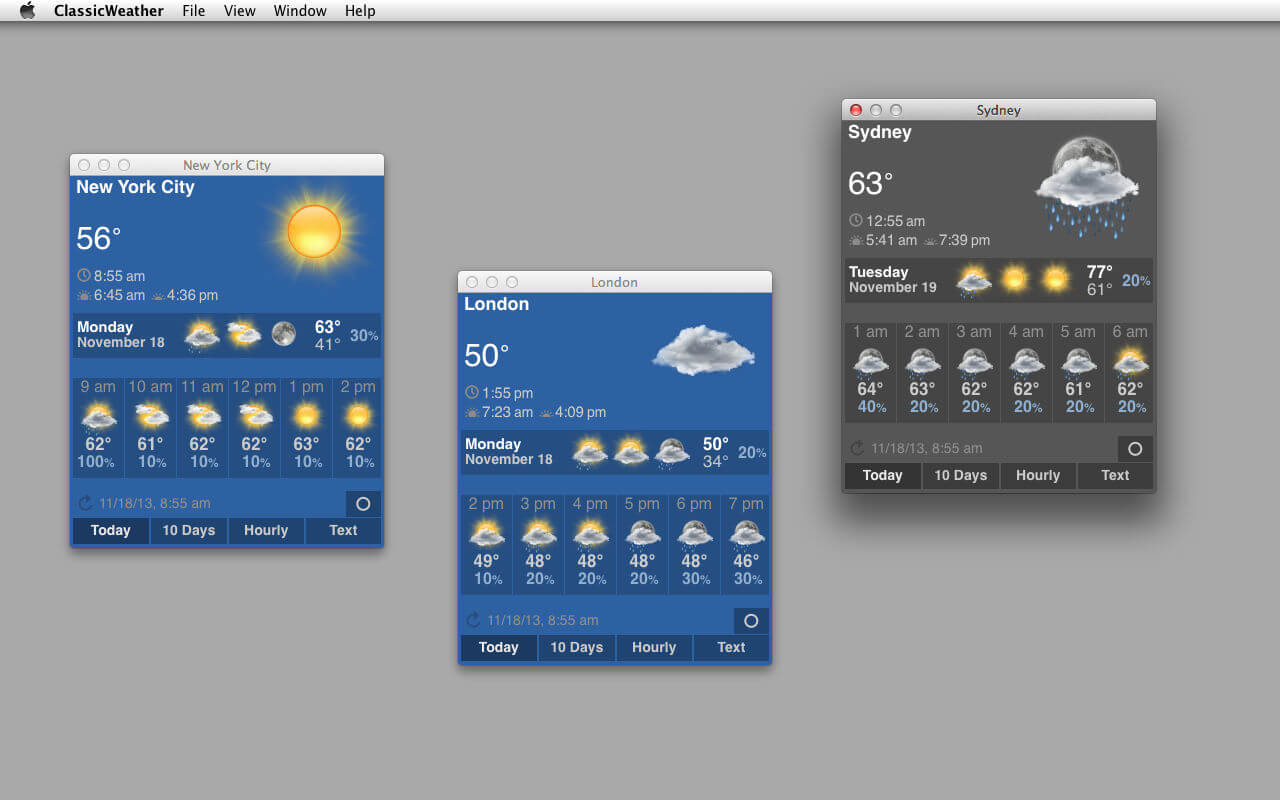
ClassicWeather offers clear weather widgets in 3 different sizes and colors. It also provides weather forecast in the dock and menu bar menu.
Features:
- Current weather conditions
- Forecast for 7 days
- Forecast for next 12 hours
- Forecast by the hour
- Forecast in text format
- Temperature in Fahrenheit or Celsius
- Probability of precipitation
- Rain/snow in mm/inch
- Feels like temperature
- Local time
- Sunrise / sunset
- Current phase of moon
- Multiple cities
- Current location (WiFi needed)
- Weather in menu bar menu and dock menu
- 12-hour or 24-hour time format
- 3 widget designs, 4 sizes
- 2 modes (single window or widget)
- Retina supported
- And more
- Forecast for 10 days
- Forecast for next 24(+) hours (scrollable)
- Humidity
- Wind speed and direction
- Current condition on dock icon and menu bar
- App in dock and/or menu bar
Version 4.0
- New weather service.
- The previous weather service (Wunderground) has discontinued its service at the end of 2018.
Comments
No comments yet. Be the first.
Information
Visitors in the group Guests cannot leave comments on this publication.