
SiteSucker Pro 6.2.2
SiteSucker is a website downloader that copies webpages, images, PDFs, and files for offline browsing.

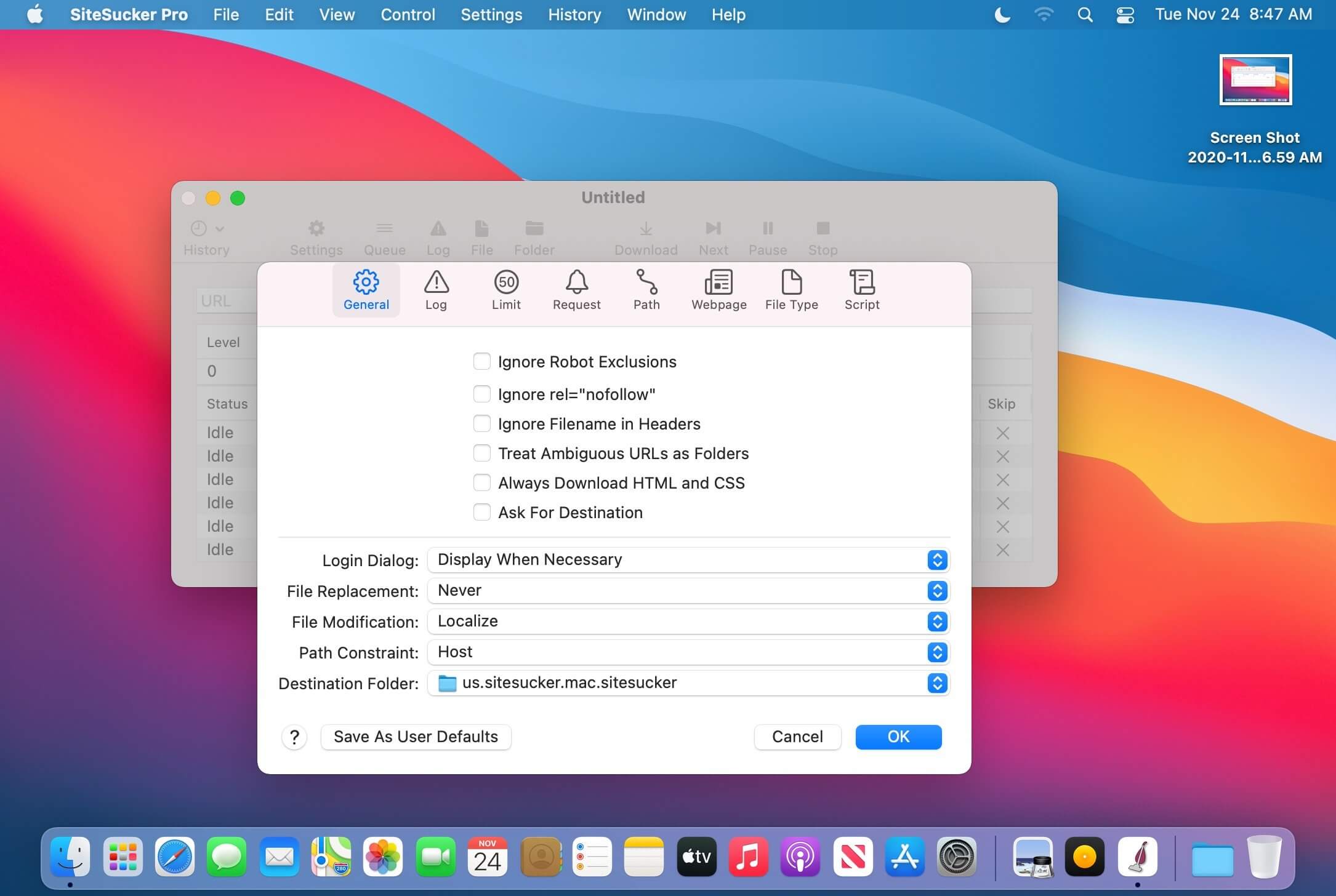
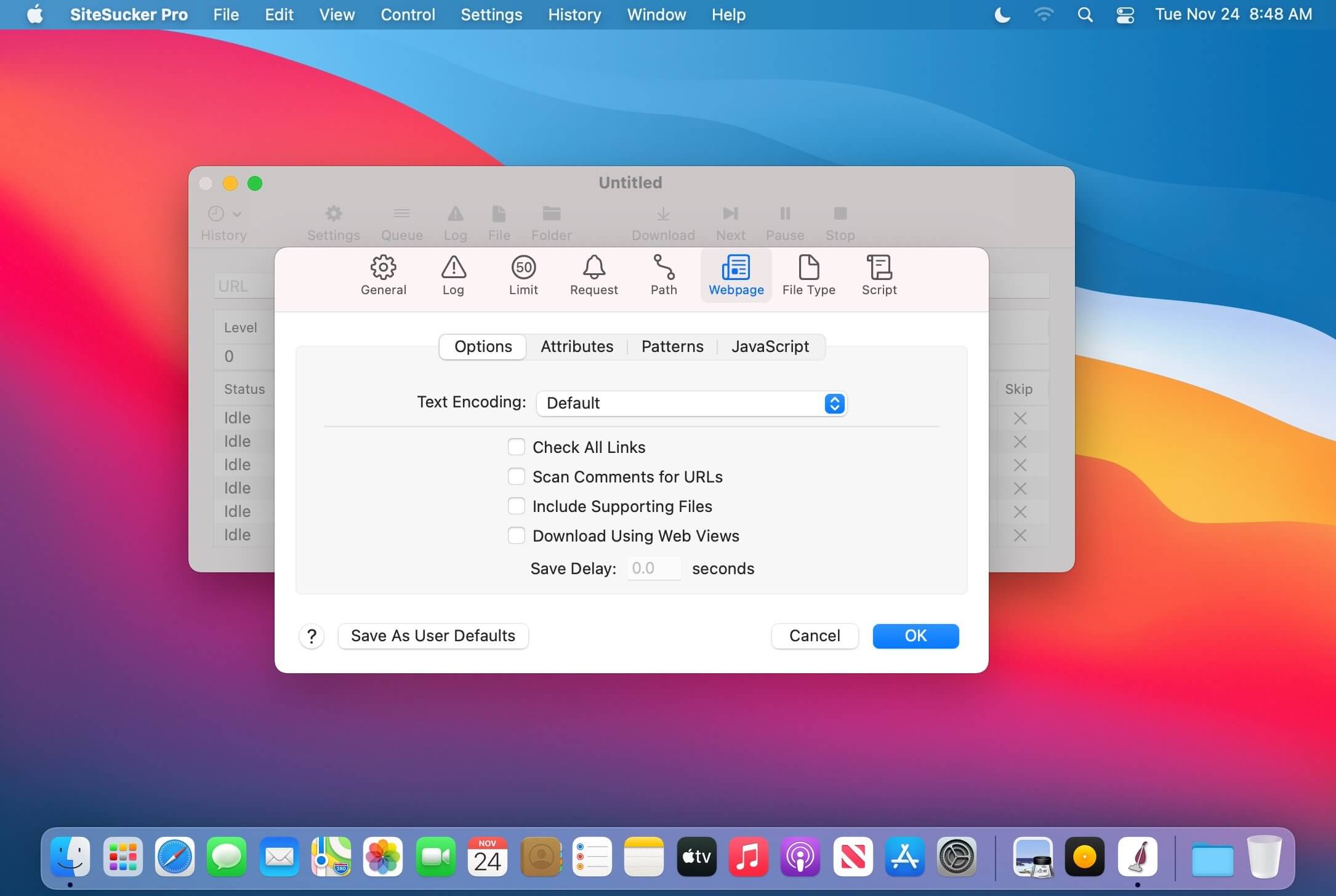
SiteSucker is a Mac application that saves a website's full contents locally, recreating its structure so you can open and navigate it without an internet connection. Basic jobs need little more than a link, while an extensive set of settings lets you shape what gets downloaded and how. It works well for beginners who want quick results and for experienced users who need to handle difficult downloads.
Features
- One-step downloading — paste a link and start downloading with no setup required
- Full site copies — downloads all of a website's content and duplicates its structure locally
- Download queue — add multiple websites and process them in turn
- Download history — keep a full record of past downloads for future reference
- Quick access to results — open the website folder or index file when a download finishes
- Content filters — exclude file types, set a maximum link depth, and limit minimum or maximum file size
- Custom user agent — change the default user agent when a site requires it
- Download protection settings — set maximum attempts, delays, and timeouts to avoid triggering site protections
- Embedded video downloads (Pro) — save embedded videos, including those from YouTube
Version 6.2.2:
- Allowed users to give SiteSucker access to web browser bookmarks.
- Allowed users to delete saved settings using AppleScript.
- Updated the deployment target to macOS 14 Sonoma.
Frequently asked questions
How do I install the app?
Mount the image, drag the app into the "Applications" folder and launch it. If the system blocks the launch, allow it in "System Settings → Privacy & Security".
The app is damaged or won't launch
Reinstalling from a fresh image usually helps. Make sure your macOS version matches the one listed in the compatibility specs.
How do I update?
Download the new version from the site and install it over the current one — your settings will be preserved.
The download link doesn't work
Try a mirror or a download manager. For large files the browser often drops the connection.
How do I completely remove the app?
Use an uninstaller utility — it cleans up the service files that remain after moving the app to the trash.





Choose a download source
SiteSucker Pro 6.2.2 · 7.08 MB
Previous versions
SiteSucker Pro 6.2.2
Previous versions are available to registered users.