

Carbon Copy Cloner 7.1.6.8368
Carbon Copy Cloner 7 macOS backup and cloning app for precise, reliable backups.
Screenshots
Click to enlarge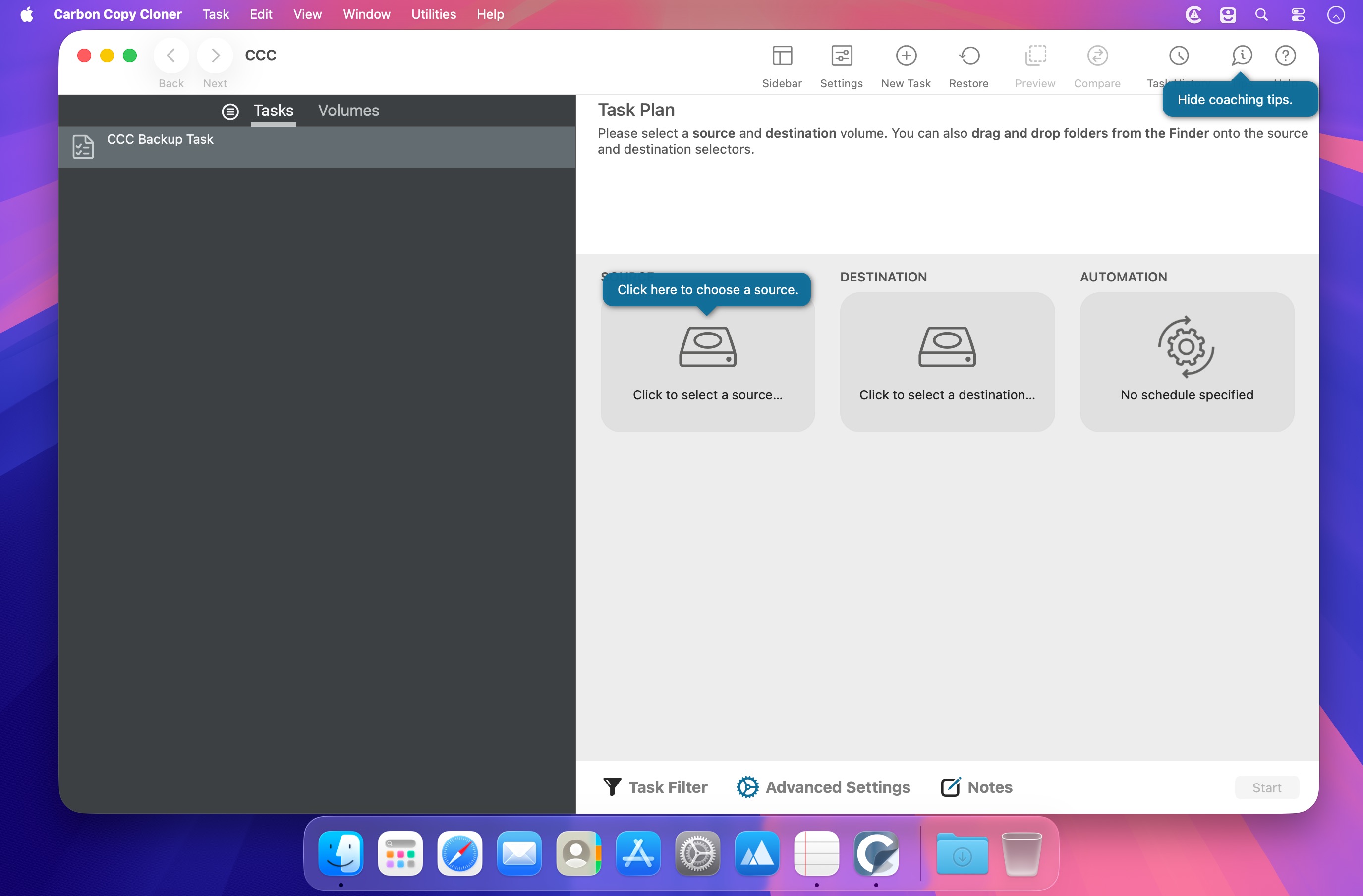
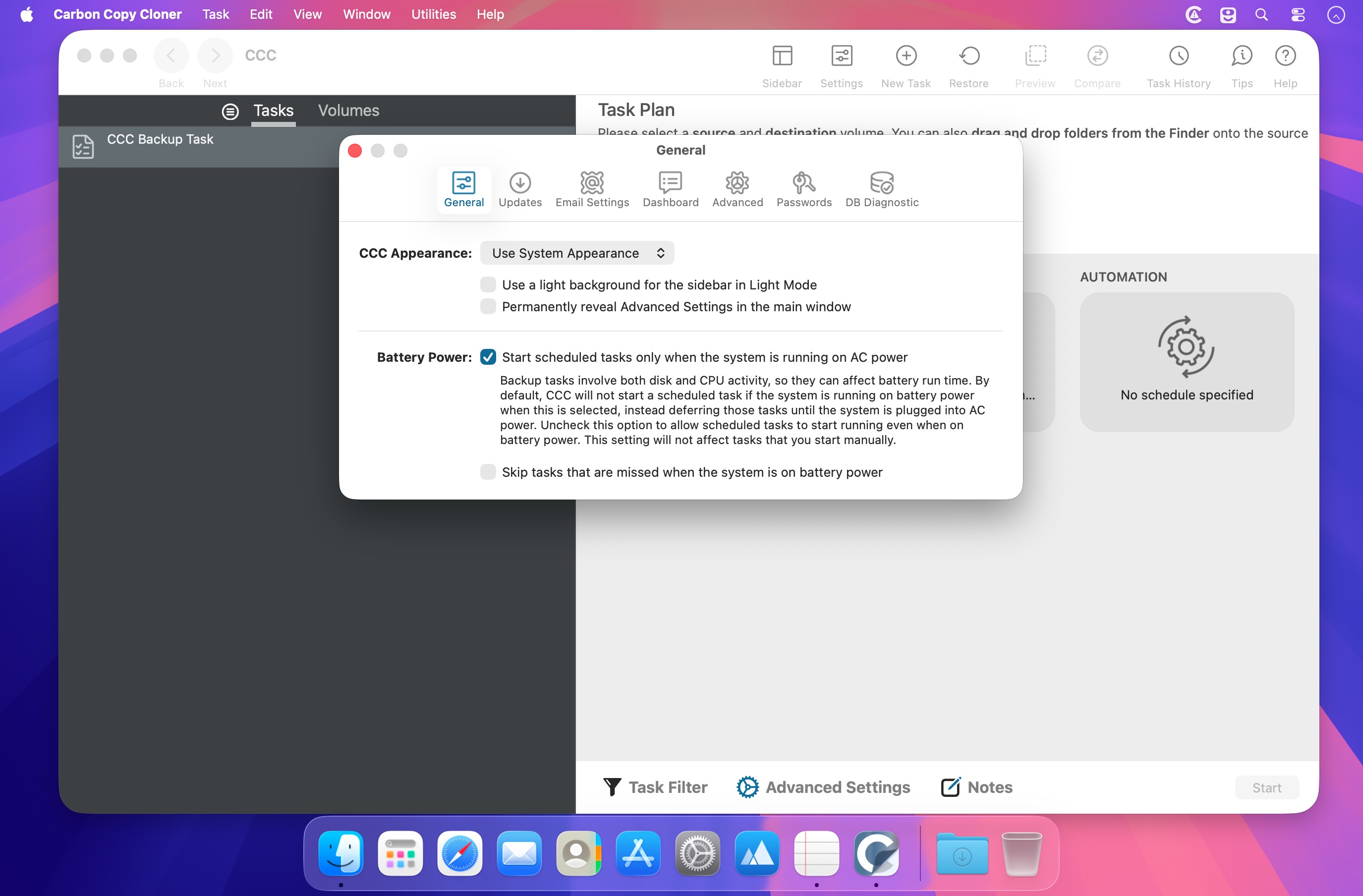
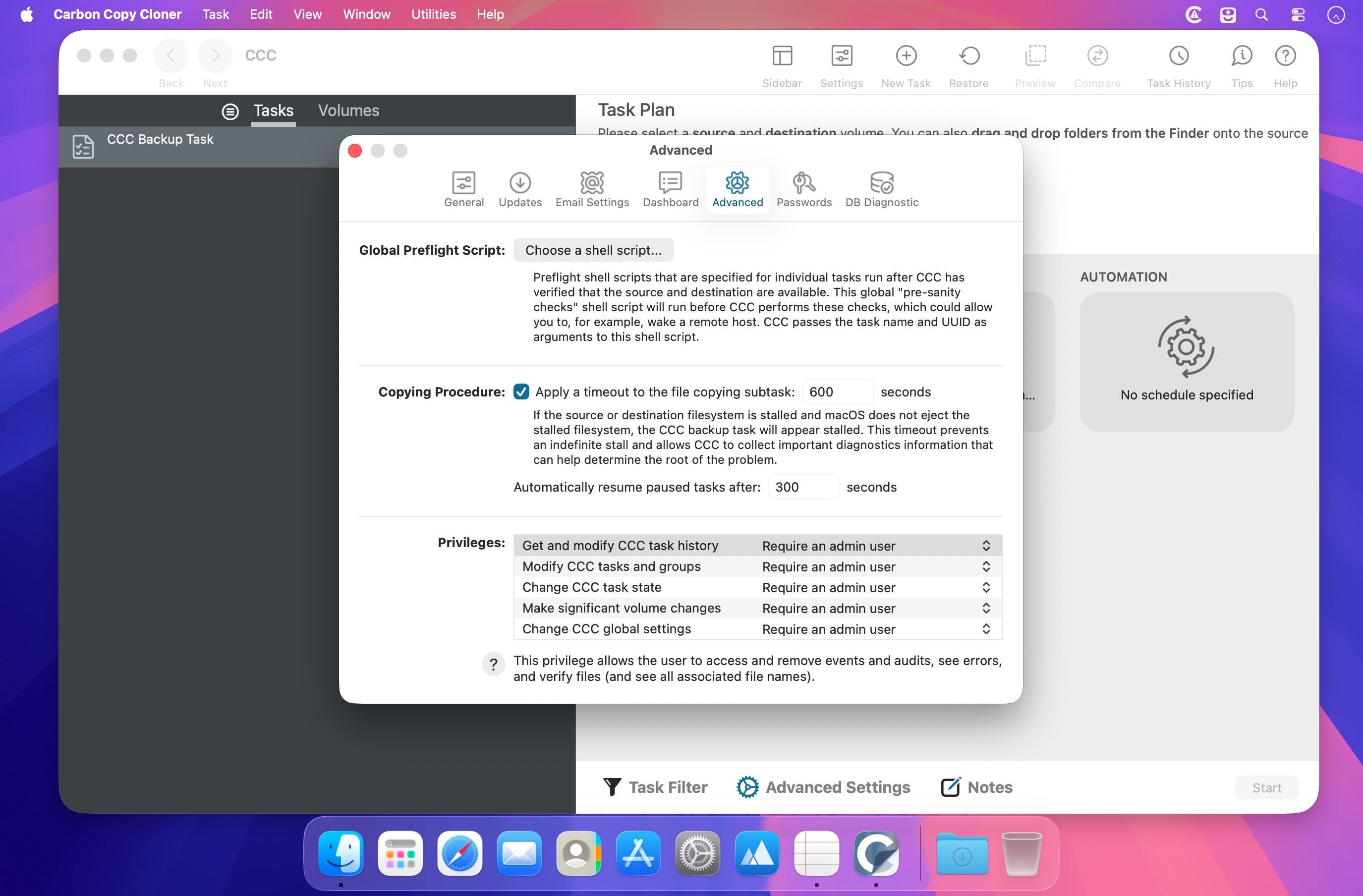
Carbon Copy Cloner 7 is a powerful macOS backup and cloning app built for precision, speed, and flexibility.
Create exactly the backup you want: copy a single file, a folder, a disk, or your entire Mac. Move data to a new Mac, migrate large photo libraries, or restore files quickly when you need them. CCC is designed to copy only what’s changed, so backups stay efficient and reliable.
Set backups to run hourly, daily, weekly, monthly, or only when changes are detected. You can also limit them by day or time, pause them anytime, and resume later. For advanced workflows, CCC can mount or unmount drives automatically, run scripts before or after backups, and chain multiple tasks together.
Customize what gets included with powerful filters and see the impact before you run the task. CCC also supports snapshots, letting you travel back to earlier versions of files or recover items you deleted. If your files live in cloud-syncing services, CCC can download cloud-only files locally so they’re backed up too.
Backups stay in a non-proprietary format, so your data remains easy to access. Optional encryption, read-only snapshots, verification tools, detailed task reports, and notifications help keep your backups secure and trustworthy.
Version 7.1.6.8368:
- Added a "search" button to the header of the Snapshots table to make it easier to access the Snapshot Comparison Browser and "search for a file across snapshots" functionality.
- Improved search indexing performance in the Snapshot Comparison Browser by as much as 3X for SSDs. The performance gains are more modest for rotational media, only about 7%, but still an improvement.
- CCC's software updates will now be facilitated by CCC's helper tool whenever possible (this allows us to drop a deprecated system request). CCC now validates an ED25519 signature of software update archives (a notch more secure than validating the SHA256 checksum).
- Implemented a method that will instigate the Finder to more proactively update the size of a bundle file when CCC modifies the content of that bundle file. This doesn't change anything about what gets copied, it just avoids a situation where people reach an invalid conclusion about the content of the destination based on invalid Finder information.
- Fixed a handful of edge-case crashers.
- Fixed the reporting of file-specific errors when a stall is encountered while downloading cloud-only files.
- Protected snapshots now have a friendlier label when selected as the source to a Restore task.
- We have received a handful of new reports from Tahoe users that the mini task progress window is remaining on screen and unresponsive after all task activity has completed. This update includes some modifications to the memory management of that window that should resolve this issue.
- The "Last health check" event time is now presented next to the Backup Health Check frequency popup menu for additional context when making a health check frequency choice.
- Refactored the mechanism that is used to coordinate the "hide menubar icon" setting between CCC, the Dashboard, and the System Settings "Allow in the menubar" UI such that it no longer relies on a CCC global setting. If you were seeing an occasional request for authentication from the CCC Dashboard application on login, and you're logged in to a non-admin account, then this change should resolve those authentication requests.
- Fixed the "current file" feedback for tasks that specify a remote Mac as a source or destination.
- Fixed a logic error that avoided enabling ownership on a remote Mac destination.
- The Quick Update feature will now be suppressed for the next event if the user has enabled the "Remove excluded files" setting since the previous event (i.e. without making any other changes to the task filter). This avoids a situation where excluded files wouldn't be removed from the destination until some other modification was made to the containing folder on the source.
- The Quick Update setting is now disabled when "Temporarily download cloud-only files" is enabled. These settings are mutually exclusive because FSEvents can't detect changes to cloud-only content that might have occurred on some other device.
Comments
No comments yet. Be the first.