Cisdem PDF Compressor 5.3.0
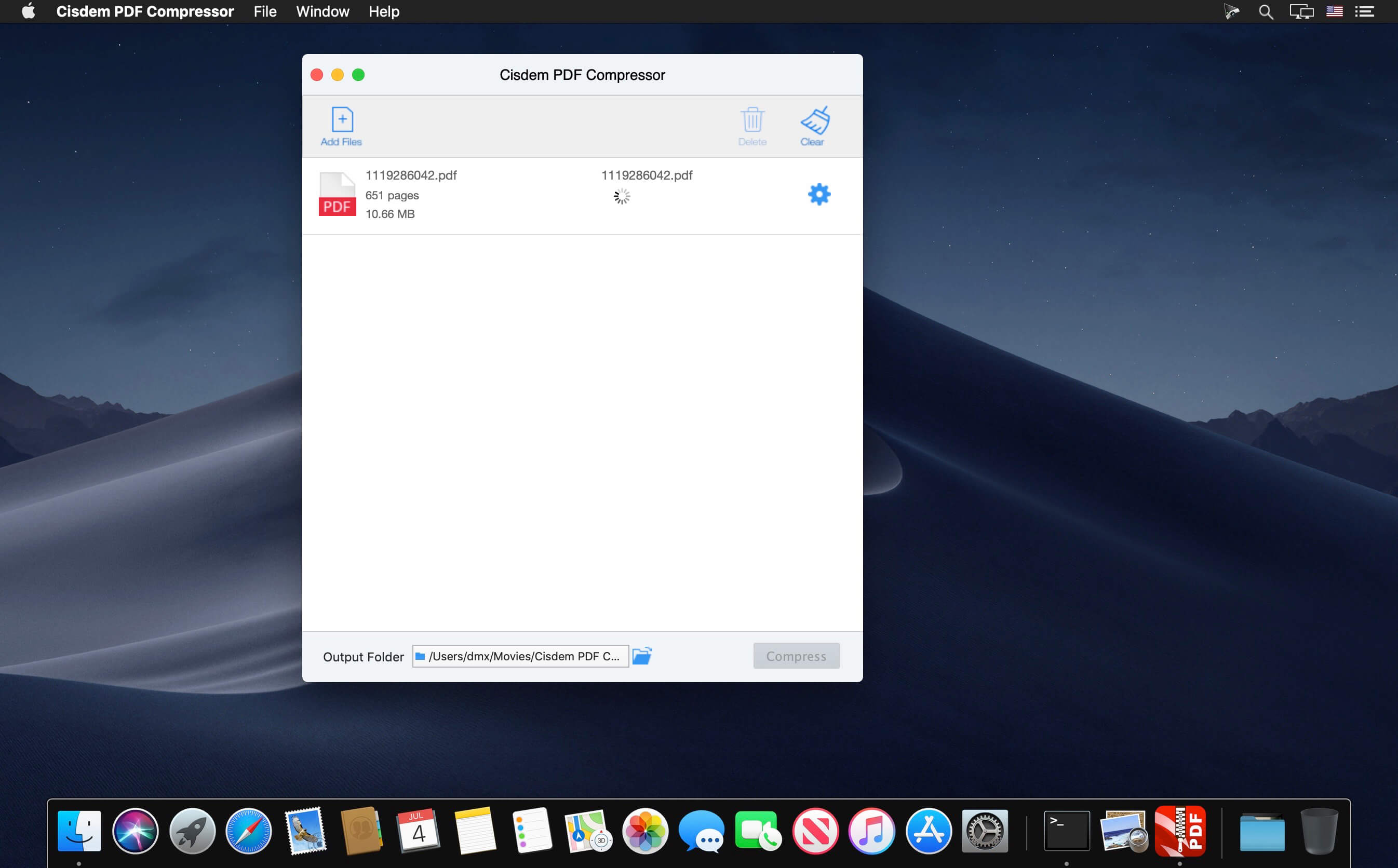
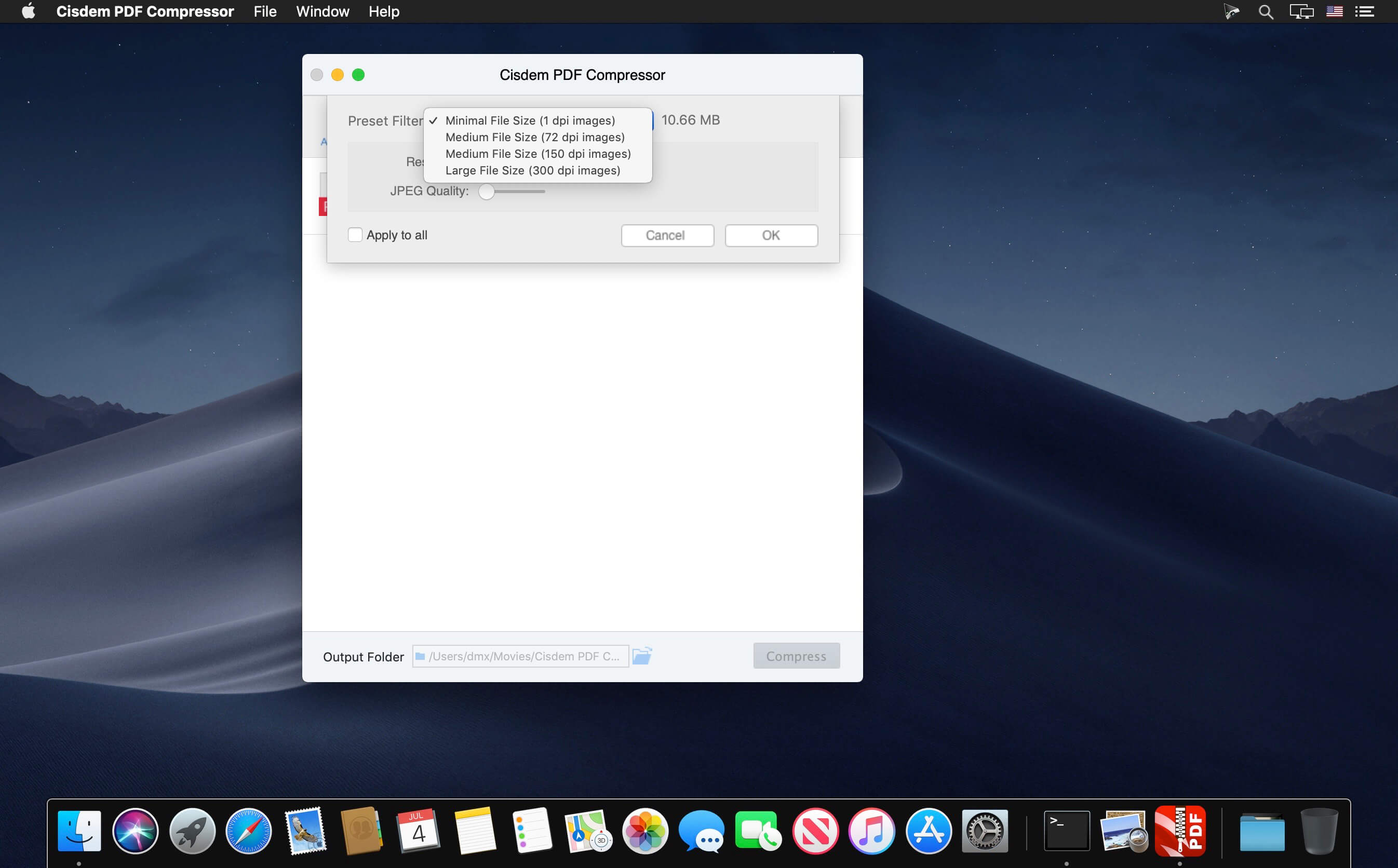
The Smartest PDF Compressor for Mac to Significantly Reduce PDF File Size. PDFs are too large to email or upload? Use this all-new Cisdem PDF Compressor Mac to reduce the size of single or multiple PDF files, maintaining original PDF formats. The preset filter modes and resolution/image quality settings allow you to decide sizes and quality of PDFs. Speed up file sharing and free your disk - Compress the PDFs Now!
Features
- Four Preset Modes: Minimal File Size, Small File Size, Medium File Size, Large File Size to meet your different ordinary compression need.
- Customized DPI (Dots Per Inch): You can also set the specific preferred compression result and content quality if necessary.
- Real-time Size: Show the sizes of your PDF files and the predicted sizes in different compression modes after compression.
- Support Batch Compression: No matter compress hundreds of PDF documents or a 500-page PDF file, it just need one click.
- Support Page Selection and Preview: Drag-n-drop multiple PDFs in one go, preview them and select specified pages (e.g., 1,3-10,21 or all pages) to compress.
- Keep the Highest Quality: Only remove the useless elements to reduce the large PDFs to their smallest size, without compromising quality.
- Support all versions of PDF documents without Adobe Acrobat Reader installed.
Version 5.3.0:
- Release notes were unavailable when this listing was updated.
Frequently asked questions
How do I install the app?
Mount the image, drag the app into the "Applications" folder and launch it. If the system blocks the launch, allow it in "System Settings → Privacy & Security".
The app is damaged or won't launch
Reinstalling from a fresh image usually helps. Make sure your macOS version matches the one listed in the compatibility specs.
How do I update?
Download the new version from the site and install it over the current one — your settings will be preserved.
The download link doesn't work
Try a mirror or a download manager. For large files the browser often drops the connection.
How do I completely remove the app?
Use an uninstaller utility — it cleans up the service files that remain after moving the app to the trash.

Choose a download source
Cisdem PDF Compressor 5.3.0 · 29.4 MB