
Xee 3.5.4
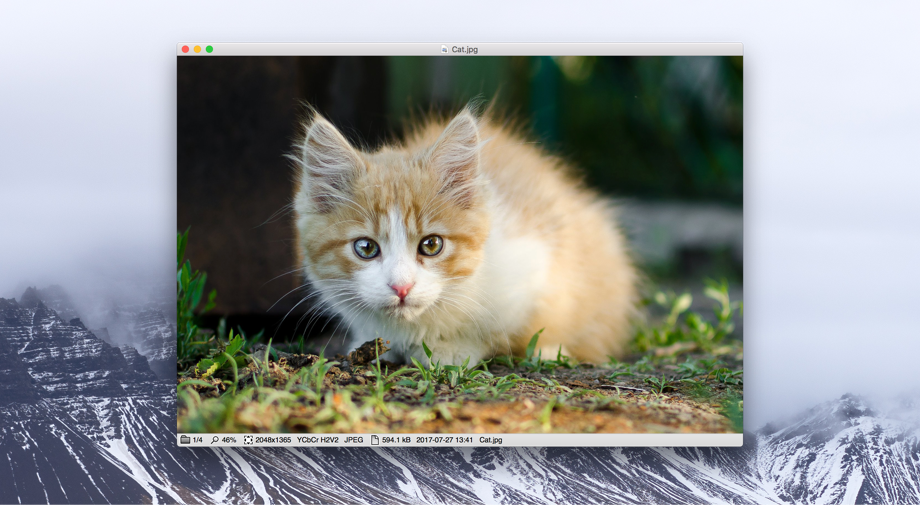
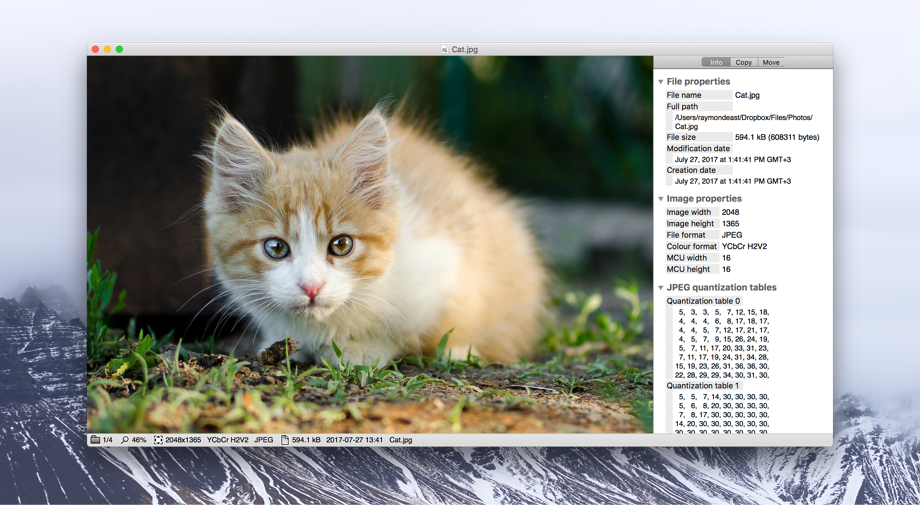
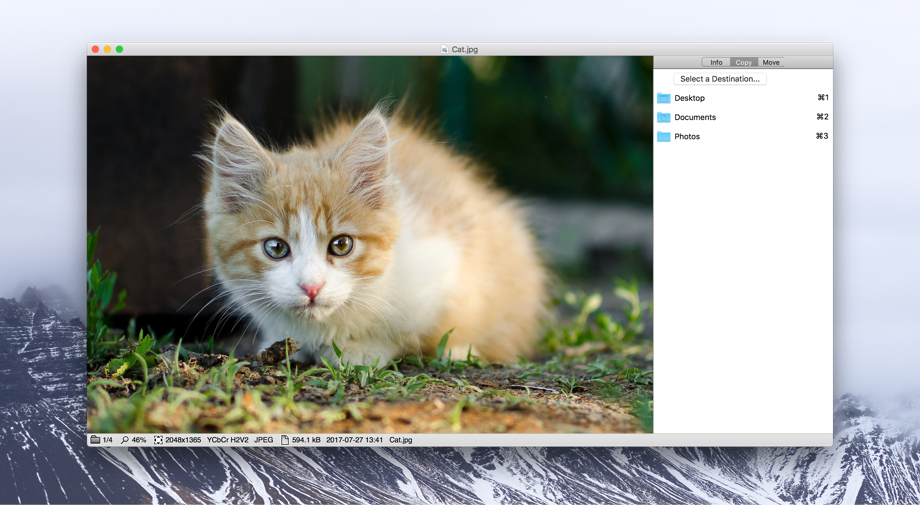
Xee is a lightweight, fast and convenient image viewer and browser. It is designed to be a serious tool for image viewing and management, with a sleek and powerful interface.
Xee is useful as a more powerful replacement for Preview, or most any other image viewer available on OS X. It is very fast, and uses less memory than most other image viewing tools. It also uses OpenGL to display and scroll images much more smoothly than other viewers. Its interface is highly streamlined and has easily configurable keyboard shortcuts.
Xee can:
- Display a large number of image formats - any format QuickTime or Preview can open, plus several more, including PCX, Maya IFF, and Amiga IFF-ILBM.
- Easy browse through folders of images - open any file in a folder and use the toolbar, keyboard shortcuts or mouse wheel to view the other images in the same folder.
- Browse image inside archives, using the uncompression engine from The Unarchiver. It can read almost every format The Unarchiver can, which includes ZIP, RAR, 7-Zip, LZH and StuffIt. It also supports the CBZ and CBR formats, which are just renamed ZIP and RAR files, respectively.
- Effortlessly copy, move, rename and delete of images while viewing.
- Losslessy rotate and crop JPEG images. This lets you edit your digital photographs without losing quality by re-compressing them like most other editors do.
- View more EXIF data for JPEG files than Preview, and also other kinds of metadata, like XMP or IPTC. It can even try to identify what program or camera created a JPEG file by analyzing its quantization tables.
- Extract bitmap images from inside PDF and SWF files. Many PDF files contain scanned pages in bitmap form, and Xee can read these and show them as bitmap image, and even save them. The same goes for bitmap images inside SWF files.
- View images in full-screen.
Version 3.5.3:
- Various fixes and improvements
Frequently asked questions
How do I install the app?
Mount the image, drag the app into the "Applications" folder and launch it. If the system blocks the launch, allow it in "System Settings → Privacy & Security".
The app is damaged or won't launch
Reinstalling from a fresh image usually helps. Make sure your macOS version matches the one listed in the compatibility specs.
How do I update?
Download the new version from the site and install it over the current one — your settings will be preserved.
The download link doesn't work
Try a mirror or a download manager. For large files the browser often drops the connection.
How do I completely remove the app?
Use an uninstaller utility — it cleans up the service files that remain after moving the app to the trash.





Choose a download source
Xee 3.5.4 · 20.45 MB