
Vectorize! 1.1
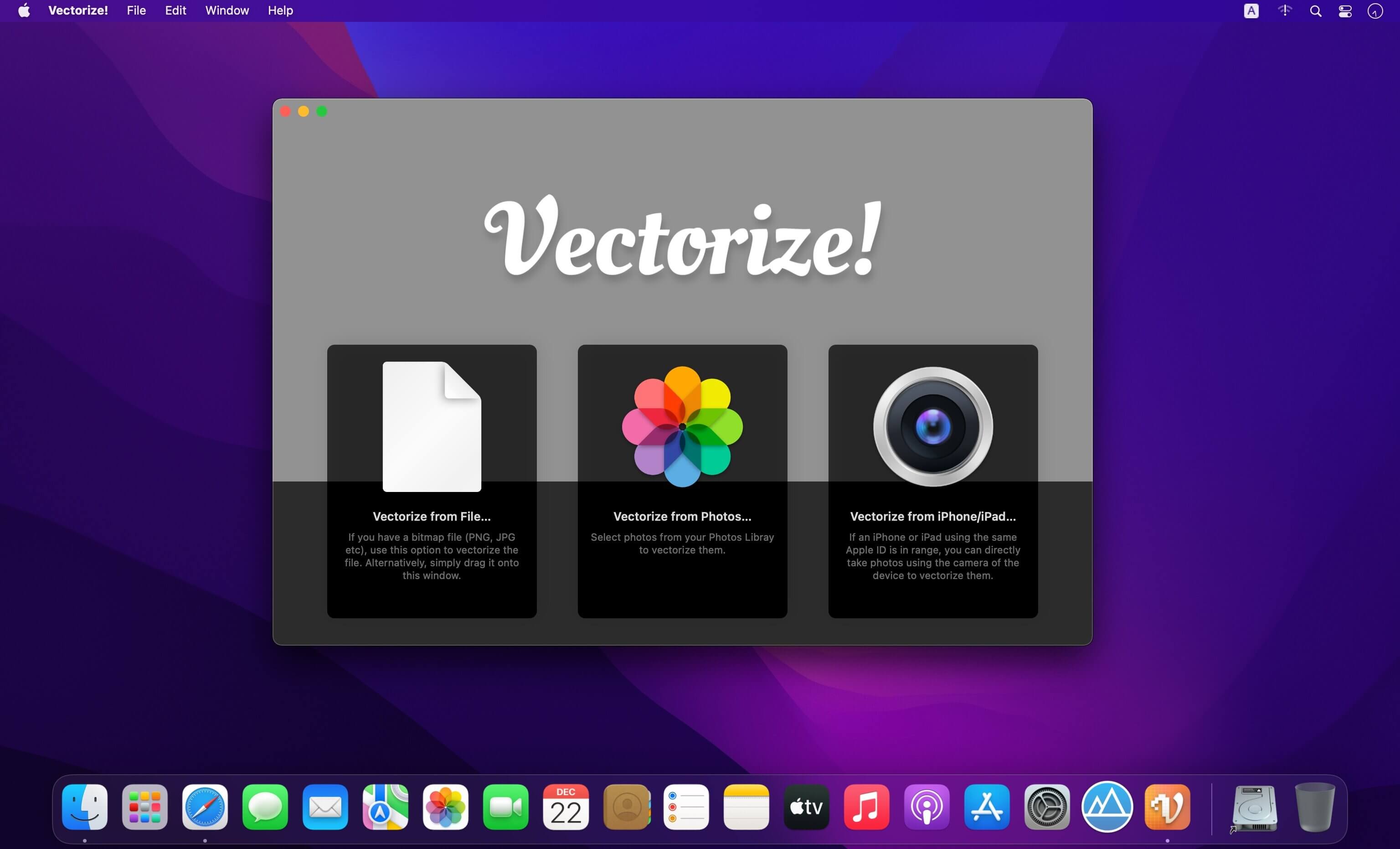
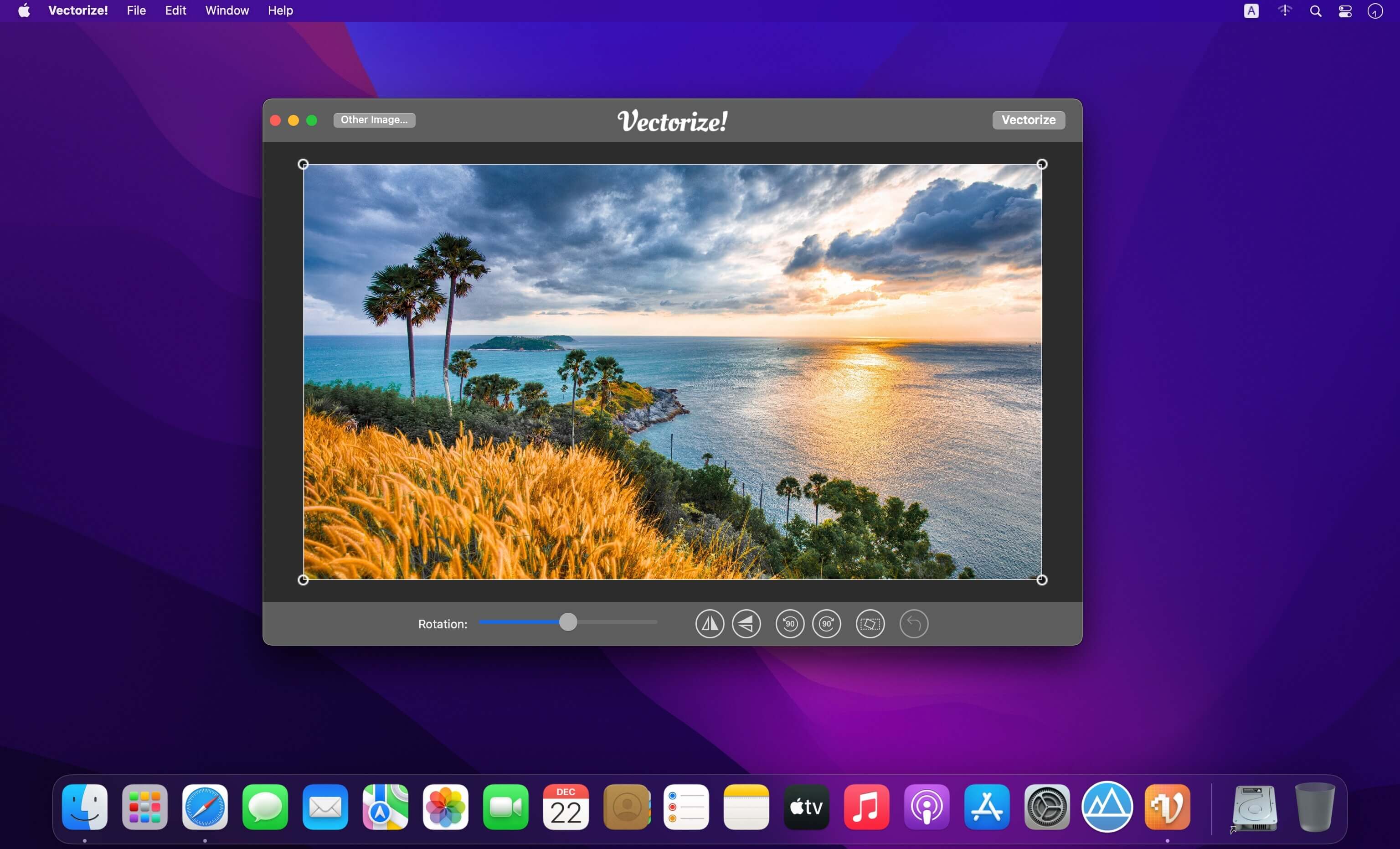
Vectorize! is the perfect tool for quickly and easily converting any pixel graphic into a resolution-independent, scalable vector format – and not just for mac, but also for iPhone and iPad. No matter you’d like to convert, let’s say a low resolution JPG Logo, a comic, sketch, or even a complete photo – Vectorize! will turn your pixels into vectors. The starting material can then be upscaled at will.
Import, Convert, Export
Converting a pixel-based-graphic (e.g. a photo, drawing, etc.) into a resolution-independent vector graphic with Vectorize! is quite self-explanatory: First, simply choose a file, or use your iPhone to take a picture – and then let Vectorize! do the rest. Using your iPhone to take a photo to directly import into Vectorize! is another very practical option at your disposal.
After your graphic has been selected and imported, you can determine the desired level of detail of your result and if additional contours or edge smoothing should be applied, after which the final product is only click on “Export” away.
Your options for importing are:
- JPG
- PNG
- TIFF
- HEIC
- GIF
- Connect iPhone, take a photo
After your graphic has been selected and imported, you can determine the desired level of detail of your result and if additional contours or edge smoothing should be applied, after which the final product is only click on “Export” away.
Your options for exporting are:
- SVG
- Logoist file – for further subsequent editing
Version 1.1
- Native version for Apple Silicon on Mac
Frequently asked questions
How do I install the app?
Mount the image, drag the app into the "Applications" folder and launch it. If the system blocks the launch, allow it in "System Settings → Privacy & Security".
The app is damaged or won't launch
Reinstalling from a fresh image usually helps. Make sure your macOS version matches the one listed in the compatibility specs.
How do I update?
Download the new version from the site and install it over the current one — your settings will be preserved.
The download link doesn't work
Try a mirror or a download manager. For large files the browser often drops the connection.
How do I completely remove the app?
Use an uninstaller utility — it cleans up the service files that remain after moving the app to the trash.




Choose a download source
Vectorize! 1.1