ProPaint -Image & Photo Editor 3.7.0
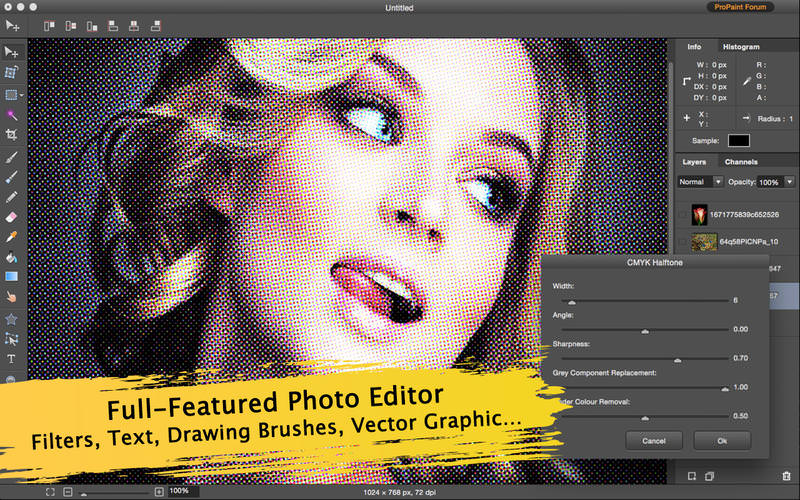
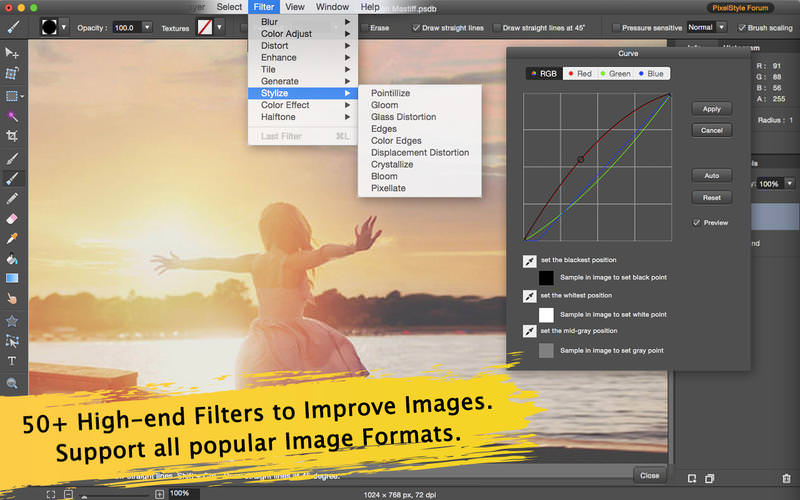
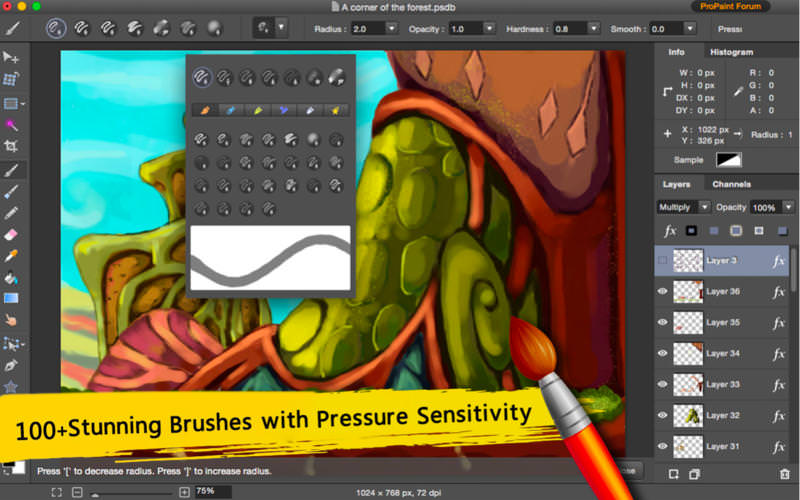
Pro Paint is a full-featured photo editor that is used for image editing, vector graphic, free-form transformation, cropping, alpha channel editing, drawing and more specialized tasks. It provides high quality image manipulation tools for original artwork creation.
Unique features:
Full-Featured Image Editor:
- Support over 50 different filter effects and blending mode options: Blur, Distortion, Tilt-shift...
- Image Editing: Gradient Fills, Crop, Paint bucket, Smear...
- Free Transformation Tools: Zoom, move, resize, rotate, skew and a free perspective transformation & Alignment Function.
- 4 kinds of Shape Tool: Rectangular, Ellipse, Spiral and Star Polygon graphic Tool.
- Multi-path selection and editing.
- Channel Editing: RGBalpha, Alpha channel editing
- Rendering: Support to display Alpha transparency and export files as PNG image.
- Text Tool: Users can draw the text along the path and change the text setting including bolding, italics and kerning.
Layers Style:
- Multi-Layers Management: Batch operation with multi-layers.
- Single Layer: Move, align, arrangement, integration, scaling, rotation, etc.
- Layer adjustments: exposure, brightness, contrast, saturation, sharpen/blur, etc.
- Easily add non-destructive layer effects like shadows, fills, inner glow, outer glow, or strokes.
Expressive and Intuitive Paint Program
- Intuitive Interface: Just pick up the brush and begin your creative journey.
- Unparalleled paint engine: Fast, Smooth and Precise.
- 100+ Stunning Brushes: Pencil, Watercolor brush, Airbrush, Charcoal and other effects. Easily customize and create your own new brushes.
- Vector Drawing.
- Pixel-drawing.
- Texture Painting.
- Experience painting with plotting board with adjustable pressure sensitivity.
- Continuous auto-save - never lose artwork again.
Better Compatibility:
- Open images using png, jpg, svg, gif, bmp, pdf, raw and many other popular formats.
- Export images as png, tiff, jpeg, jpg, gif, svg, pdf, bmp and other formats.
- Save files as a project that can be edited later.
- Perfect compatible with the creation and editing of SVG vector graphic files.
Designed for Mac
- Takes full advantage of the latest OS X technologies including Cocoa, OpenGL, OpenCL, and Core Graphics.
- Use the Touch trackpad to paint with pressure sensitivity.
- Fully optimized for 64-bit and multi-core processors.
Version 3.7.0
- Fully compatible with the newest Mac OS X system.
- Fixed crashing issues.
Frequently asked questions
How do I install the app?
Mount the image, drag the app into the "Applications" folder and launch it. If the system blocks the launch, allow it in "System Settings → Privacy & Security".
The app is damaged or won't launch
Reinstalling from a fresh image usually helps. Make sure your macOS version matches the one listed in the compatibility specs.
How do I update?
Download the new version from the site and install it over the current one — your settings will be preserved.
The download link doesn't work
Try a mirror or a download manager. For large files the browser often drops the connection.
How do I completely remove the app?
Use an uninstaller utility — it cleans up the service files that remain after moving the app to the trash.
Choose a download source
ProPaint -Image & Photo Editor 3.7.0 · 18.43 MB