
SimpleMind Pro 2.10.1
MindMap — flexible mind mapping app for organizing ideas and planning
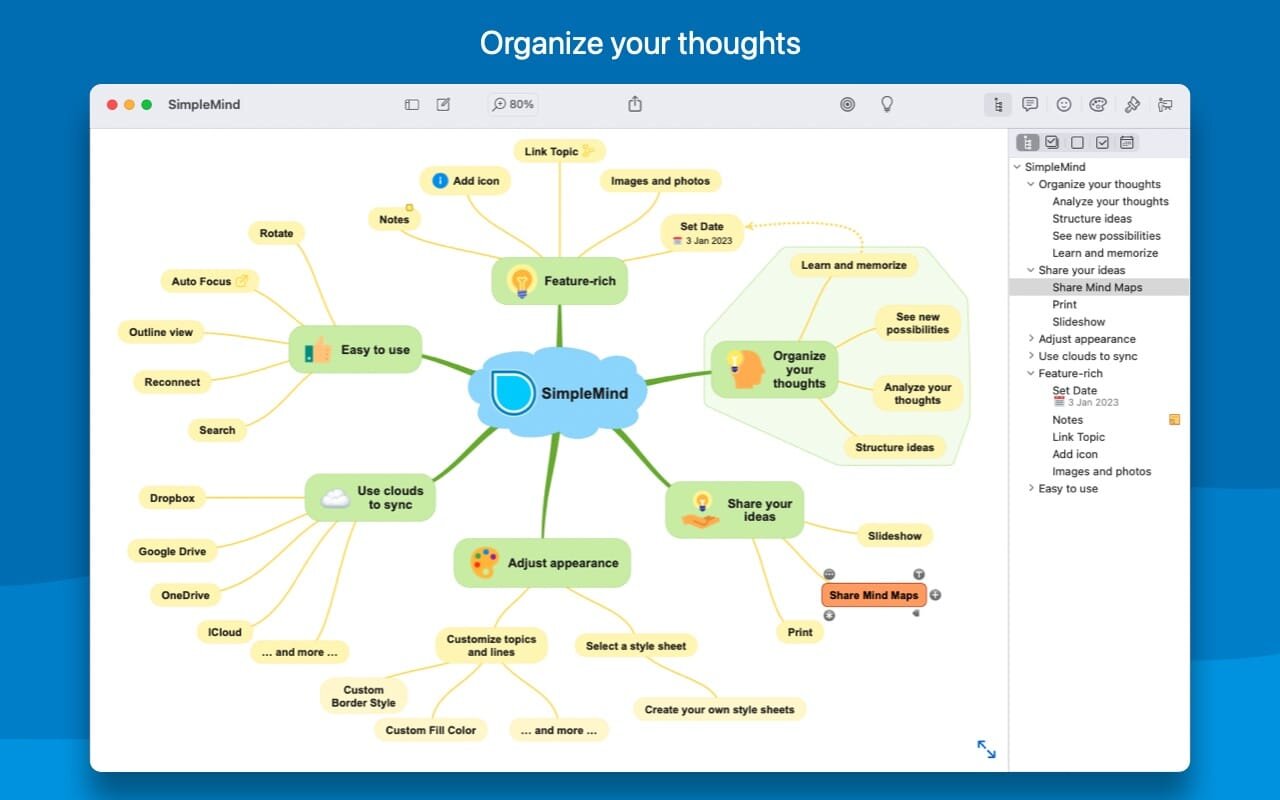
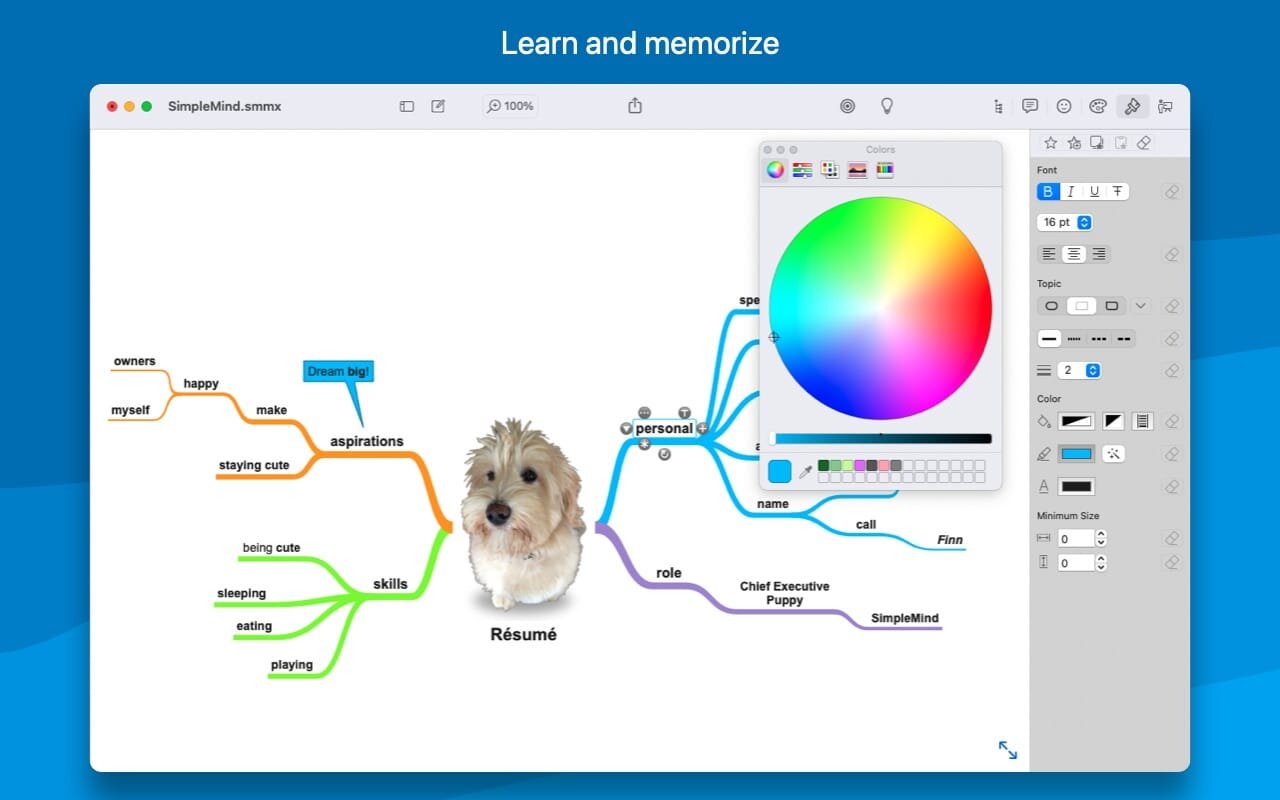
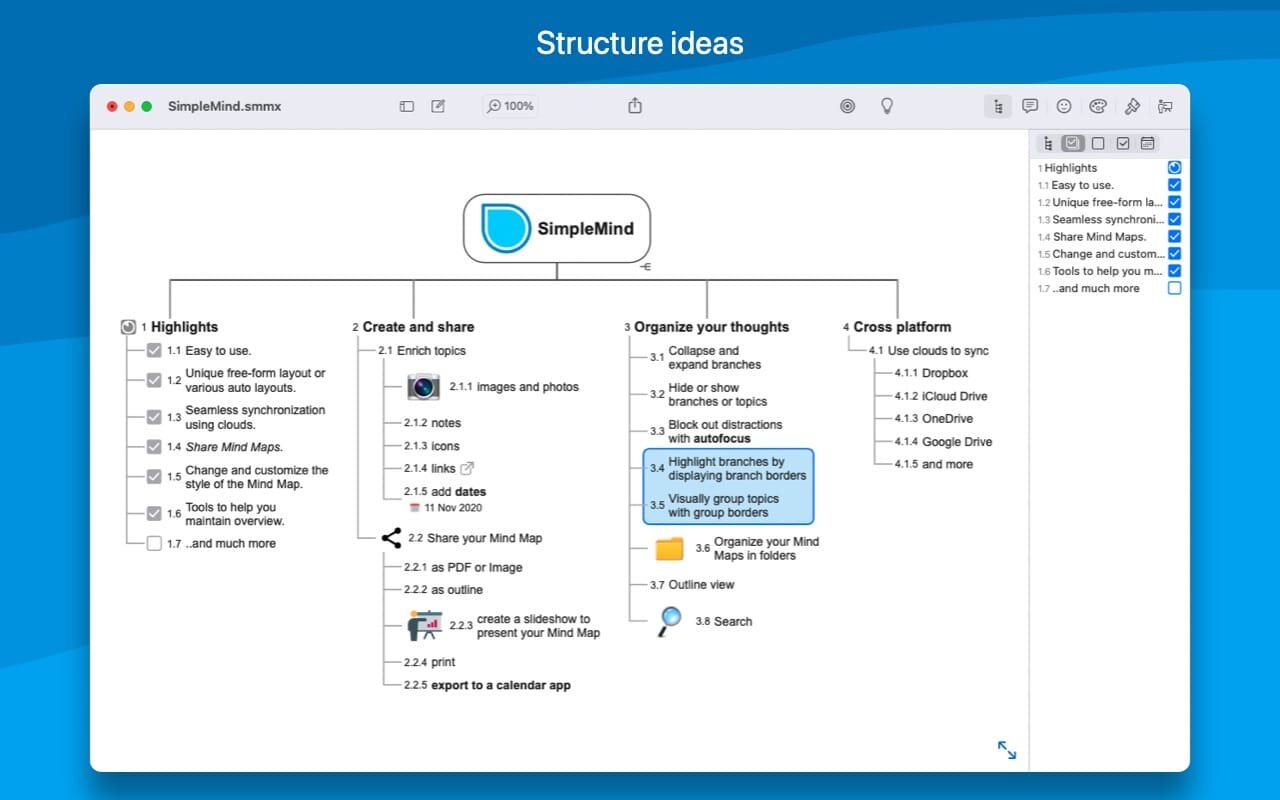
Topics go wherever you drop them in SimpleMind Pro 2, and automatic layouts take over when ideas come faster than you can place them. People use this mind map app for Mac in class and for planning projects.
The free-form layout means you can drag and reconnect topics until the structure makes sense to you. Page sizes are virtually unlimited, and a single page can hold several mind maps. Crosslinks with relationship labels tie ideas together across branches.
- Tasks show up as checkboxes and progress bars, and they export to Reminders.
- Each topic can carry photos, notes, icons, attached documents or links to contacts, files and webpages.
- An outline view, plus an outline export for your word processor.
- When a map gets crowded, Autofocus and collapsible branches cut the noise.
- Slideshows built from the map itself, plus PDF and image export.
- Sync runs through iCloud, Dropbox, OneDrive or Google Drive.
Version 2.10.1:
- Search integrated in the Outline view, making it easier to see Search Matches and apply and combine filters
- "Today" date search filter.
- Use custom background images or patterns.
- New Super(sub)script for numbers.
Frequently asked questions
How do I install the app?
Mount the image, drag the app into the "Applications" folder and launch it. If the system blocks the launch, allow it in "System Settings → Privacy & Security".
The app is damaged or won't launch
Reinstalling from a fresh image usually helps. Make sure your macOS version matches the one listed in the compatibility specs.
How do I update?
Download the new version from the site and install it over the current one — your settings will be preserved.
The download link doesn't work
Try a mirror or a download manager. For large files the browser often drops the connection.
How do I completely remove the app?
Use an uninstaller utility — it cleans up the service files that remain after moving the app to the trash.




Choose a download source
SimpleMind Pro 2.10.1 · 18.99 MB
Previous versions
SimpleMind Pro 2.10.1
Previous versions are available to registered users.
Comments 2