Microsoft Powerpoint v16.112
Microsoft PowerPoint presentation app for seamless slides and collaboration
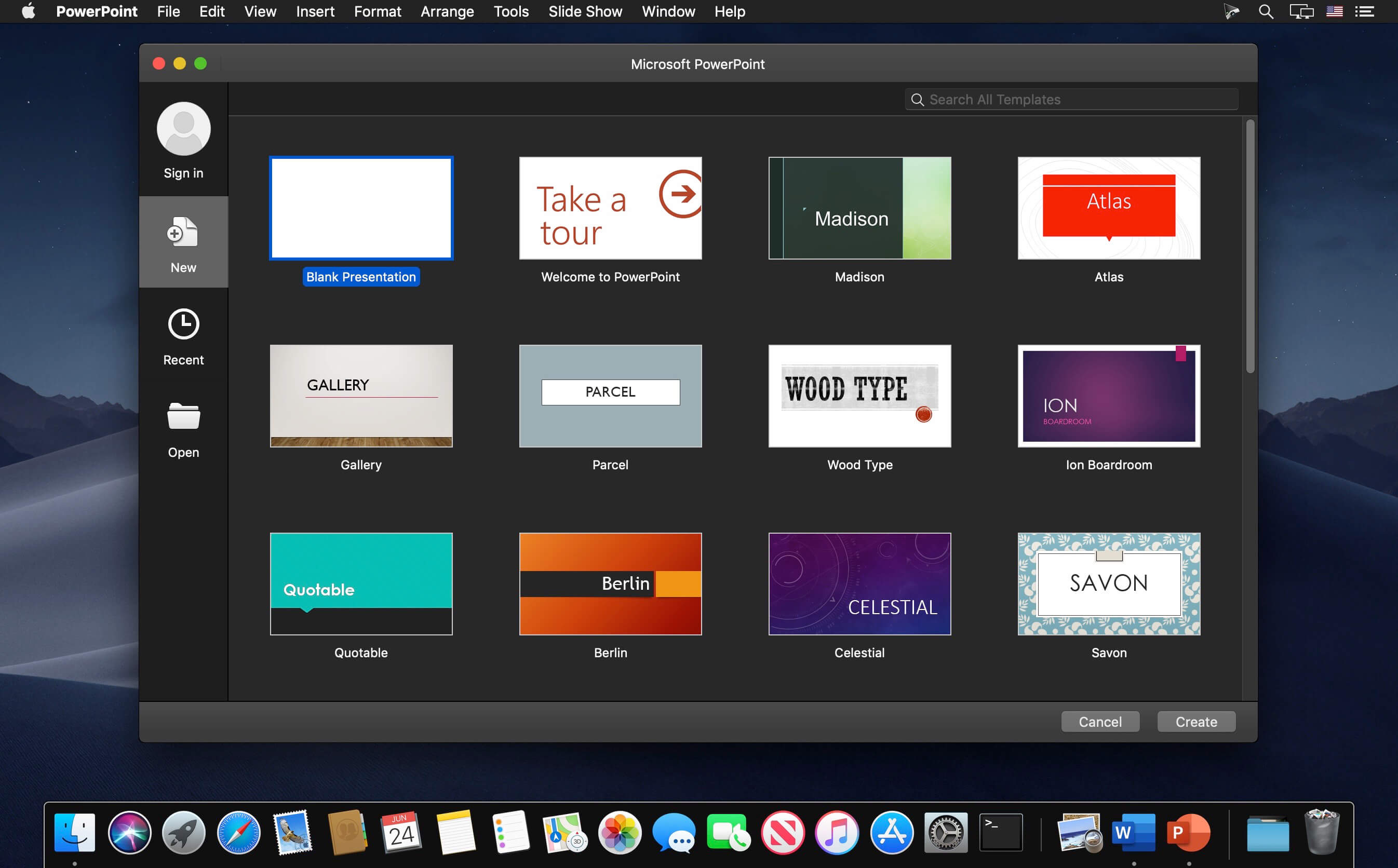
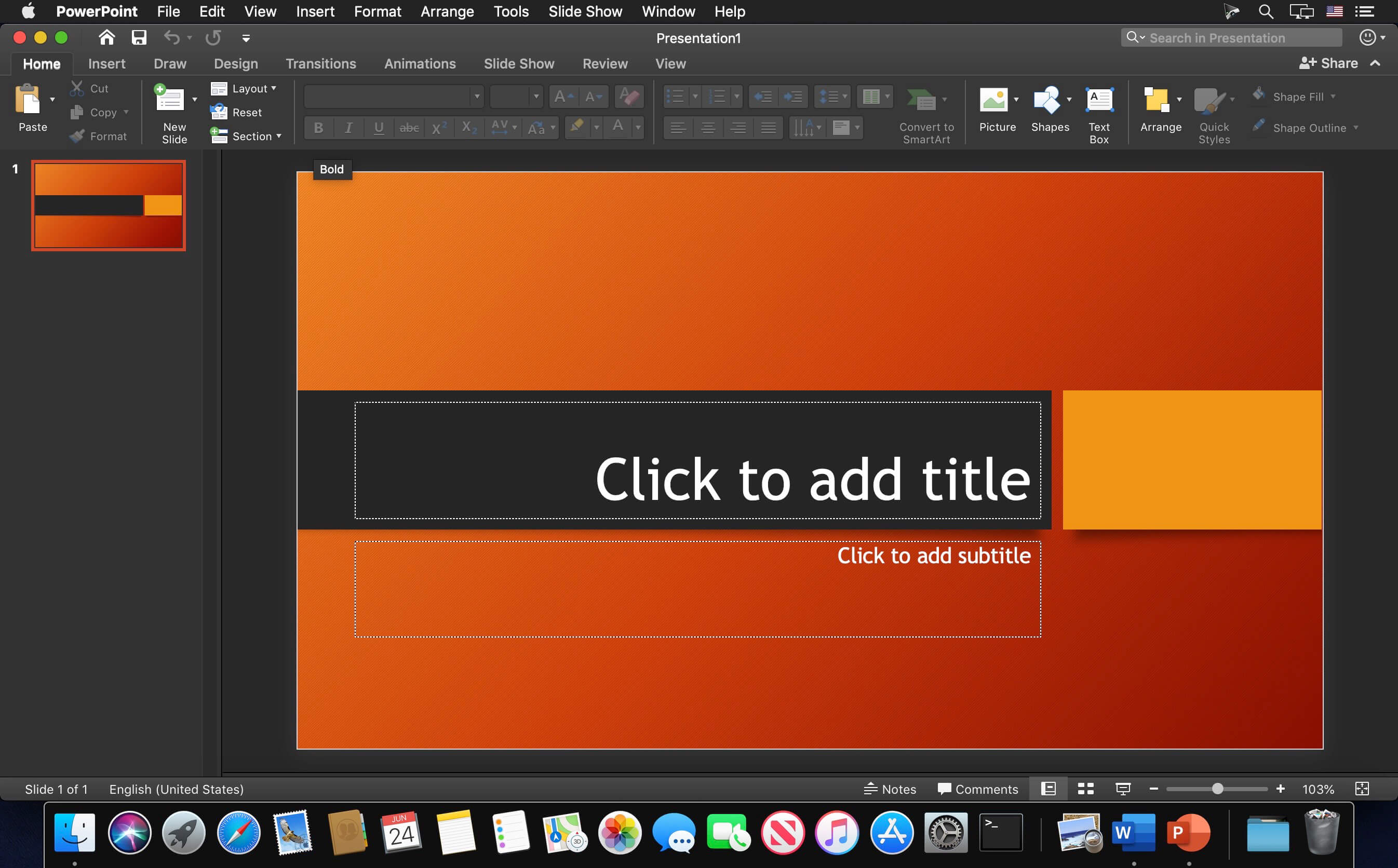
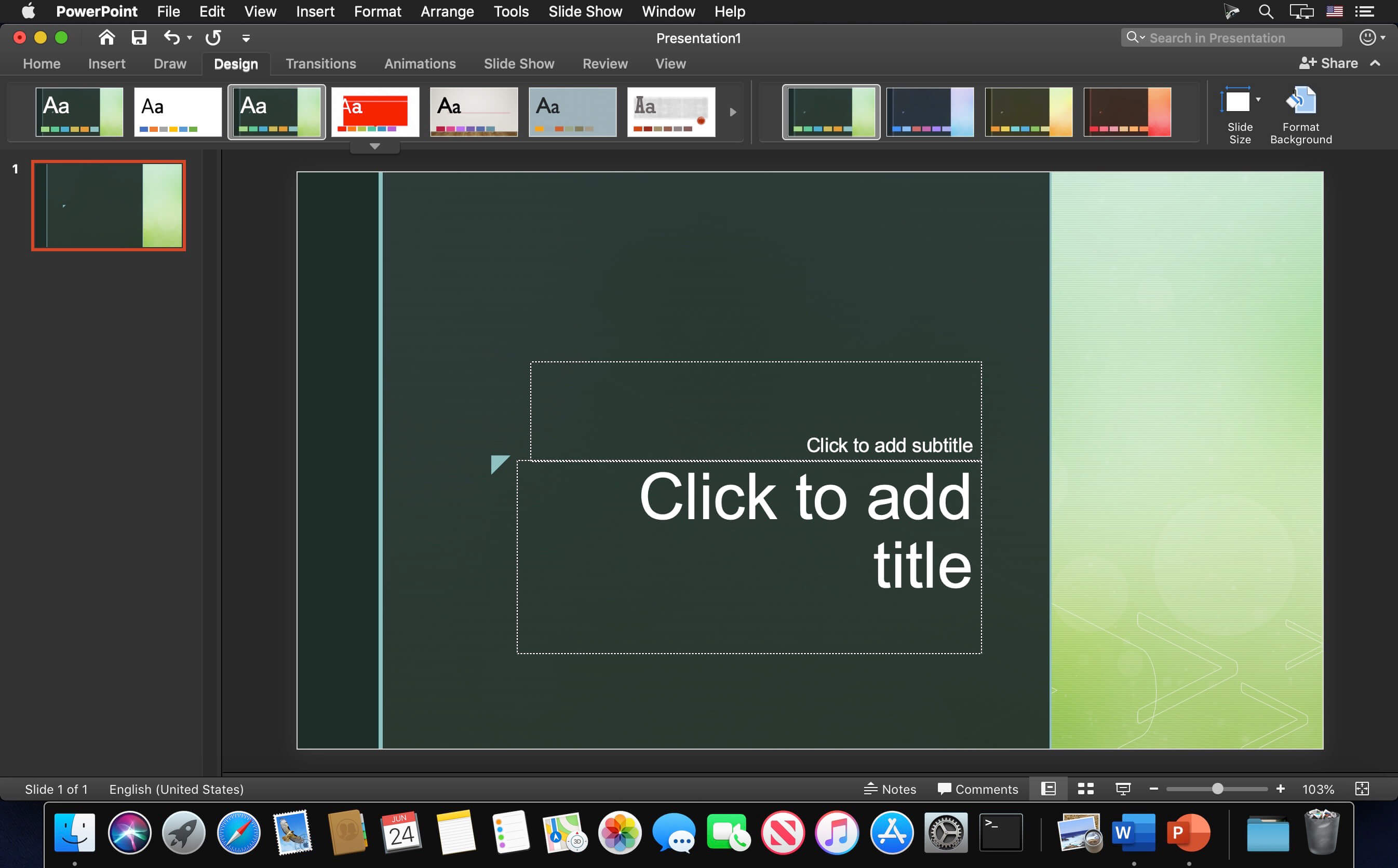
Microsoft PowerPoint app gives you access to the familiar tool you already know. Quickly create, edit, view, present or share presentations quickly and easily from anywhere. Need to access your most recently used PowerPoint files quickly while on the go? PowerPoint provides a quick view of your recent files for easy access on any of your devices. Worried about multiple file versions when you work on PowerPoint mobile? Syncing is seamless across devices. Work with anyone and present to anyone, anywhere, with confidence. With PowerPoint, your Office moves with you.
Highlights:
- Unmistakably Office, designed for Mac - MacBook Pro Touch Bar is fully supported by Microsoft PowerPoint. Controls are now available on the Touch Bar when your presentation is available in Slideshow View, including slide thumbnails and a timer to help you keep track of time as you present. Go easy on your eyes with Dark Mode. PowerPoint makes it focus on your presentation in low-light environments by supporting Dark Mode for macOS Mojave
- Create presentations that stand out - get your ideas across with beautiful design, rich animation, cinematic motion, 3D models and icons. Let intelligent technology help you bring your presentation to life with a few clicks
- Present with confidence - you can make new presentations or continue working on existing ones. As PowerPoint can sync your presentations to OneDrive, you can start a presentation on your Mac, then edit and present using PowerPoint mobile. With presentation view on any device present your point clearly and with confidence, all without firing up your laptop
- Work better together - With Office 365, collaborate using real-time co-authoring and comments to get input from teammates on your presentation. Plus, save it to the cloud to easily share with others and access it from anywhere, at any time, across devices
Version 16.112:
- Quality and performance improvements.
Frequently asked questions
How do I install the app?
Mount the image, drag the app into the "Applications" folder and launch it. If the system blocks the launch, allow it in "System Settings → Privacy & Security".
The app is damaged or won't launch
Reinstalling from a fresh image usually helps. Make sure your macOS version matches the one listed in the compatibility specs.
How do I update?
Download the new version from the site and install it over the current one — your settings will be preserved.
The download link doesn't work
Try a mirror or a download manager. For large files the browser often drops the connection.
How do I completely remove the app?
Use an uninstaller utility — it cleans up the service files that remain after moving the app to the trash.


Choose a download source
Microsoft Powerpoint v16.112 · 1 GB
Previous versions
Microsoft Powerpoint v16.112
Previous versions are available to registered users.