Flyingbee PDF Converter - PDF to Office 10.3.6
Flyingbee—PDF to Word & Excel Converter with Format Retention
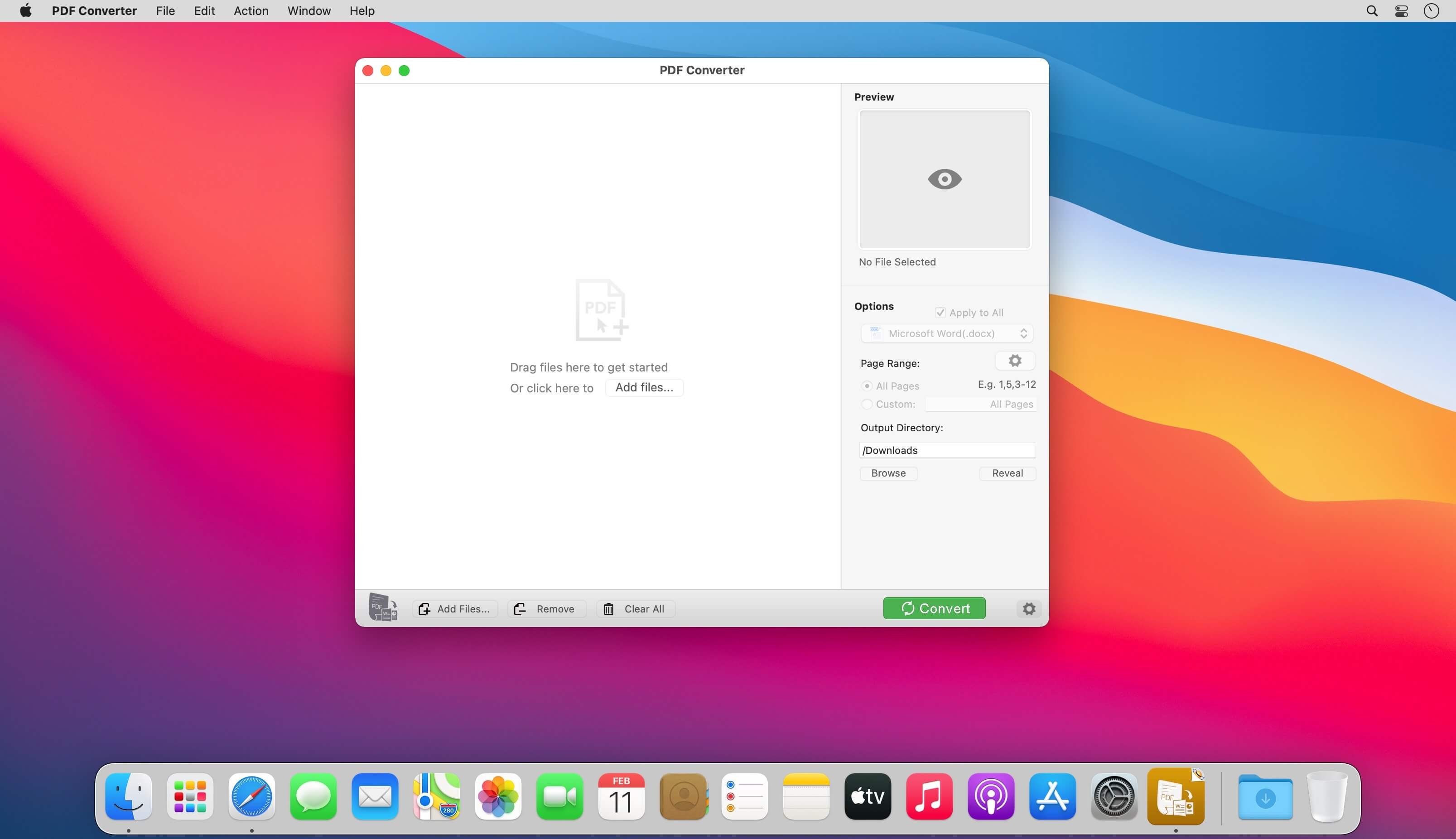
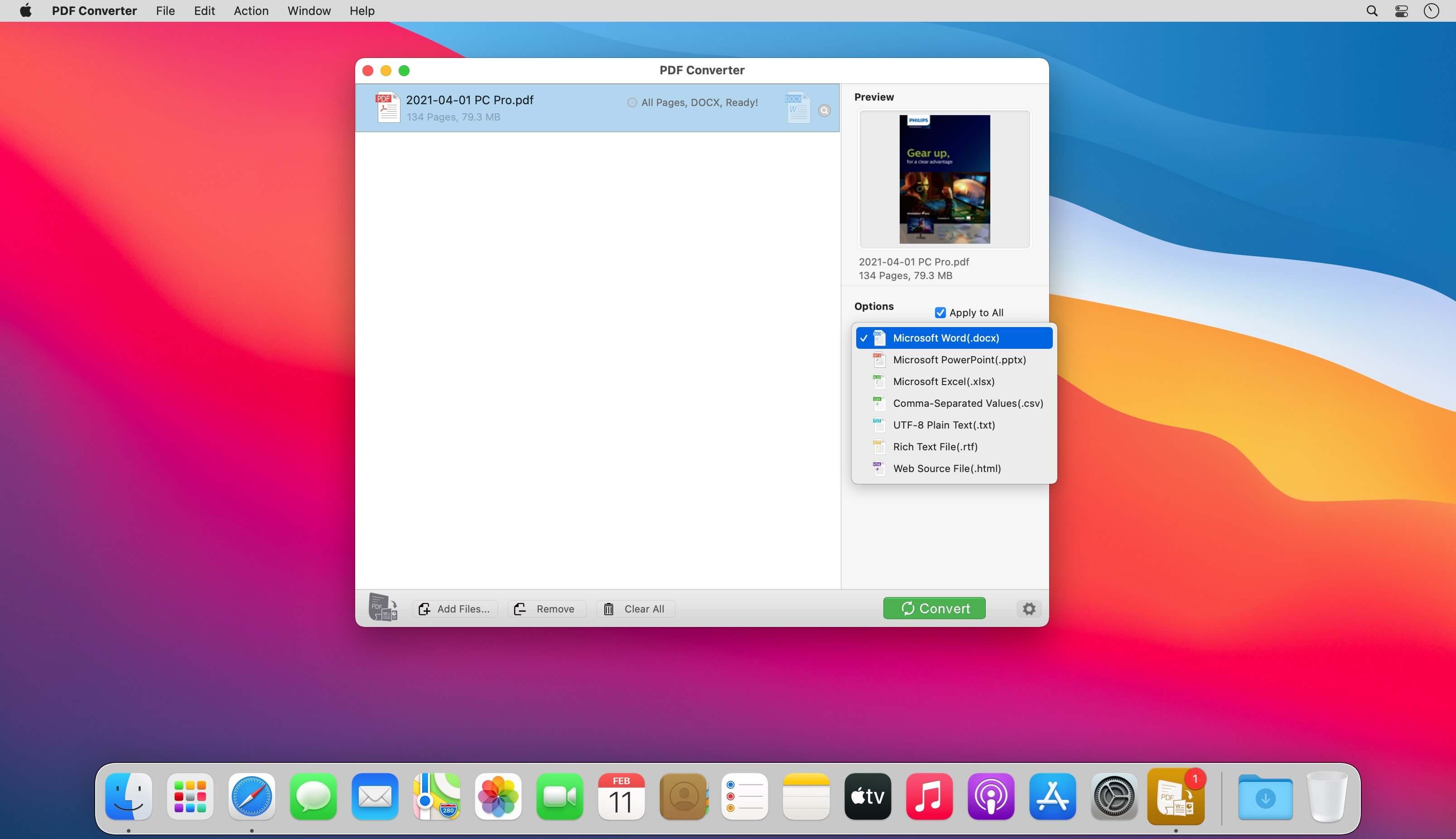
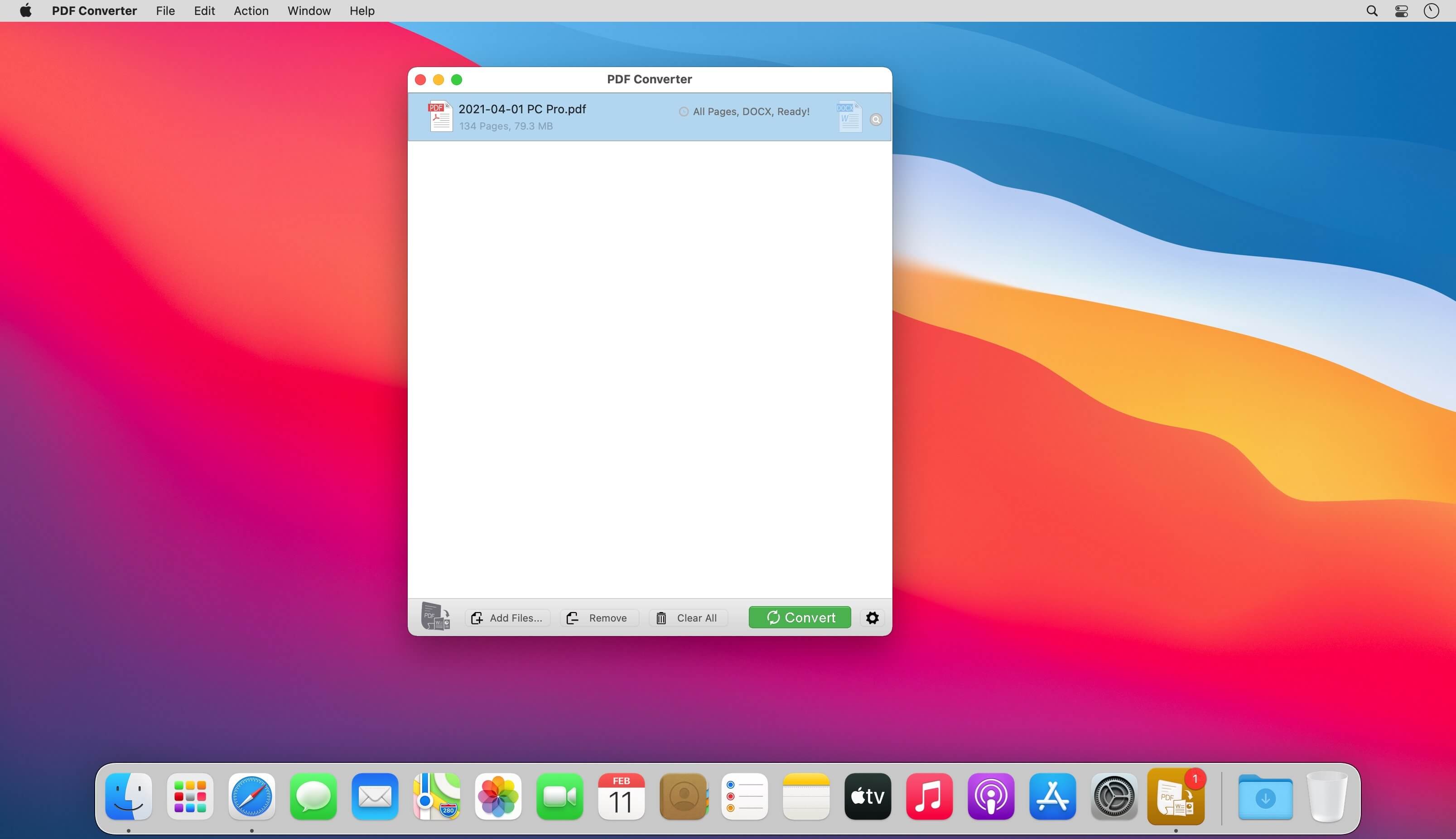
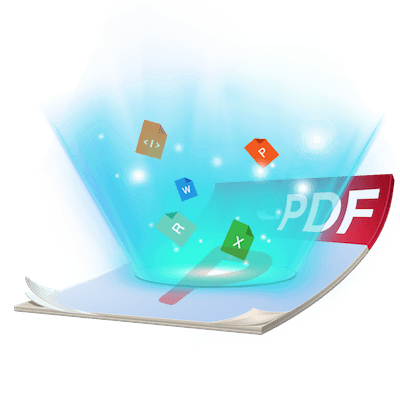
Flyingbee PDF Converter exports PDF files to fully-formatted and editable Microsoft Office Word, Powerpoint, Excel and other formats documents with exactly preserved original texts, images, layouts, hyperlinks, tables, and bezier graphics.
We love to export document as PDF files for easier distribution or archiving, but when you want to make change to a PDF file, PDF Converter meet all your conversion needs with all the common output document formats for any purposes. After conversion, you can easily edit or reuse the PDF content in word or other apps, Save your time and boost your productivity for your daily work!
Upgrade to Pro?
You could instantly convert first few pages PDF documents to any files for free. If you feel good, you can upgrade it to our pro version to convert documents with more pages directly without ads. That may satisfy you without bringing you expense risks.
Main Features
- Incredibly easy-to-use.
- Professional PDF Converter.
- Add unlimited PDFs at one time.
- Conversion 100% process locally.
- Export PDF to Word(.docx), Powerpoint(.pptx), Excel(.xlsx), CSV(.csv), Text (.txt), RTF (.rtf) and HTML (.html) files.
- Add PDF to image, support PDF to JPEG, JPEG2000, PNG, GIF, BMP, TIFF, TGA and other image formats.
- Superior accuracy and layout, formatting retention.
Incredibly easy to use
Simple workflow with an extremely neat and clear interface.
- User-friendly & convenient interface.
- Convenient import PDFs With drag & drop operation.
- Preview a batch of PDF files within the app.
- Batch convert PDFs by one button.
- Easily edit or reuse the PDF content.
High efficiency and productivity
Import as many PDFs as you like for converting any particular pages flexibly.
- 3 Ways to add PDFs by browse, drag & drop, and open in.
- Easily manage PDFs by build-in insert, rearrange, delete and open feature.
- Configure any particular pages (e.g. 1,2-16,35 or all pages) to meet your needs.
- 100% fast speed to process PDF file locally.
Version 10.3.6 :
- Improve PDF to word conversion quality, speed.
- General performance and stability improvements.
Frequently asked questions
How do I install the app?
Mount the image, drag the app into the "Applications" folder and launch it. If the system blocks the launch, allow it in "System Settings → Privacy & Security".
The app is damaged or won't launch
Reinstalling from a fresh image usually helps. Make sure your macOS version matches the one listed in the compatibility specs.
How do I update?
Download the new version from the site and install it over the current one — your settings will be preserved.
The download link doesn't work
Try a mirror or a download manager. For large files the browser often drops the connection.
How do I completely remove the app?
Use an uninstaller utility — it cleans up the service files that remain after moving the app to the trash.
Choose a download source
Flyingbee PDF Converter - PDF to Office 10.3.6 · 53.81 MB