
Microsoft Outlook v16.112
Outlook email and calendar app for efficient work
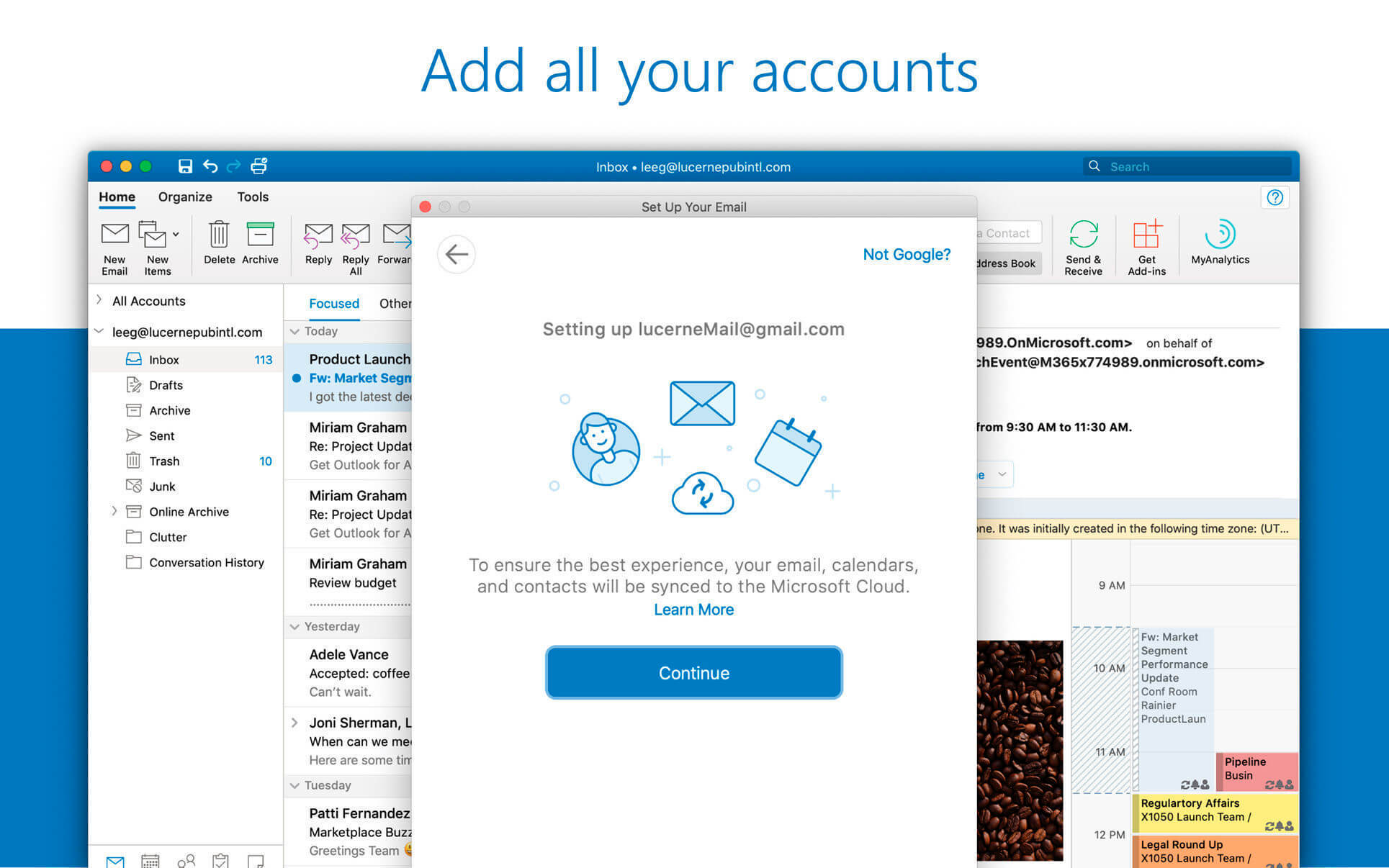

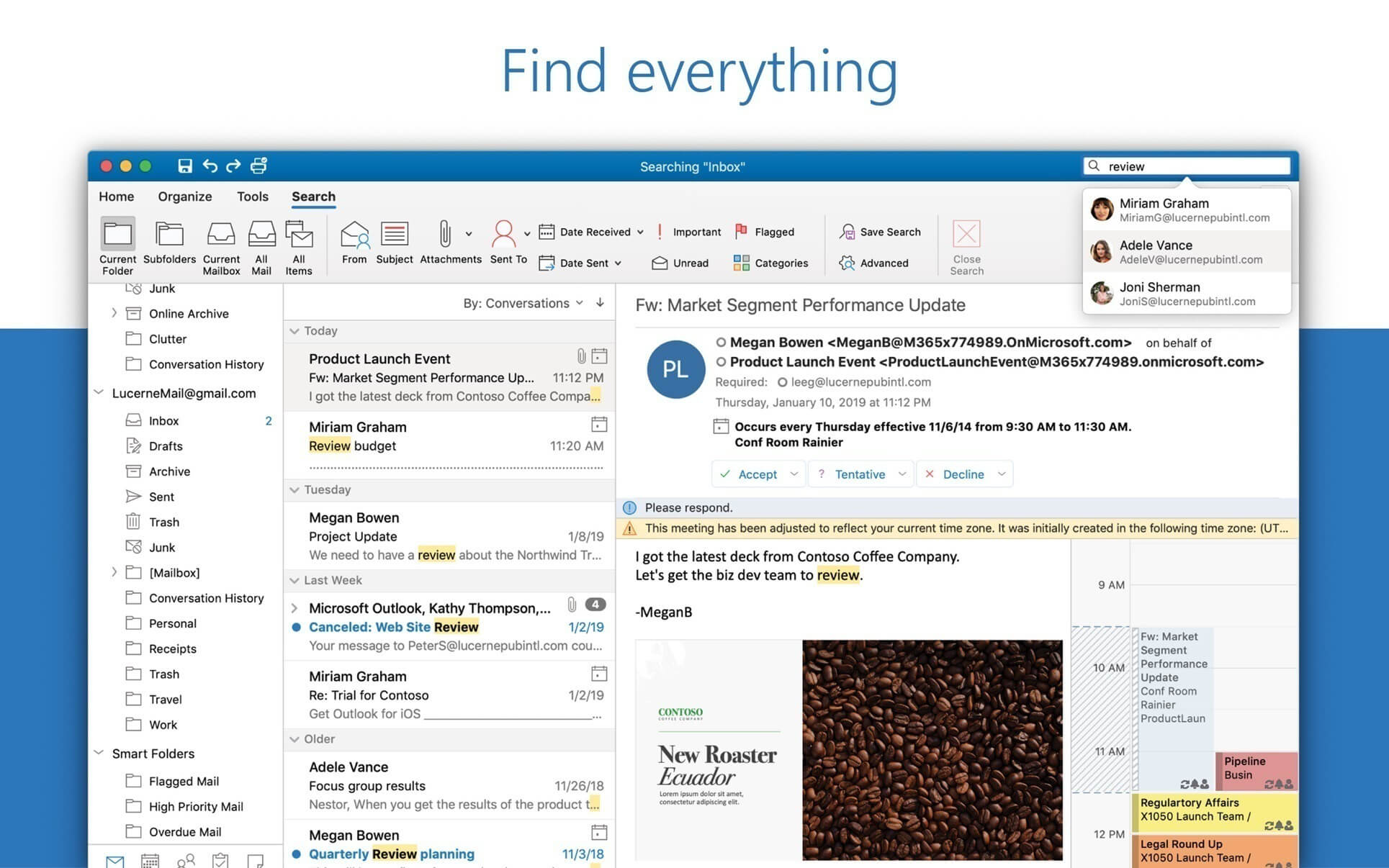
Microsoft Outlook brings your email, calendar, contacts together in one place so you can work efficiently. Office integration lets you share attachments from OneDrive, access contacts and view LinkedIn profiles.
Highlights:
- Unmistakably Office, designed for Mac - MacBook Pro Touch Bar is fully supported by Microsoft Outlook. Switch between Mail and Calendar with just a tap of the Touch Bar. Another tap and you can open a new meeting invite. Go easy on your eyes with Dark Mode. Outlook makes it focus on your inbox and calendar in low-light environments by supporting Dark Mode for macOS Mojave
- Quickly connect and share - keep key contacts front and centre to stay connected. Know organisation hierarchies and who people work with to help get things done. @mention people in your company for quicker collaboration.
- Security you can trust - get peace of mind with enterprise-grade security trusted by many of the world’s largest organisations. Outlook works around the clock to protect your confidential information without getting in your way.
- Intelligence that works for you - Outlook anticipates your needs. Travel and bill payments are automatically added to your calendar, and intelligent reminders help keep you on track. Search helps you find information quickly.
- Works with your email provider - Outlook for Mac works with Microsoft Exchange, Office 365, Outlook.com (including Hotmail and MSN), Gmail, Yahoo Mail and iCloud.
Version 16.112:
- Quality and performance improvements.
Frequently asked questions
How do I install the app?
Mount the image, drag the app into the "Applications" folder and launch it. If the system blocks the launch, allow it in "System Settings → Privacy & Security".
The app is damaged or won't launch
Reinstalling from a fresh image usually helps. Make sure your macOS version matches the one listed in the compatibility specs.
How do I update?
Download the new version from the site and install it over the current one — your settings will be preserved.
The download link doesn't work
Try a mirror or a download manager. For large files the browser often drops the connection.
How do I completely remove the app?
Use an uninstaller utility — it cleans up the service files that remain after moving the app to the trash.
Choose a download source
Microsoft Outlook v16.112 · 1.21 GB
Previous versions
Microsoft Outlook v16.112
Previous versions are available to registered users.