
Art Text 3.2.6
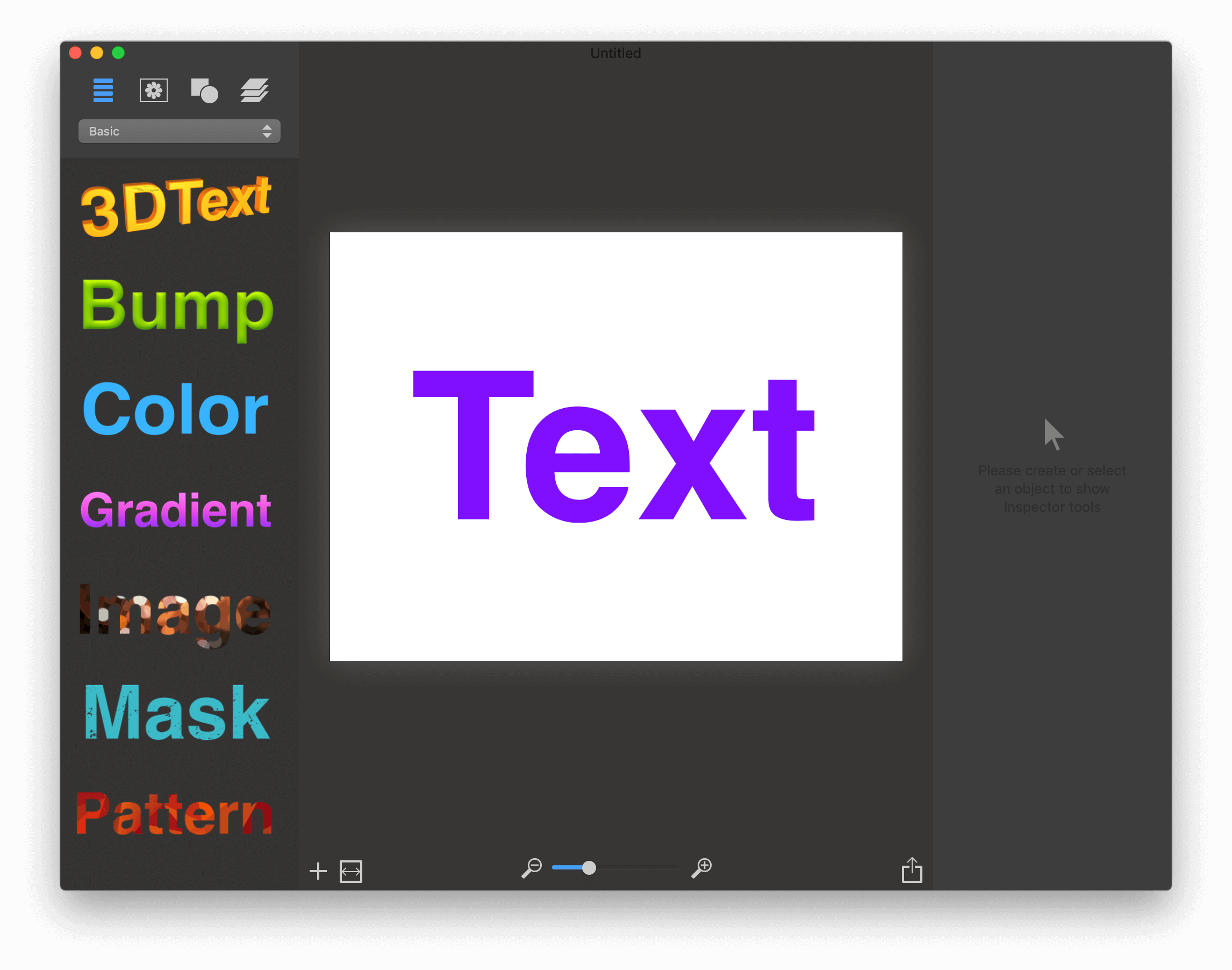
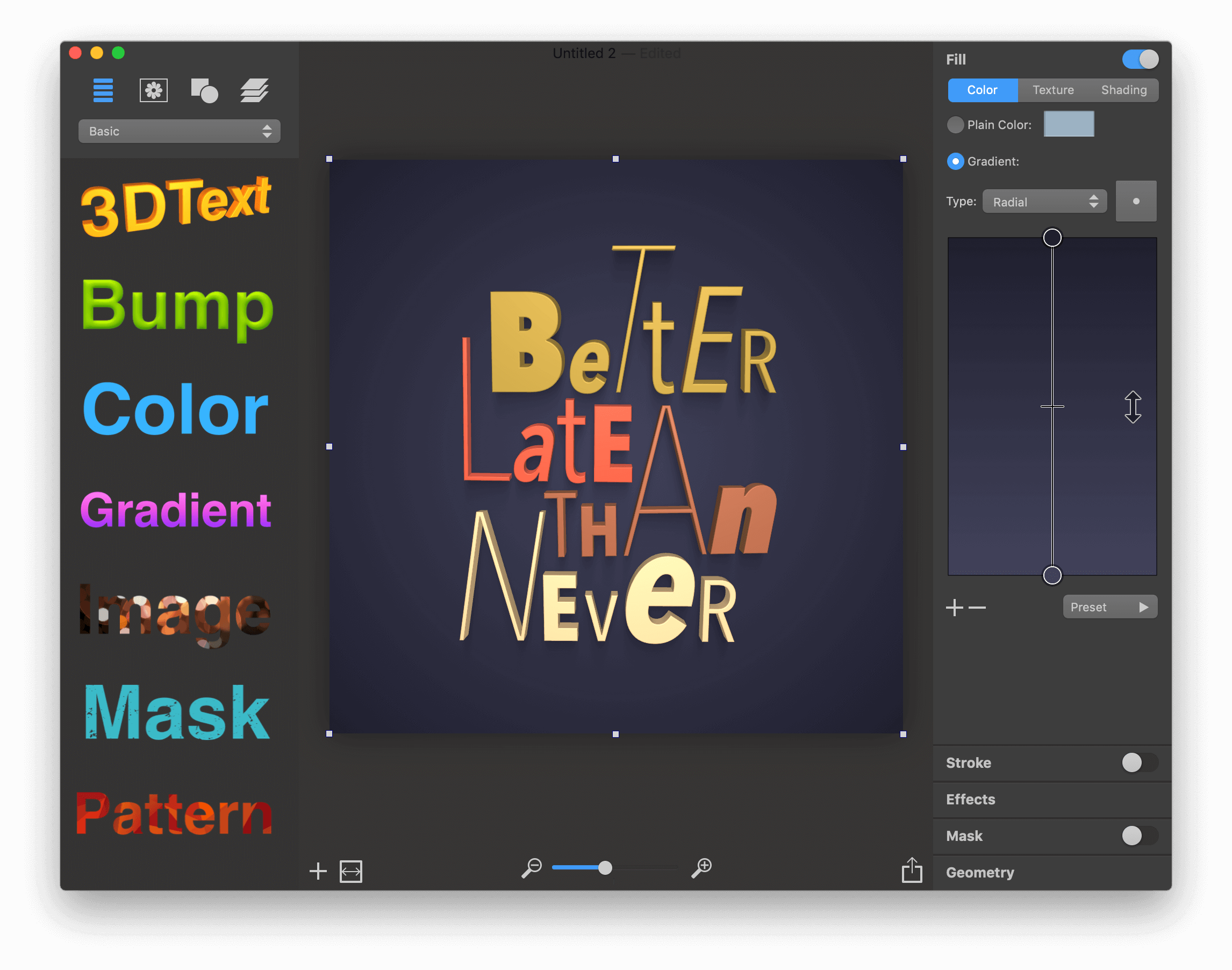
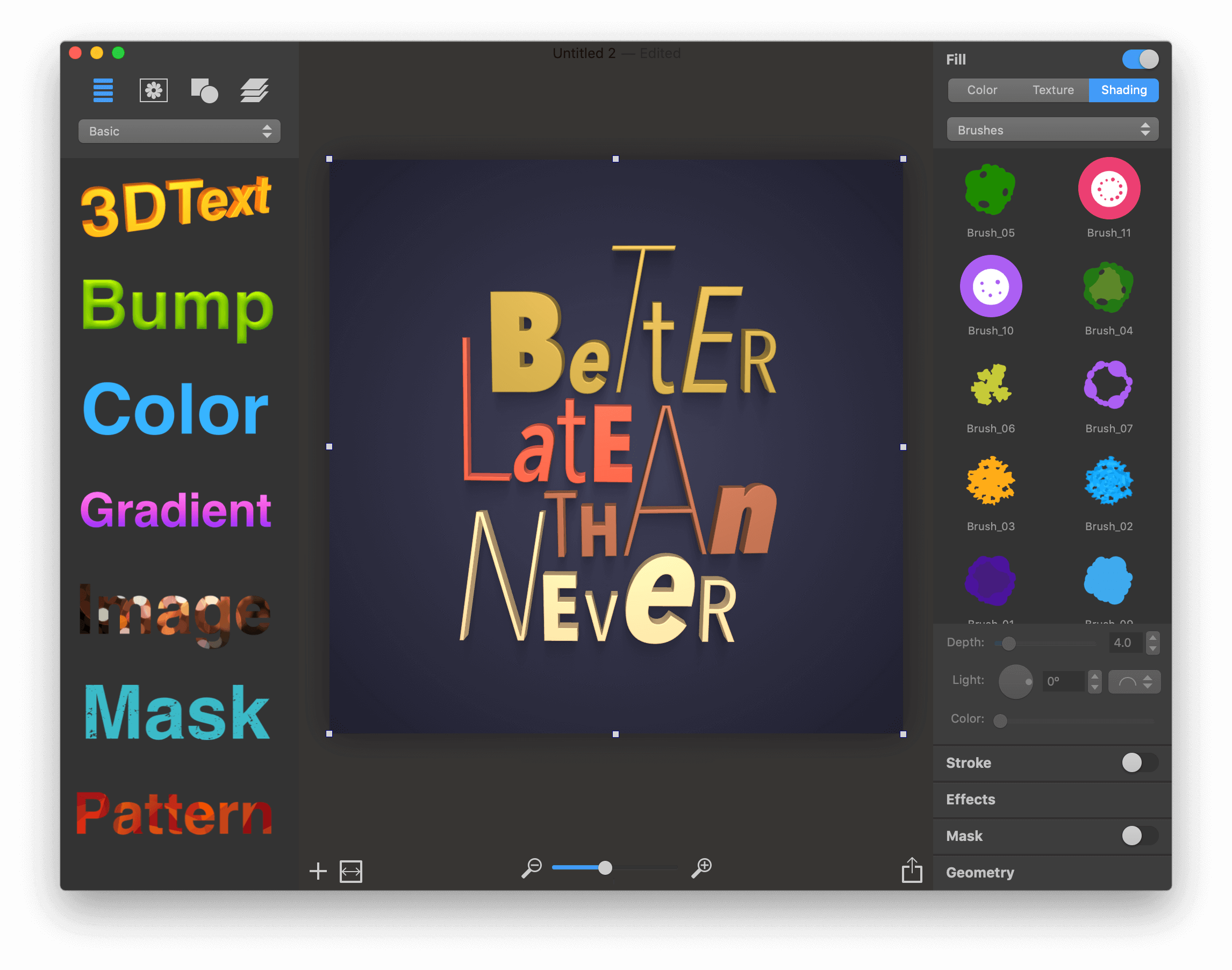
Art Text is graphic design software to create stunning illustrations, such as badges, flyers, logos, social headers and icons, text mockups, website graphics and buttons, picture captions, word art, and 3D text. Both professional designers and amateurs will be amazed by the selection of tools and diverse content collections, all in a slick and intuitive interface.
- Customizable Templates - 70+ ready-made templates will help with logo design, produce beautiful word art, web elements and picture captions.
- Fill Tools - 100 gradient presets, 540+ textures and 140+ shading materials.
- 2D Effects - Adjustable shadow and glow effects, over 30 masks.
- Graphic Content - 750+ vector icons, symbols and shapes, 32 flash, flare, sparkle and light trace objects, 570+ backgrounds and textures.
- 3D Materials - Customize 3D materials using 200+ textures, 140+ bump map surfaces, 80+ environment map textures.
- 3D Effects - Apply soft-edged shadow or glow to 3D objects. Use optical effect tools to make background objects out of focus.
- Geometry Transformations - Apply 24 transformation shapes to 2D or 3D texts to bend, warp or give the text a wavy shape.
- Sharing the Result - Share the art on Facebook, Twitter and Instagram with just one click, or export to an image file to use virtually anywhere.
Version 3.2.6:
- The app has been successfully notarized by the Apple notary service
- Fixed the problem with opening a file with broken autosave
- Other minor improvements
Frequently asked questions
How do I install the app?
Mount the image, drag the app into the "Applications" folder and launch it. If the system blocks the launch, allow it in "System Settings → Privacy & Security".
The app is damaged or won't launch
Reinstalling from a fresh image usually helps. Make sure your macOS version matches the one listed in the compatibility specs.
How do I update?
Download the new version from the site and install it over the current one — your settings will be preserved.
The download link doesn't work
Try a mirror or a download manager. For large files the browser often drops the connection.
How do I completely remove the app?
Use an uninstaller utility — it cleans up the service files that remain after moving the app to the trash.
VersionArt Text 3.2.6
DeveloperBeLight Software Ltd.
CompatibilityOS X 10.10 or later, 64-bit processor
LanguageEnglish
IncludesK'ed by TNT
Choose a download source
Art Text 3.2.6 · 645.27 MB
Previous versions
Art Text 3.2.6
Previous versions are available to registered users.
Comments 1