

MockFlow 1.4.7
Screenshots
Click to enlarge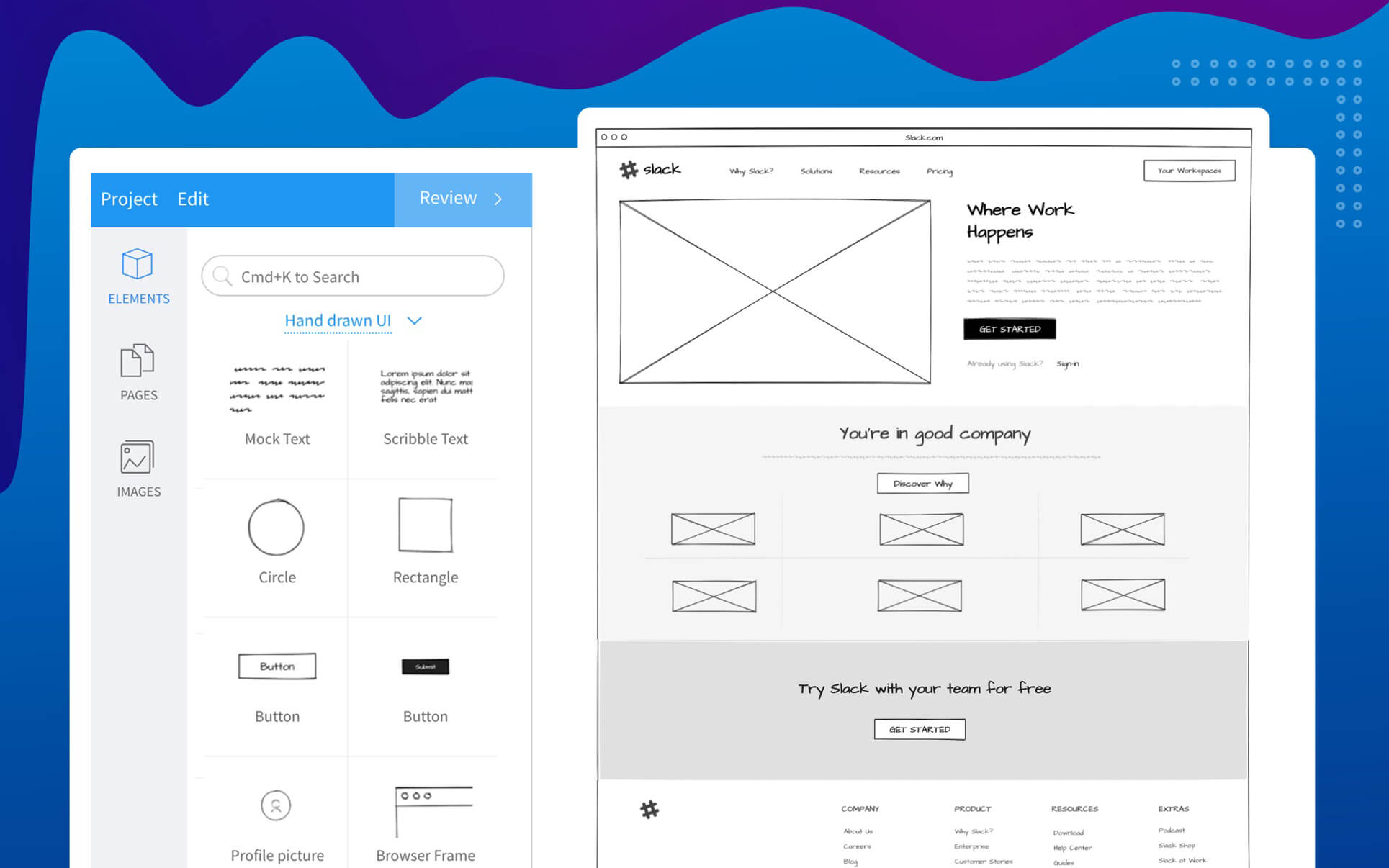
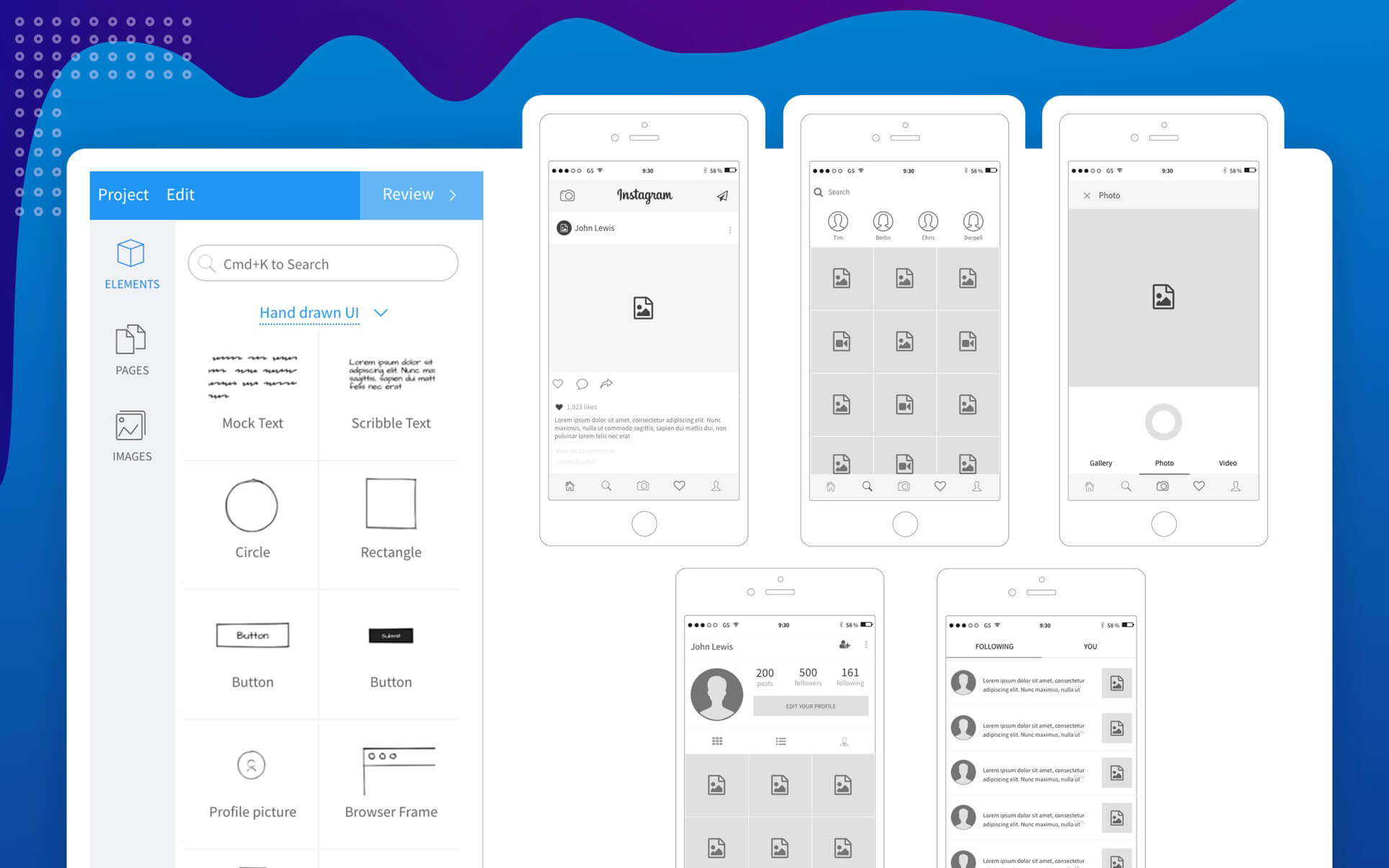
MockFlow is the quickest way to turn any User Interface ideas into designs. You can use MockFlow for sketching UI ideas, prototype websites/apps and also as a whiteboard presentation tool.
Important Features:
- Over 100 built-in UI components for brainstorming websites, mobile apps, sketchy hand-drawn interfaces
- Thousands of UI icons for all categories
- Draw tool with lines, marker, shapes, eraser
- Special UI Annotation components - Arrow, CallOut, Note, Bracket, Tooltip
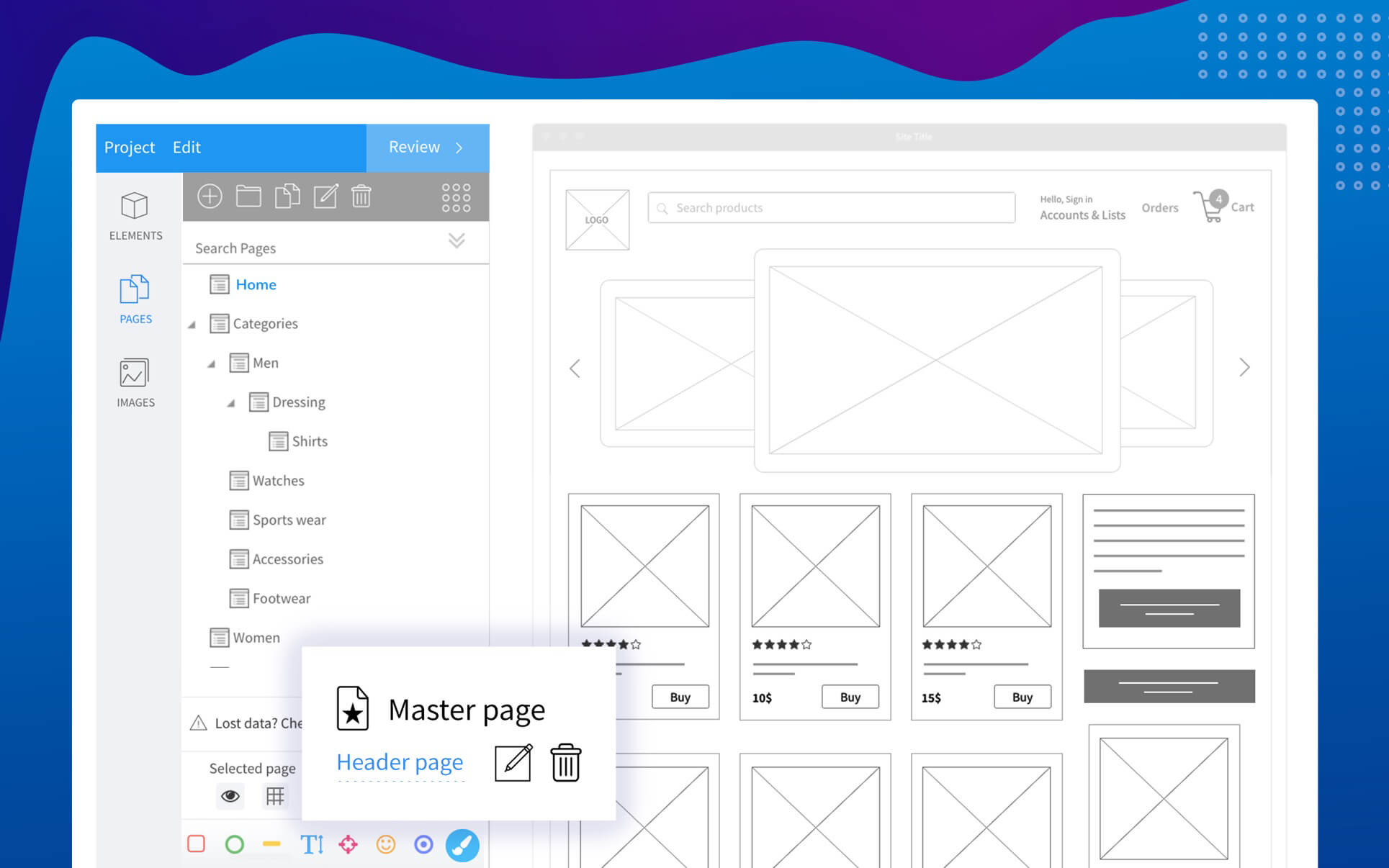
- Master pages for reusing content
- Specs mode for viewing component level specifications
- Integrated page manager with sitemap
- Unlimited Undo/Redo
- Cut/copy/paste
- Layering objects
- Image functions - effects, shadow
- Group components
- Lock/Un-lock components
- Zoom canvas
- Infinite canvas that automatically resizes based on content
- Grid settings - 960grid, mesh grid, canvas background
- Export to PNG
Version 1.4.7
Bug fixes:
Bug fixes:
- Background color and transparency fix in export
- Page rename fix
Comments
No comments yet. Be the first.
Information
Visitors in the group Guests cannot leave comments on this publication.