
Templates for Pixelmator by GN 1.4
Screenshots
Click to enlarge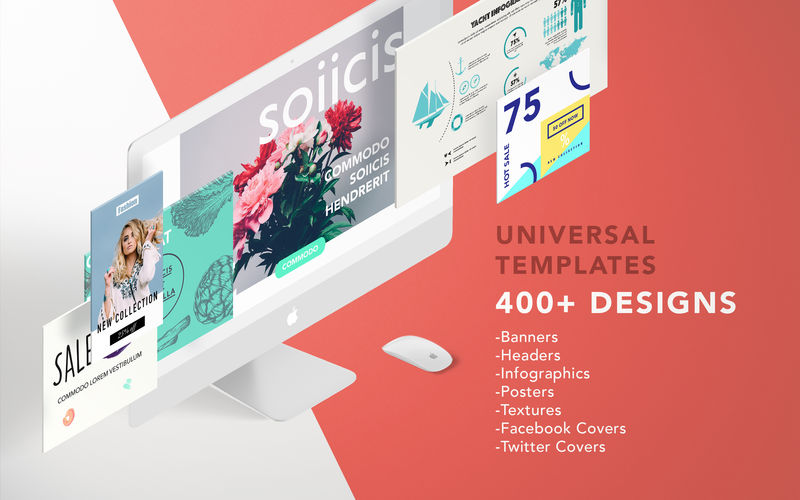
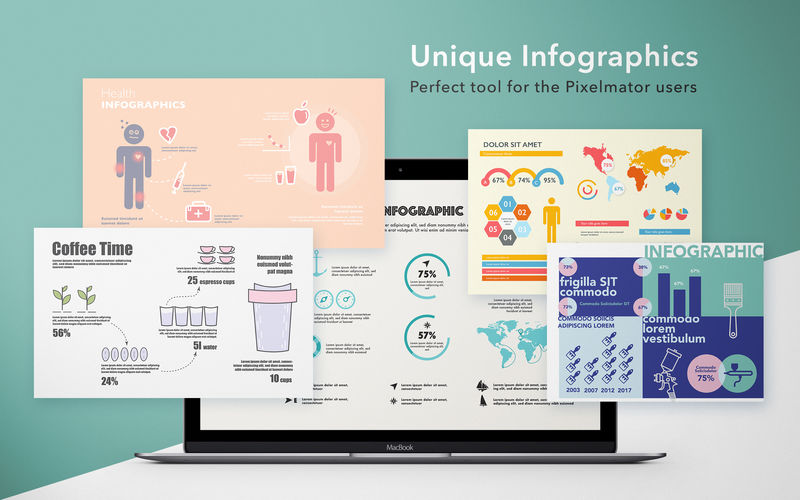
Templates for Pixelmator by GN is the perfect tool for users of Pixelmator who desires quickly and easy create high-quality Banners, Headers, Infographics or Twitter and Facebook covers. This set offers over 400 templates and textures.
Focus on content - leave design for us. Just in minutes create professional looking works!
FEATURES:
Professional
Templates for Pixelmator by GN are high-quality designed by experienced designers who seek the newest trends, so your creation will be modern and professional looking.
Wide choice
You can choose between 6 categories of templates: Banners, Facebook covers, Twitter Covers, Headers, Infographics and Textures. Pick your wanted category, choose a template and start customize!
Styles variety
Templates for Pixelmator by GN contains a selection of designs, from elegant looking to clean minimal styles. Choose style that match your needs!
Easy-to-use
Templates are well structured, layered and can be quickly edited - it is easy to change the text, images and colors to match your own, business or your organization style. All images and illustrations can be effortlessly replaced via Clipping Masks.
Size matter
- Covers are perfectly created for Facebook and Twitter sizes requirements.
- Banners category includes 10 sub-categories with different Banners sizes from 120x240 to 720x300.
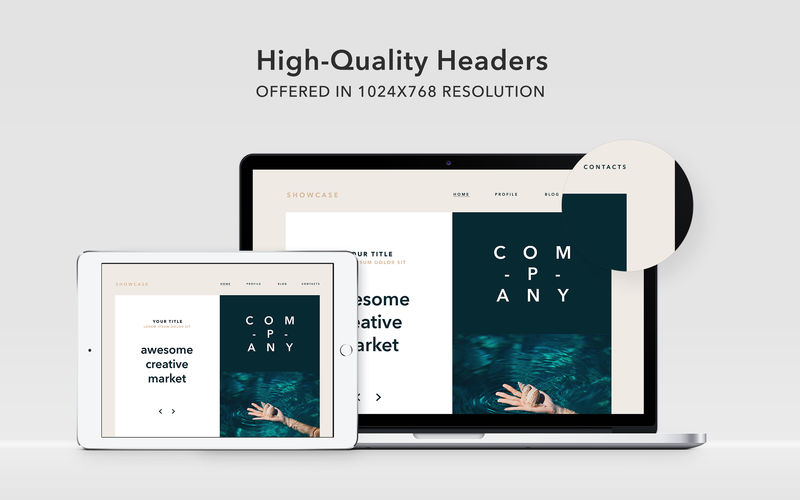
- Headers comes with 1024x768 resolution.
Requirements: Pixelmator (sold separately)
Version 1.3
- Bug fixes.
Comments
No comments yet. Be the first.
Information
Visitors in the group Guests cannot leave comments on this publication.