Design Elements - GN Templates 1.2
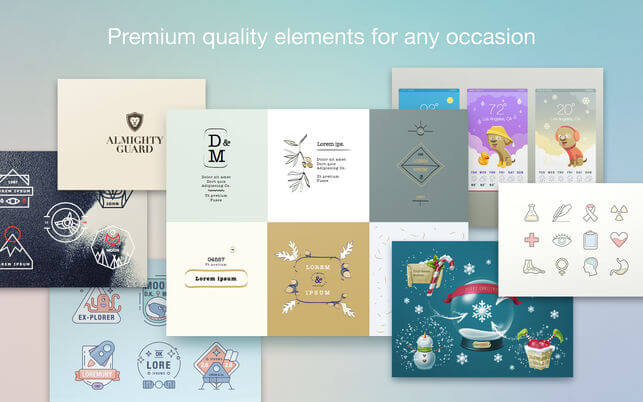

#1 source of decorative artwork for your documents and presentations!
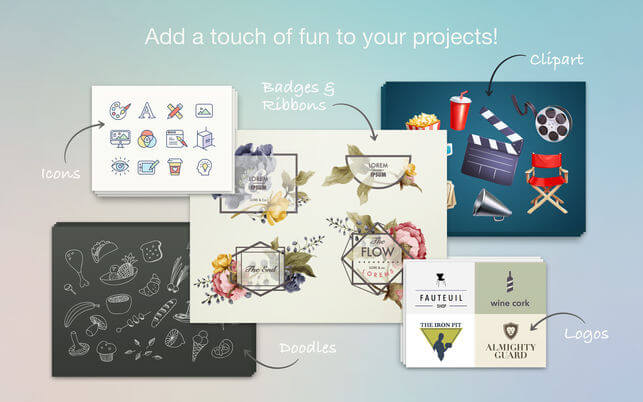
Illustrate your work! Design Elements is a comprehensive collection of thousands of high-quality icons, logos, badges, doodles, ribbons, clipart, and other items to liven-up your Microsoft Word documents and Powerpoint presentations on all occasions!
Applying Design Elements items to your work is as easy as dragging and dropping or copying and pasting! All images are provided with transparent backgrounds to allow easy placement over colorful objects and patterns. The PNG format allows easy adjustment of image parameters, such as tint, brightness, and others.
Design Elements is designed for Microsoft Powerpoint and Word, but all images can easily be adapted to use in Excel and other applications.
*** Requires Microsoft Office for Mac 2011 or later.
Version 1.2
- Reduced the app's download size and footprint: content is now sourced from the cloud.
- 8 new sets of Badges & Ribbons;
- 26 new sets of Clipart;
- 14 new sets of Icons.
Frequently asked questions
How do I install the app?
Mount the image, drag the app into the "Applications" folder and launch it. If the system blocks the launch, allow it in "System Settings → Privacy & Security".
The app is damaged or won't launch
Reinstalling from a fresh image usually helps. Make sure your macOS version matches the one listed in the compatibility specs.
How do I update?
Download the new version from the site and install it over the current one — your settings will be preserved.
The download link doesn't work
Try a mirror or a download manager. For large files the browser often drops the connection.
How do I completely remove the app?
Use an uninstaller utility — it cleans up the service files that remain after moving the app to the trash.
VersionDesign Elements - GN Templates 1.2
DeveloperUAB "Graphic Node"
CompatibilityOS X 10.11 or later, 64-bit processor
LanguageMultilingual
IncludesK'ed by TNT
Related posts

Information
Visitors in the group Guests cannot leave comments on this publication.
Choose a download source
Design Elements - GN Templates 1.2 · 7.43 MB