Mybrushes 2.1.6
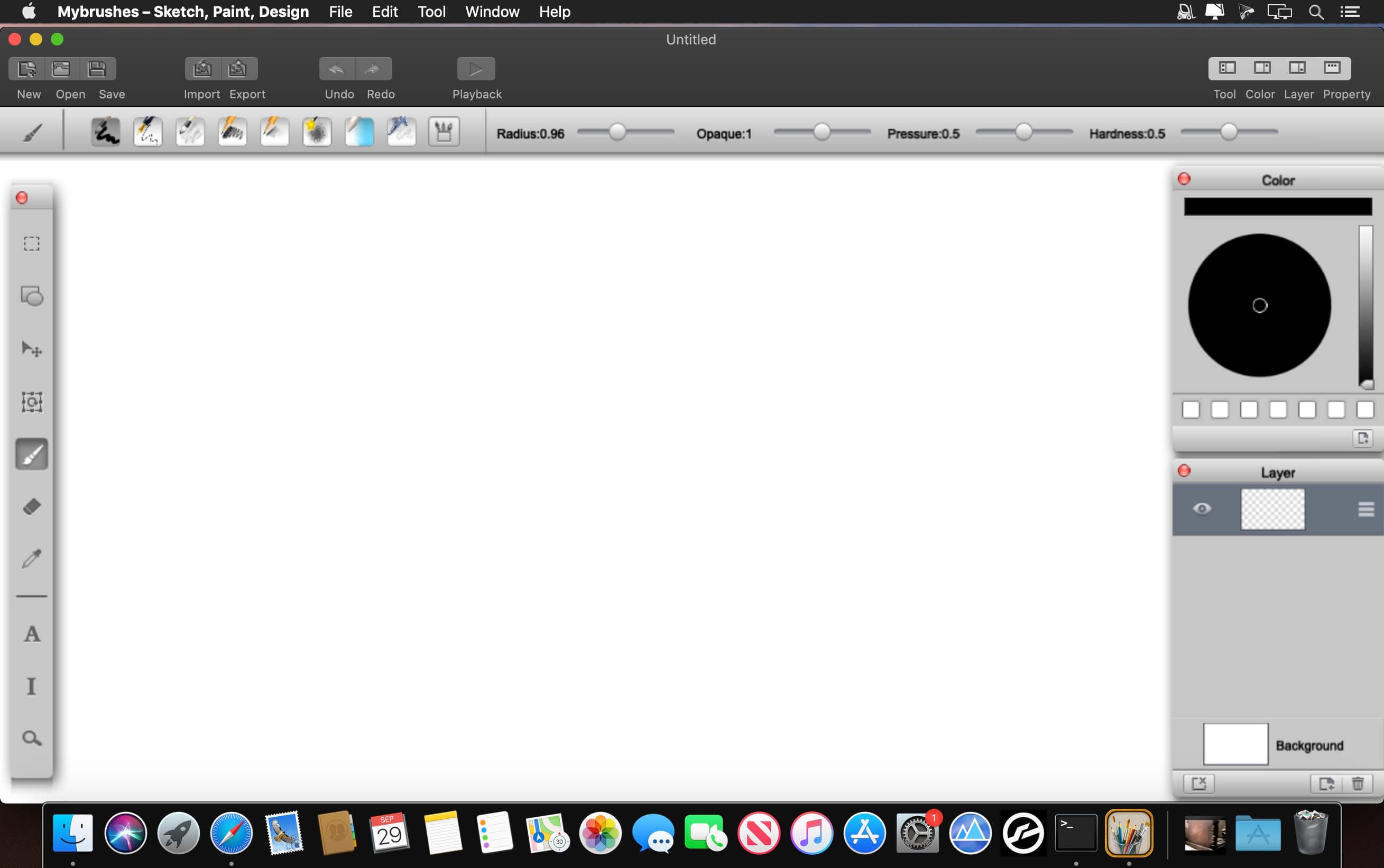
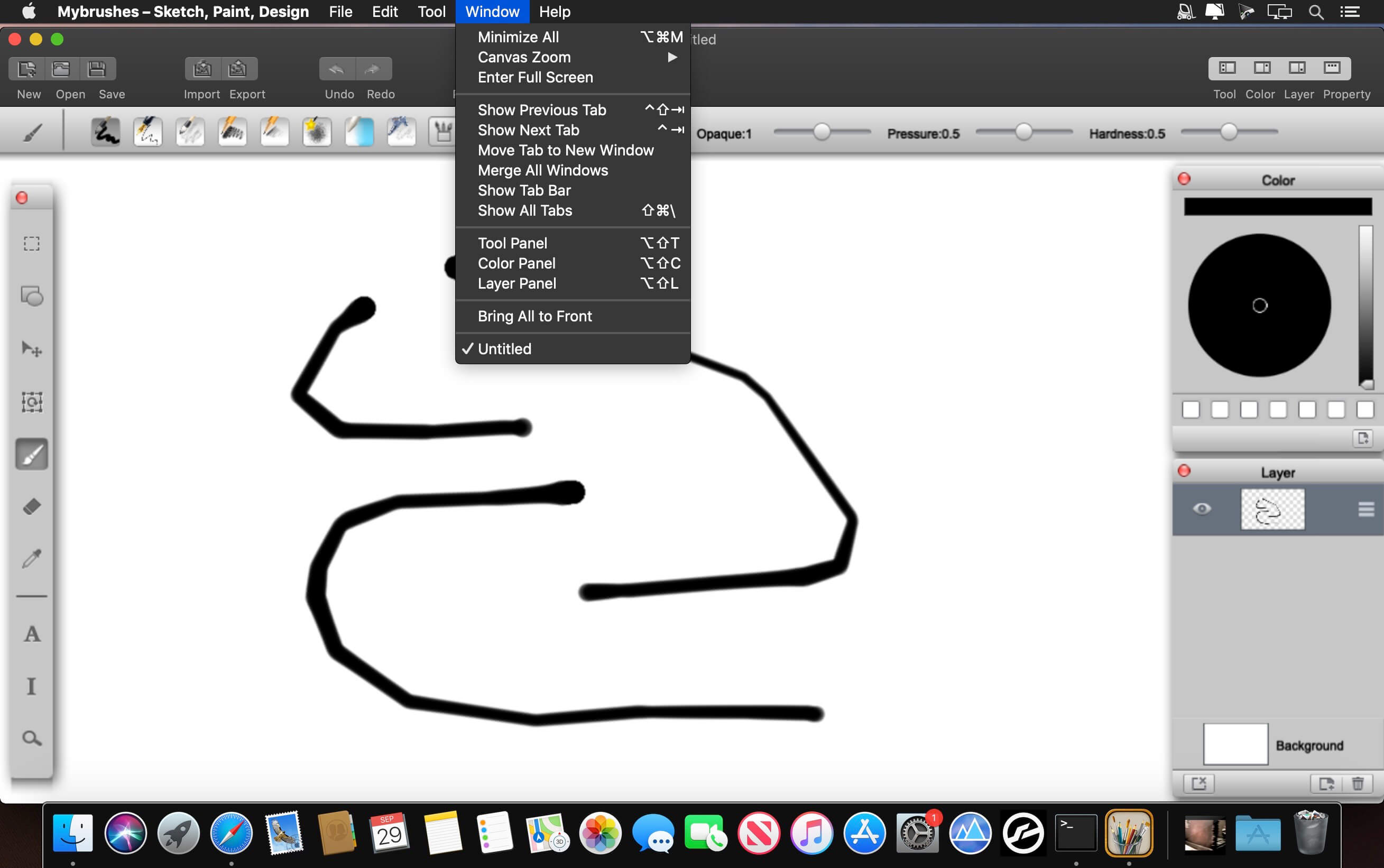
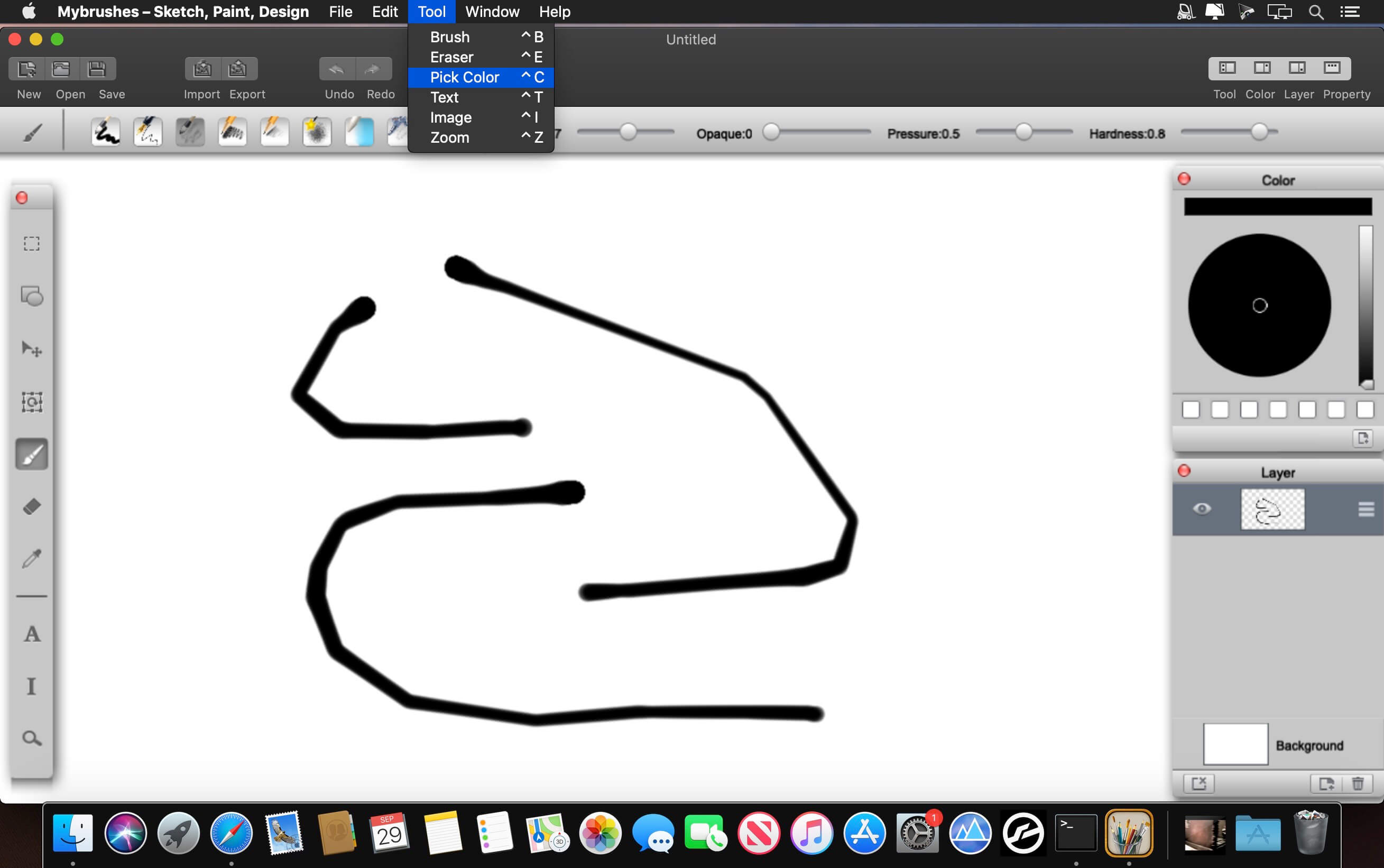
MyBrushes is an unique, INFINITE canvas drawing tool. Packed with an ultimate fast paint engine, professional-grade perspective paint tool lets you focus on drawing. Pen pressure are well supported.
The wonderful paint tool features highlights:
Layering system:
- Unlimited layers ( yes, even every layer is UNLIMITED size! ).
- Create, delete and re-order layers.
- Duplicate and clear a layer.
- Copy and paste layers.
- Support Layer's Translation, Rotation, Scaling.
- INFINITE canvas size.
- Record and Playback your drawing. Previous drawing and undo actions were saved. You can enjoy it or re-edit it during the playback.
- Powerful Mac paint engine to support fast drawing, smooth and responsive painting (precision & performance).
- Text input.
- Import images or photos from your devices and draw over the images.
- Instant image processing.
- Image alpha channel.
- Continuous auto-save - never lose work again.
- Pressure-sensitive could be adjusted.
- 100 shapes high-quality natural paintbrushes: brush, pencil, pen, airbrush, watercolor brush, chalk, charcoal, neon pens, special effect pens…
- Rapidly adjust the paintbrush size.
- Preview the final effect of each paintbrush style.
- Undo / Redo function (Unlimited times !).
- Eraser tool to correct possible mistakes.
- Export to image file. You can select to export artwork in a whole piece or divide huge artwork into several blocks without losing quality.
- Share your paint artworks to facebook, twitter, email, and so on.
- 50 kinds of background templates in template Library.
Frequently asked questions
How do I install the app?
Mount the image, drag the app into the "Applications" folder and launch it. If the system blocks the launch, allow it in "System Settings → Privacy & Security".
The app is damaged or won't launch
Reinstalling from a fresh image usually helps. Make sure your macOS version matches the one listed in the compatibility specs.
How do I update?
Download the new version from the site and install it over the current one — your settings will be preserved.
The download link doesn't work
Try a mirror or a download manager. For large files the browser often drops the connection.
How do I completely remove the app?
Use an uninstaller utility — it cleans up the service files that remain after moving the app to the trash.
VersionMybrushes 2.1.6
Developeretinysoft Inc.
CompatibilityOS X 10.10 or later, 64-bit processor
LanguageEnglish
IncludesK'ed by TNT
Information
Visitors in the group Guests cannot leave comments on this publication.
Choose a download source
Mybrushes 2.1.6 · 11.56 MB