
HoudahSpot 6.1.5 U2B

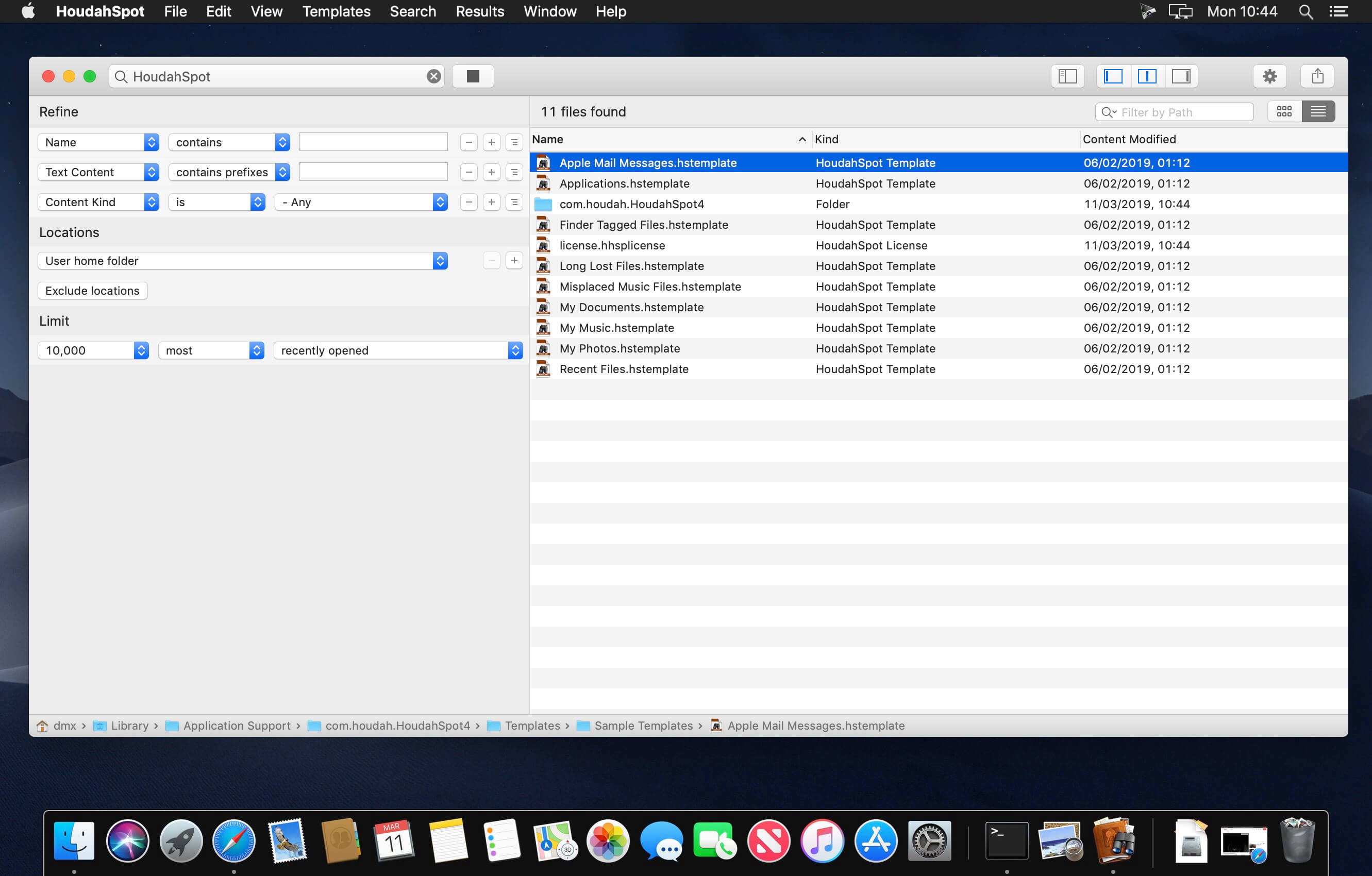
HoudahSpot is a versatile desktop search tool. Use HoudahSpot to locate hard-to-find files and keep frequently used files within reach.
HoudahSpot will immediately feel familiar. It works just the way you expect search to work. Start with a simple search. Refine it by adding and combining criteria. Browse search results. Add columns. Preview files and text matches. Pick the files you really need.
- Find files by name, text, content kind, author, recipient, pixel count, etc.
- Combine criteria to narrow down search results
- Specify which folders to search and which ones to exclude
- Add any of the hundreds of columns available
- Apply filters to reduce search results to only the relevant items
- Preview files and text matches
- Open files and, where the application supports it, continue searching for text matches by pressing command-G (Find Next)
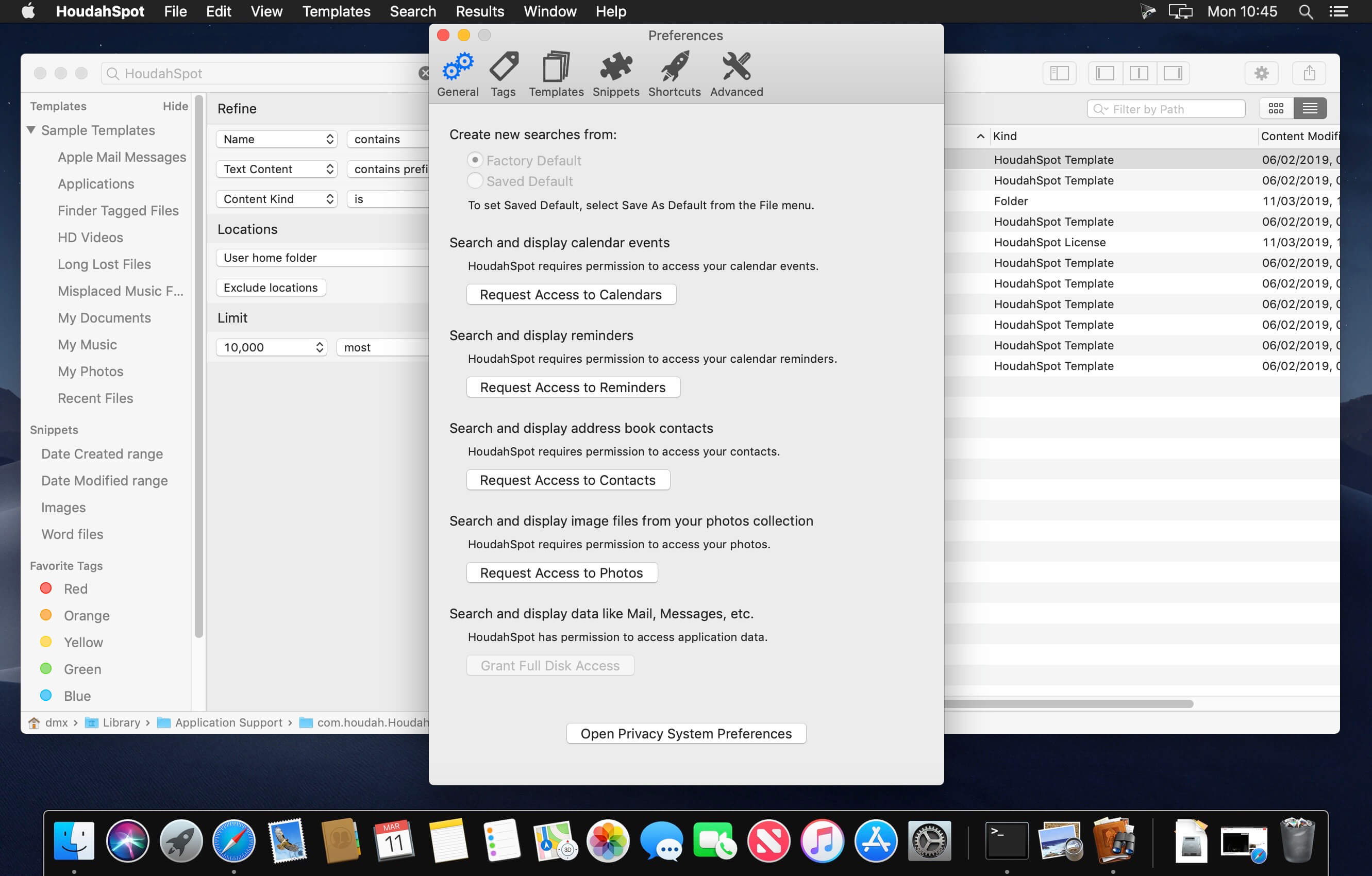
- Set up templates for recurring searches
HoudahSpot builds upon Spotlight, which comes pre-installed with macOS. It helps you find the files you need:
- Mails about a "CV" or "resumé" received this year
- Word processing files containing the word "invoice" or "estimate"
- Image files named "logo" more than 512 pixels wide
- Files created, modified or opened within the last 7 days
Version 6.1.5 :
- Release notes were unavailable when this listing was updated.
Frequently asked questions
How do I install the app?
Mount the image, drag the app into the "Applications" folder and launch it. If the system blocks the launch, allow it in "System Settings → Privacy & Security".
The app is damaged or won't launch
Reinstalling from a fresh image usually helps. Make sure your macOS version matches the one listed in the compatibility specs.
How do I update?
Download the new version from the site and install it over the current one — your settings will be preserved.
The download link doesn't work
Try a mirror or a download manager. For large files the browser often drops the connection.
How do I completely remove the app?
Use an uninstaller utility — it cleans up the service files that remain after moving the app to the trash.





Choose a download source
HoudahSpot 6.1.5 U2B · 11.74 MB
Previous versions
HoudahSpot 6.1.5 U2B
Previous versions are available to registered users.