
Tembo 2.4.1

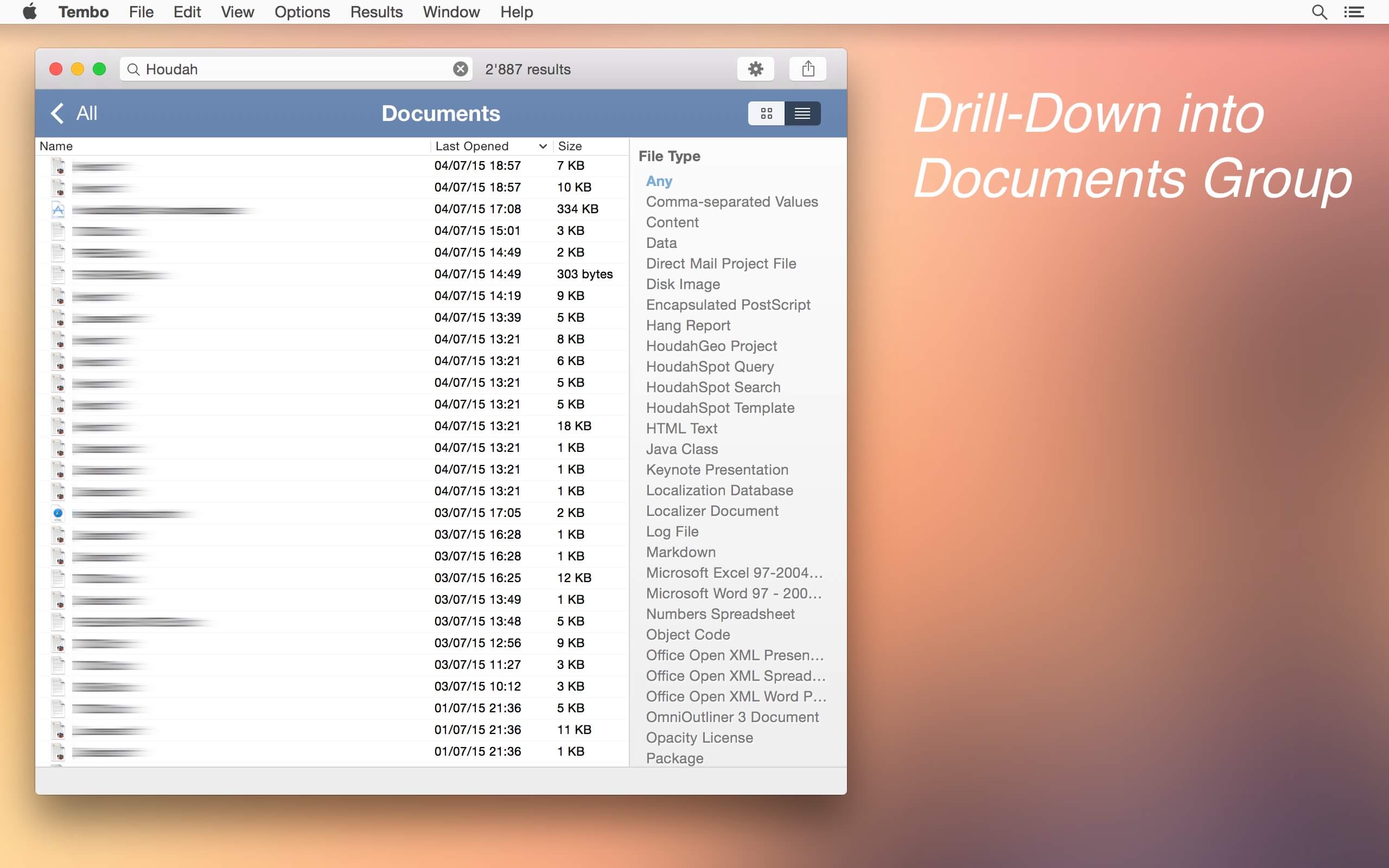
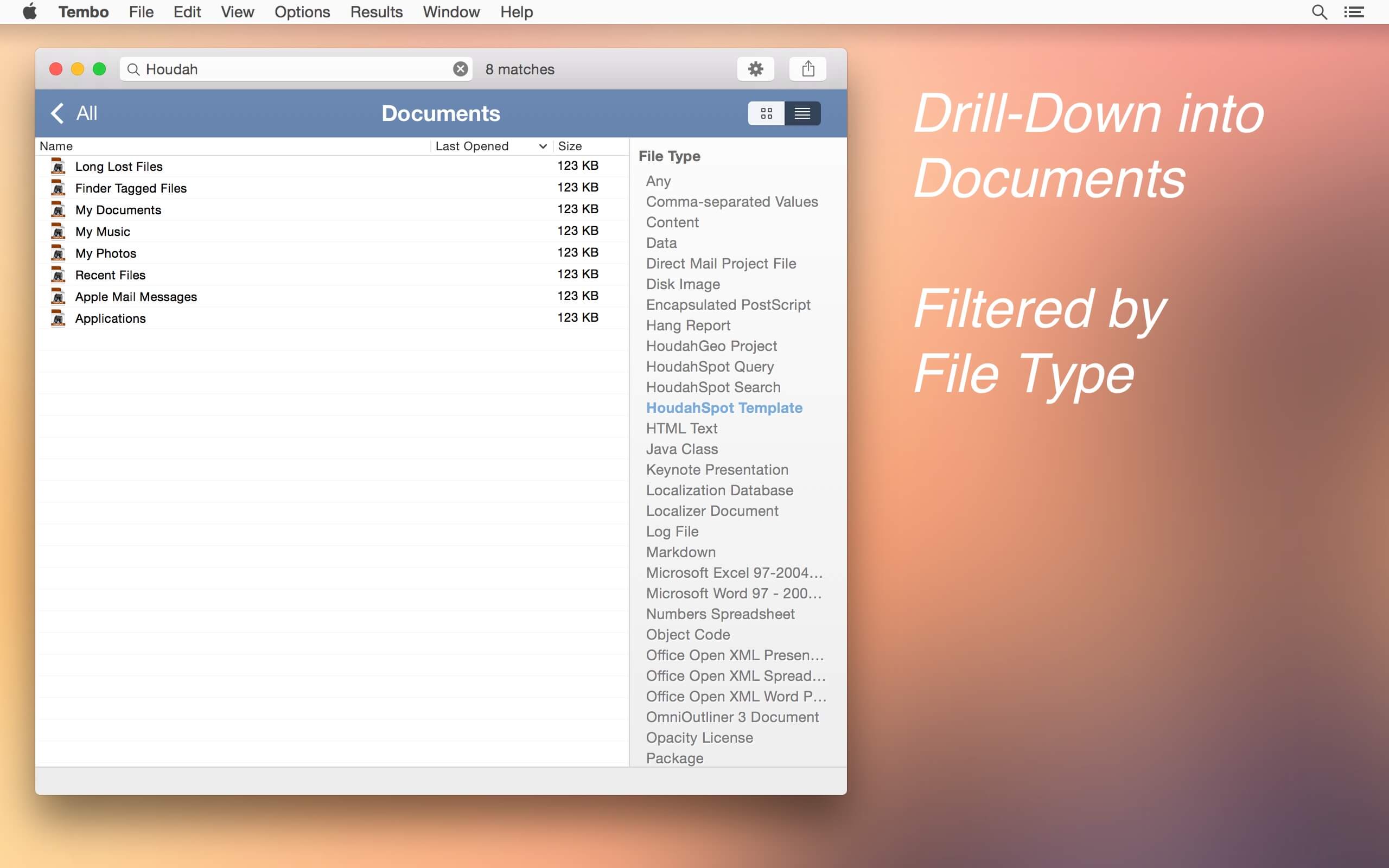
Tembo is an easy-to-use file search tool based upon the powerful Spotlight engine. Tembo finds documents, folders, mail messages, bookmarks, images, videos, and more. It shows results grouped by file type. Initially the top 10 matches for each group are shown. Often enough you will find the sought for file right here.
Drill-down into a group reveals up to 10,000 results alongside context-sensitive filters. These help narrow down the results list. The "Messages" group, for example, has filters on subject, sender and recipient. The "Images" group has filters for resolution and file type.
Thus Tembo is much more than a file search tool. It works as an extension to Mail or iChat to locate messages; as an extension to Safari to search browsing history and bookmarks
Version 2.4.1:
- Updated for macOS 10.15 Catalina
- Please note, that on macOS 10.15 Catalina, Apple Mail messages are not available through the Spotlight index. Tembo will no longer be able to find Mail message files.
Frequently asked questions
How do I install the app?
Mount the image, drag the app into the "Applications" folder and launch it. If the system blocks the launch, allow it in "System Settings → Privacy & Security".
The app is damaged or won't launch
Reinstalling from a fresh image usually helps. Make sure your macOS version matches the one listed in the compatibility specs.
How do I update?
Download the new version from the site and install it over the current one — your settings will be preserved.
The download link doesn't work
Try a mirror or a download manager. For large files the browser often drops the connection.
How do I completely remove the app?
Use an uninstaller utility — it cleans up the service files that remain after moving the app to the trash.
VersionTembo 2.4.1
DeveloperHoudah Software s.a r.l.
CompatibilityOS X 10.10 or later, 64-bit processor
LanguageEnglish
IncludesK'ed by HCiSO





Information
Visitors in the group Guests cannot leave comments on this publication.
Choose a download source
Tembo 2.4.1 · 6.15 MB