
Widgetter 1.16.1W
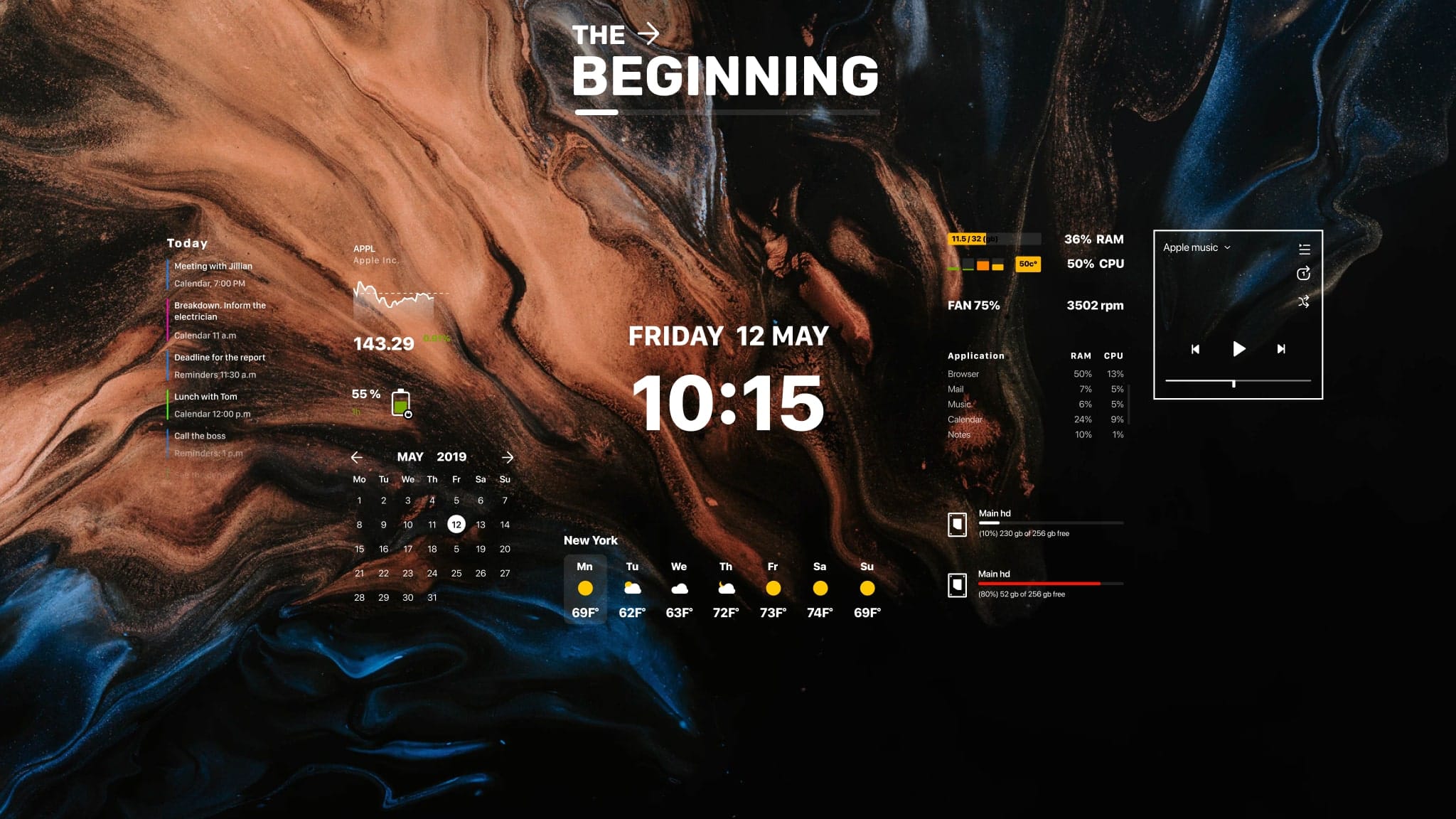
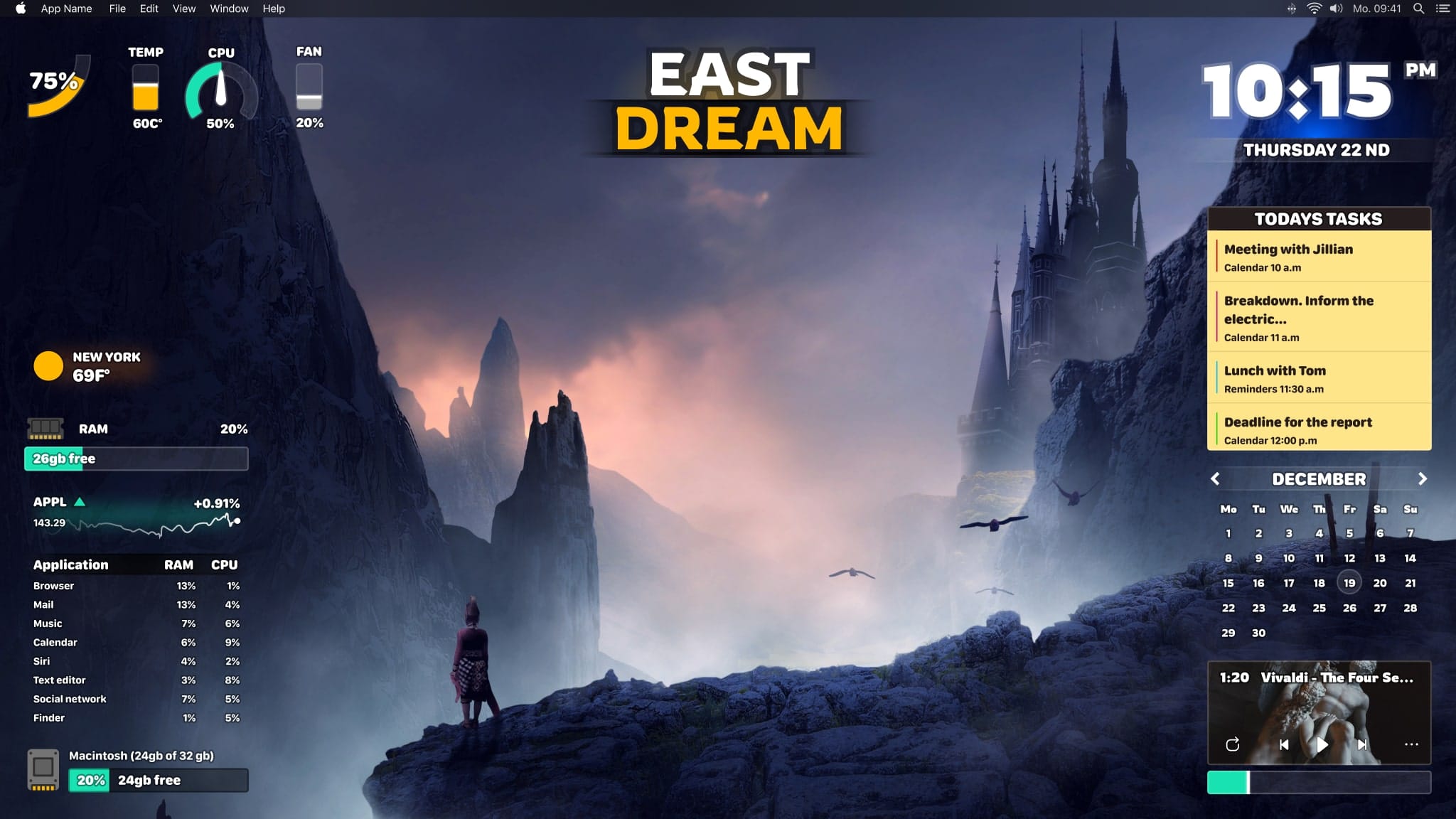
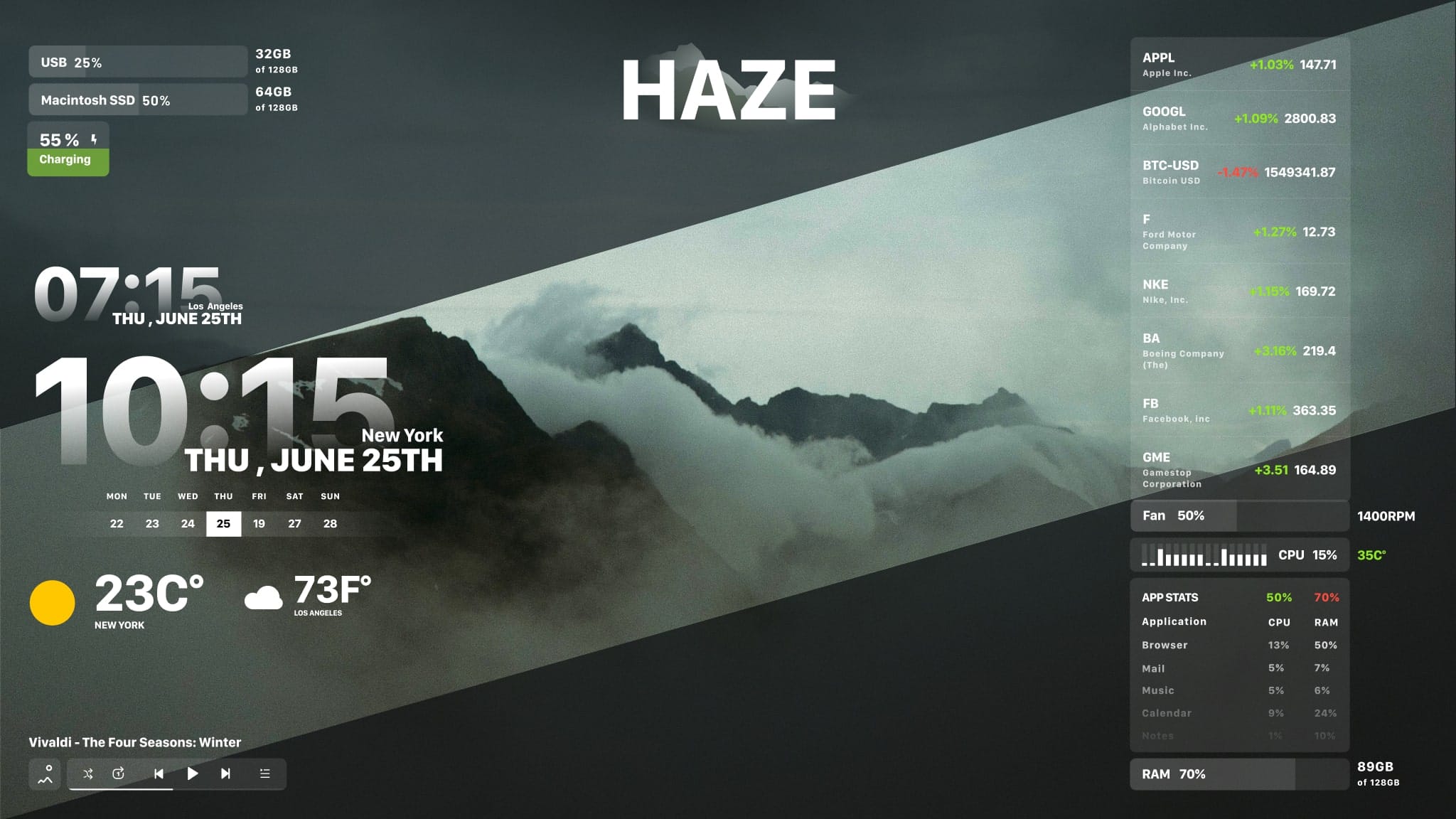
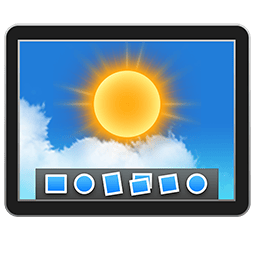
Custom Desktop for Mac. Widgetter is a direct line to upscaling your screen background into a work station perfectly tailored to your needs. Start building a custom desktop to have all the key data points and basic functions always remain available at a glance. Amazing widgets & unique design desktop themes are waiting for you inside.
Various Mac Widgets
- Weather
- Stocks
- Tasks and Reminders
- HDD/SSD
- Monitoring
- Music player
- Date & Time
- Calendar
- Battery
Frequently asked questions
How do I install the app?
Mount the image, drag the app into the "Applications" folder and launch it. If the system blocks the launch, allow it in "System Settings → Privacy & Security".
The app is damaged or won't launch
Reinstalling from a fresh image usually helps. Make sure your macOS version matches the one listed in the compatibility specs.
How do I update?
Download the new version from the site and install it over the current one — your settings will be preserved.
The download link doesn't work
Try a mirror or a download manager. For large files the browser often drops the connection.
How do I completely remove the app?
Use an uninstaller utility — it cleans up the service files that remain after moving the app to the trash.


Choose a download source
Widgetter 1.16.1W · 251.53 MB