CADintosh X 8.9.2
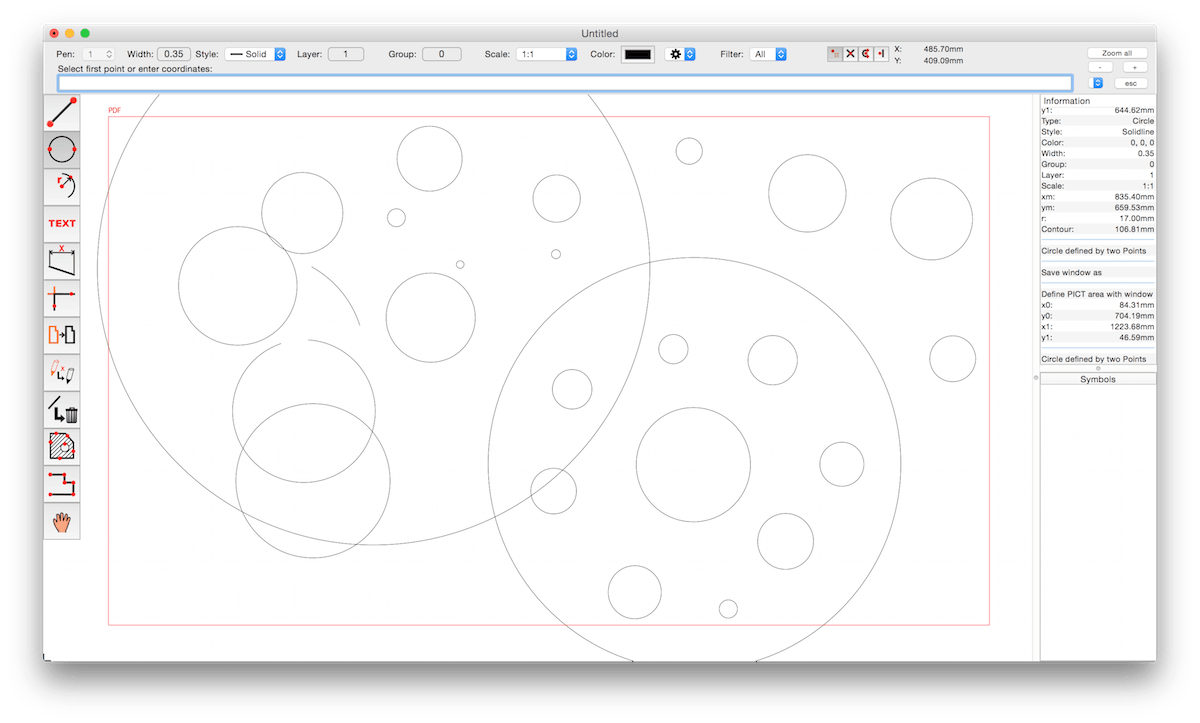
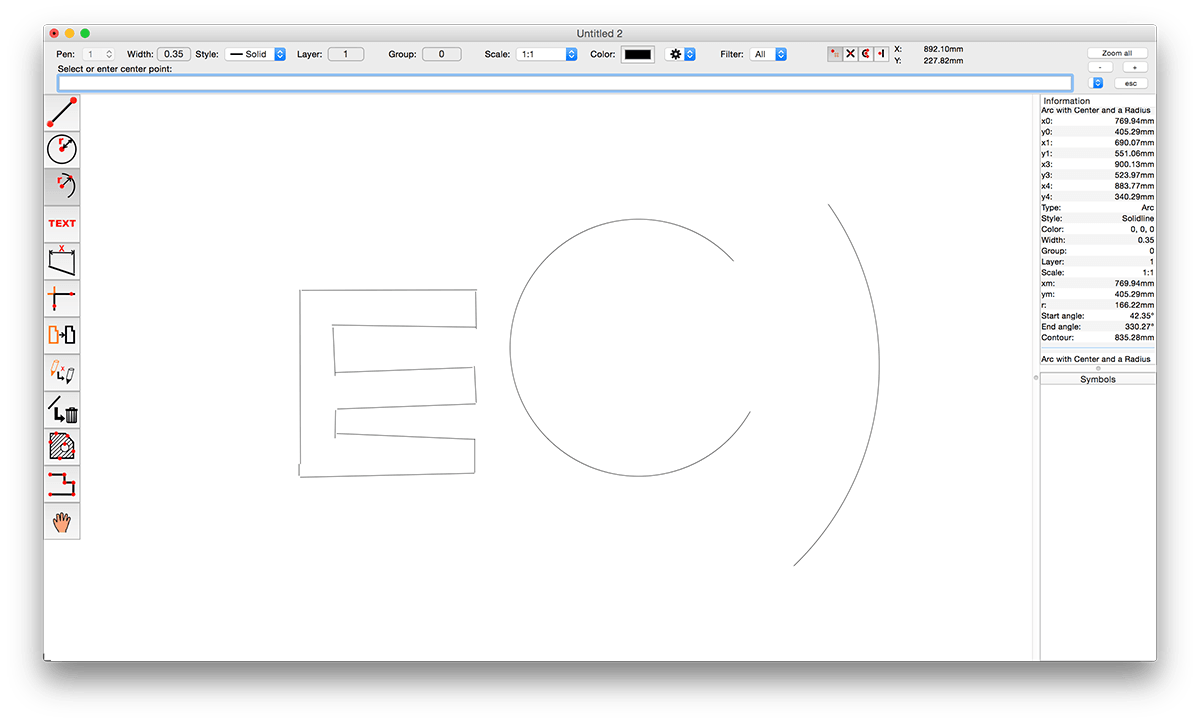
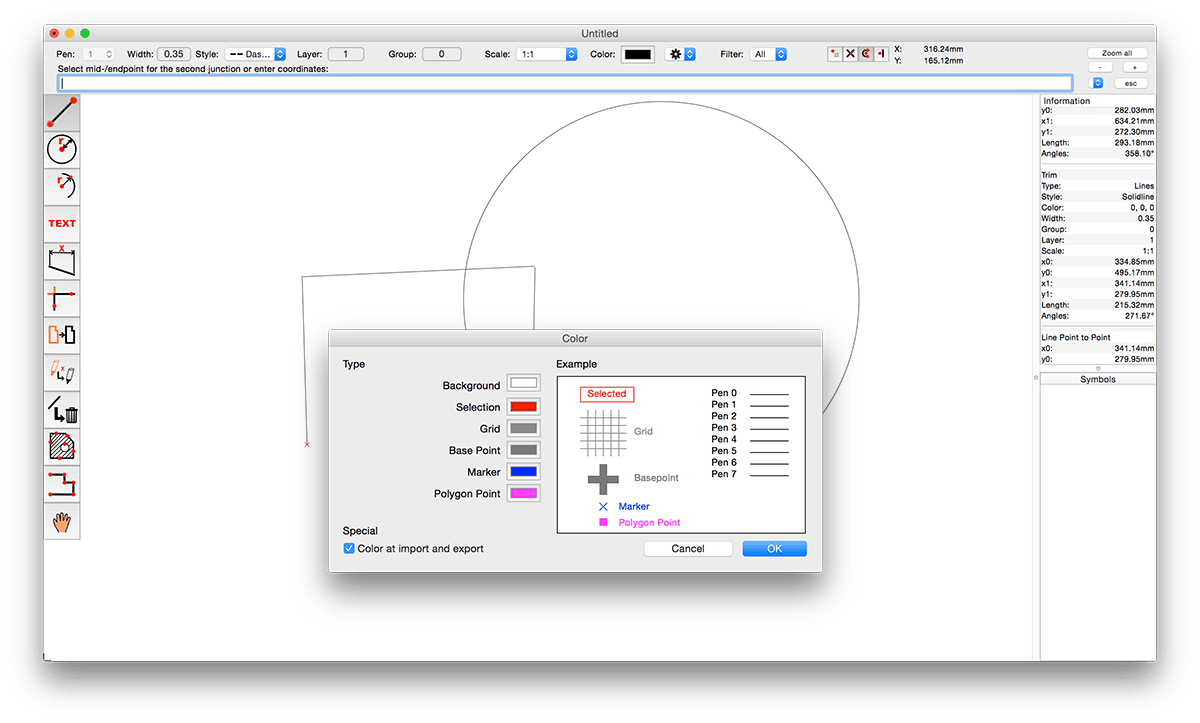
CADintosh is a 2D-CAD program for technical and architectural drawings.
Features include:
- Interactive window redrawing (you can work in the same time of the window redrawing)
- Number of elements limited by memory
- Pen oriented mode: 8 line widths/line colors/pens
- Individual mode: line width from 0.0 to 99.99 mm, pattern and colors
- It has a lot of tools like lines, arcs, dimensions, splines, hatching etc.
- Import and export HPGL, DXF, and PICT
- 6 line types (solid, dash, dot-dash, phantom, zigzag, dotted)
- 32000 groups
- 1024 layer
- Alternative units in inches or freely definable
- Shareware version has a simple layer filter (easy to use)
- Registered version has a additional extended layer filter (named filter sets, palette with name of filter)
- Shareware version has internal symbols (number of symbols only limited by memory)
- Registered version has additional external symbol libraries and more simple work with symbols
- User preferences saved in the drawing
- Runs native on MacOS X
CADintosh 8.9
Updates features:
- Updated application icon for macOS Tahoe
- Sparkle update framework
- Old cad drawing with embedding PICTs will be decoded by CADintosh (if possible) because of the dropped PICT support in recent macOS versions
- Layout of dialogs enhanced for macOS Tahoe
Frequently asked questions
How do I install the app?
Mount the image, drag the app into the "Applications" folder and launch it. If the system blocks the launch, allow it in "System Settings → Privacy & Security".
The app is damaged or won't launch
Reinstalling from a fresh image usually helps. Make sure your macOS version matches the one listed in the compatibility specs.
How do I update?
Download the new version from the site and install it over the current one — your settings will be preserved.
The download link doesn't work
Try a mirror or a download manager. For large files the browser often drops the connection.
How do I completely remove the app?
Use an uninstaller utility — it cleans up the service files that remain after moving the app to the trash.




Choose a download source
CADintosh X 8.9.2 · 91.64 MB
Previous versions
CADintosh X 8.9.2
Previous versions are available to registered users.