
Acorn 8.6.2
Acorn — simple Mac image editor for fast, fluid creativity
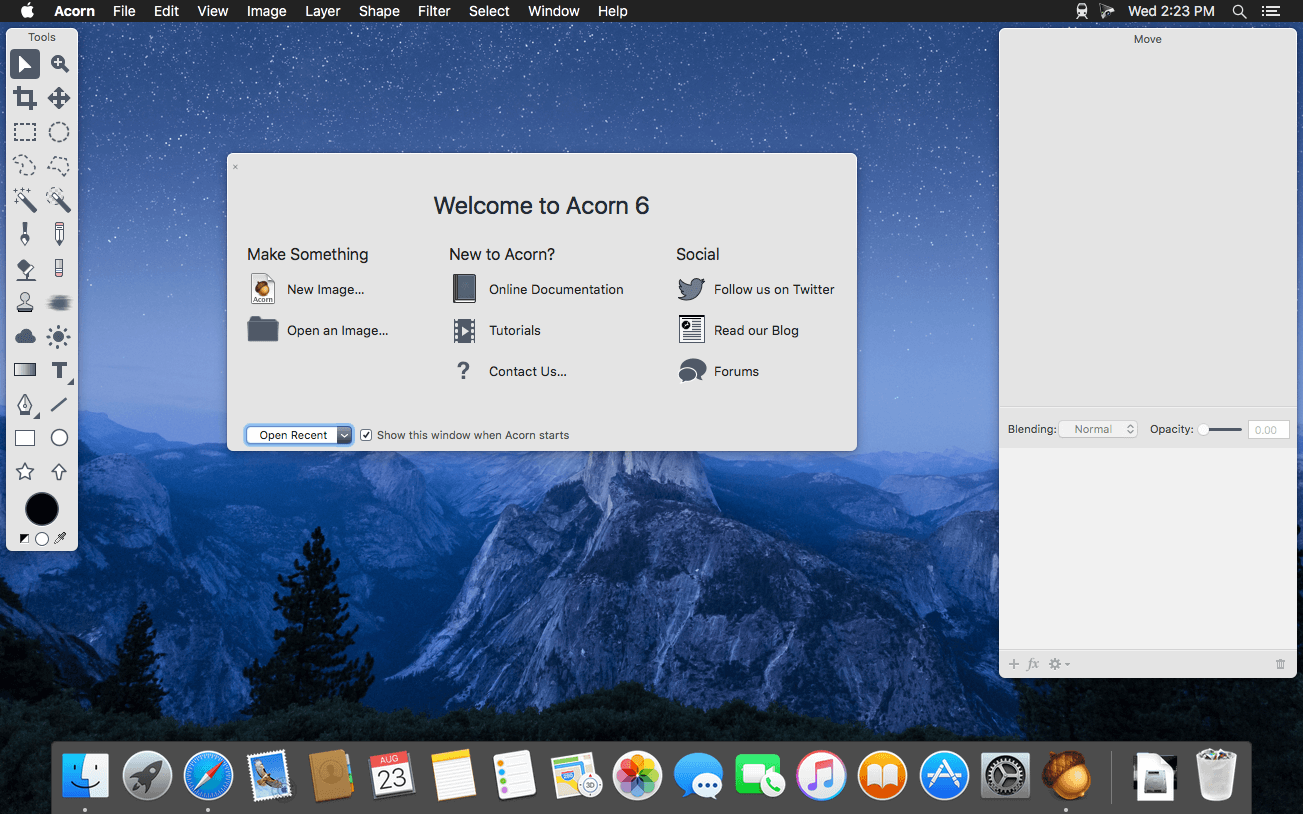
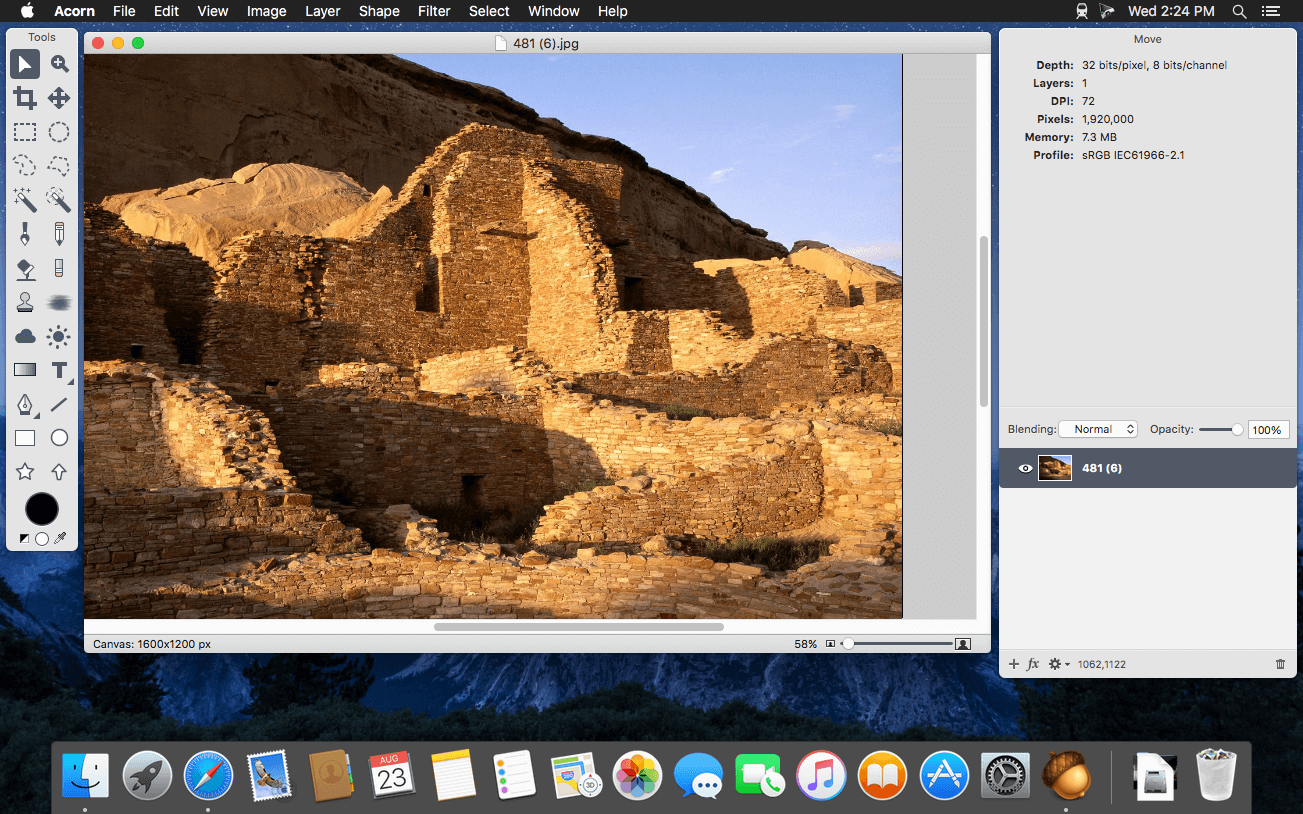
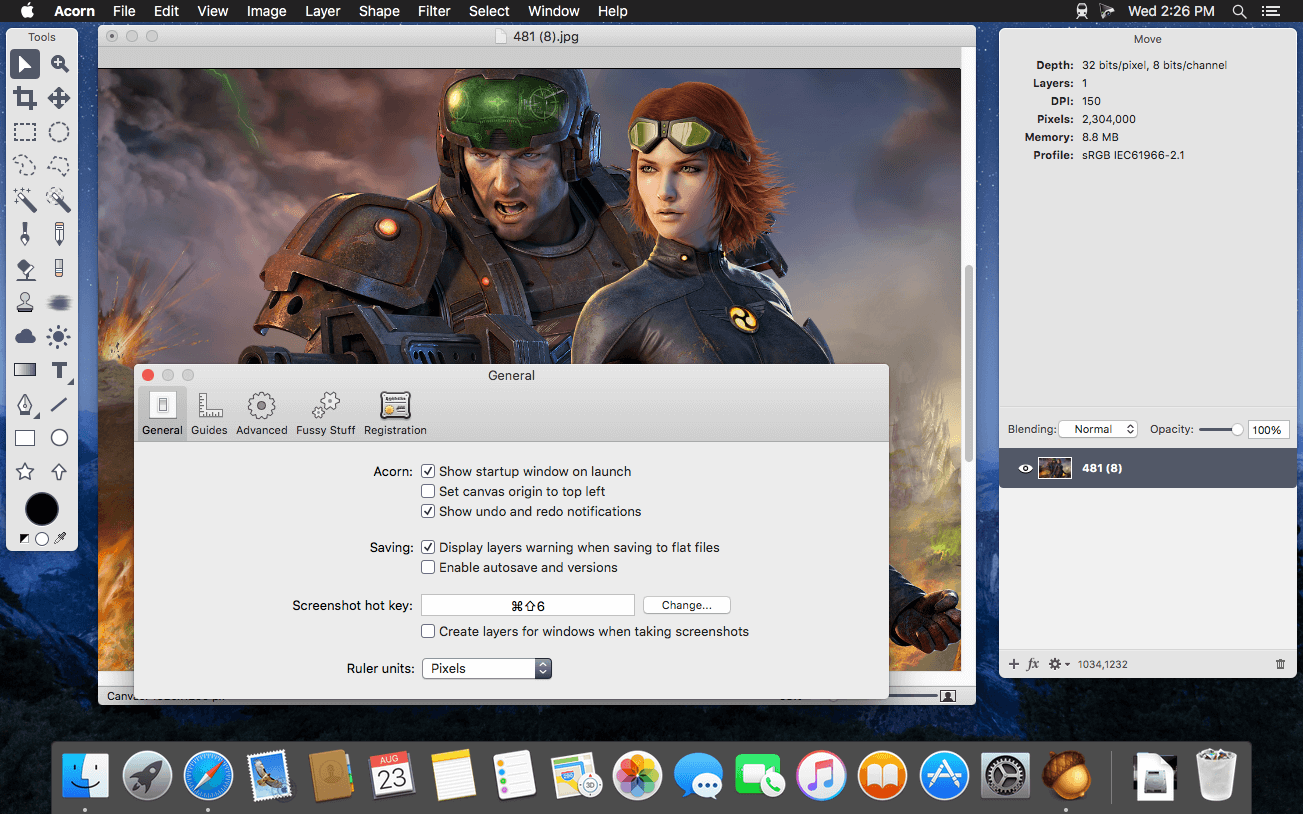
Acorn is a new image editor built with one goal in mind – simplicity. Fast, easy, and fluid, Acorn provides the options you’ll need without any overhead. Acorn feels right, and won’t drain your bank account.
- Take screenshots using Acorn and edit them right away.
- Chain together image filters to create stunning effects.
- Layer based image editing, an industry standard.
- Make new images and layers using your built-in iSight.
- Easy image and canvas resizing, just by changing the size of your window.
- Take advantage of every pixel of your monitor with full screen image editing.
- Tablet sensitive for pressure strokes and using the tablet’s eraser.
- Vector shape and text layers.
- Freeform, elliptical, rectangular, and magic wand selections.
- Gradients.
- Create and apply custom text styles.
- Control opacity and blending modes for each layer.
- Write plugins using the Python scripting language, as well as in Objective-C.
- GPU powered. The same graphics card that makes your gaming experience smooth, helps Acorn fly through the toughest of graphics operations.
Version 8.6.2:
New Stuff
- The `acorn` shell tool now has a `-screenshot` argument which tells Acorn to take a layered screenshot of all your open windows. You can pass the `-delay` argument with a number of seconds to wait before taking the screenshot, and you can also pass the `-appname` argument to only include windows from the named app.
- Running `acorn -h` will give a full list of available options.
- Acorn’s Dock menu now has an option to take a layered screenshot. This is pretty handy because you can have all your windows exactly how you want them, and then control click on Acorn in the Dock to take your screenshot without any windows losing focus.
Changes
- Filter presets previously didn’t respect the canvas selection on bitmap layers when they were being used. We’ve changed it so filters are now masked to the selection.
- When exporting as PSD images, Acorn doesn’t add any extra pixels to bitmap layers when it’s not necessary now (ie - it keeps the existing pixel bounds instead of matching that of the canvas. This should make file sizes smaller).
- Updated the x/y labels in the Crop, Scale Layer, Perspective Transform, and Smart Layer Export palettes so they are consistent with the rest of Acorn.
- When loading a new brush preset, Acorn will check and see if the velocity settings have been saved previously (either on or off). If it has not then the new brush preset will inherit the current brush’s velocity changes. This means if you turn on or off “velocity changes width” and switch to an older preset, it will respect the current option.
Fixes
- Fixed a little problem where using File ▸ New from Clipboard with a URL would throw up a SVG error (but eventually download the image at the end of the URL!)
- Fixed a problem where the clone tool would draw little artifacts when the blending opacity was less than 100%
- Fixed a problem where using the Export With Preset menu item would not remember to use the resize options saved in the preset.
- Fixed a problem where the mouse location in the vertical ruler wouldn’t update in the correct location.
- Fixed a problem where smudge might not be working correctly for folks on a future version of MacOS.
Frequently asked questions
How do I install the app?
Mount the image, drag the app into the "Applications" folder and launch it. If the system blocks the launch, allow it in "System Settings → Privacy & Security".
The app is damaged or won't launch
Reinstalling from a fresh image usually helps. Make sure your macOS version matches the one listed in the compatibility specs.
How do I update?
Download the new version from the site and install it over the current one — your settings will be preserved.
The download link doesn't work
Try a mirror or a download manager. For large files the browser often drops the connection.
How do I completely remove the app?
Use an uninstaller utility — it cleans up the service files that remain after moving the app to the trash.

Choose a download source
Acorn 8.6.2 · 29.51 MB
Previous versions
Acorn 8.6.2
Previous versions are available to registered users.