CodeRunner 4.5
CodeRunner, an advanced, highly flexible, and easy-to-use programming editor, supports a large number of languages, and delivers big IDE features while remaining lightweight and clutter-free. CodeRunner can run code in 23 languages out-of-the-box, and can be easily extended to run code in any other language. Notable features include debugging with breakpoints in lots of languages, IDE-level code completion, and lots of other high-end features making it easier than ever to write and work with code.
Advanced Code Completion
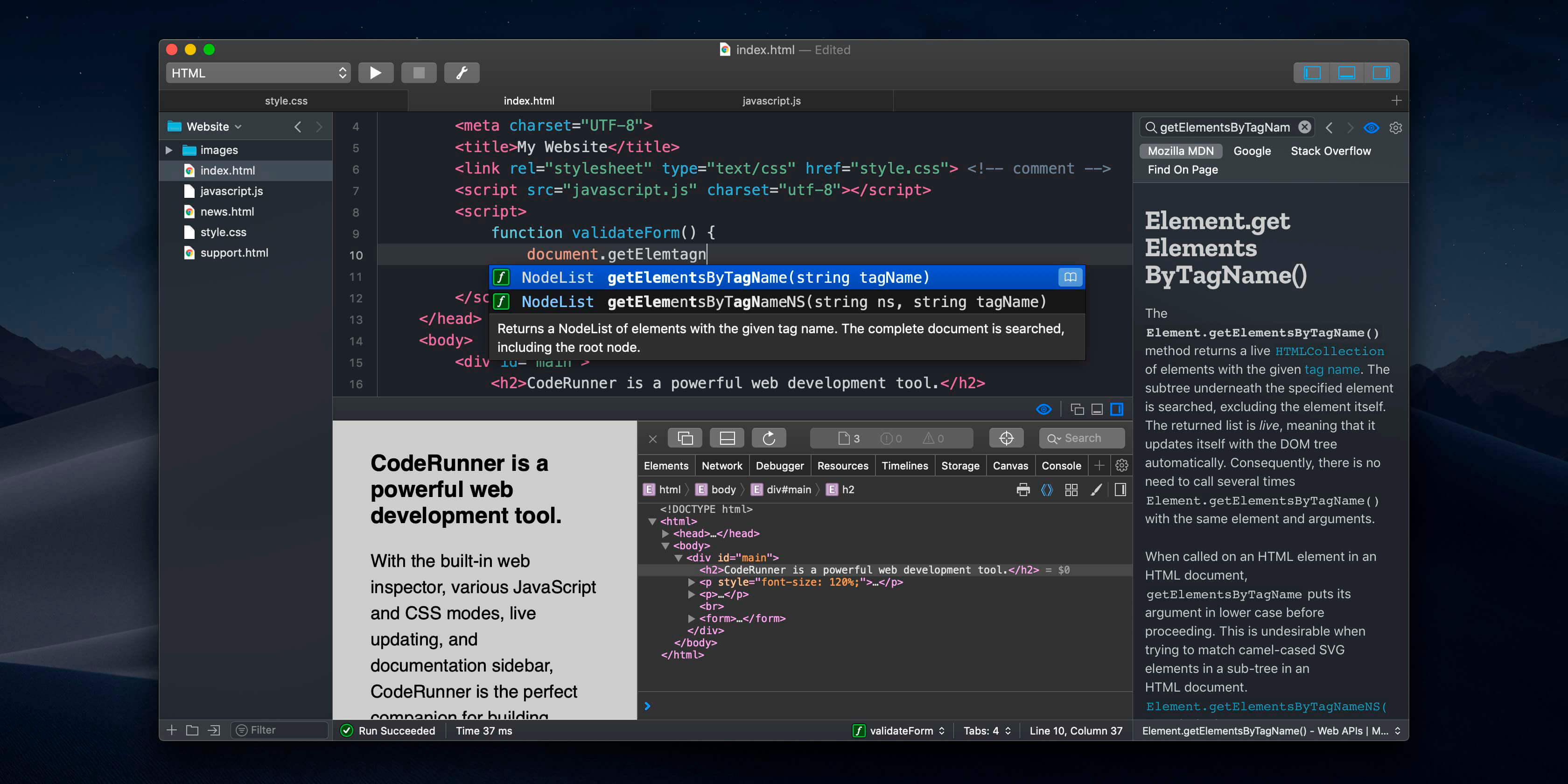
Any programmer knows the importance of good code completion. That's why CodeRunner supports full-blown IDE-level code completion for most languages, including fuzzy-search, tab-selectable placeholders, and documentation snippets.
Run Code in Any Language
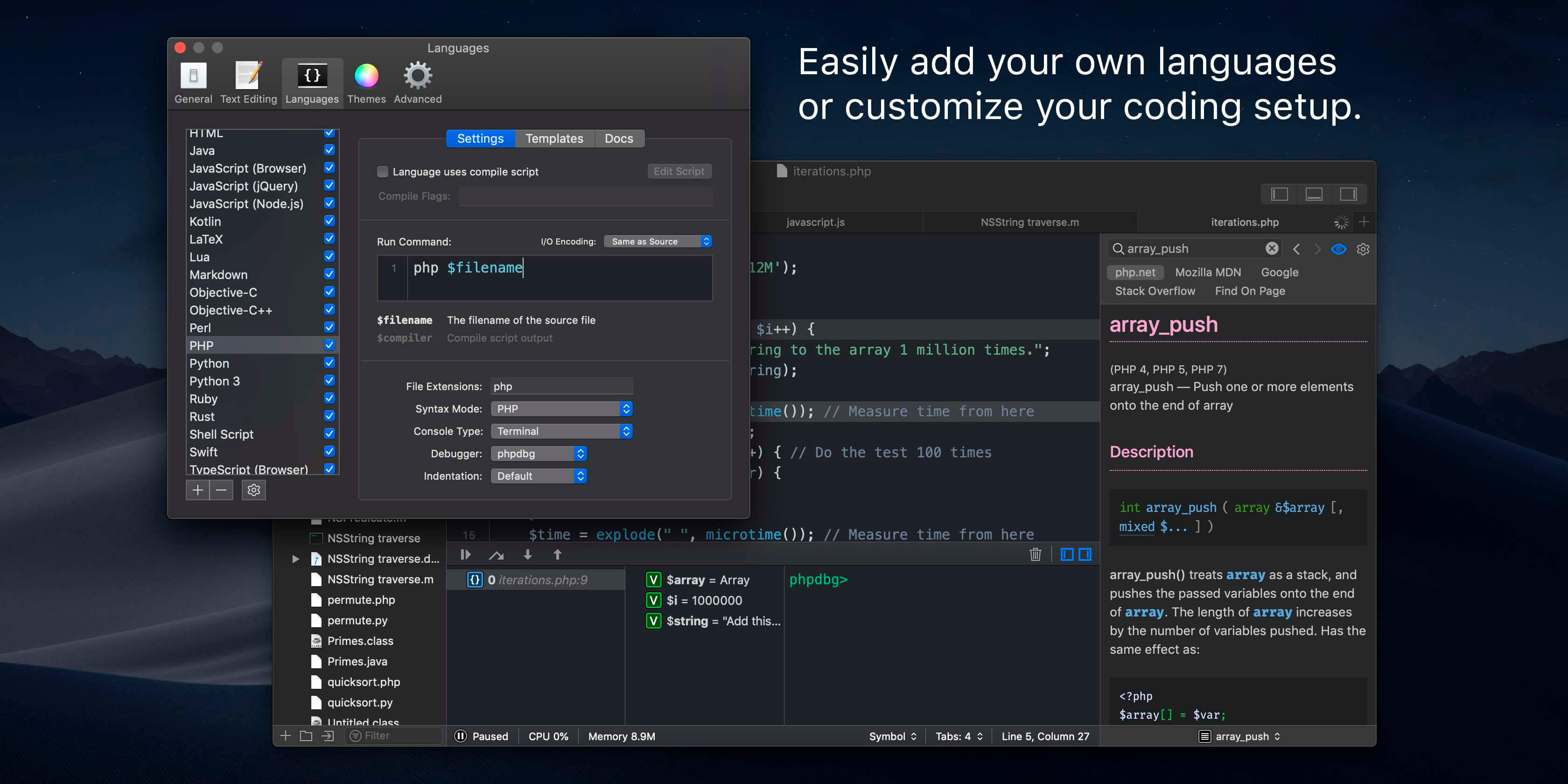
CodeRunner was built on the principle that you should be able to run your code instantly in any language. CodeRunner can run code in 23 languages out-of-the-box, and can be easily extended to support any other language. Adding a language is as easy as entering its terminal command.
Debugging with Breakpoints
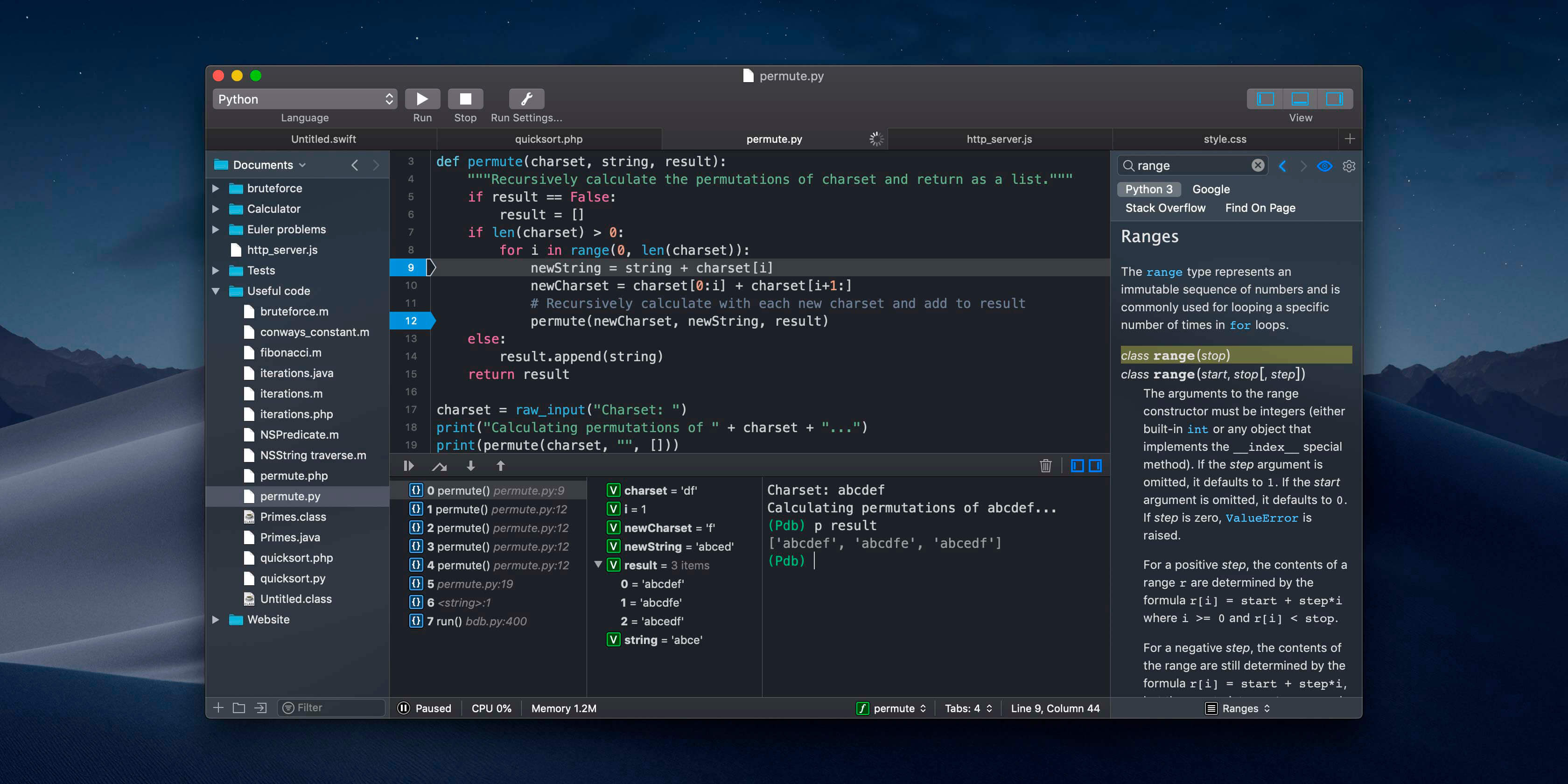
It's easy to get frustrated when your code is not working right. New in CodeRunner 2.2, you can set breakpoints and step through code line by line. Just click the text margin to set a breakpoint and start debugging. Explore the call stack, view and edit local variables, and leverage the full power of the debugger by issuing debugger commands. Debugging your code has never been this convenient.
More Features
- TextMate theme support
- Automatic indentation support
- Interactive console
- File navigator
- Intelligent bracket matching
- Custom compile flags
- Symbol navigator
- Run with arguments & input sets
- Word completions
- Multiple selections
- Live run statistics
Version 4.5
- Compatibility fixes for macOS Tahoe 26.
- Bug fixes and general improvements.
Frequently asked questions
How do I install the app?
Mount the image, drag the app into the "Applications" folder and launch it. If the system blocks the launch, allow it in "System Settings → Privacy & Security".
The app is damaged or won't launch
Reinstalling from a fresh image usually helps. Make sure your macOS version matches the one listed in the compatibility specs.
How do I update?
Download the new version from the site and install it over the current one — your settings will be preserved.
The download link doesn't work
Try a mirror or a download manager. For large files the browser often drops the connection.
How do I completely remove the app?
Use an uninstaller utility — it cleans up the service files that remain after moving the app to the trash.


Choose a download source
CodeRunner 4.5 · 89.13 MB
Previous versions
CodeRunner 4.5
Previous versions are available to registered users.