
Screen Snapshot 5.4.0
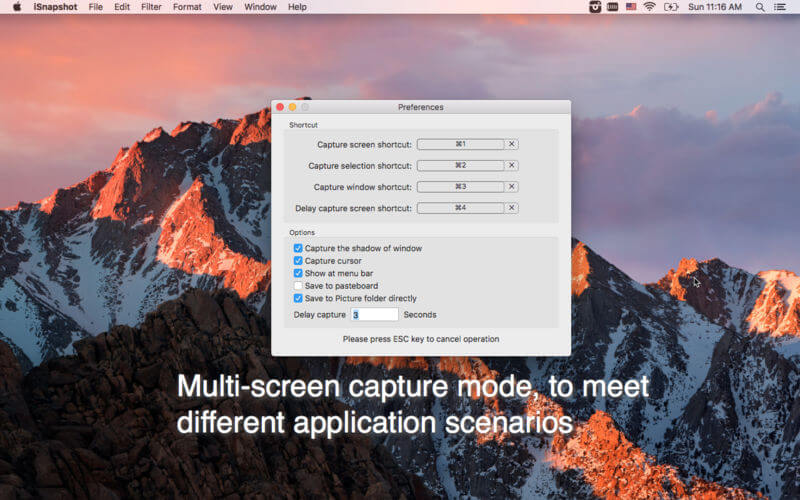
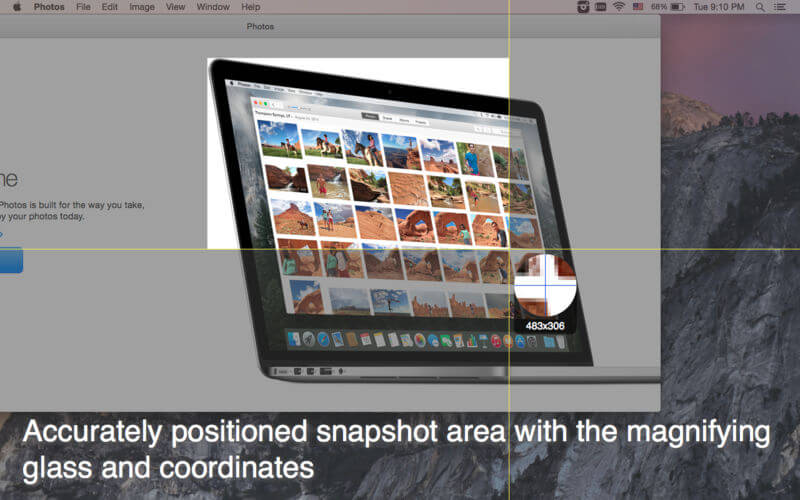
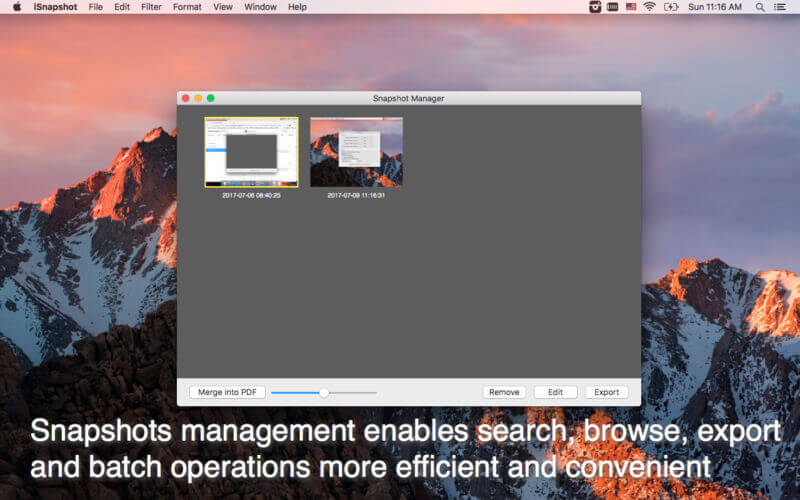
iSnapshot is an efficient and easy screenshot tool, synthesizing the functions of snapshot management, notes feature and exporting etc., allowing users to make various kinds of software instruction and tutorial quickly.
It supports various picture formats for exporting/batch exporting, including but not limited to JPEG2000, PNG, GIF, BMP, TIFF etc.
Snapshot notes feature, allowing users to add notes to the snapshots so as for better understanding, including main functions as below (need to purchase this grant)
- Support text tool, add/edit/delete etc.
- Support cutout tool, custom all sorts of cutout formats.
- Support shape tool, adding various shapes including square and oval etc., and supports self-drawing/custom shape.
- Support mask tool, different colors for different purposes.
- Support line tool, set all line types, including dashed line, solid line, dotted line, dotted dashed lines etc.
- Support arrow tool, set various arrow types.
- Support snapshot filter function, combining brightness and contrast adjustment, dozens effect including Templerature and Tint.
- Support un-do and re-do.
- Support multi-glyph alignment,move,copy etc.
Version 5.4.0
- Fixed the problem of multi-screen capture
- Support M1
- Fixed some minor bugs
Frequently asked questions
How do I install the app?
Mount the image, drag the app into the "Applications" folder and launch it. If the system blocks the launch, allow it in "System Settings → Privacy & Security".
The app is damaged or won't launch
Reinstalling from a fresh image usually helps. Make sure your macOS version matches the one listed in the compatibility specs.
How do I update?
Download the new version from the site and install it over the current one — your settings will be preserved.
The download link doesn't work
Try a mirror or a download manager. For large files the browser often drops the connection.
How do I completely remove the app?
Use an uninstaller utility — it cleans up the service files that remain after moving the app to the trash.




Choose a download source
Screen Snapshot 5.4.0 · 8.06 MB
Previous versions
Screen Snapshot 5.4.0
Previous versions are available to registered users.