Uploader HD+ for Instagram 1.0
From the makers of the original Uploader for Instagram featured on CNN, TheNextWeb, CNET, ArsTechnica, iDownloadBlog, ProductHunt, and SlashGear!
Finally, upload pictures to Instagram in FULL-RESOLUTION and FULL-SIZE* directly from your Mac!
The #1 High-Definition Uploader for Instagram!
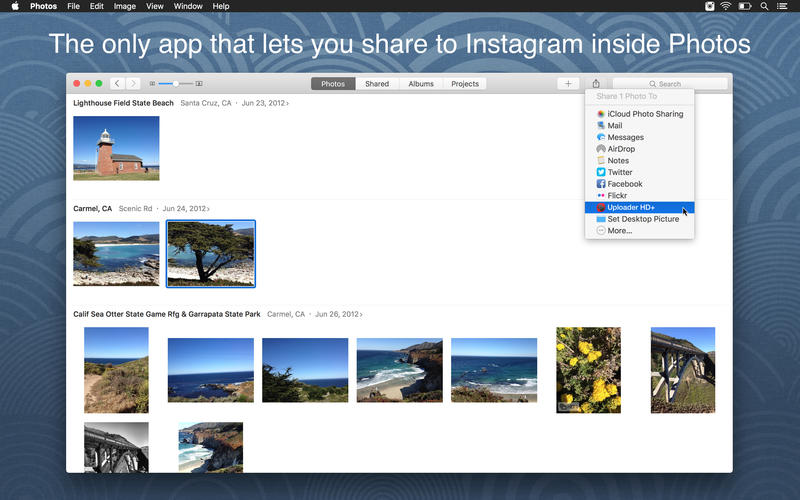
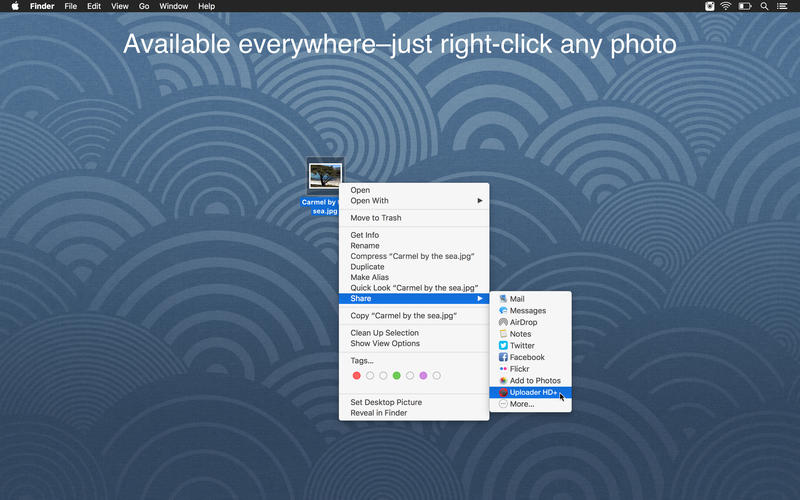
To share pictures, simply right click them, go to "Share" from the dropdown menu, and select "Uploader HD+". It's that simple!
- Full-resolution and full-size uploads–perfect for photographers and brands that require no quality lost during upload.
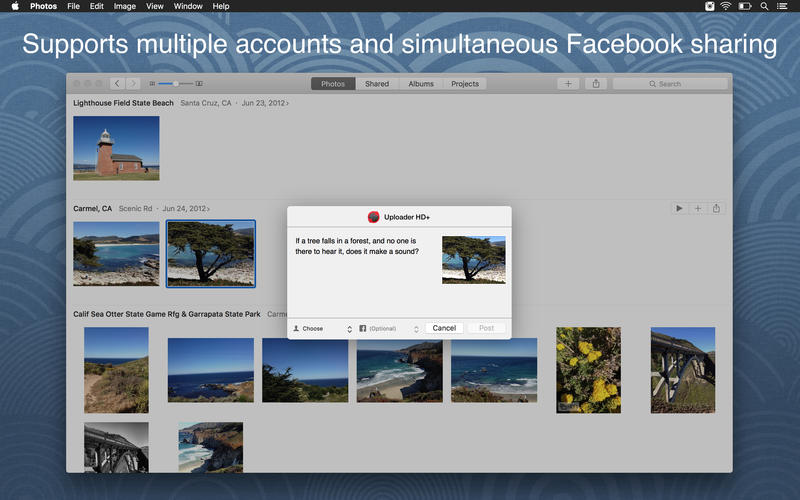
- Multiple accounts–perfect for brands and companies that manage multiple Instagram and Facebook accounts.
- Simultaneous Facebook sharing–share photos to Facebook just like in the iPhone app!
- Add captions to your photos–Emojis are supported!
- Easiest sharing method–just a simple right-click and you're good to go.
* for photos with aspect ratios between 1.91:1 and 4:5. Photos with aspect rations beyond this range will automatically be cropped. This is an Instagram restriction.
Screenshots
Frequently asked questions
How do I install the app?
Mount the image, drag the app into the "Applications" folder and launch it. If the system blocks the launch, allow it in "System Settings → Privacy & Security".
The app is damaged or won't launch
Reinstalling from a fresh image usually helps. Make sure your macOS version matches the one listed in the compatibility specs.
How do I update?
Download the new version from the site and install it over the current one — your settings will be preserved.
The download link doesn't work
Try a mirror or a download manager. For large files the browser often drops the connection.
How do I completely remove the app?
Use an uninstaller utility — it cleans up the service files that remain after moving the app to the trash.
VersionUploader HD+ for Instagram 1.0
DeveloperAnobot LLC
CompatibilityOS X 10.10 or later, 64-bit processor
LanguageEnglish
IncludesPre-K'ed





Information
Visitors in the group Guests cannot leave comments on this publication.
Choose a download source
Uploader HD+ for Instagram 1.0 · 4.23 MB