
Uplet 1.2
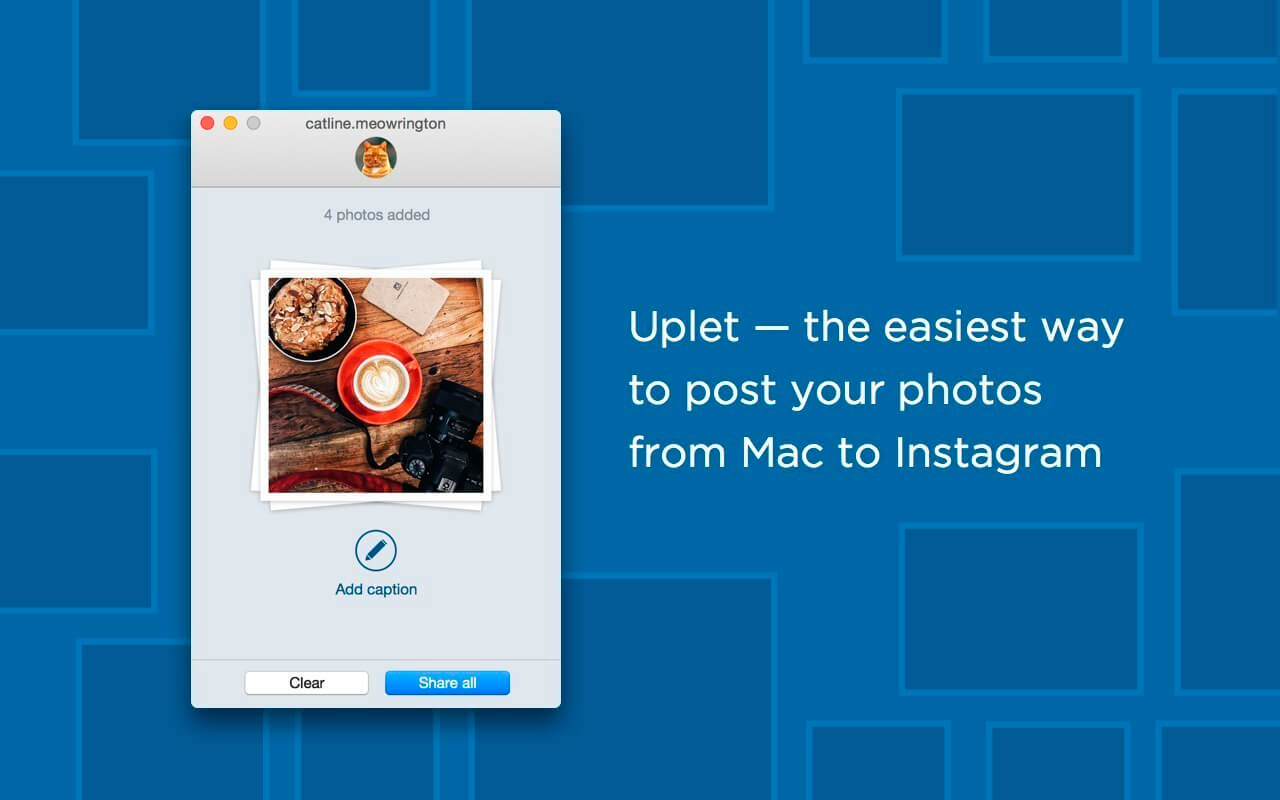
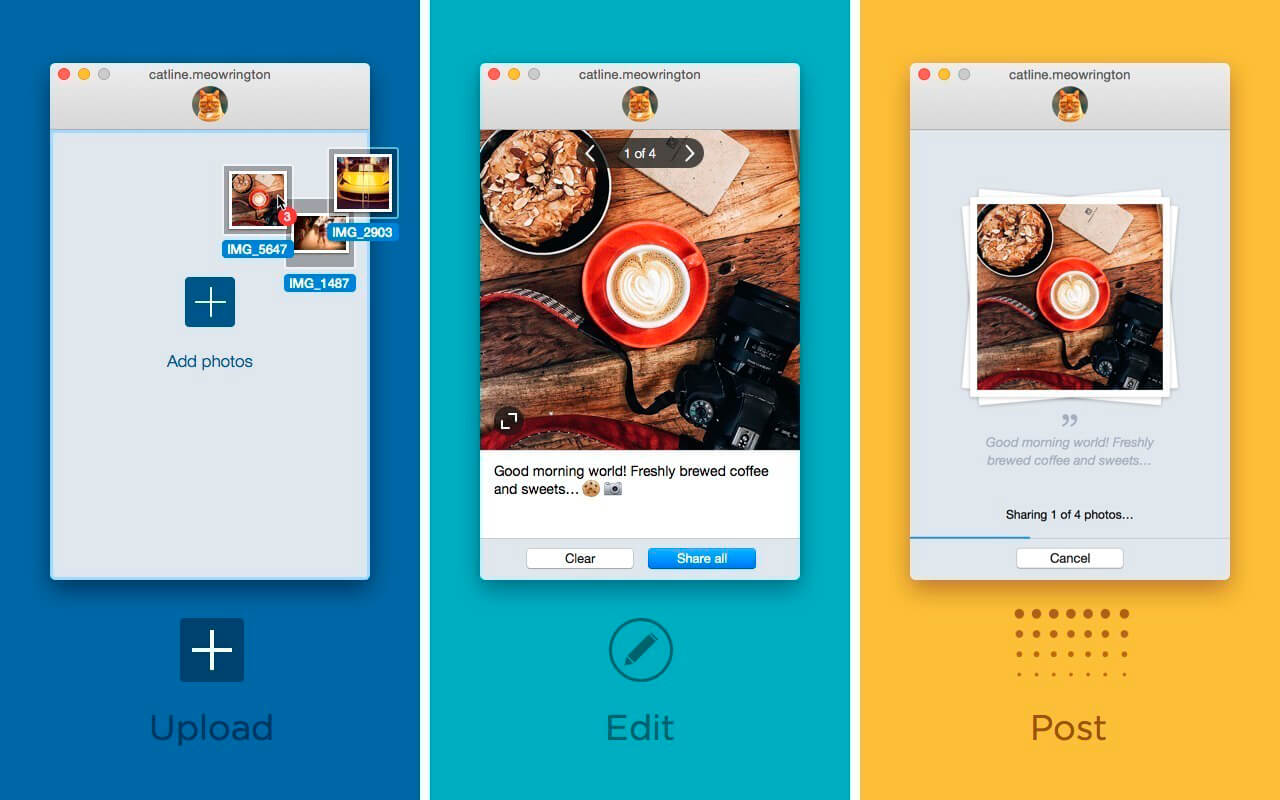
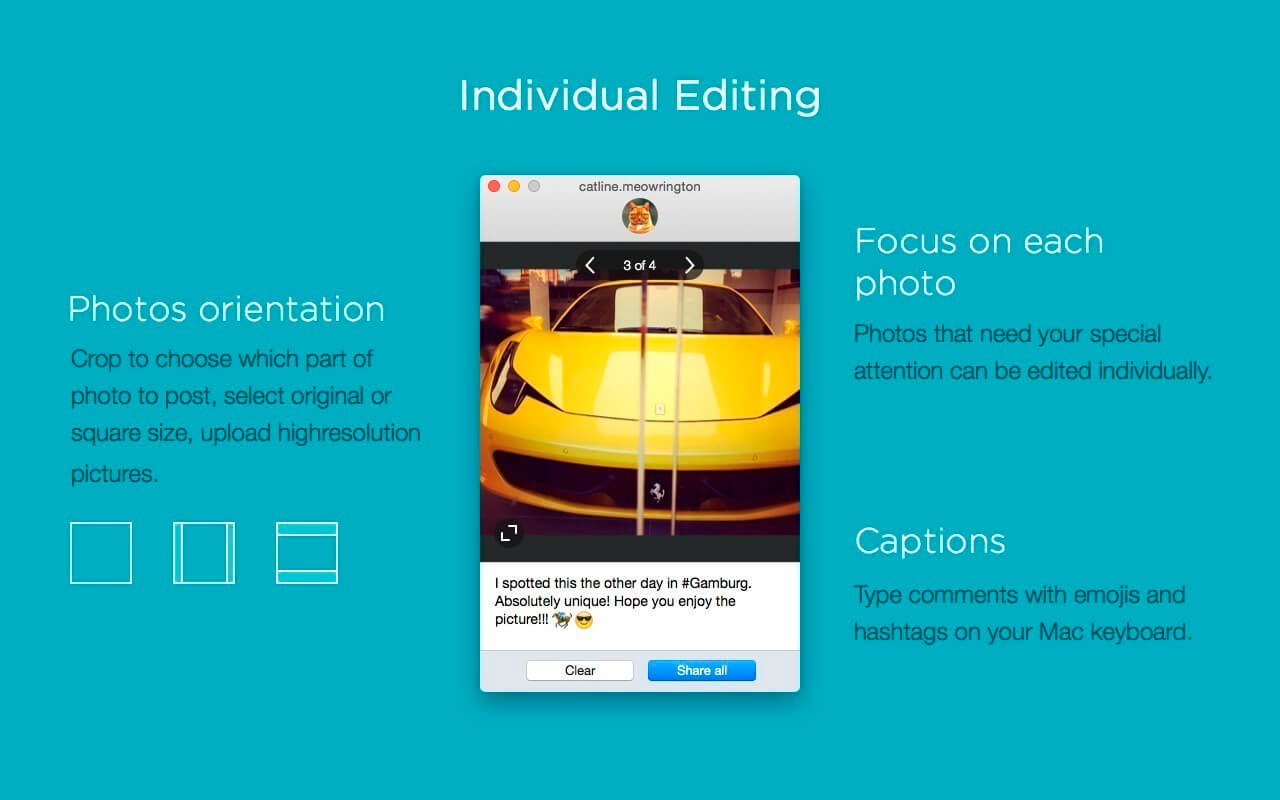
Uplet is a bulk Instagram image uploader. It enables you to upload any number of images to Instagram without compromising their quality. It does not matter what device you have used for taking photos. Uplet is compact easy-to-use app that enables you to add multiple pictures to Instagram in one go directly from your Mac. The way it works is really simple - select images and drag-and-drop them into the app window. You can edit each of them separately - fit the images into the square frame or set your own width and height, retain the original high resolution. Image captions are perhaps as important as images themselves, they tell your story. Hashtags help other Instagram users find your images, while emojis are to express your feelings. With Uplet you can pull all your images to Mac and upload them to Instagram within the shortest time possible. It certainly adds more fun to your Instagram experience, make sure to check it out.
Version 1.2
- Fixed: an error when uploading certain videos.
- Lots of fixes and improvements (thank you guys for your continued feedback!).
Frequently asked questions
How do I install the app?
Mount the image, drag the app into the "Applications" folder and launch it. If the system blocks the launch, allow it in "System Settings → Privacy & Security".
The app is damaged or won't launch
Reinstalling from a fresh image usually helps. Make sure your macOS version matches the one listed in the compatibility specs.
How do I update?
Download the new version from the site and install it over the current one — your settings will be preserved.
The download link doesn't work
Try a mirror or a download manager. For large files the browser often drops the connection.
How do I completely remove the app?
Use an uninstaller utility — it cleans up the service files that remain after moving the app to the trash.
VersionUplet 1.2
DeveloperEltima Software
CompatibilityOS X 10.10 or later, 64-bit processor
LanguageEnglish
IncludesK'ed by TNT





Information
Visitors in the group Guests cannot leave comments on this publication.
Choose a download source
Uplet 1.2 · 17.26 MB