
Video Uploader for YouTube 3.1.0
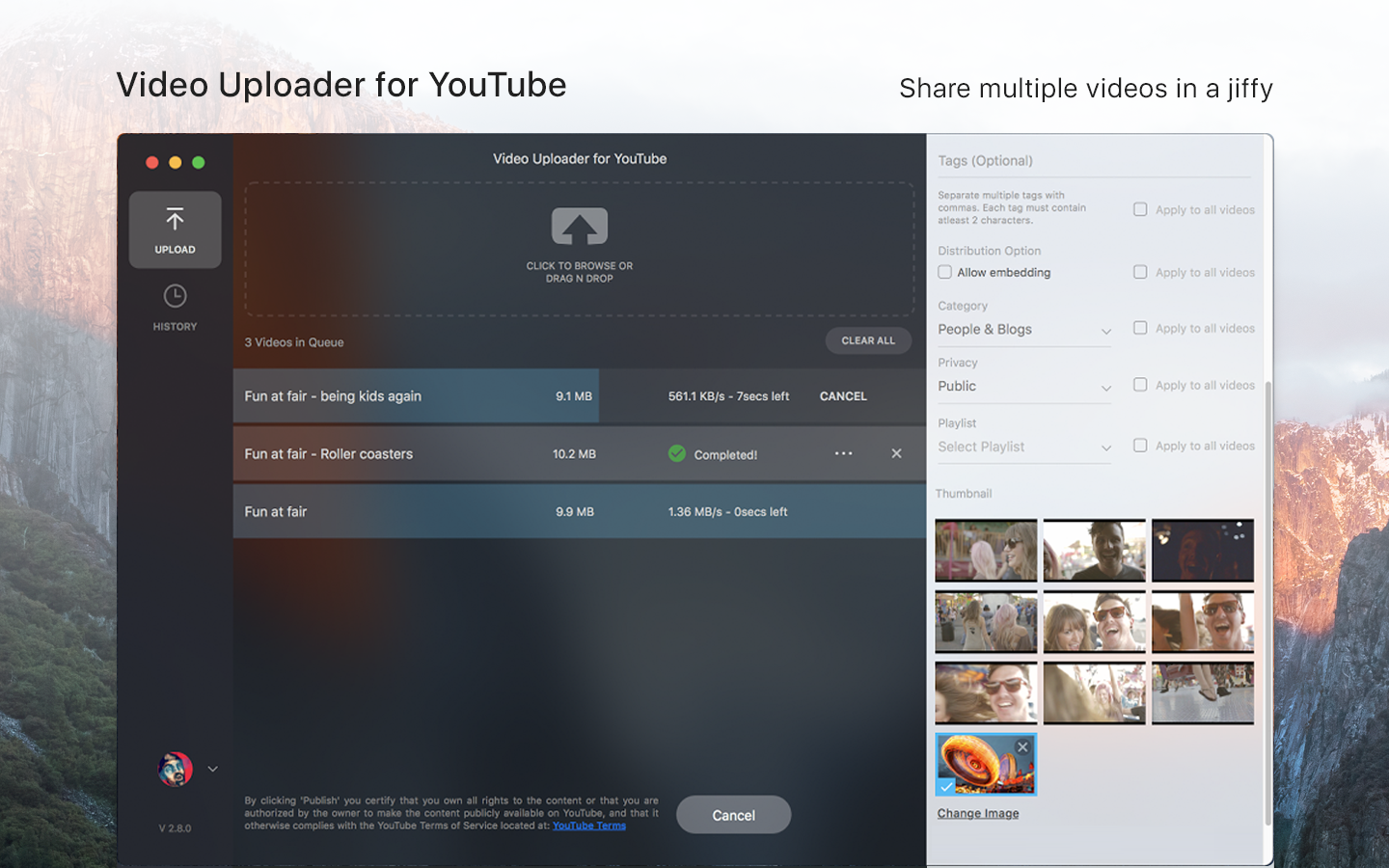

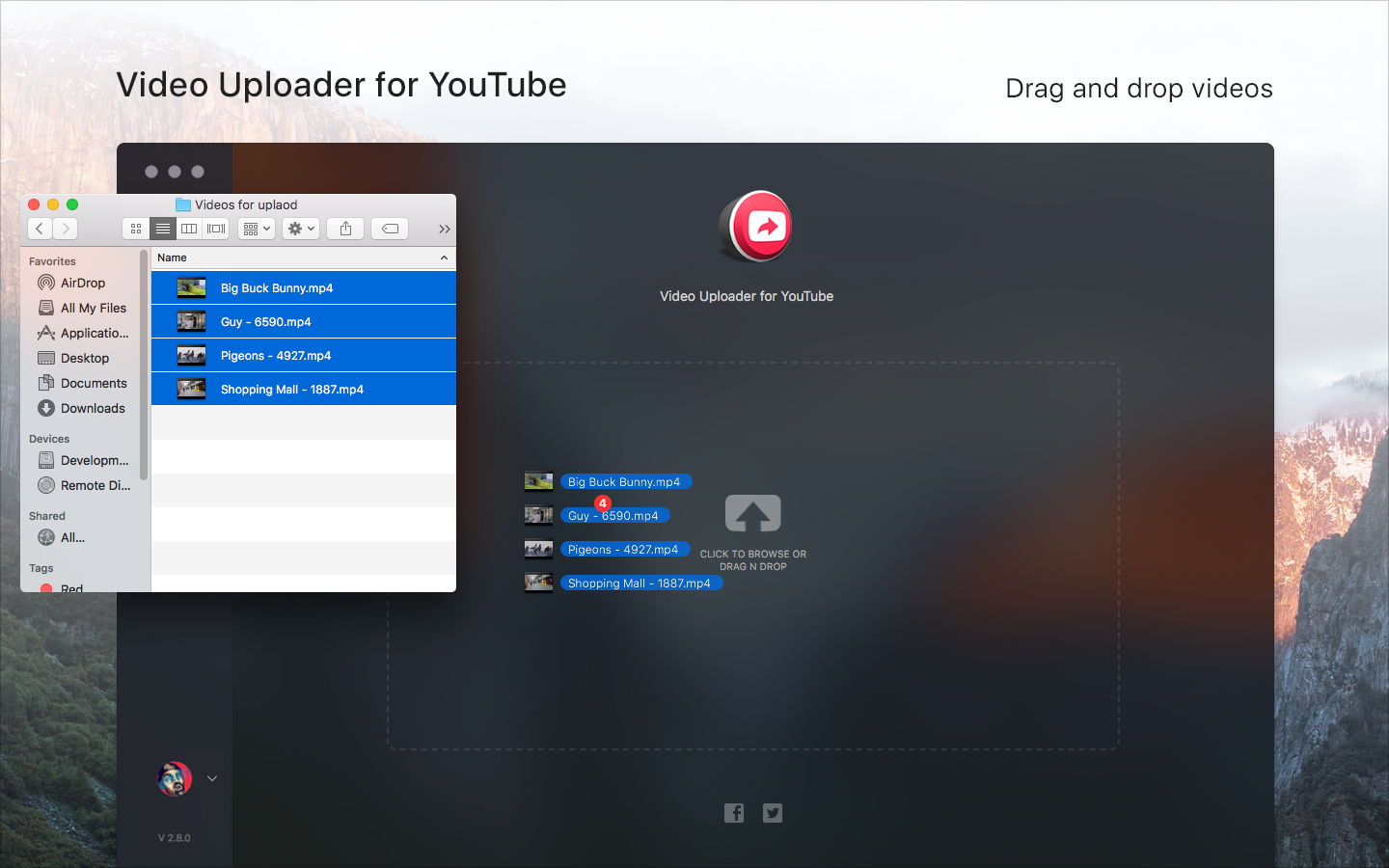
Powered by Apple's Share Extension feature, Video Uploader lets you to directly upload videos from Photos, Finder and Desktop to YouTube.
You are just a click away before sharing your favourite videos on YouTube.
Drag and drop as many videos as you like and Video Uploader for YouTube will upload all of them for you.
Keep a track of your video from the Upload History. Get the video link, views information, likes, dislikes anytime right here.
KEY FEATURES:
- Right click and share on the video file for a quick share.
- Batch Uploader - upload multiple videos
- Drag and drop feature support.
- Apply property to all videos - Apply video property (tags, category etc.) to all the videos in queue
- Select thumbnail of your choice
- Uploading Status - Know what is your uploading speed and estimated time remaining to upload
- Upload History - Know the properties of what you have uploaded previously
- Edit video metadata after uploading in History section
- Video Preview - Inspect your video before uploading it
- Playlist selection - Upload videos to your playlist created on YouTube
- Easy to use.
- NO ADS
- Video Uploader is a third party app for YouTube.
- Google sign in required.
- Make sure the checkbox is enabled for Video Uploader for YouTube in extension settings of system preferences. - “System Preference > Extensions > Share Menu“.
- Share Extension only supported OS X El Capitan version - 10.11 and above.
Version 3.1.0
- Supports Creating Playlist in the app
Frequently asked questions
How do I install the app?
Mount the image, drag the app into the "Applications" folder and launch it. If the system blocks the launch, allow it in "System Settings → Privacy & Security".
The app is damaged or won't launch
Reinstalling from a fresh image usually helps. Make sure your macOS version matches the one listed in the compatibility specs.
How do I update?
Download the new version from the site and install it over the current one — your settings will be preserved.
The download link doesn't work
Try a mirror or a download manager. For large files the browser often drops the connection.
How do I completely remove the app?
Use an uninstaller utility — it cleans up the service files that remain after moving the app to the trash.
VersionVideo Uploader for YouTube 3.1.0
DeveloperCodeCraft Technologies Private Limited
CompatibilityOS X 10.11 or later, 64-bit processor
LanguageEnglish, French, German, Hindi, Italian, Japanese, Russian, Simplified Chinese, Spanish
IncludesK'ed by TNT





Information
Visitors in the group Guests cannot leave comments on this publication.
Choose a download source
Video Uploader for YouTube 3.1.0 · 16.5 MB