
Grids for Instagram 8.5.9
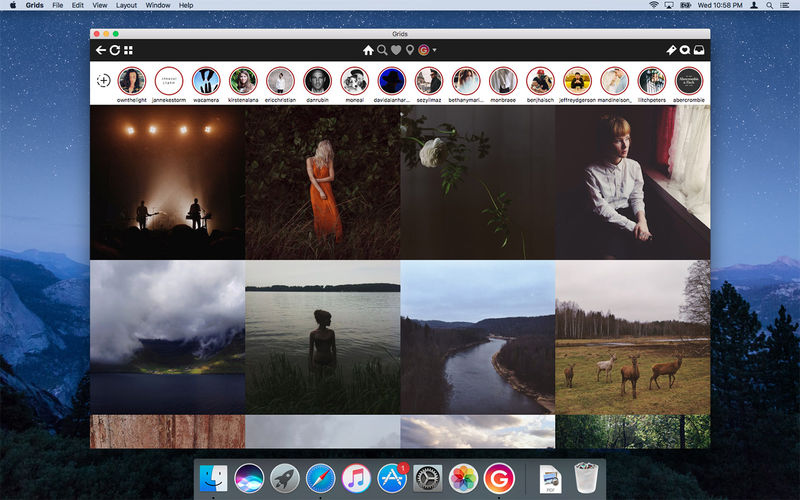
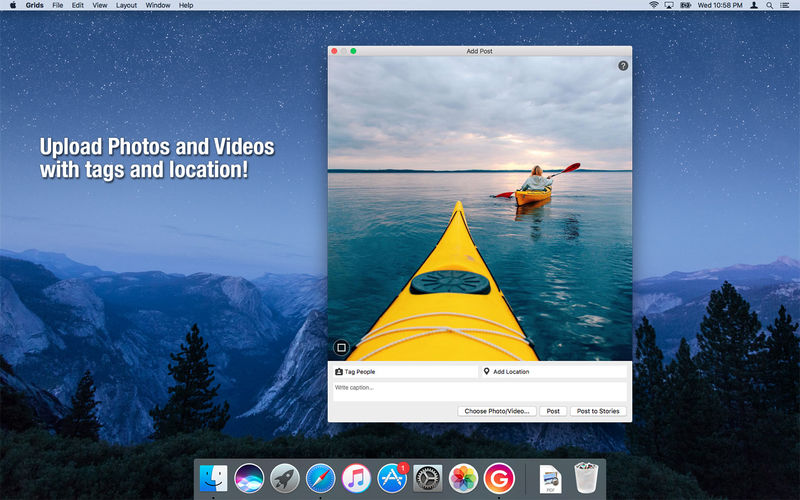
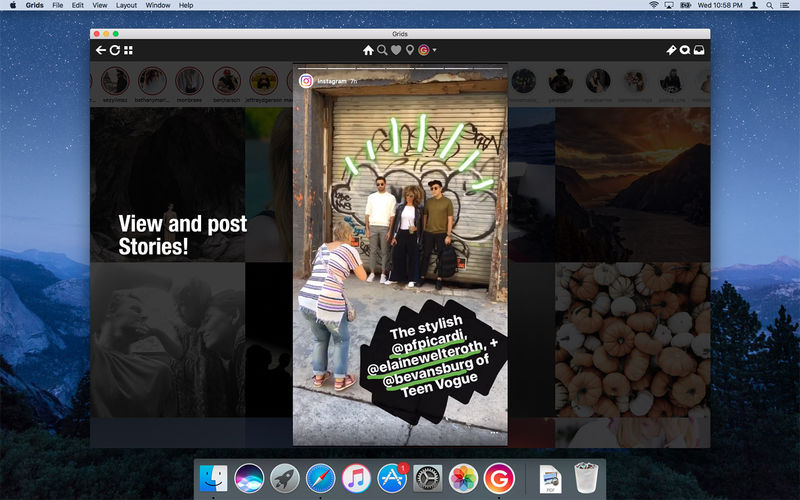
Grids brings the best Instagram experience to your Mac, with Stories (first and only app that supports stories!), Direct Message and Large/Fullscreen photo and video viewing.
As featured on TheNextWeb, AppAdvice, iDownloadBlog, DigitalTrends and many others.
- View Stories (pro)
- Direct message (pro)
- Share photos/user profiles/tags/locations via message
- Enlarged view mode allows photo viewing and video playing in large or full screen
- Clean, adaptive UI. Works at full screen as well as widget-sized window.
- Pixel-perfect layout and rendering. Retina display support. Your Instagram photos never looked this gorgeous.
- 4 beautiful layout styles for the pleasure of your eyes
- Picture size as well as spacing and background color can be adjusted to your liking.
- Fastest Instagram browsing experience you will have!
- Switch between multiple accounts seamlessly.
- Like, comment, follow, search people and tags.
- Show users tagged in photo
- Bookmark allows you to bookmark people (without having to follow them), locations, tags and individual photos or videos (without having to like them).
- Get notification when new feed is available and/or when there is new followers/likes/comments/mentions.
- View latest following/news just like on your phone
Note: An Instagram account is required to use this app.
Version 8.0:
- Option to view feed as following or favorites (in chronological order!) and keep it as default
- Post and repost reels
- Post long videos
- Edit favorites
- See posts in larger format
- See tagged users in video posts
- Many bugfixes and improvements
Frequently asked questions
How do I install the app?
Mount the image, drag the app into the "Applications" folder and launch it. If the system blocks the launch, allow it in "System Settings → Privacy & Security".
The app is damaged or won't launch
Reinstalling from a fresh image usually helps. Make sure your macOS version matches the one listed in the compatibility specs.
How do I update?
Download the new version from the site and install it over the current one — your settings will be preserved.
The download link doesn't work
Try a mirror or a download manager. For large files the browser often drops the connection.
How do I completely remove the app?
Use an uninstaller utility — it cleans up the service files that remain after moving the app to the trash.


Choose a download source
Grids for Instagram 8.5.9 · 67.77 MB
Previous versions
Grids for Instagram 8.5.9
Previous versions are available to registered users.