VueScan Professional 9.8.59
VueScan — professional scanner software for accurate color scanning
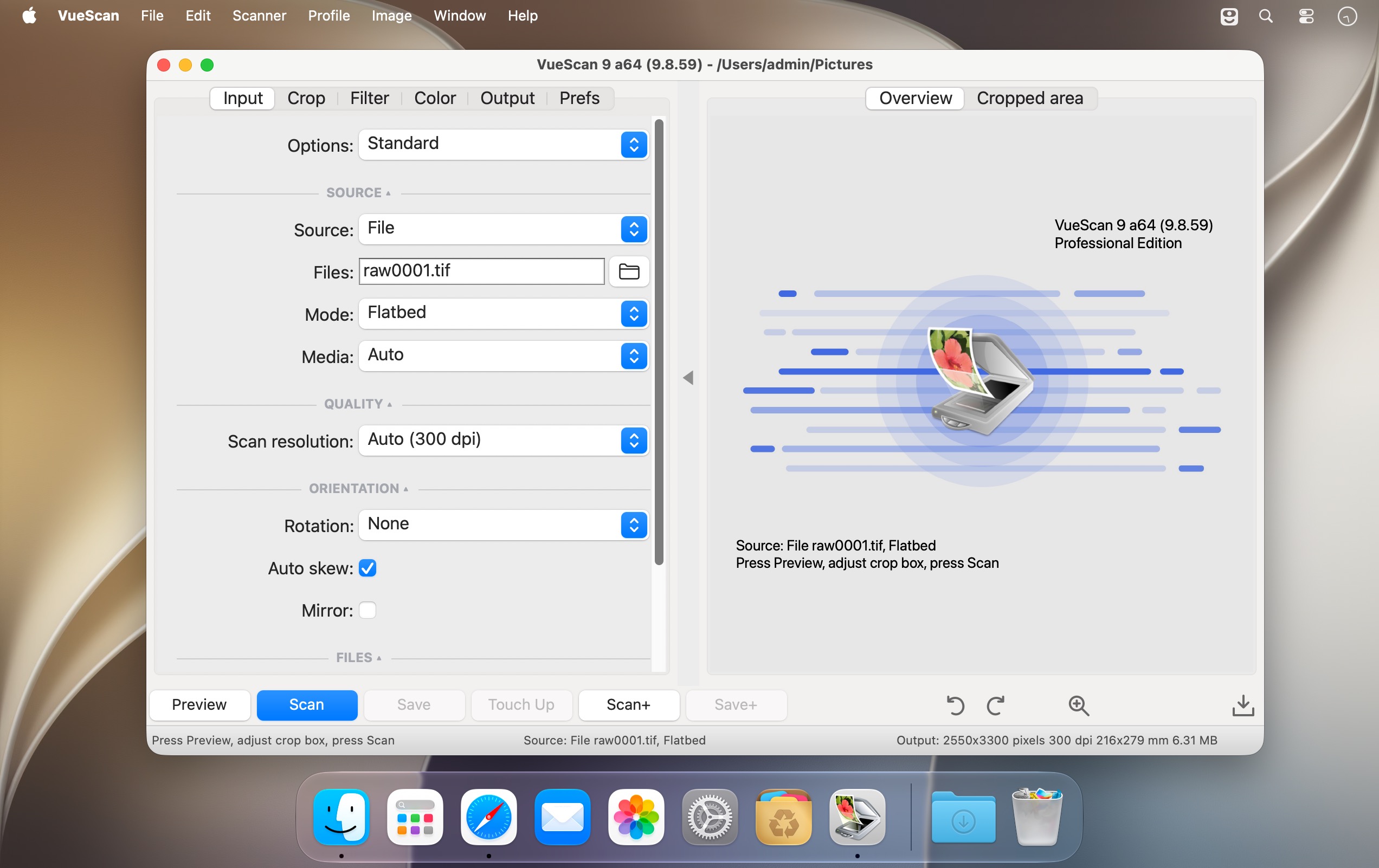
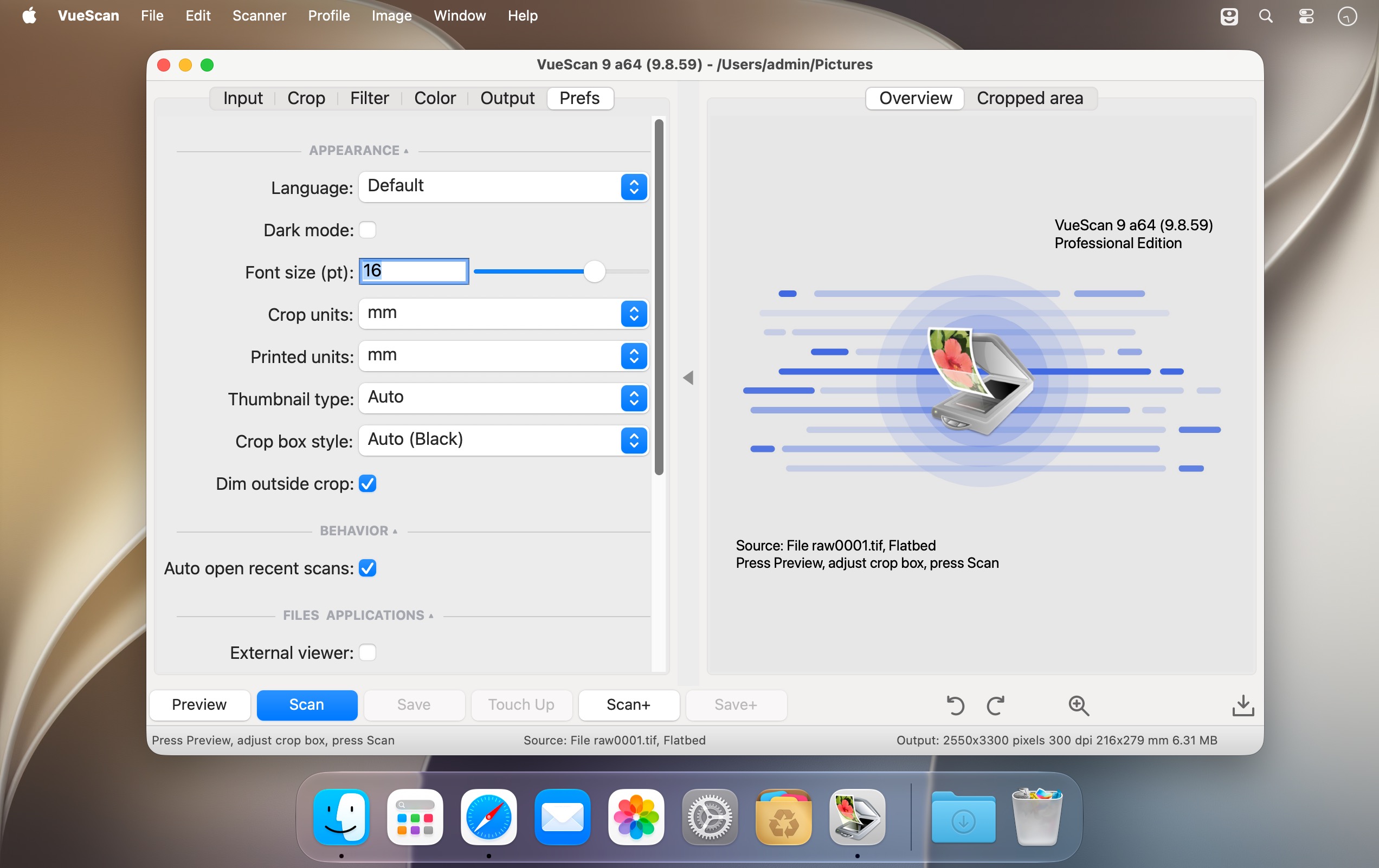
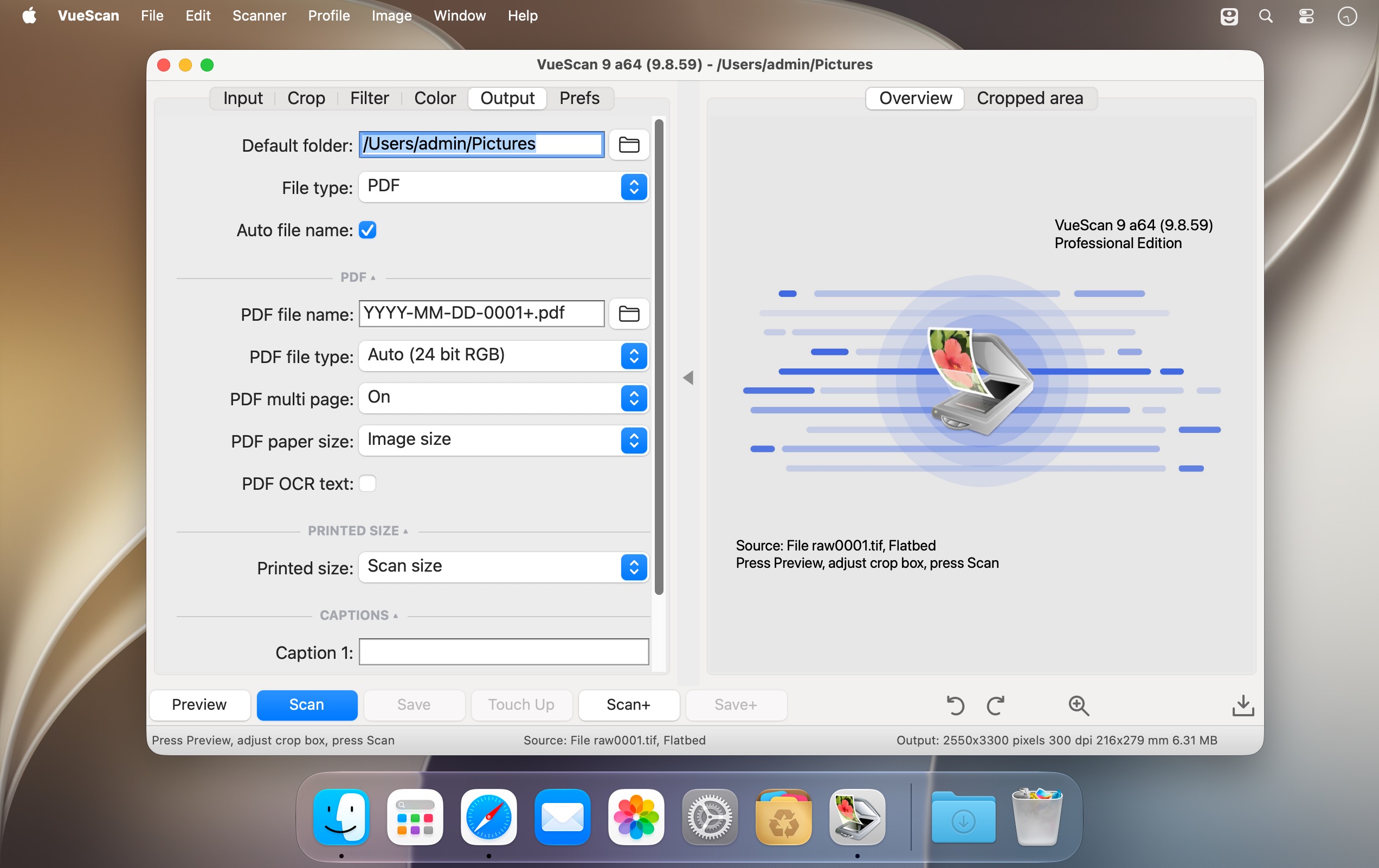
VueScan is a scanning program that works with most high-quality flatbed and film scanners to produce scans that have excellent color fidelity and color balance. VueScan is easy to use, and has advanced features for restoring faded colors, batch scanning and other features used by professional photographers.
Why should you use VueScan?
- Easy to use - just run VueScan, press Preview, adjust the cropping, then press Scan.
- Accurate colors - uses ICC profiles and IT8 calibration.
- Powerful - dozens of advanced options.
- Faster workflow - can edit one image while the next image is being scanned (most scanner software won't let you work with one image while another is being scanned).
- Simple to install - installing VueScan changes nothing on your system, installs nothing in your operating system and all other scanner software will continue to function.
- Award winning - 2002 "Best Utility", Mac Addict Magazine.
Version 9.8.59:
- Added support for scans larger than 2 GBytes
- Added support for scans up to 65535 x 65535 pixels
- Added option to enable/disable Recent Scans tray
- Added editable OCR text window
- Added OCR button next to Recent Scans
- Added ‘Filter | Restore fading’ for multi-slide scans
- Added collapsible sections for options in the same category
- Fixed problem with maximum scan resolution for some Brother scanners
- Fixed problem with ADF support for some Brother scanners
- Fixed problem with paper size of Brother MFC-9460CDN
- Fixed problem with alignment grid repainting during crop rotation
- Fixed problem with mirrored and skewed thumbnails
- Fixed problem with zoomed Overview when switching frames
- Fixed problem with bad color correction outside active frame
Frequently asked questions
How do I install the app?
Mount the image, drag the app into the "Applications" folder and launch it. If the system blocks the launch, allow it in "System Settings → Privacy & Security".
The app is damaged or won't launch
Reinstalling from a fresh image usually helps. Make sure your macOS version matches the one listed in the compatibility specs.
How do I update?
Download the new version from the site and install it over the current one — your settings will be preserved.
The download link doesn't work
Try a mirror or a download manager. For large files the browser often drops the connection.
How do I completely remove the app?
Use an uninstaller utility — it cleans up the service files that remain after moving the app to the trash.


Choose a download source
VueScan Professional 9.8.59 · 336.72 MB
Previous versions
VueScan Professional 9.8.59
Previous versions are available to registered users.
Comments 7