
Virus Scanner Plus 3.14
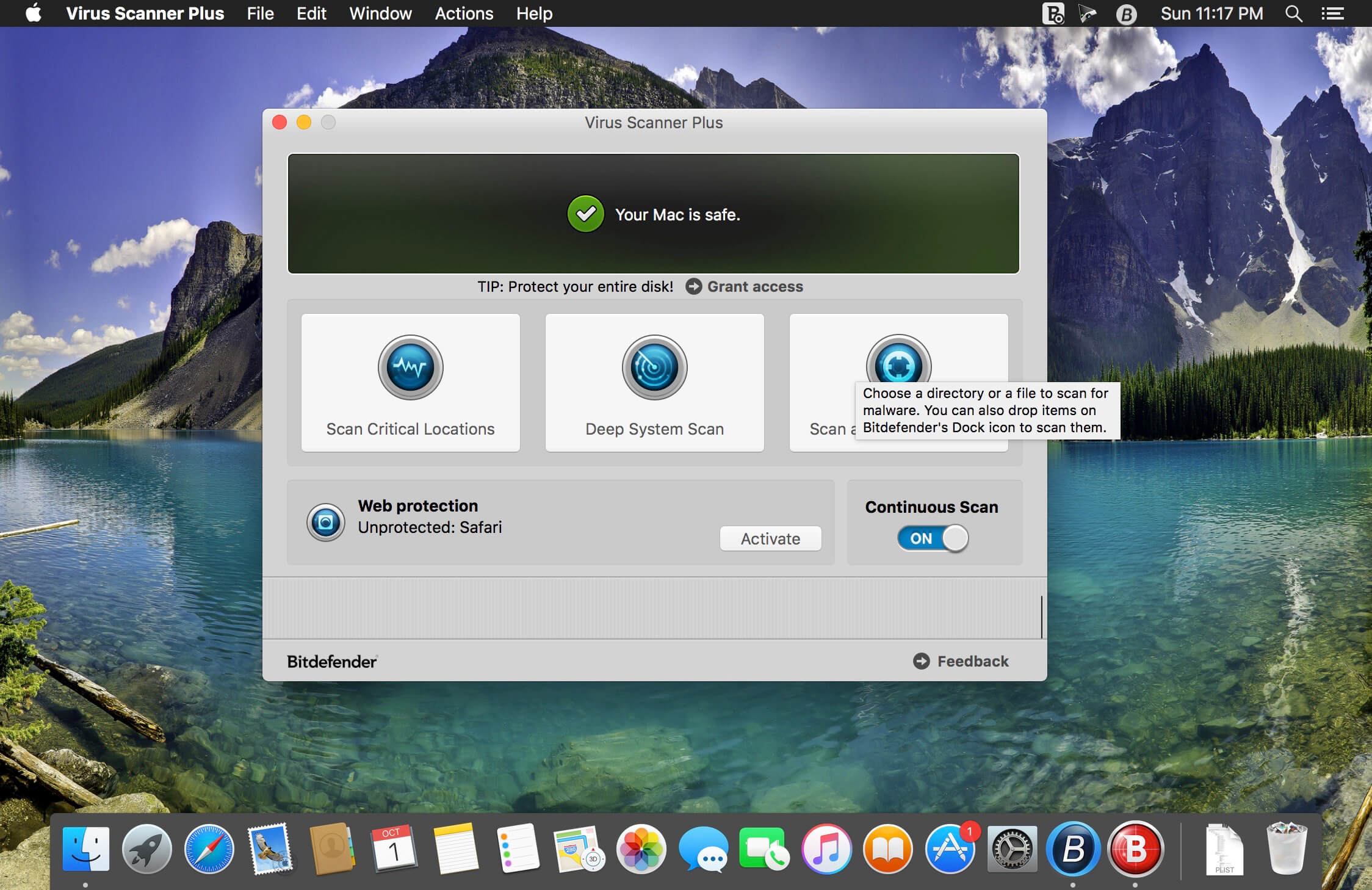
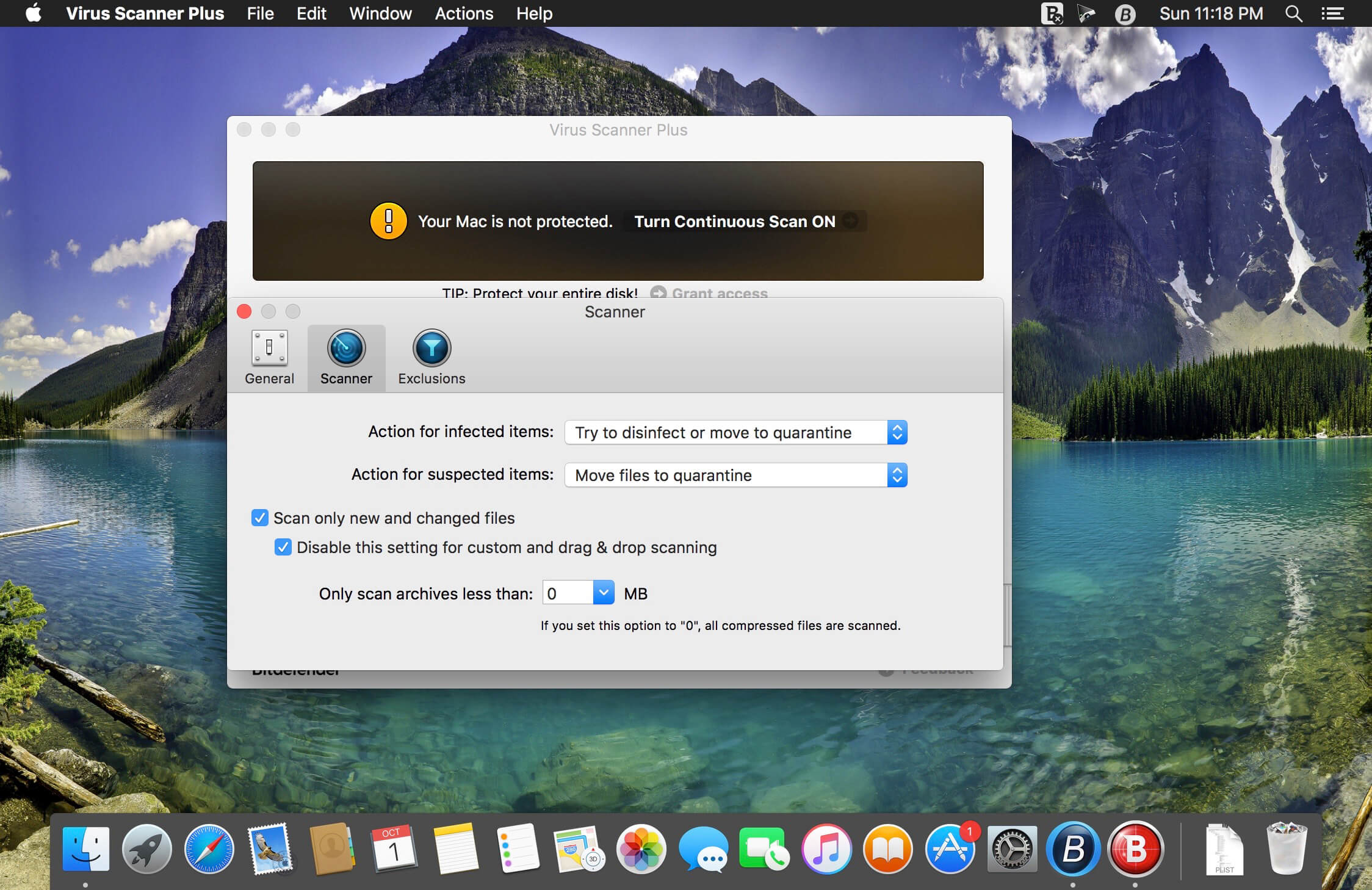

Virus Scanner Plus lets you scan running apps, scan critical locations, scan the entire system whenever you choose, or even activate Continuous Scan to keep Virus Scanner Plus running all the time. If you download or receive an infected file or attachment your Mac will be protected and your friends' computers safe.
Features:
- Award-winning Bitdefender antivirus engines;
- Detects OS X and Windows viruses alike;
- Updates to the latest version automatically if enabled;
- Quick scan option - rapidly scans system areas that are prone to infections;
- Searches for malware even in archives and other types of files i.e. pdf, pkg, zip, rar etc;
- Easy to use interface;
- Straight-forward security status and recommendations;
- Quarantines dangerous files;
- Deep system scan;
- Drag and drop scan of files or folders;
- Exclude files and folders from scan (i.e. Time Machine backups, etc.)
Version 3.14
- Improvements and bug fixes.
Frequently asked questions
How do I install the app?
Mount the image, drag the app into the "Applications" folder and launch it. If the system blocks the launch, allow it in "System Settings → Privacy & Security".
The app is damaged or won't launch
Reinstalling from a fresh image usually helps. Make sure your macOS version matches the one listed in the compatibility specs.
How do I update?
Download the new version from the site and install it over the current one — your settings will be preserved.
The download link doesn't work
Try a mirror or a download manager. For large files the browser often drops the connection.
How do I completely remove the app?
Use an uninstaller utility — it cleans up the service files that remain after moving the app to the trash.
VersionVirus Scanner Plus 3.14
DeveloperBitdefender. All Rights Reserved.
CompatibilityOS X 10.7 or later, 64-bit processor
LanguageEnglish, French, German, Italian, Spanish
IncludesK'ed by TNT





Choose a download source
Virus Scanner Plus 3.14 · 299.12 MB
Previous versions
Virus Scanner Plus 3.14
Previous versions are available to registered users.
Comments 1