
JPEGmini 1.9
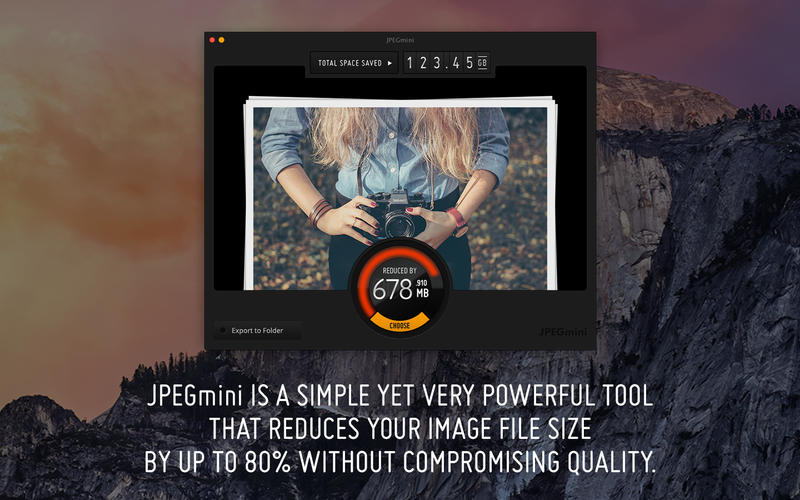
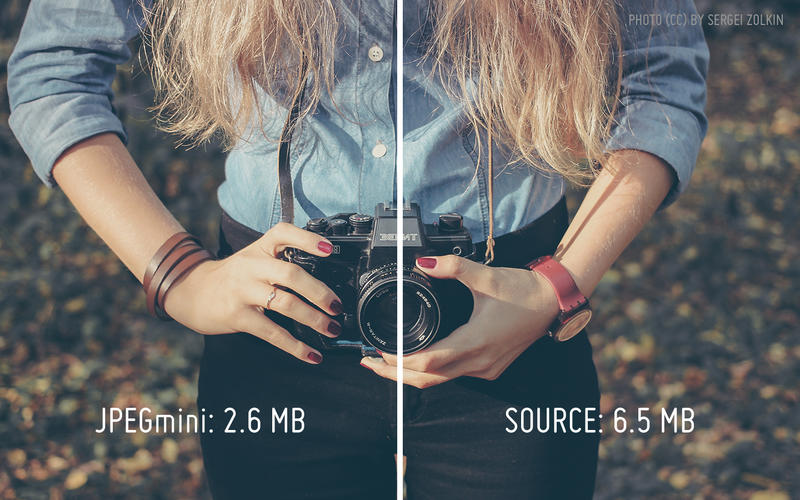
Put your photos on a diet with JPEGmini! JPEGmini reduces the file size of your photos by up to 5X, while keeping their original resolution, quality and JPEG format. With JPEGmini you can optimize all your photos to free up valuable hard drive space, and share full-resolution photos with your friends much faster.
Benefits :
- Free up valuable space on your internal and external drives
- Store up to 5x more photos in your online photo account, and upload them much faster!
- Attach up to 5x more full resolution photos to your email messages
Features :
- Supports photos in any resolution up to 28 Megapixels, including iPhone panoramas
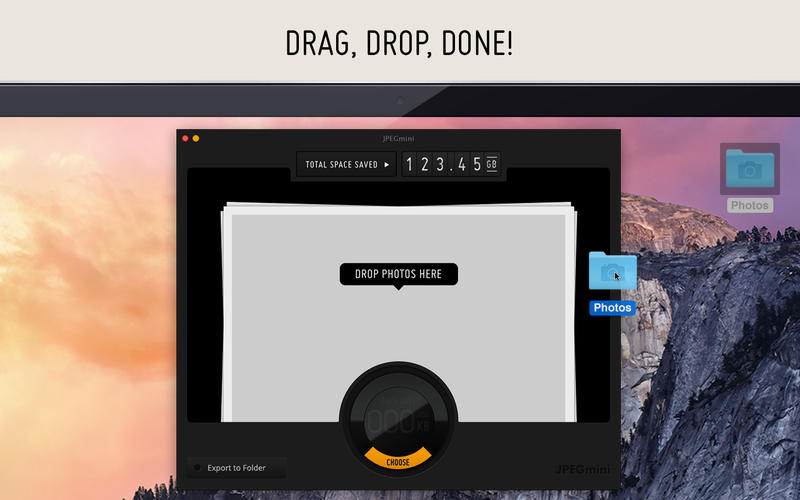
- Drag photos, folders or complete hard drives onto the app to optimize them
- Stunning animation shows photo previews during processing
- Savings counter shows amount of hard drive space saved
- Share your savings on Facebook and Twitter
- Supports the new MacBook Pro with Retina display
WHAT’S NEW
- Bug fixes and improvements
Screenshots
Frequently asked questions
How do I install the app?
Mount the image, drag the app into the "Applications" folder and launch it. If the system blocks the launch, allow it in "System Settings → Privacy & Security".
The app is damaged or won't launch
Reinstalling from a fresh image usually helps. Make sure your macOS version matches the one listed in the compatibility specs.
How do I update?
Download the new version from the site and install it over the current one — your settings will be preserved.
The download link doesn't work
Try a mirror or a download manager. For large files the browser often drops the connection.
How do I completely remove the app?
Use an uninstaller utility — it cleans up the service files that remain after moving the app to the trash.
VersionJPEGmini
Developer© ICVT Ltd.
CompatibilityOS X 10.7 or later, 64-bit processor
LanguageEnglish
IncludesPre-K'ed


Information
Visitors in the group Guests cannot leave comments on this publication.
Choose a download source
JPEGmini 1.9 · 5.12 MB