
LanScan Pro 3.1
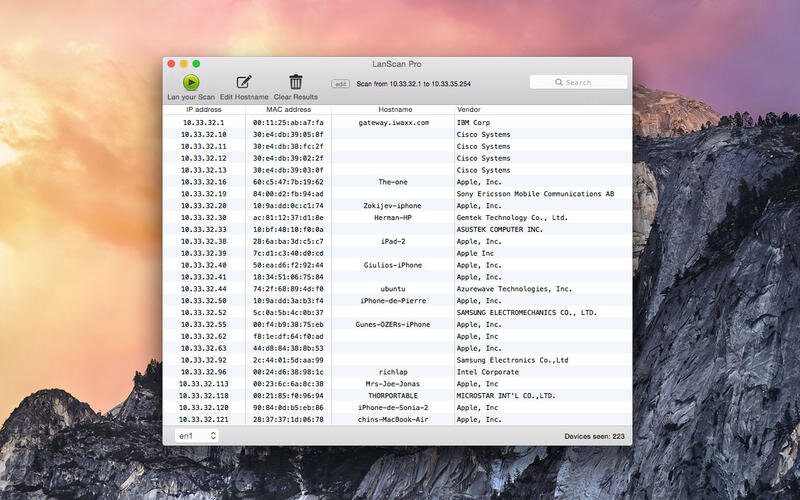
LanScan Pro is a simple and efficient IPv4 network scanner that discovers all active devices on any subnet: the local one, or any public subnet that you configure.
Features:
- Auto-detection of configured interfaces: Airport, Ethernet, Virtual interfaces ...
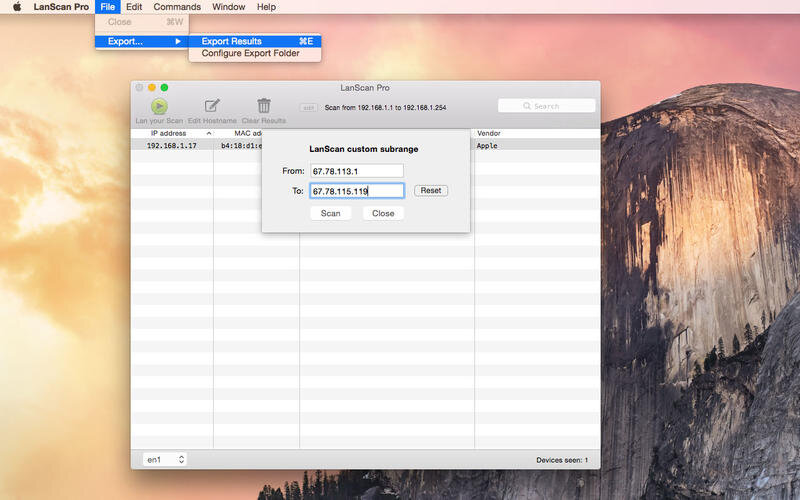
- Scan the IP range you like, from 1 IP to the whole IPv4 address space!
- Scan your local network with ARP packets
- Scan public IP network ranges with Ping / SMB / mDNS packets
- Display the IP address, MAC address, hostname and vendor associated
- Hostname resolution: DNS, mDNS (Apple devices) and SMB (Windows devices)
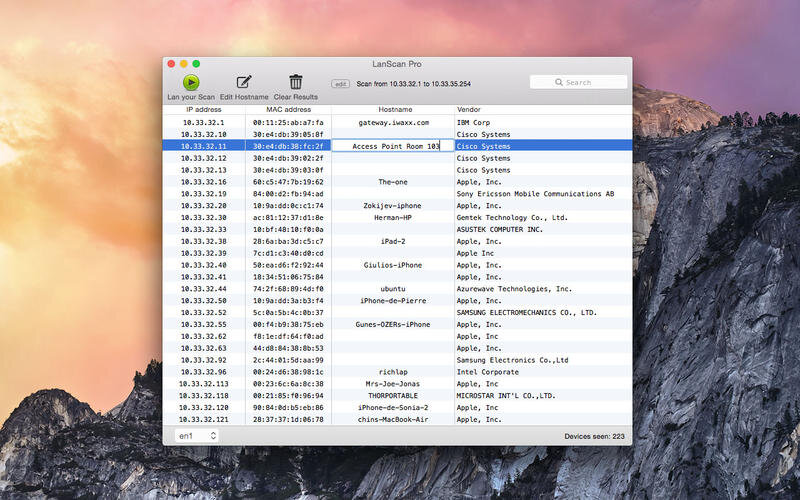
- Custom hostname edition
- Export results in CSV files
- No limitation on the number of devices found !
Comparison with the free LanScan edition:
- Scanner enhanced and faster
- Public IP range scan
- Export in CSV files
- Hostname resolution without restrictions
- Hostname edition
- Better look !
- Fixed a crash when two successive scans are quickly launched
- Fixed a crash when filtering results and content was updated at the same time
- Updated MAC addresses vendors (+531)
Frequently asked questions
How do I install the app?
Mount the image, drag the app into the "Applications" folder and launch it. If the system blocks the launch, allow it in "System Settings → Privacy & Security".
The app is damaged or won't launch
Reinstalling from a fresh image usually helps. Make sure your macOS version matches the one listed in the compatibility specs.
How do I update?
Download the new version from the site and install it over the current one — your settings will be preserved.
The download link doesn't work
Try a mirror or a download manager. For large files the browser often drops the connection.
How do I completely remove the app?
Use an uninstaller utility — it cleans up the service files that remain after moving the app to the trash.




Choose a download source
LanScan Pro 3.1 · 1.58 MB
Comments 1