
iFotosoft Photo Viewer 2.2
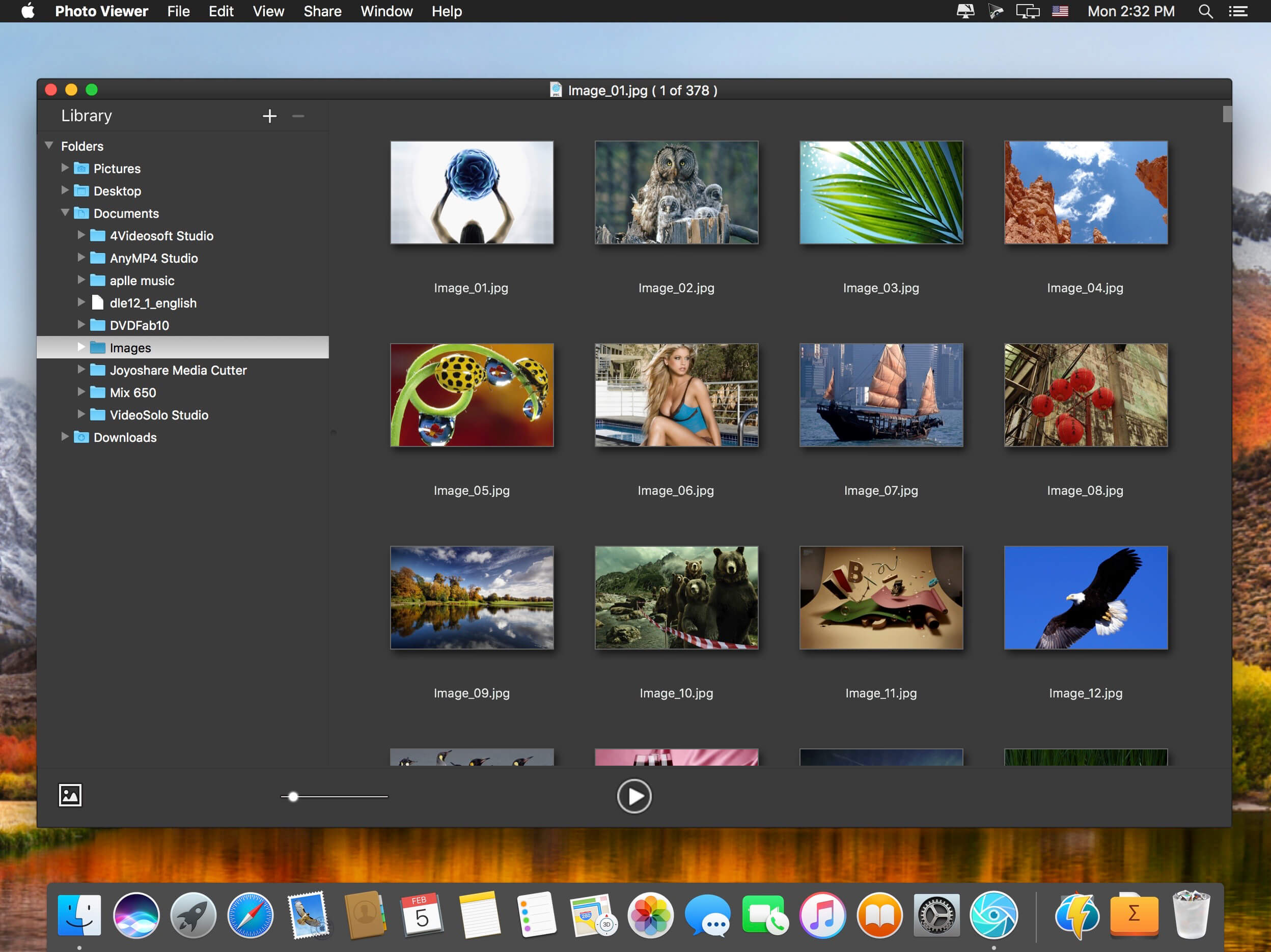
Super fast photo viewer software with wonderful experience, supports almost all photos formats and RAW files, batch process and effective touch up features for photo browsing.
By opening only one photo, you can access all photos within the folder in the fastest way. The Photo Viewer enables you to browse photos in an incredible high resolution even in Retina screen.
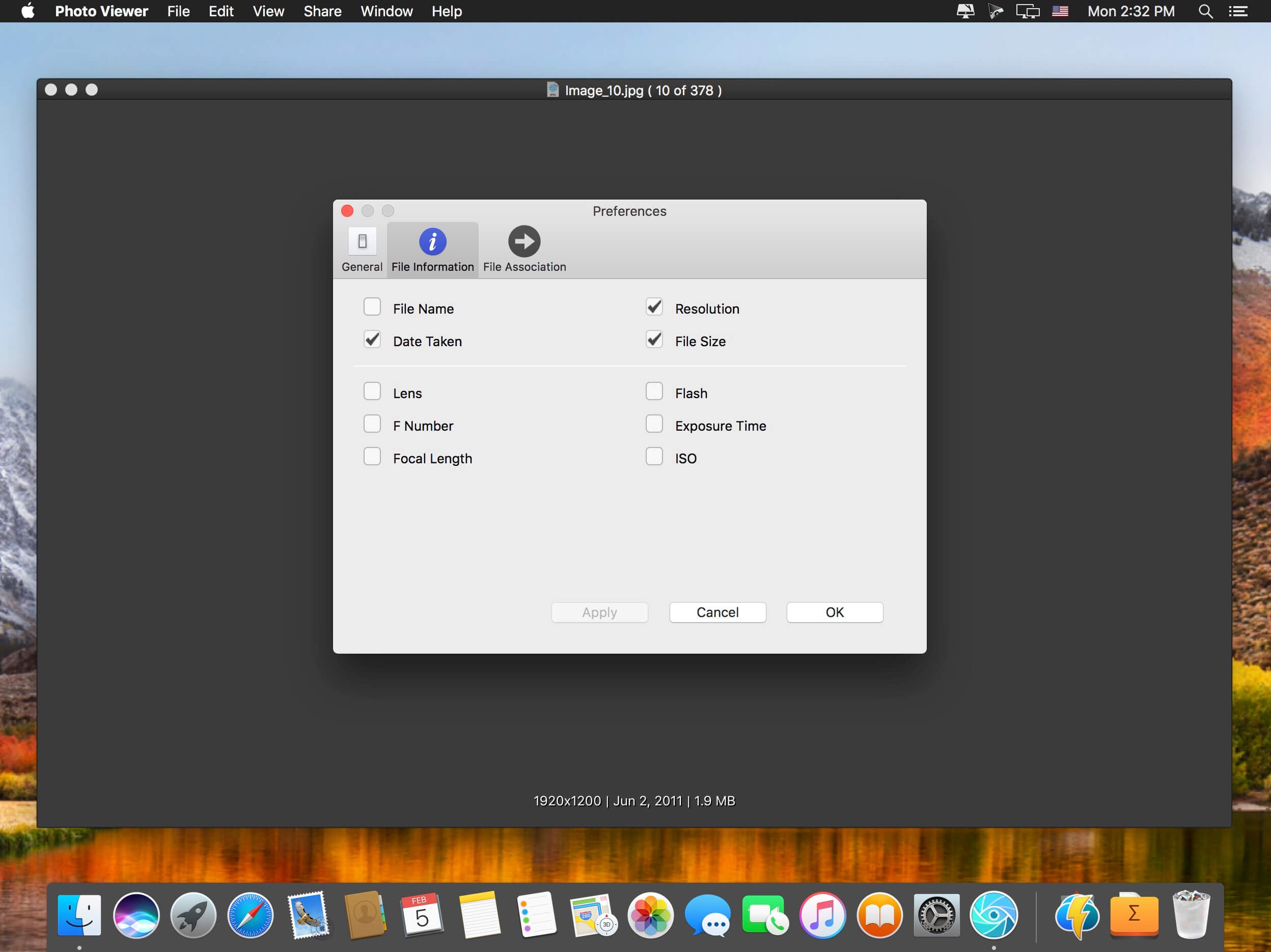
Multiple photo viewing modes just to meet different requirements. Viewing mode to view pictures in a zero-interface, thumbnail mode to quick browse photos according to each folder, EXIF mode to check detail information of photos, slideshow mode to view pictures in full screen automatically, You can also navigate between different photo viewing modes.
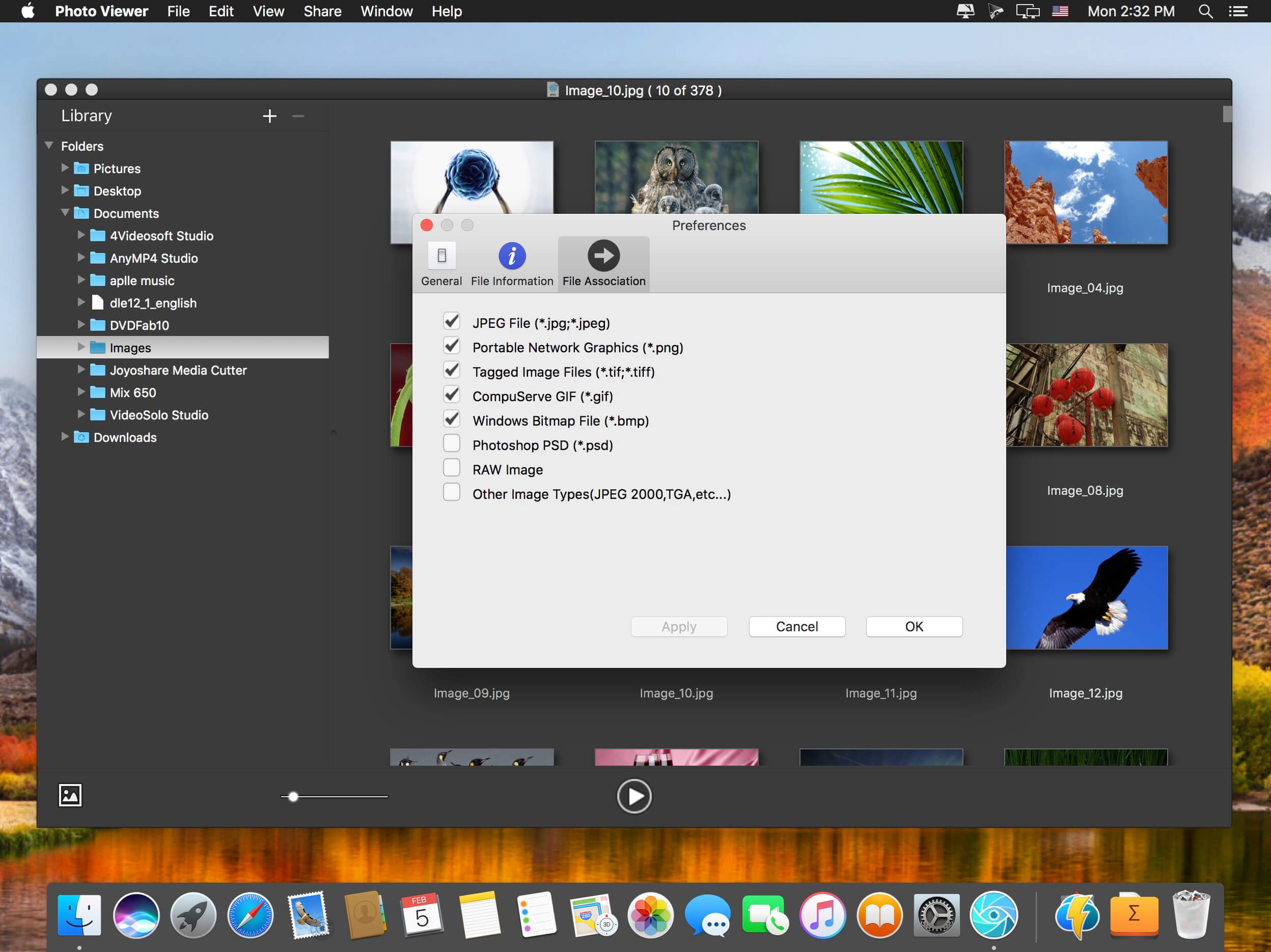
It is not only a JPEG viewer, but also an excellent RAW image viewer. You can use it as CR2 viewer for Canon cameras as well as other popular cameras. You can use some fundamental editing features to manage photos. The batch process enables you to create photo albums easily. It should be the best Photo Viewer for Mac.
Key Features:
- Provide a super fast photo viewing experience.
- Access all photos within the folder and sub-folder by opening one photo only.
- Excellent batch functions to rename, resize or convert photos.
- It is not only a JPEG viewer, but also RAW image viewer supports more than 50 formats.
- Multiple viewing modes to meet your requirements.
- Easily navigate between different photo viewing modes.
- Auto rotation based on EXIF information.
- Maintain the zoom ratio while browsing photos.
- Basic touching up features to rotate, flip, zoom, crop or delete photos.
- Apply multiple effects for photos.
- Sort photos by data or name.
- Customize the photo quality when converting.
- Connect Flick, Facebook and Twitter account to share photos online.
- Share photos to family or friends via AirDrop, Photos or Email.
Frequently asked questions
How do I install the app?
Mount the image, drag the app into the "Applications" folder and launch it. If the system blocks the launch, allow it in "System Settings → Privacy & Security".
The app is damaged or won't launch
Reinstalling from a fresh image usually helps. Make sure your macOS version matches the one listed in the compatibility specs.
How do I update?
Download the new version from the site and install it over the current one — your settings will be preserved.
The download link doesn't work
Try a mirror or a download manager. For large files the browser often drops the connection.
How do I completely remove the app?
Use an uninstaller utility — it cleans up the service files that remain after moving the app to the trash.
VersioniFotosoft Photo Viewer 2.2
DeveloperiFotosoft
CompatibilityOS X 10.10 or later, 64-bit processor
LanguageEnglish
IncludesK'ed by TNT




Information
Visitors in the group Guests cannot leave comments on this publication.
Choose a download source
iFotosoft Photo Viewer 2.2 · 6.02 MB