Photo Size Optimizer 1.71
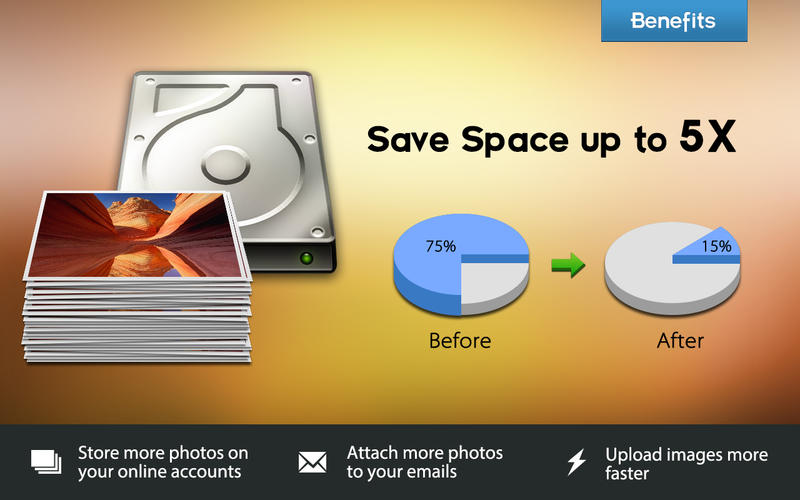
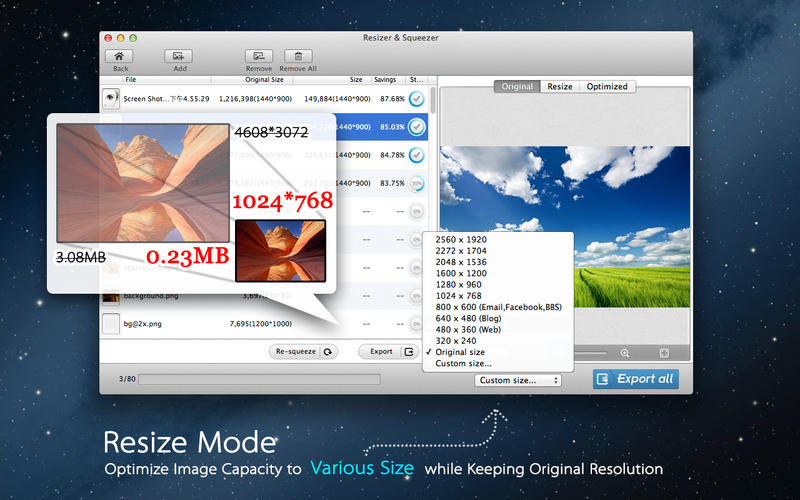
Photo Size Optimizer is a powerful photo resizer and optimizer. It optimizes all photos by 80% ~ 20% comparing to originals while keeping original resolution, quality and png, jpg, gif formats. With Photo Size Optimizer, you can save huge space and share full-resolution photos with your friends much faster.
Key Features:
- One-click optimization.
- Easy management: When a folder dragged into the application, Photo Size Optimizer will work on it immediatly.
- Support 70 types of image formats: JPG,BMP,PNG,GIF,PDF,PSD,PNT,RGB,ARW,BMPF,CUR,CRW,CR2,DCR …
- Photo sharing becomes more eaiser.
- More choices:
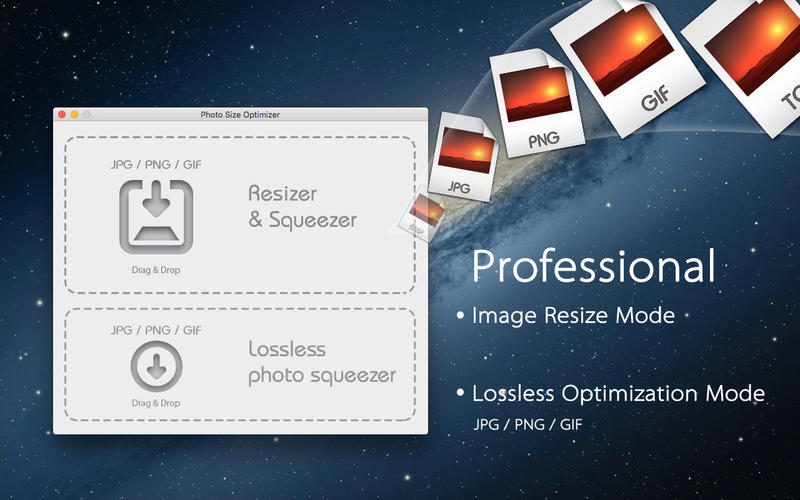
- Lossless mode (png, jpg, gif);
- Lossy mode (jpg);
[* Lossless mode will save space > 20%. Lossless mode compresses and reduces large image size significantly but keep the original resolution, quality. - Lossy mode will save space > 50% with minor quality loss.
- Lossless mode (png, jpg, gif);
- The program solicits whether to overwrite the original files while exporting.
SCREENSHOTS
Frequently asked questions
How do I install the app?
Mount the image, drag the app into the "Applications" folder and launch it. If the system blocks the launch, allow it in "System Settings → Privacy & Security".
The app is damaged or won't launch
Reinstalling from a fresh image usually helps. Make sure your macOS version matches the one listed in the compatibility specs.
How do I update?
Download the new version from the site and install it over the current one — your settings will be preserved.
The download link doesn't work
Try a mirror or a download manager. For large files the browser often drops the connection.
How do I completely remove the app?
Use an uninstaller utility — it cleans up the service files that remain after moving the app to the trash.
VersionPhoto Size Optimizer 1.71
Developeretinysoft Inc. © EffectMatrix Inc.
CompatibilityOS X 10.6 or later, 64-bit processor
LanguageEnglish
IncludesPre-K'ed



Information
Visitors in the group Guests cannot leave comments on this publication.
Choose a download source
Photo Size Optimizer 1.71 · 5 MB