
Native SQLite Manager 1.34.0
Native SQLite Manager: minimalist SQLite database manager with SQLCipher support
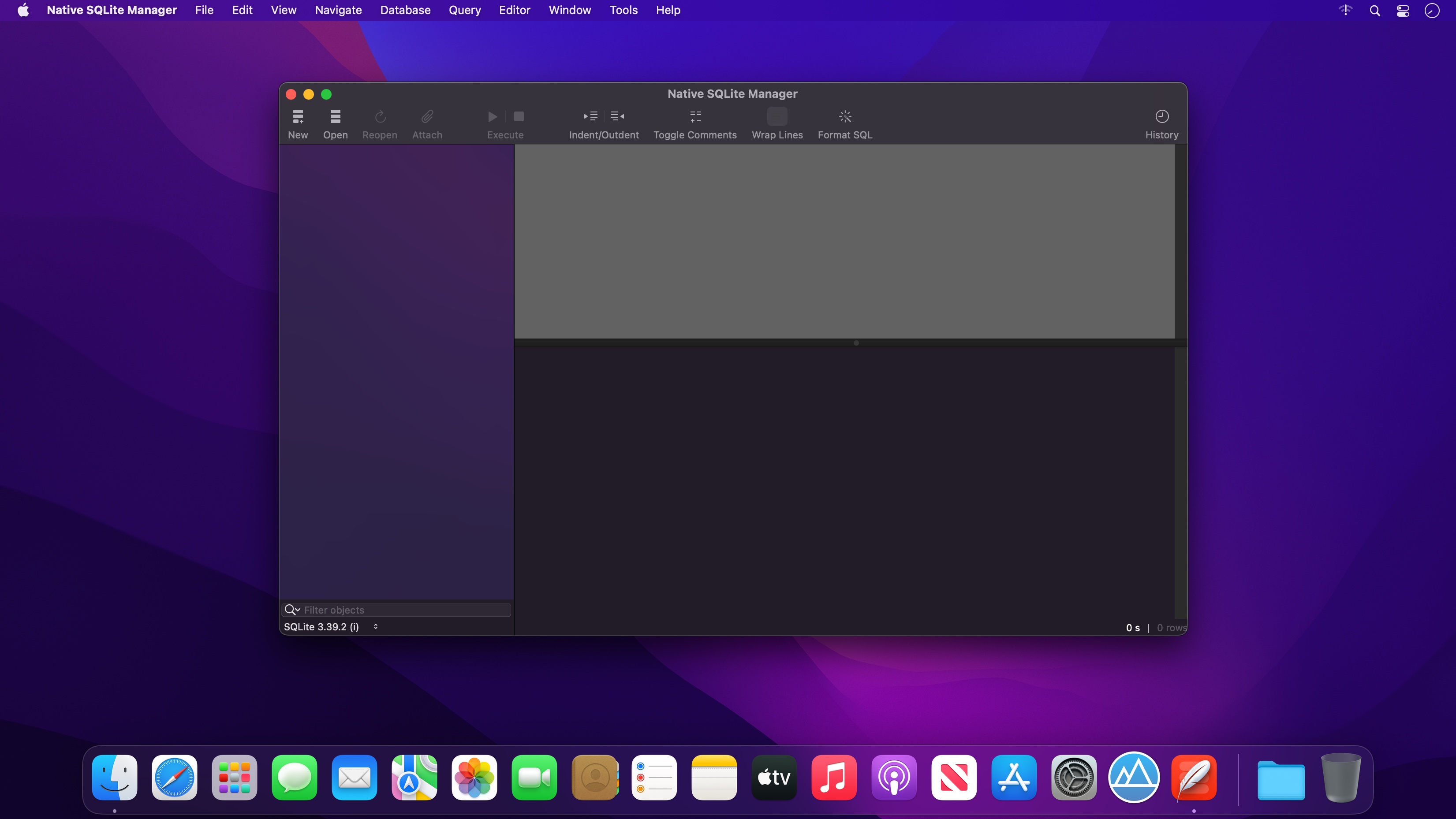

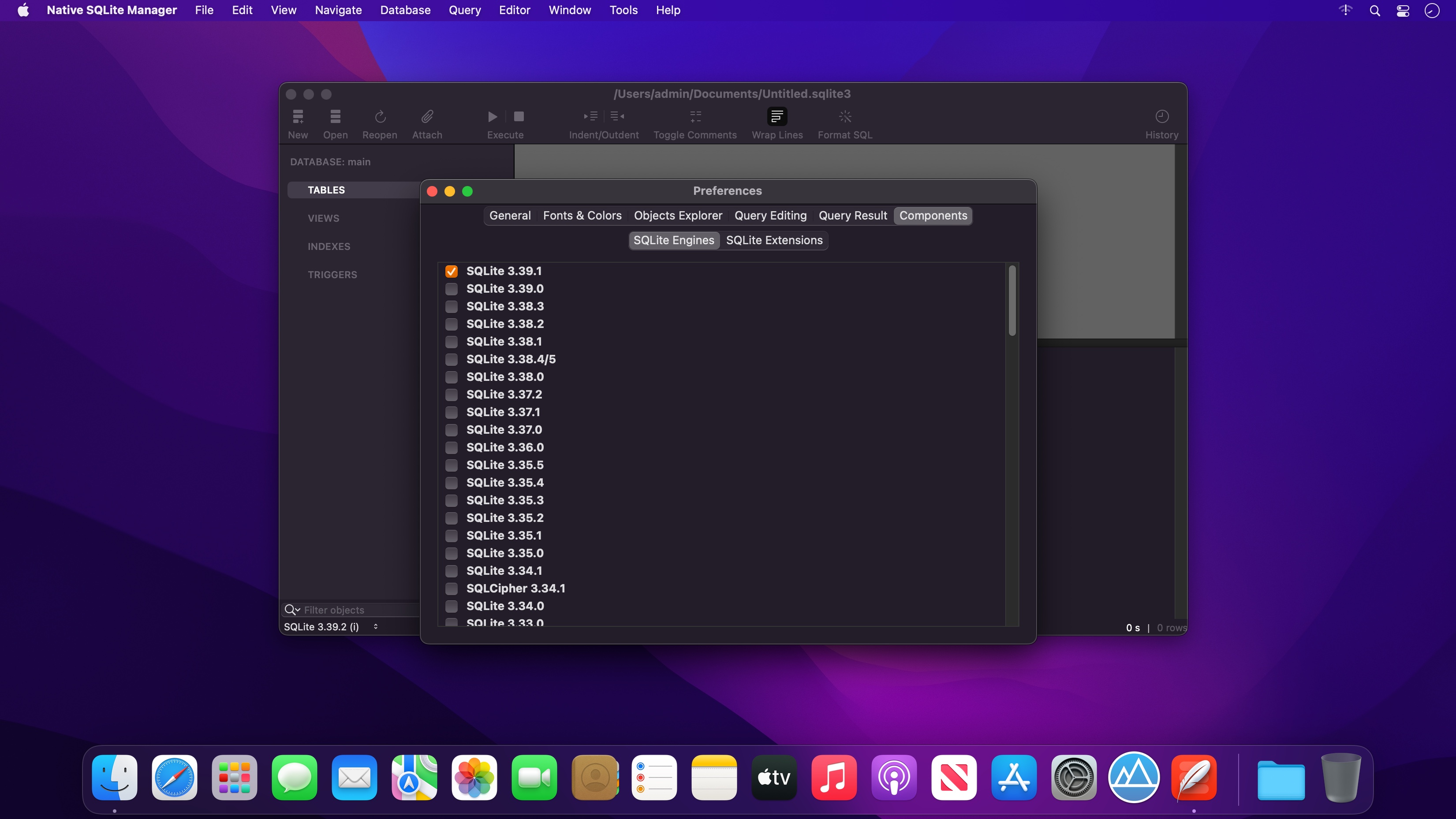
Native SQLite Manager is a fast, focused tool for working with SQLite databases. There are no cluttered toolbars or features you'll never use, just a clean workspace built for browsing data, writing queries, and getting work done.
Works with your databases
- Open files from many SQLite versions
- Unlock encrypted databases with full SQLCipher support
- Load SQLite extensions to add the functions you rely on
Write better SQL, faster
- Smart autocompletion suggests tables, columns, and keywords as you type
- Syntax highlighting keeps complex queries readable
- Tidy up messy statements instantly with the built-in SQL formatter
Move your data anywhere
- Export tables and query results to CSV, JSON, or XML
- Import CSV files in seconds
Make it yours
- Choose from customizable themes to match your style and your system
Designed to stay out of your way
Every part of Native SQLite Manager is built around one idea: you should see your data, not the interface. The result is a lightweight app that opens instantly and feels at home on your Mac.
Whether you're a developer debugging an app, an analyst exploring a dataset, or just curious about what's inside a .db file, Native SQLite Manager gives you everything you need and nothing you don't.
Version 1.34.0:
- Added an execution plan diagram with detailed statistics.
Frequently asked questions
How do I install the app?
Mount the image, drag the app into the "Applications" folder and launch it. If the system blocks the launch, allow it in "System Settings → Privacy & Security".
The app is damaged or won't launch
Reinstalling from a fresh image usually helps. Make sure your macOS version matches the one listed in the compatibility specs.
How do I update?
Download the new version from the site and install it over the current one — your settings will be preserved.
The download link doesn't work
Try a mirror or a download manager. For large files the browser often drops the connection.
How do I completely remove the app?
Use an uninstaller utility — it cleans up the service files that remain after moving the app to the trash.





Choose a download source
Native SQLite Manager 1.34.0 · 61.39 MB
Previous versions
Native SQLite Manager 1.34.0
Previous versions are available to registered users.