
Karabiner-Elements 16.2.0
Karabiner-Elements: Keyboard Remapping Software for Mac Shortcuts
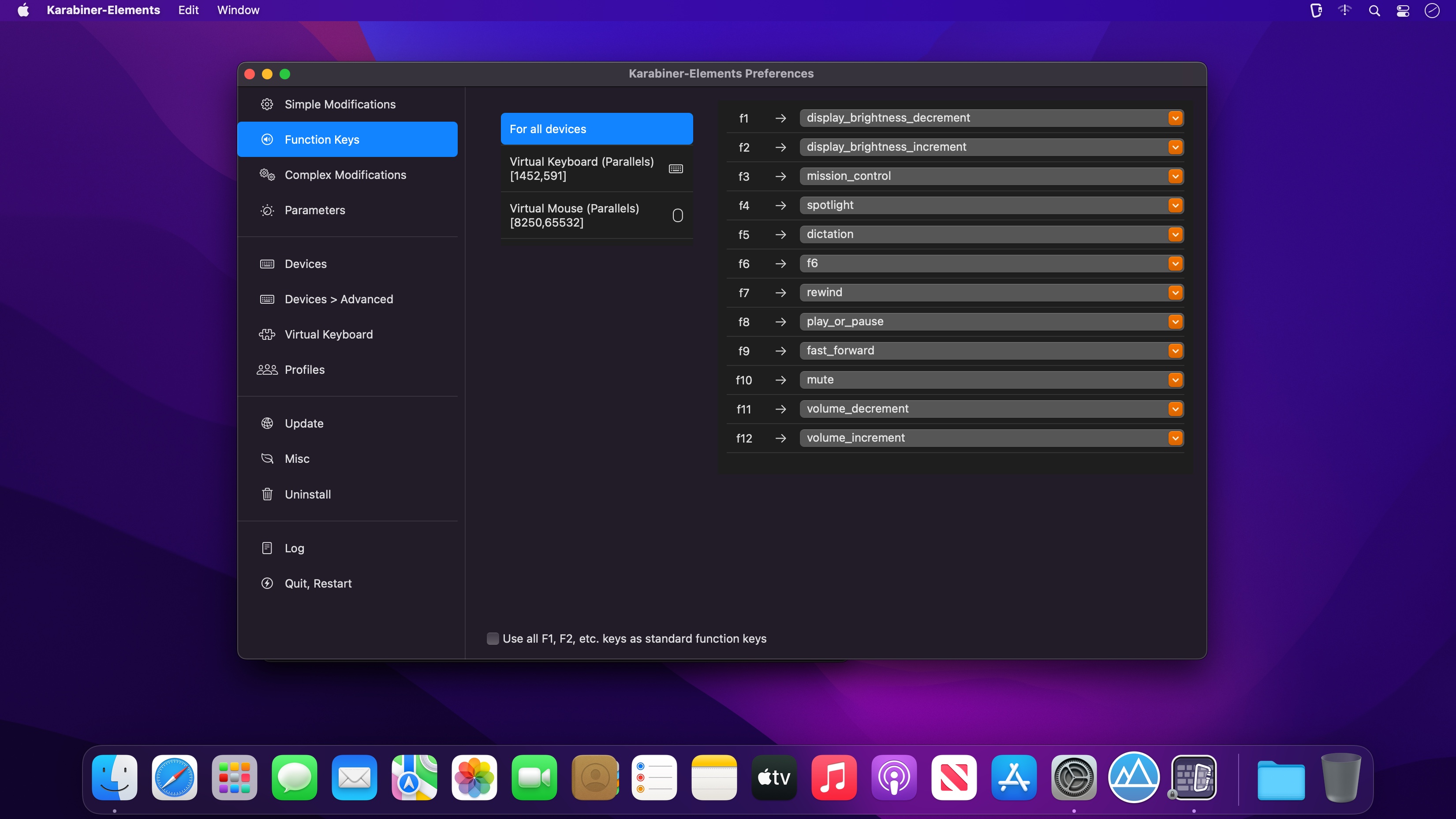
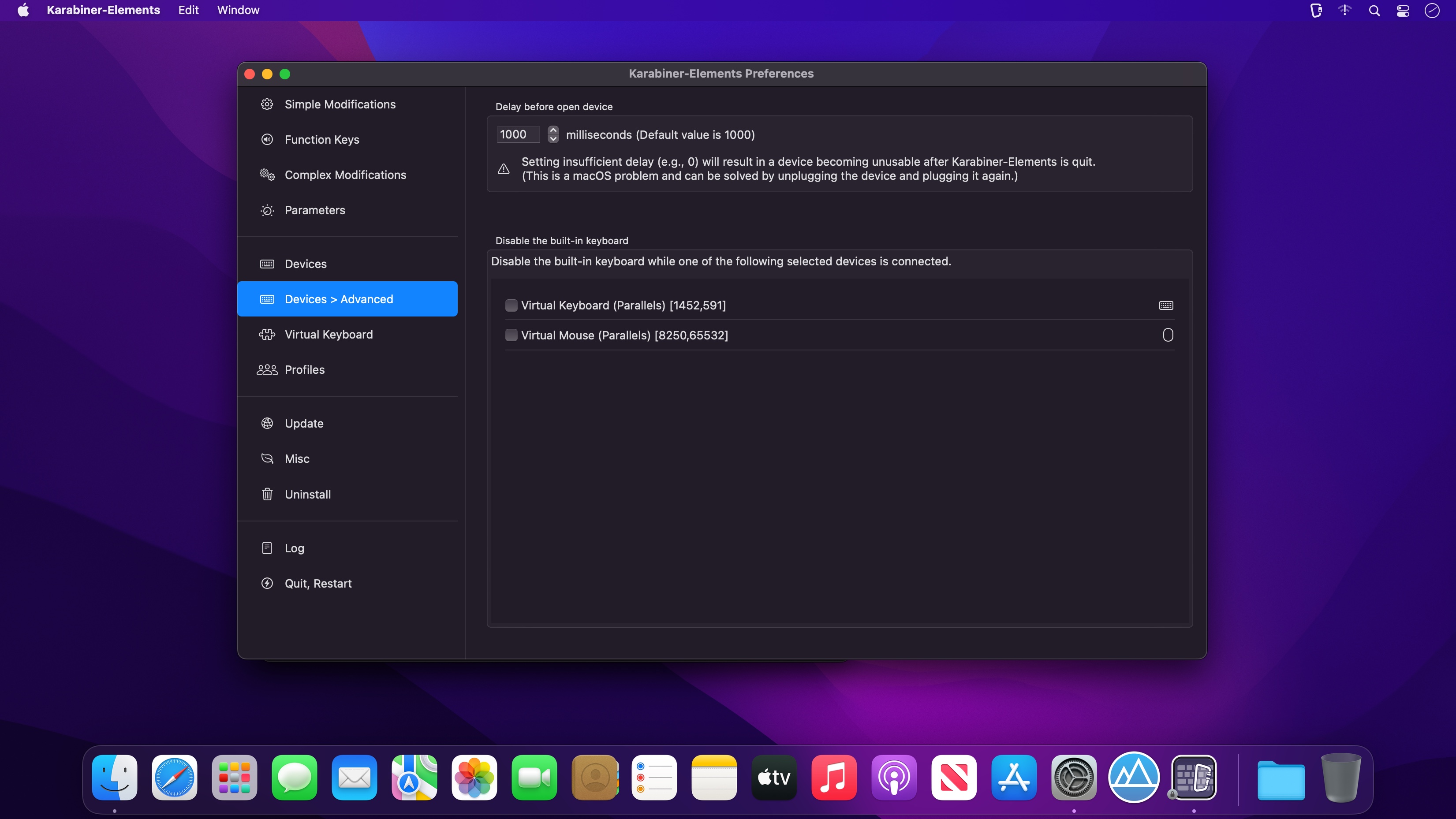

Remapping keyboard keys is a common practice, especially if you need to write text in various languages that are using special characters, or if you want to create personalized keyboard shortcuts.
Unobtrusive key remapping solution that works in the background
Karabiner-Elements is a minimalistic app that resides in your status bar and enables you to extensively customize the key’s effect. Note that you must start by adding the app to the list of utilities that can control your Mac (open the System Preferences window and navigate to the Security&Privacy tab).
The application enables you to quickly access the Preferences window where you can establish the remapping rules, or the EventViewer window designed to help you check if certain settings are effective in specific applications.
Effortlessly remap your keyboard behavior and adjust the key repeat delay
For your convenience, Karabiner-Elements comes with a collection of predefined functions that can adjust the behavior of your keyboard without requiring any configuration: simply open the Preferences window and, in the Change Key panel, enable the modification you want to make by checking the attached box.
Noteworthy is that the app allows you to define multiple profiles, and that you can quickly switch between them via the app’s status bar. You may even create activation keyboard shortcuts for each profile.
Uncomplicated solution for remapping your keyboard and adjusting its behavior to match your own needs
Karabiner-Elements enables you to remap your keyboard by applying various predefined settings, but also offers you the possibility to make your own settings, by manually editing the private.xml document.
More importantly, the application also includes tools for adjusting the key repeat interval for each function and comes with an EventViewer that can help you verify if the settings work properly.
Vresion 16.2.0:
Important Notes:
- When upgrading from v15.9.0 or earlier, automatic startup of the Karabiner-Elements services will be disabled.
- After upgrading, open Karabiner-Elements.app to re-enable automatic startup.
Breaking changes:
- Integrated the Multitouch Extension menu into the Karabiner-Elements menu.
- Open the Multitouch Extension settings from the Karabiner-Elements menu.
New Features:
- Added the Swap ISO layout-specific keys configuration to Device tab.
- Added filtering functionality to the Complex Modifications list.
- Added support for buttons 6–8 on the ELECOM HUGE PLUS and DEFT trackballs. (Thanks to @z11i)
- Added appearance settings for the notification window. (Thanks to @xianjianlf2)
- Added Capture Raw Input Events and Capture Raw Input Records to EventViewer.
- Added --set-variables-from-stdin option to karabiner_cli.
- Added the duration_milliseconds option to set_notification_message. (Thanks to @xianjianlf2)
- Added the Modify events for pointing devices by default setting to Expert tab. (Thanks to @xianjianlf2)
Bug Fixes:
- Fixed CGEventTap leaks (Thanks to @MrMage and @VitalyShein)
Improvements:
- Complex Modifications import now supports jаvascript files and single-rule JSON files.
- Improved the handling of macOS sleep shortcuts to prevent key-up events from immediately waking the Mac.
- Fixed an issue where the core service agent could rarely abort during termination.
- Fixed an issue where modifications could stop working for several seconds after waking from sleep on macOS.
- Karabiner-EventViewer and the Settings window are now closed after an upgrade.
- Added support for unbundled GUI apps in frontmost_application_if and frontmost_application_unless.
- Added support for notes in complex modification rules.
- variable_if now supports the following variable:
- accessibility.focused_ui_element.window_title_string
- Added the event timestamp in EventViewer.
- The karabiner_console_user_server, Menu, and NotificationWindow components have been consolidated into a single app named Karabiner-Console-User-Server.
- Refactored the C++ and Swift code for the Settings, EventViewer, and MultitouchExtension apps.
Frequently asked questions
How do I install the app?
Mount the image, drag the app into the "Applications" folder and launch it. If the system blocks the launch, allow it in "System Settings → Privacy & Security".
The app is damaged or won't launch
Reinstalling from a fresh image usually helps. Make sure your macOS version matches the one listed in the compatibility specs.
How do I update?
Download the new version from the site and install it over the current one — your settings will be preserved.
The download link doesn't work
Try a mirror or a download manager. For large files the browser often drops the connection.
How do I completely remove the app?
Use an uninstaller utility — it cleans up the service files that remain after moving the app to the trash.




Choose a download source
Karabiner-Elements 16.2.0 · 40.32 MB