
TinkerTool System 9.93
TinkerTool System 9: macOS system utility software for advanced administration
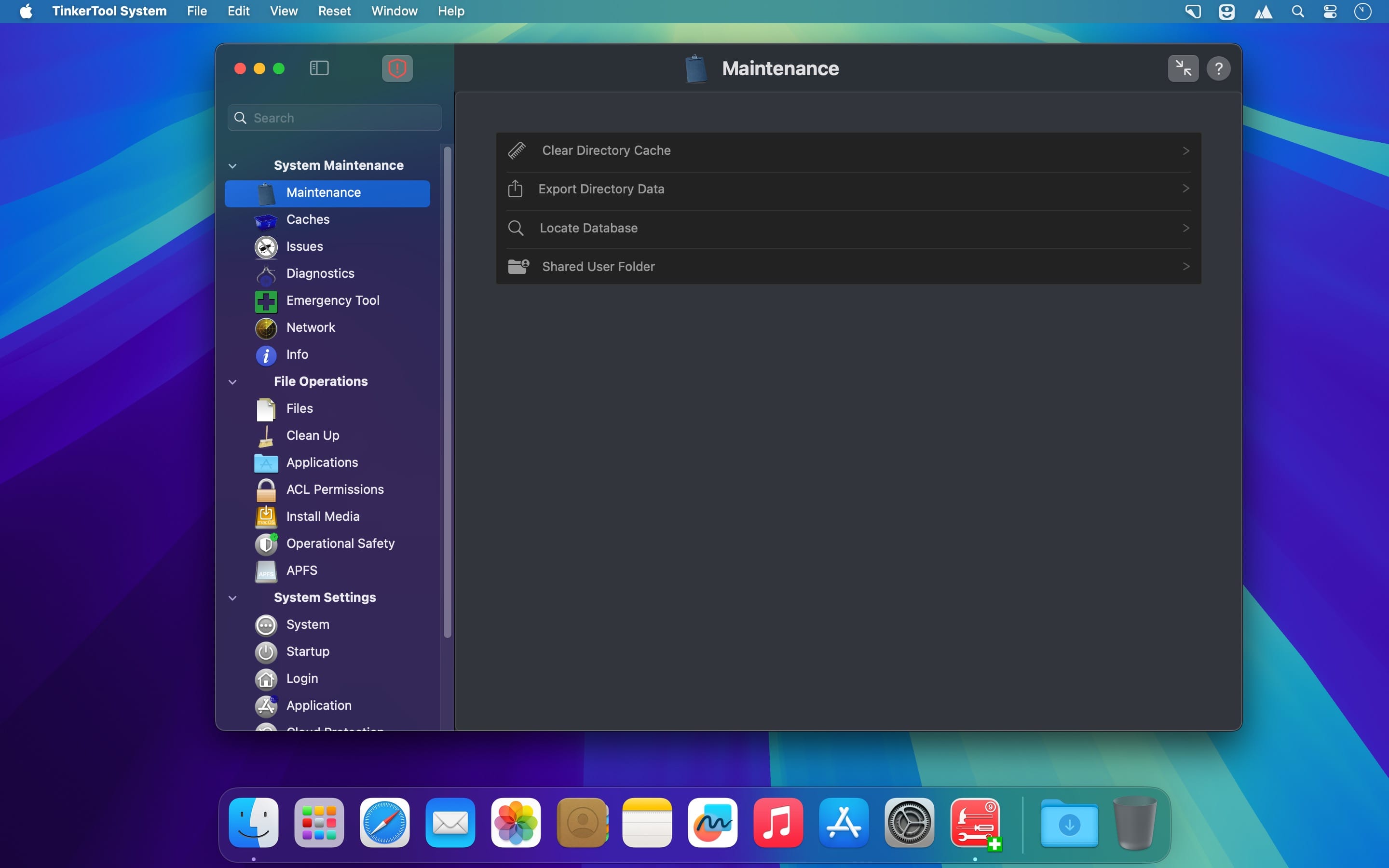
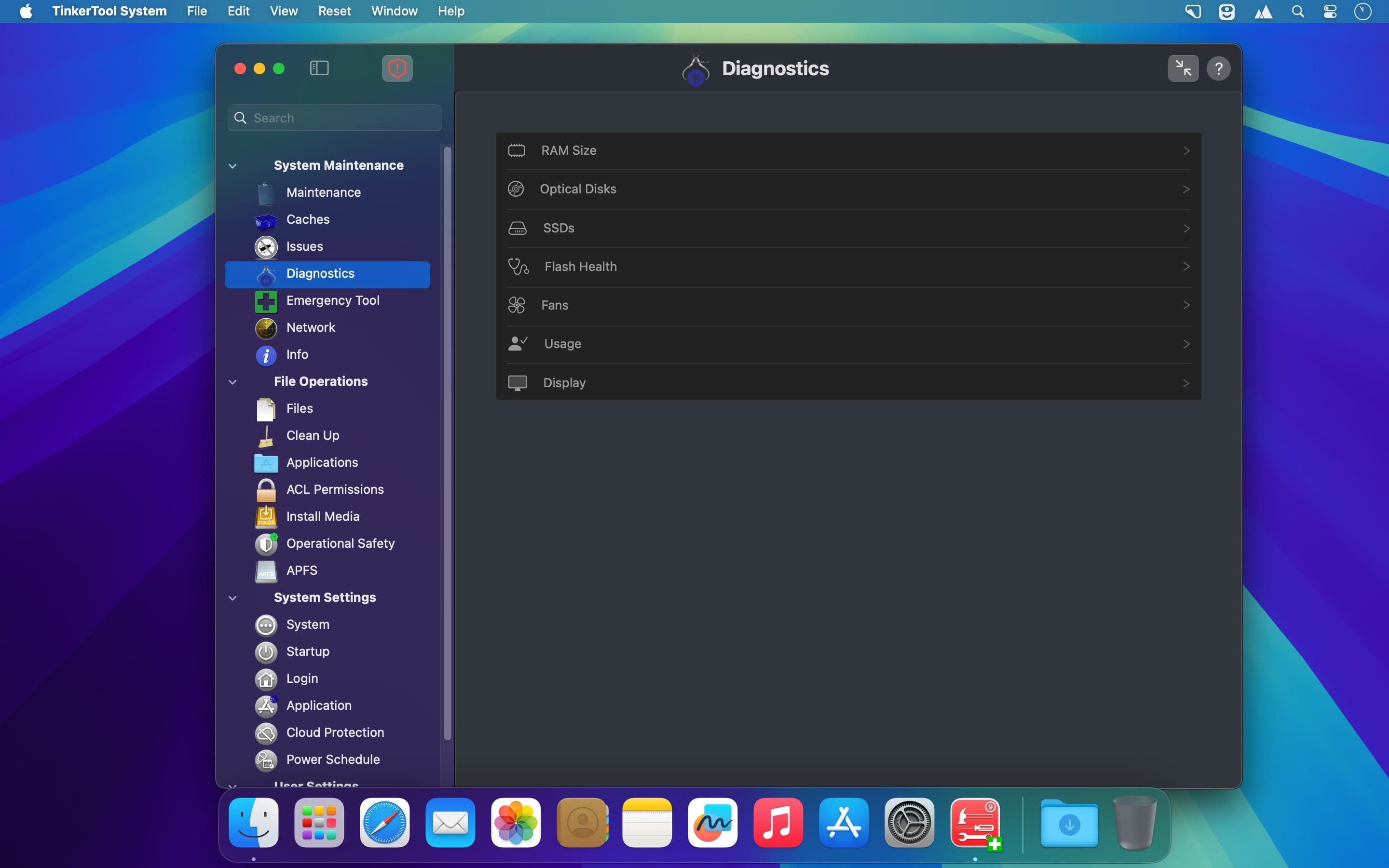
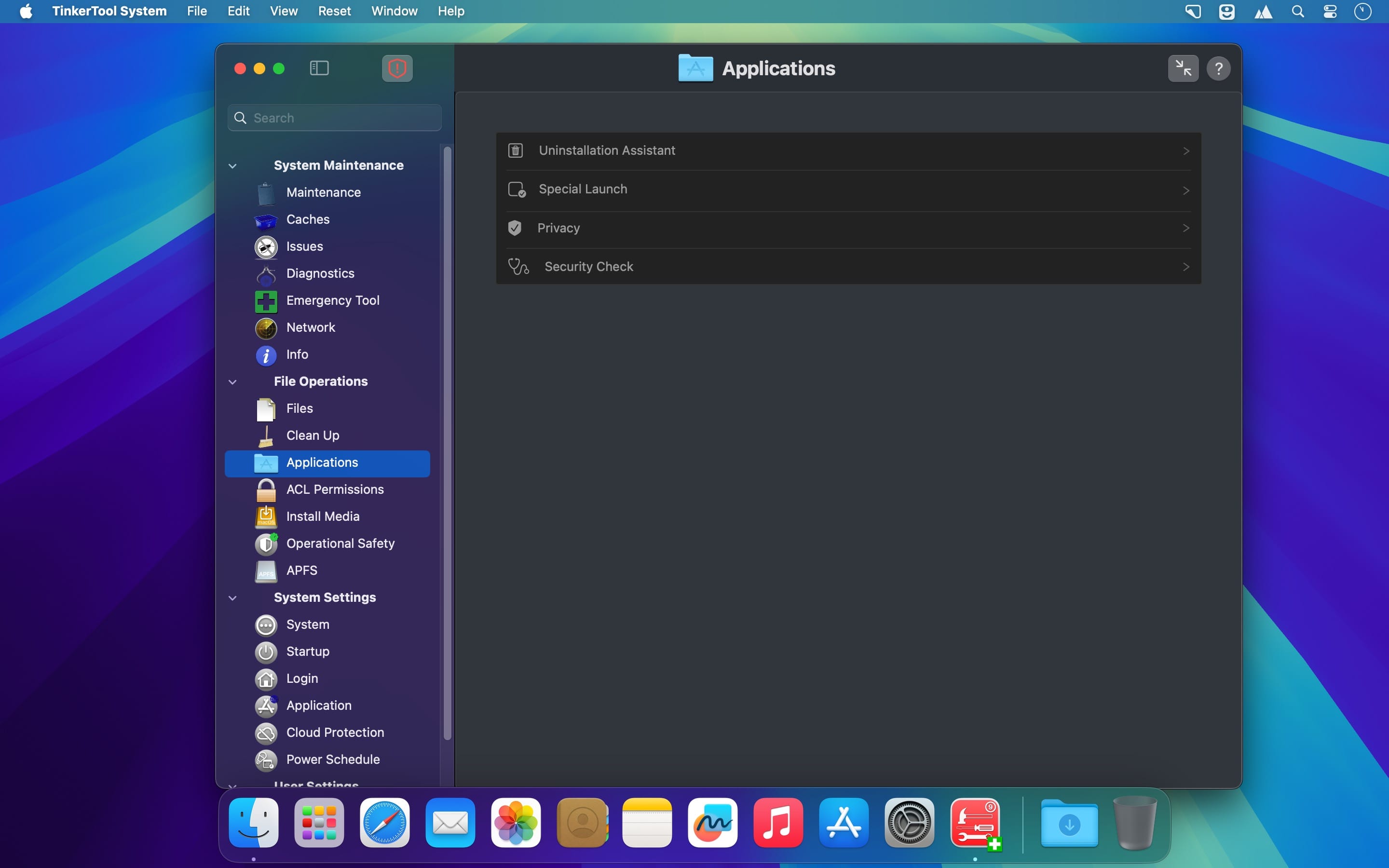
TinkerTool System 9 is a collection of system utility features helping you in performing advanced administration tasks on Apple Macintosh computers. The application makes use of a self-adapting user interface which automatically adjusts to the computer model and to the version of macOS you are running.
All options available in the current situation are accessible via “panes”, very similar to the System Settings application. The features are controlled via a single window which allows you to use the application as a general toolbox and First Aid assistant.
This includes
- built-in maintenance features of macOS, usually not visible on the graphical user interface,
- extended file operations, not available in the macOS Finder,
- the possibility to access advanced system settings which are not visible in System Settings,
- graphical user interfaces for “pro” features for which Apple doesn’t provide any graphical interface in modern versions of macOS any longer,
- genuine and unique features of TinkerTool System, designed to resolve typical real-world problems of administrators and to fix the effects of certain defects (“bugs”) in the operating system,
- features to protect your privacy,
- an emergency tool to troubleshoot and repair macOS in cases where the normal user interface is no longer starting correctly or the user account of the system administrator has been damaged,
- functions to collect advanced information about the hardware, operating system, and applications.
Release 9.93 (Build 260902)
- This version adds a workaround for the diagnostic overview of flash memory where macOS mistakenly monitors third-party SSDs but only retrieves zero values. The display of affected devices is now suppressed correctly.
- Added a detection for a technical defect expected in future versions of macOS where the operating system feature to check the current release of Apple’s XProtect virus definitions may not work under all conditions.
- Fixes a problem where the search for dataless files and the feature to show purgeable files could result in a deadlock after showing the results if the preference setting to deauthorize after each completed operation was enabled.
- Fixes a problem where the list of found issues could be incomplete under specific circumstances when performing developer security checks on applications.
- Fixes a problem where the accounting time results on the pane “Diagnostics > Usage” could be wrong under specific conditions.
- Fixes a problem where the user image shown on the pane “ACL Permissions > Reset Home Folder” could be wrong under specific conditions.
- This version adds additional notes in the reference manual regarding support for hidden application-managed login items for the latest versions of macOS 15 Sequoia and macOS 26 Tahoe.
Frequently asked questions
How do I install the app?
Mount the image, drag the app into the "Applications" folder and launch it. If the system blocks the launch, allow it in "System Settings → Privacy & Security".
The app is damaged or won't launch
Reinstalling from a fresh image usually helps. Make sure your macOS version matches the one listed in the compatibility specs.
How do I update?
Download the new version from the site and install it over the current one — your settings will be preserved.
The download link doesn't work
Try a mirror or a download manager. For large files the browser often drops the connection.
How do I completely remove the app?
Use an uninstaller utility — it cleans up the service files that remain after moving the app to the trash.





Choose a download source
TinkerTool System 9.93 · 28.96 MB
Comments 1