
Alfred 5 Powerpack 5.8.1
Alfred 5: Mac productivity app, workflow automation, and instant search

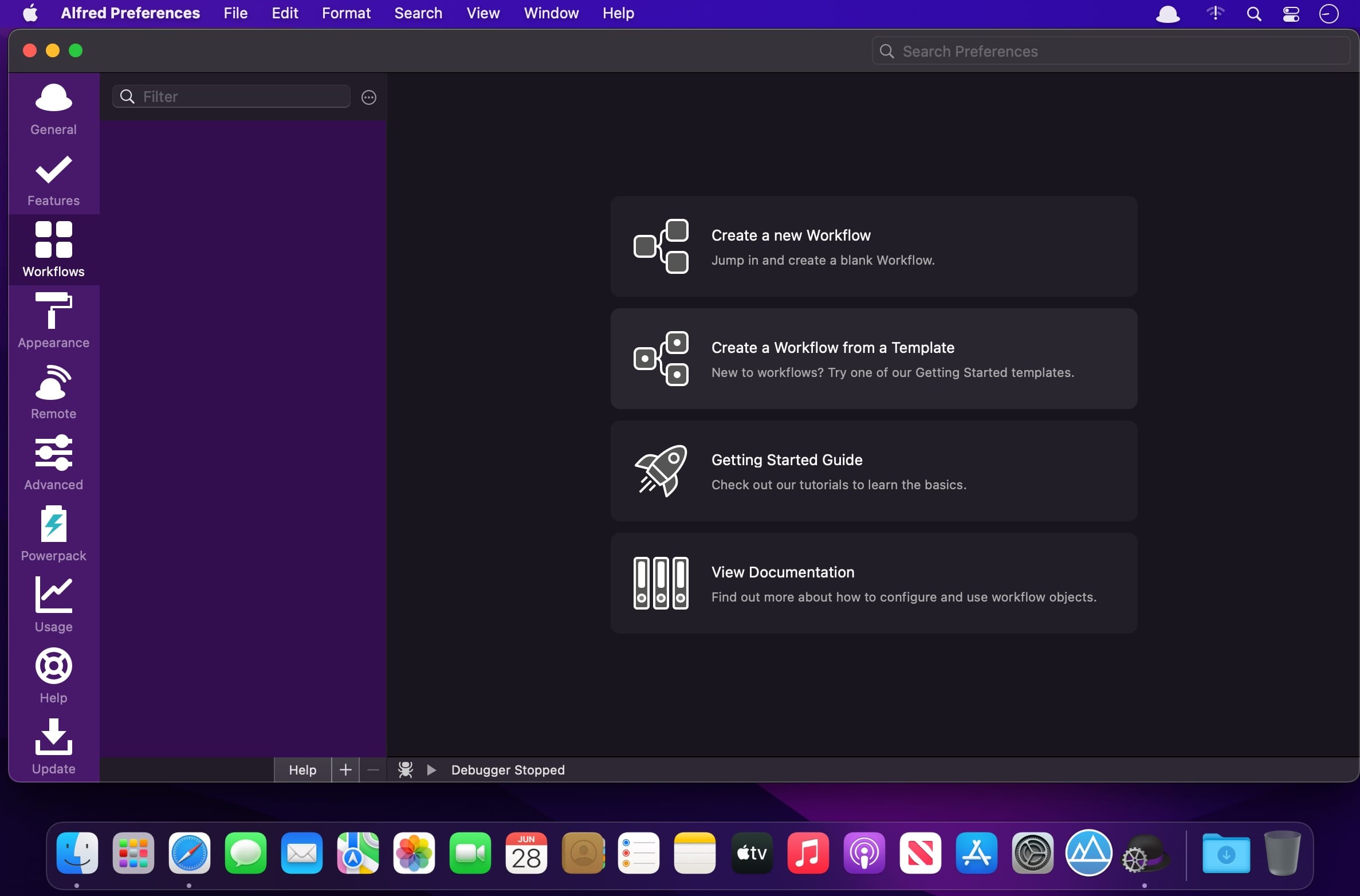
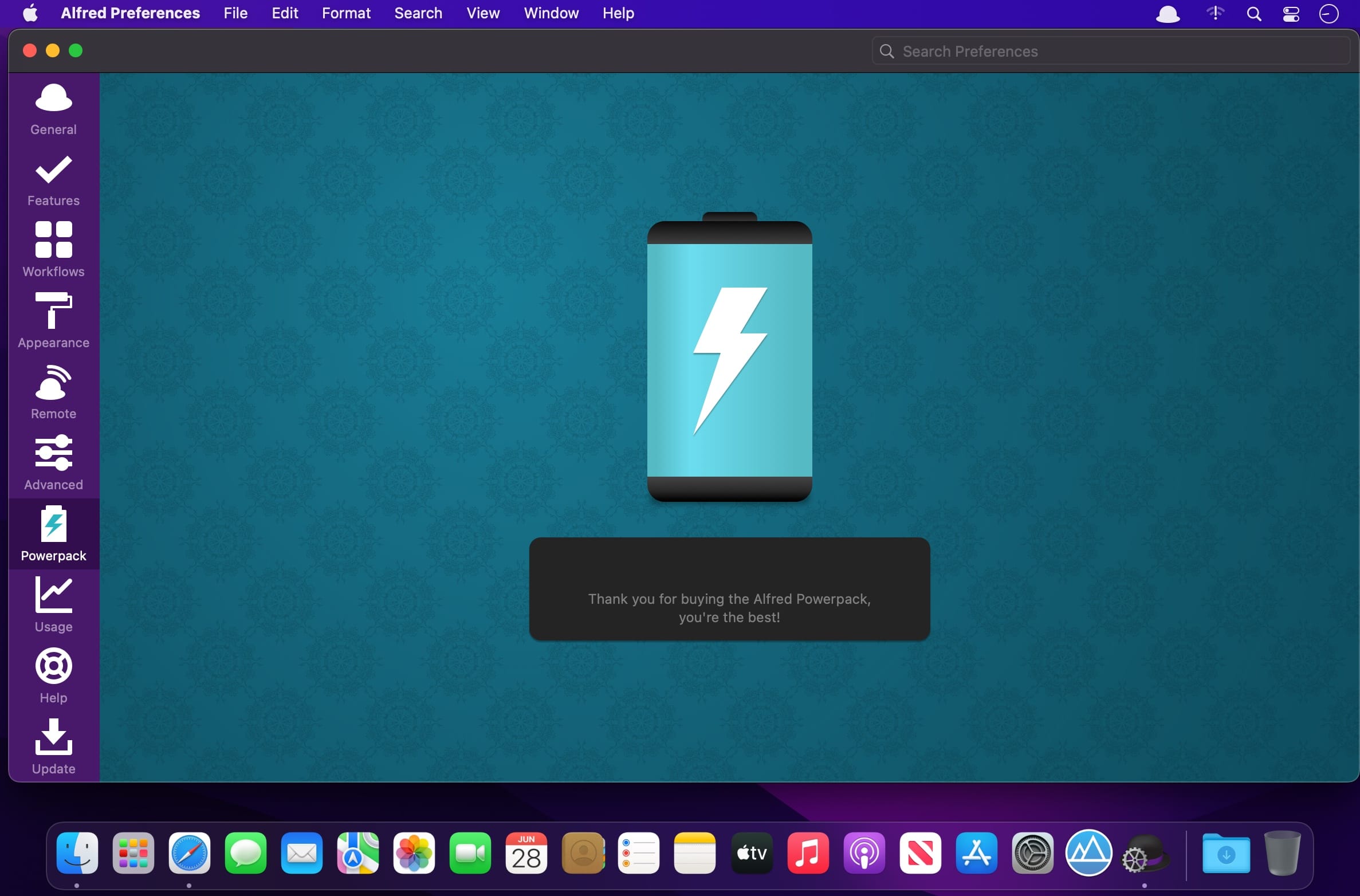
Alfred 5 is a productivity tool for macOS that puts search, text expansion, and custom actions behind a single keyboard-driven bar. This version centers on a rebuilt Workflow Editor, making it easier to create, share, and configure automations with little or no code. It suits new users who want quick shortcuts as well as advanced users who build complex workflows.
Features
- Search, hotkeys, and text expansion — search your Mac and the web and trigger actions with hotkeys, keywords, and snippets
- Rebuilt Workflow Editor — faster and more efficient, with keyboard shortcuts and new ⌥click connection options
- Workflow Palette and Search — drag objects into the canvas, save favorites, and search the palette with the / shortcut
- Workflow Prefabs — save preconfigured objects or groups of connected objects for reuse
- Automation Tasks — add ready-made actions such as resizing images, moving files, or switching to Dark Mode without writing code
- Run macOS Shortcuts — include your Shortcuts as part of Alfred workflows
- Workflow User Configuration — let users set up workflows with text fields, checkboxes, selection lists, and file pickers
- Accessibility improvements — navigate and edit workflows by keyboard, with VoiceOver reading objects and connections
- Improved Ubiquitous Search — jump straight to a preference keyword or snippet, or create a workflow from the main bar
- New code-free objects — Conditional objects, Speech output, and a Running Apps filter
Frequently asked questions
How do I install the app?
Mount the image, drag the app into the "Applications" folder and launch it. If the system blocks the launch, allow it in "System Settings → Privacy & Security".
The app is damaged or won't launch
Reinstalling from a fresh image usually helps. Make sure your macOS version matches the one listed in the compatibility specs.
How do I update?
Download the new version from the site and install it over the current one — your settings will be preserved.
The download link doesn't work
Try a mirror or a download manager. For large files the browser often drops the connection.
How do I completely remove the app?
Use an uninstaller utility — it cleans up the service files that remain after moving the app to the trash.



Choose a download source
Alfred 5 Powerpack 5.8.1 · 7.82 MB
Previous versions
Alfred 5 Powerpack 5.8.1
Previous versions are available to registered users.