
Dropzone 4 Pro 4.80.77
Mac drag and drop app for faster file sharing
Screenshots
Click to enlarge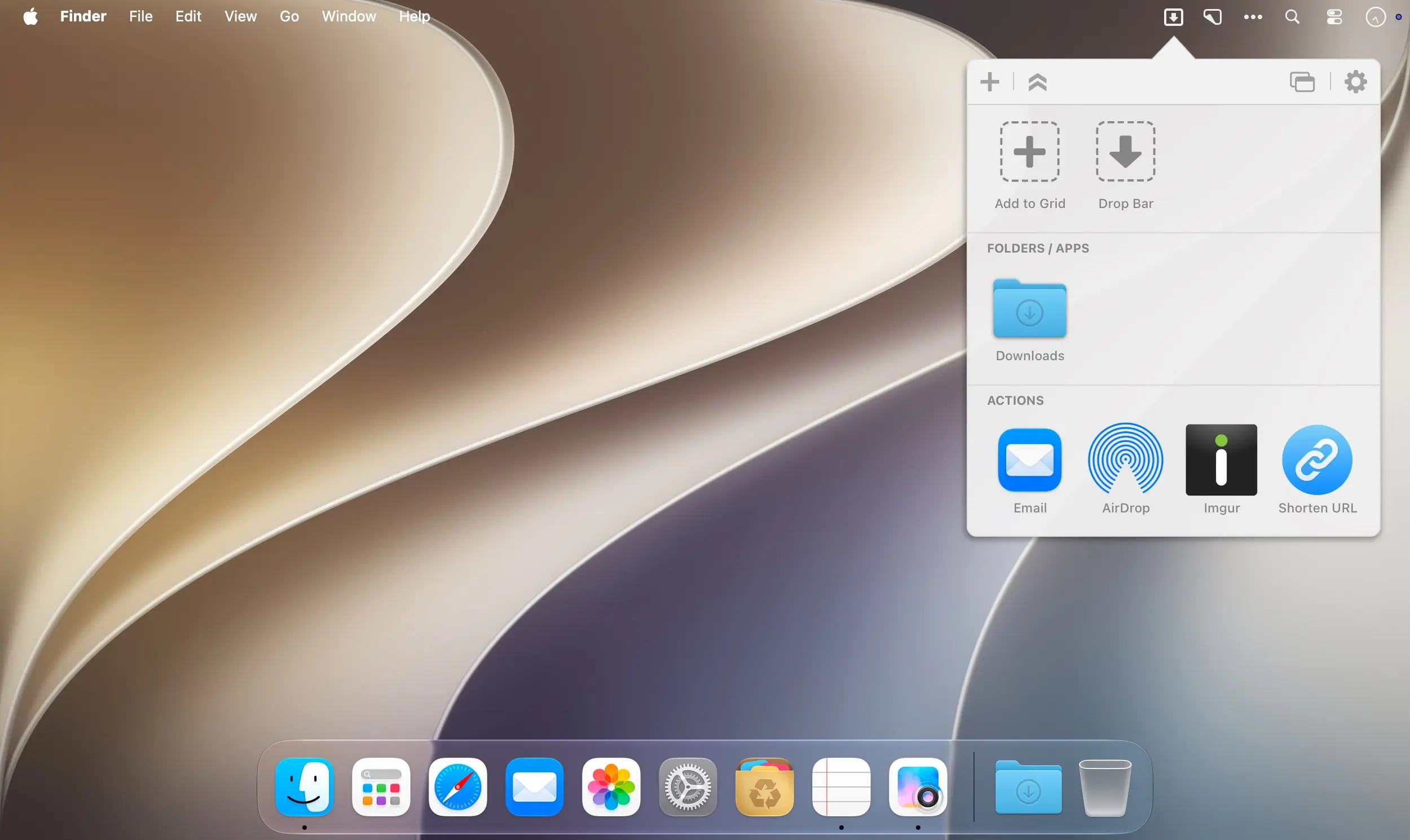
Dropzone makes it faster and easier to copy and move files, open applications and share files with many different services on your Mac. Drop files onto a destination in your grid and Dropzone takes care of the rest, all inside an app designed with careful attention to detail so it looks and feels like an integral part of macOS.
Everything you use, one drop away
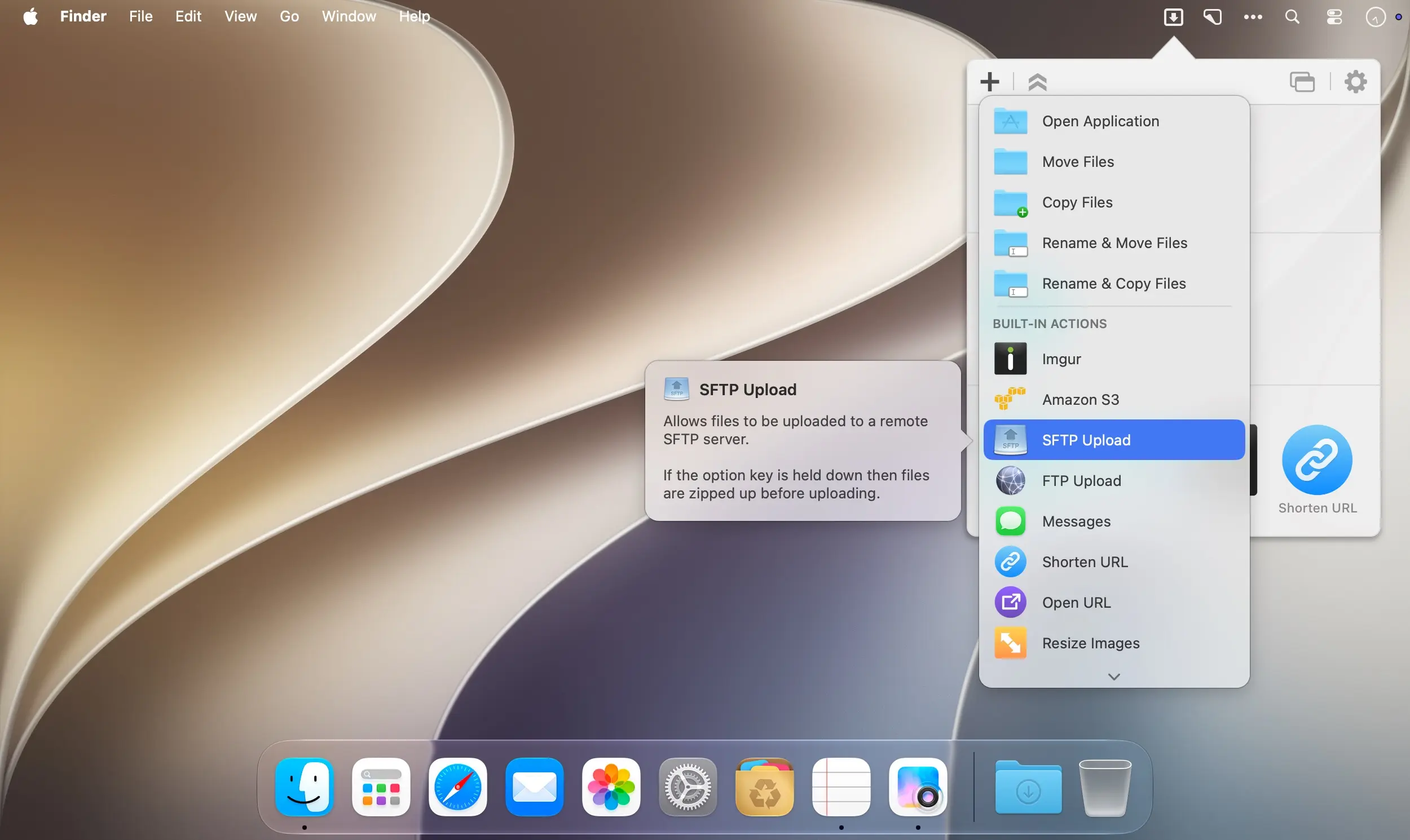
Add applications, folders or actions to your grid by dragging them onto the Add to Grid area. From there, opening apps and moving or copying files takes a single drag and drop.
Stash files for later with Drop Bar
Drop Bar makes it easy to keep files you know you'll need later. Just drop them on the Drop Bar icon in the grid, and they'll stay there until you're ready to use them.
Share and upload without extra steps
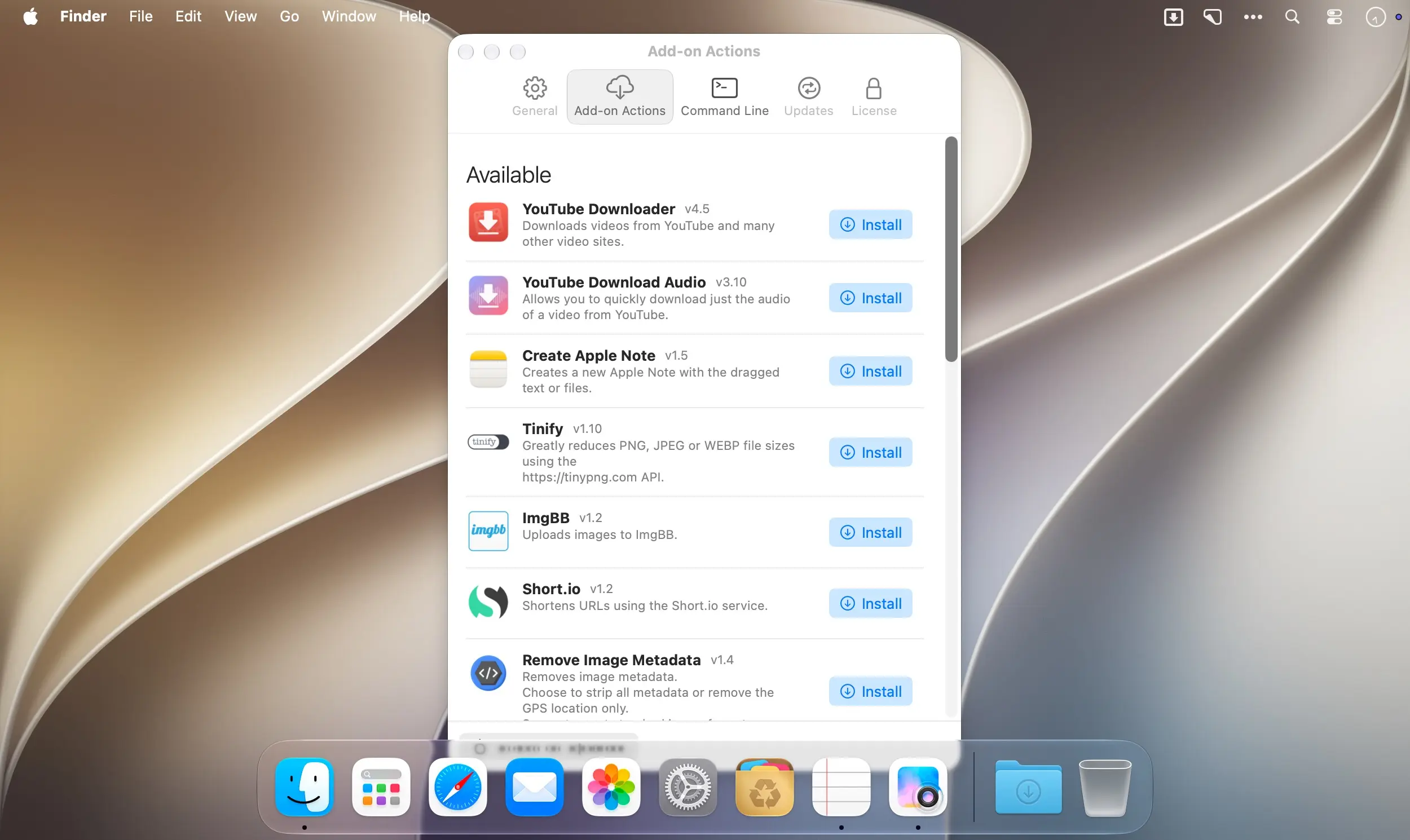
Send files to your other Macs with AirDrop, share images through Imgur and get a link for pasting, or upload files to Amazon S3, your FTP server or Google Drive. Add-on actions extend this to services like YouTube and many others.
Key features
- Fast file actions: Open applications, move and copy files faster than ever before.
- Drop Bar: Stash files in the grid and keep them there until you need them.
- AirDrop integration: Drop files or folders from any app and share them with your other Macs over the network.
- Imgur integration: Share images fast and get a link ready for pasting.
- Amazon S3 uploads: Upload files directly to Amazon S3.
- FTP uploads: Upload files to your FTP server.
- Google Drive uploads: Upload files to your Google Drive.
- Add-on actions: Download and install actions that let you upload to services like YouTube and many others.
- URL shortening: Select a URL, press Ctrl+Option+Cmd+S, and the TinyURL-shortened link is automatically copied to the clipboard.
- Multi-tasking engine: Run multiple tasks at once and track the progress of each one in the in-grid task status area.
- Animated menu item: See how tasks are progressing at a glance.
- Keyboard shortcuts: Launch Dropzone actions right from your keyboard.
- Add to Grid: Drag and drop applications, folders or actions onto the Add to Grid area to add them to your grid.
- Ruby and Python API: Develop your own actions using the updated and massively improved scripting API.
Built to be extended
Dropzone ships with a powerful scripting API. With a little programming knowledge, you can modify any of your actions or create entirely new ones in Ruby or Python, giving Dropzone virtually unlimited extendability. New actions are always in the works, so Dropzone becomes even more useful over time.
Version 4.80.77
- Minor fixes
Comments
No comments yet. Be the first.