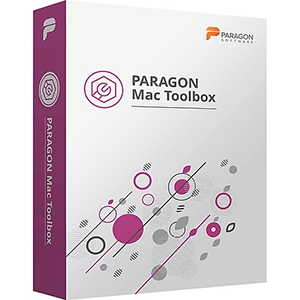
Paragon Mac Toolbox 20.10.2019
Paragon Mac Toolbox is the ultimate Paragon Software toolkit for users facing cross-platform limitations and incompatibilities when switching between Mac and Windows OS.
Microsoft NTFS for Mac by Paragon Software (formely Paragon NTFS for Mac)
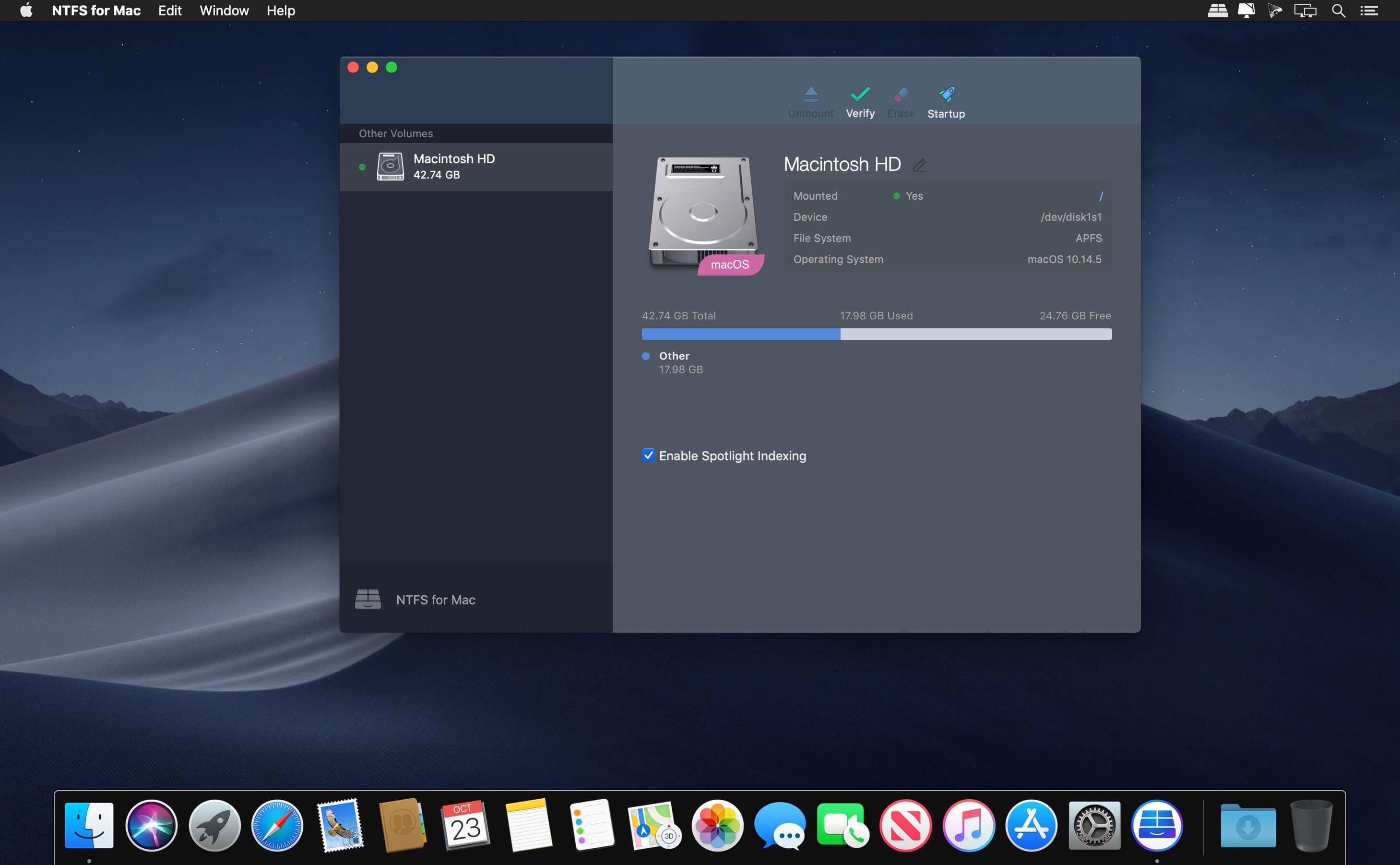
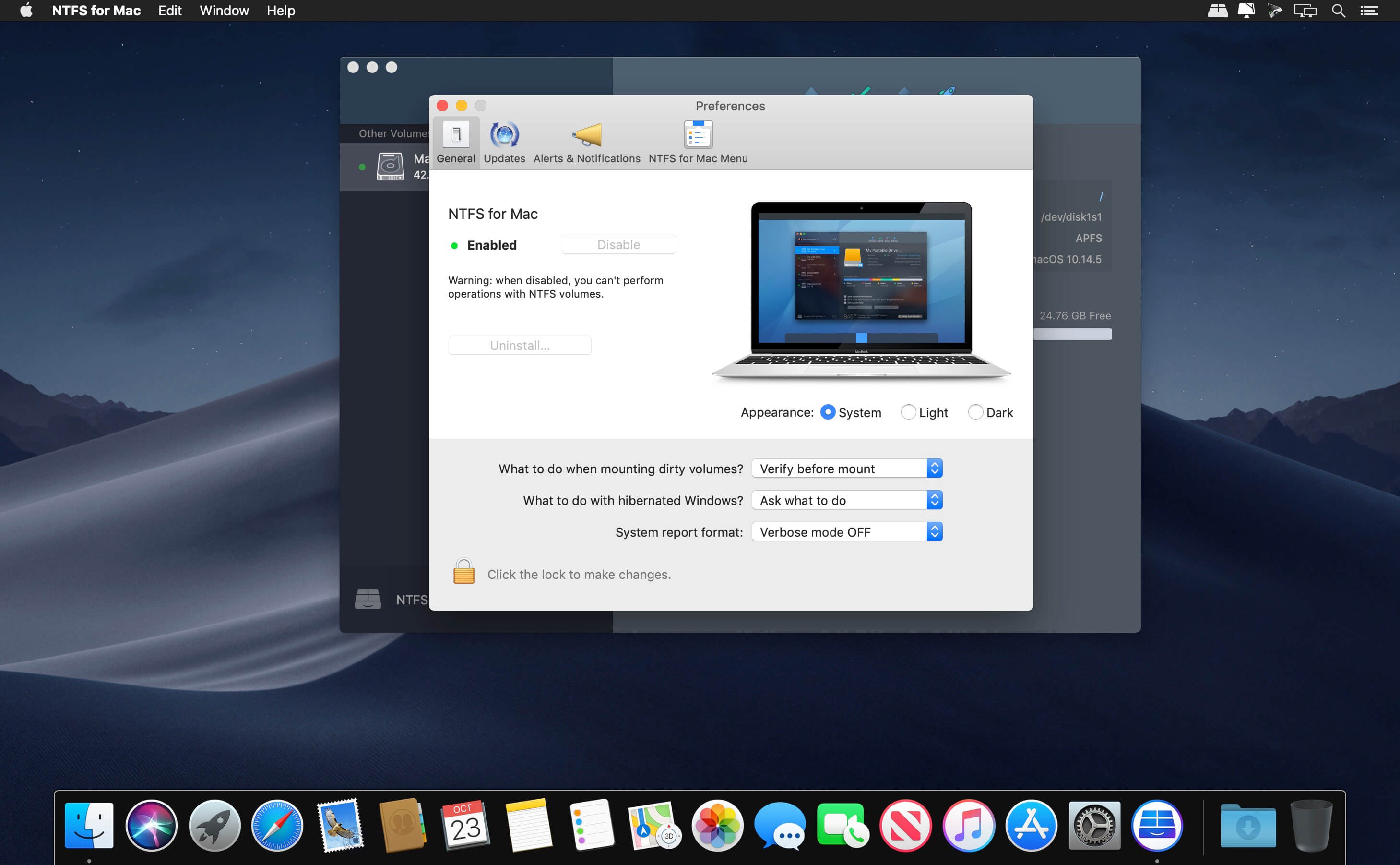
Microsoft NTFS is one of the primary file systems of Windows. If you work on a Mac computer and need to read or write files from HDD, SSD or a flash drive formatted under Windows, you need Microsoft NTFS for Mac by Paragon Software. Write, edit, copy, move and delete files on Microsoft NTFS volumes from your Mac! Fast, seamless, easy to use. Mount, unmount, verify, format or set any of your Microsoft NTFS volumes as a startup drive.
Paragon APFS for Windows
Apple File System (APFS) is a new file system for macOS, iOS, and Apple devices. If you work on a Windows-based computer and want to read and write files on APFS-formatted HDD, SSD or flash drive, you need APFS for Windows by Paragon Software.
Paragon HFS+ for Windows
Experience total communication between Mac & Windows with the industry’s highest performing file system technology. Paragon HFS for Windows is the only solution that provides full read-write access to HFS /HFSX partitions on any type of disks (GPT, MBR) under most of Windows versions. Access Mac-formatted partitions in Windows systems with the fastest and most stable HFS driver on the market.
Paragon APFS-HFS+ Converter
Facing limitations of APFS such as incompatibility with Time Machine for backups, incompatibility with FileVault 2 for drive encryption, inability to format Fusion drives, and more? APFS to HFS+ Converter by Paragon Software easily reverts to the old good HFS+ for your specific scenarios. Create recovery media to boot up your Mac and then convert the system volume.
Paragon CampTune
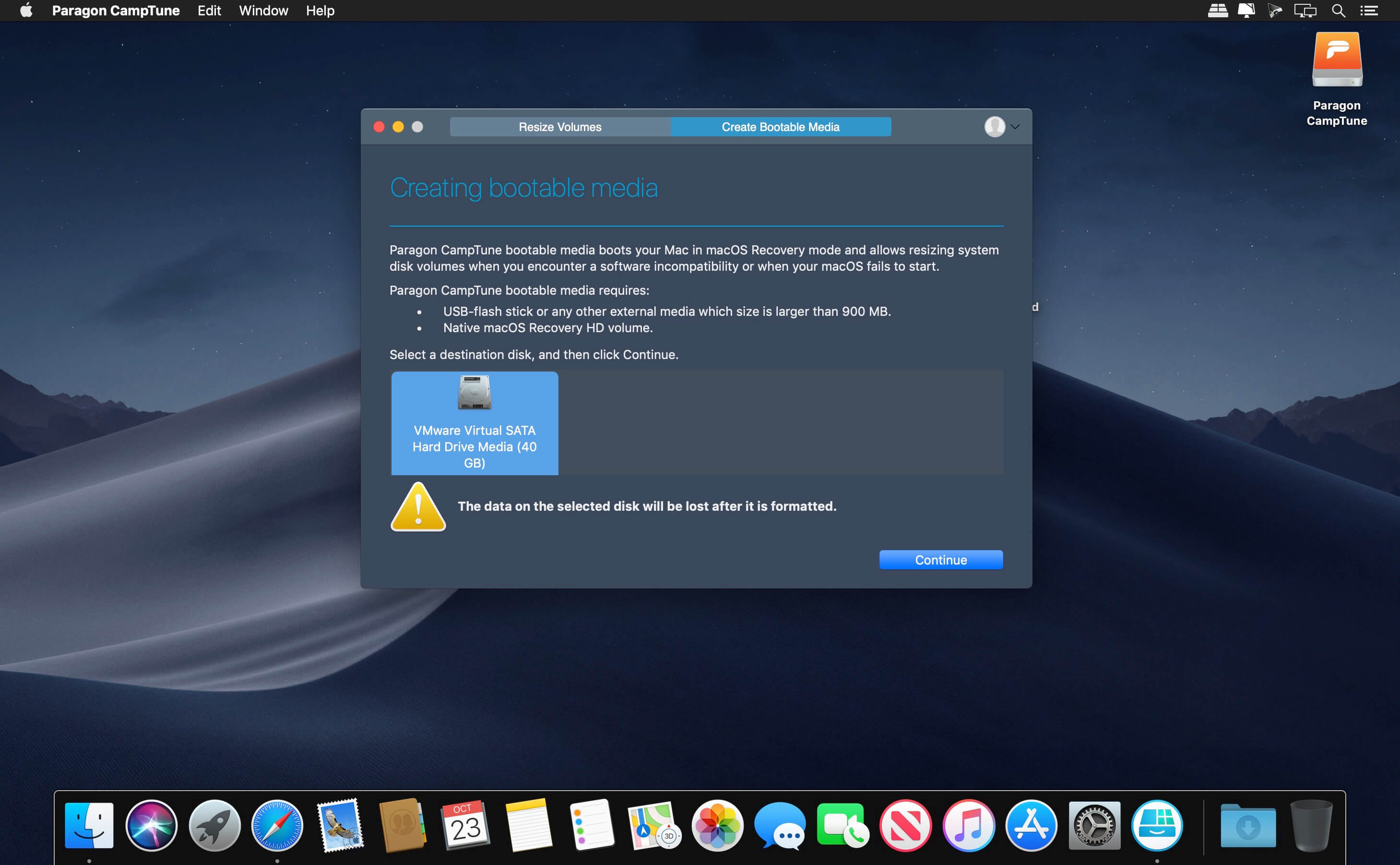
CampTune makes your Boot Camp Windows partition freely resizable. You may need to adjust the size of your Windows partition when, for example, you run out of disk space or want to install an application with particularly high storage requirements. CampTune provides a simple slider to redistribute storage space between Macintosh HD and Boot Camp Windows partitions. The resize operation is safe, fast and easy.
Includes:
- Microsoft NTFS for Mac 15.5.65 by Paragon Software
- Paragon APFS for Windows 2.1.12
- Paragon HFS+ for Windows 11.1.75
- Paragon APFS-HFS+ Converter 1.0
- Paragon CampTune 10.13.433
- macOS Catalina
- macOS Mojave
- macOS High Sierra
- masOS Sierra
- macOS El Capitan
- macOS Yosemite
- Windows 10 (32/64-bit)
- Windows 8/8.1 (32/64-bit)
- Windows 7 SP1 (32/64-bit)
- Windows Server 2008 R2 SP1
- Windows Server 2012
- Windows Server 2016
Frequently asked questions
How do I install the app?
Mount the image, drag the app into the "Applications" folder and launch it. If the system blocks the launch, allow it in "System Settings → Privacy & Security".
The app is damaged or won't launch
Reinstalling from a fresh image usually helps. Make sure your macOS version matches the one listed in the compatibility specs.
How do I update?
Download the new version from the site and install it over the current one — your settings will be preserved.
The download link doesn't work
Try a mirror or a download manager. For large files the browser often drops the connection.
How do I completely remove the app?
Use an uninstaller utility — it cleans up the service files that remain after moving the app to the trash.
VersionParagon Mac Toolbox 20.10.2019
DeveloperParagon Technologie GmbH.
CompatibilityOS X 10.10 or later, 64-bit processor
LanguageEnglish
IncludesK


Information
Visitors in the group Guests cannot leave comments on this publication.
Choose a download source
Paragon Mac Toolbox 20.10.2019 · 103.02 MB