
Winclone Pro 9.1
Screenshots
Click to enlarge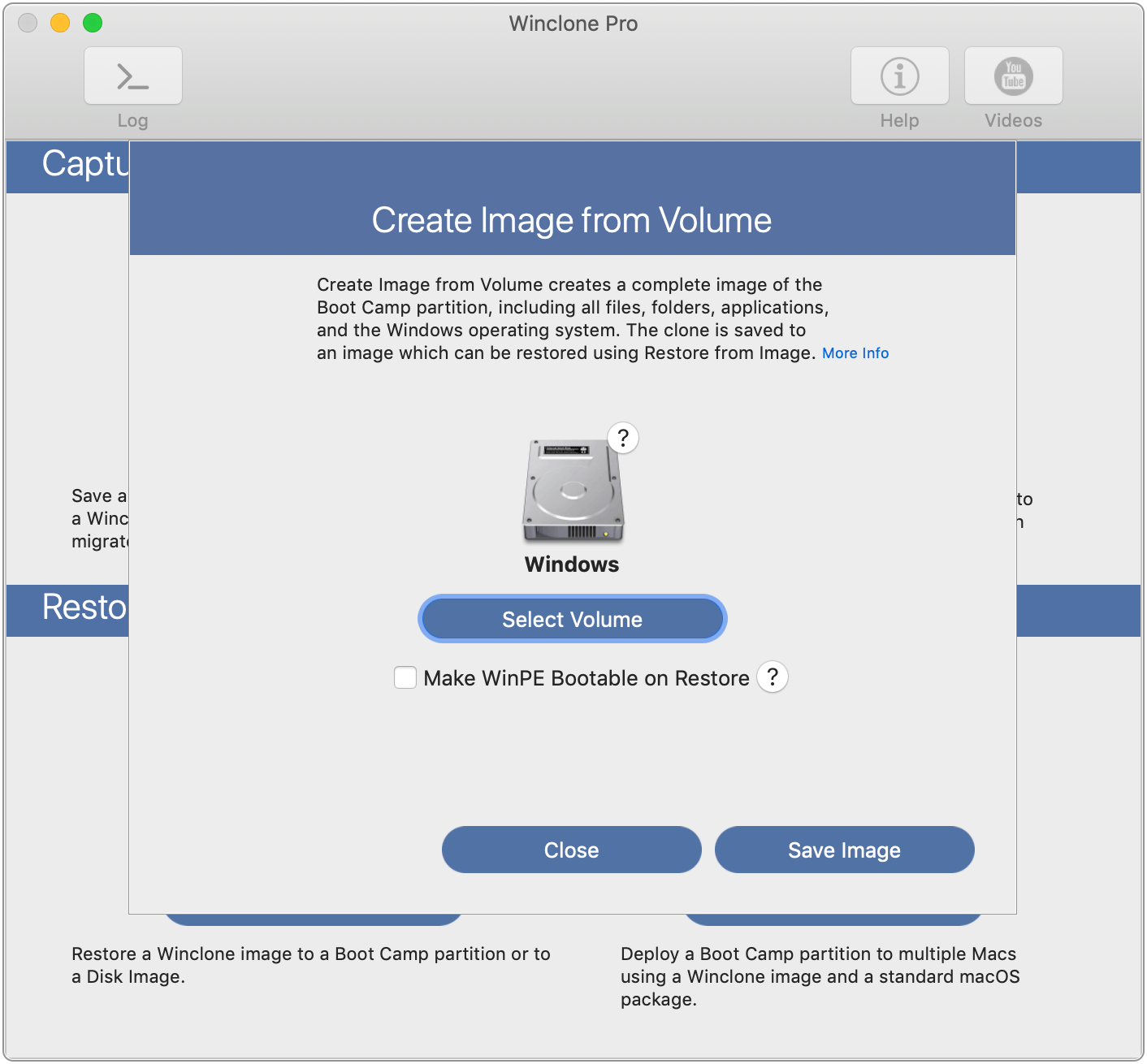
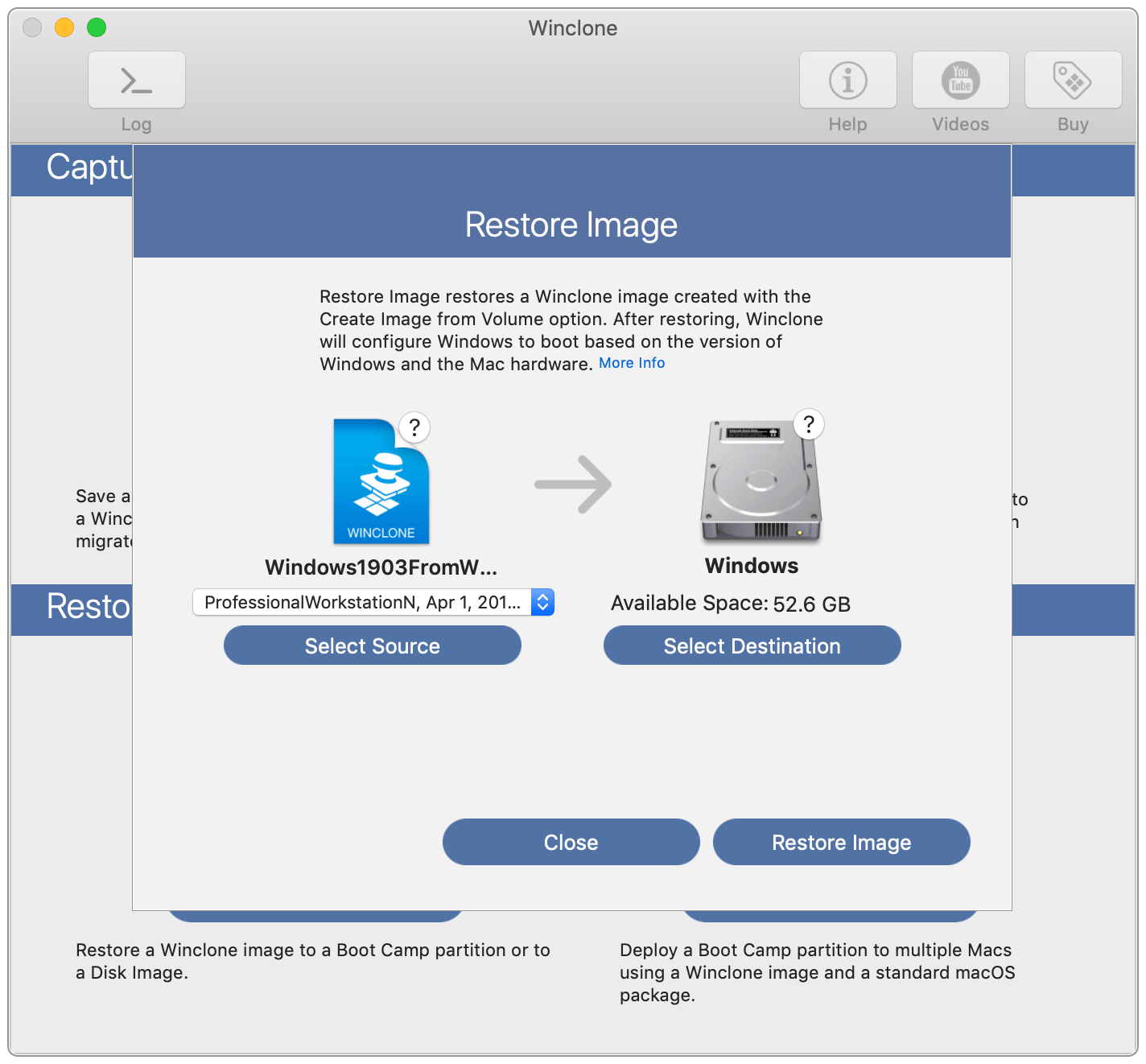
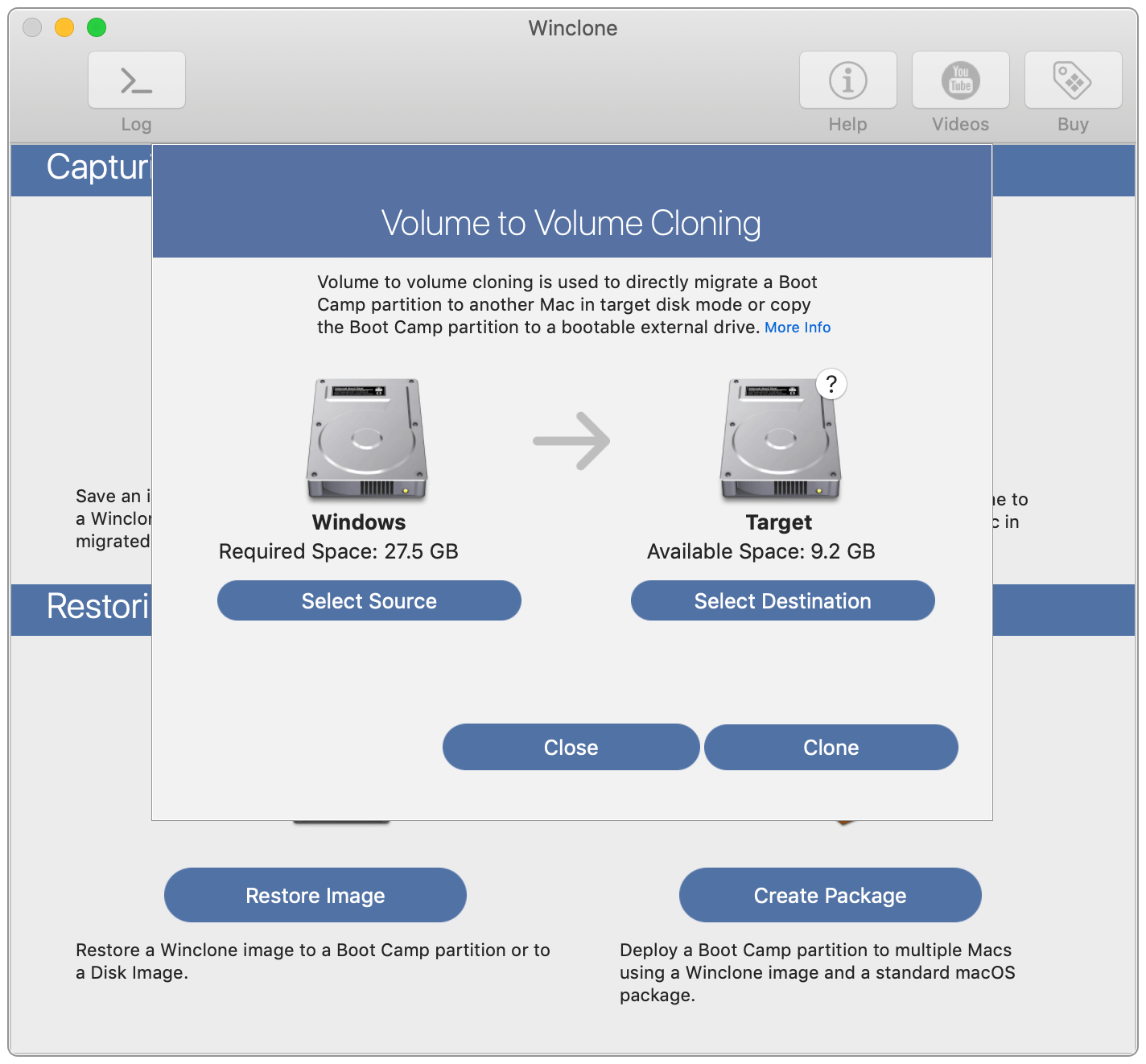
Winclone 9 is the most complete solution for protecting your Boot Camp Windows system against data loss. Winclone is the most reliable cloning solution when migrating Boot Camp to a new Mac.
Winclone 9 Pro can create a package installer creates the Boot Camp partition and restores a Winclone image to the new partition. Winclone packages can be deployed using any client management system that can deploy macOS packages. If you can install a package, you can deploy a Boot Camp partition.
Winclone Packages can deploy fully setup and configured Windows images, base images that configure on first run, or a WinPE environment to image and configure using standard Microsoft tools.
Features
- Cloning and restoring Boot Camp
- Supports restoring images created with Winclone 3.x, 4.x and 5.x (Windows 7 and above)
- Supports restoring images to DOS-FAT32, ExFAT and NTFS formatted volumes
- Supports restoring images to attached volumes (bootable depending on hardware and Windows version)
- Supports saving to external or network storage
- Fast incremental imaging
- Support for core storage volumes
- Detection and reporting of inconsistent GPT and MBR boot records
- Supports local disk-to-disk migration
- Shrink/expand Boot Camp file system
- Options for “make legacy bootable” and “make EFI bootable” (Windows 7 and above)
- Progress bar estimate and percentage complete
- Alert sound for success or fail operation
- In-app links to related support resources
- Updated user interface
Version 9.0:
- Boot Camp driver injection for critical drivers including SSD, keyboard, trackpad, and others
- Big Sur Compatibility for Boot Camp cloning, migrating, package deployment, MDT, and SCCM
- Support for Windows 8 and later
- Fresh Big Sur look
- Support for MacOS 11.0 Big Sur
Comments1
Information
Visitors in the group Guests cannot leave comments on this publication.