
HextEdit 1.1
HextEdit: fast macOS hex editor for precise binary editing.
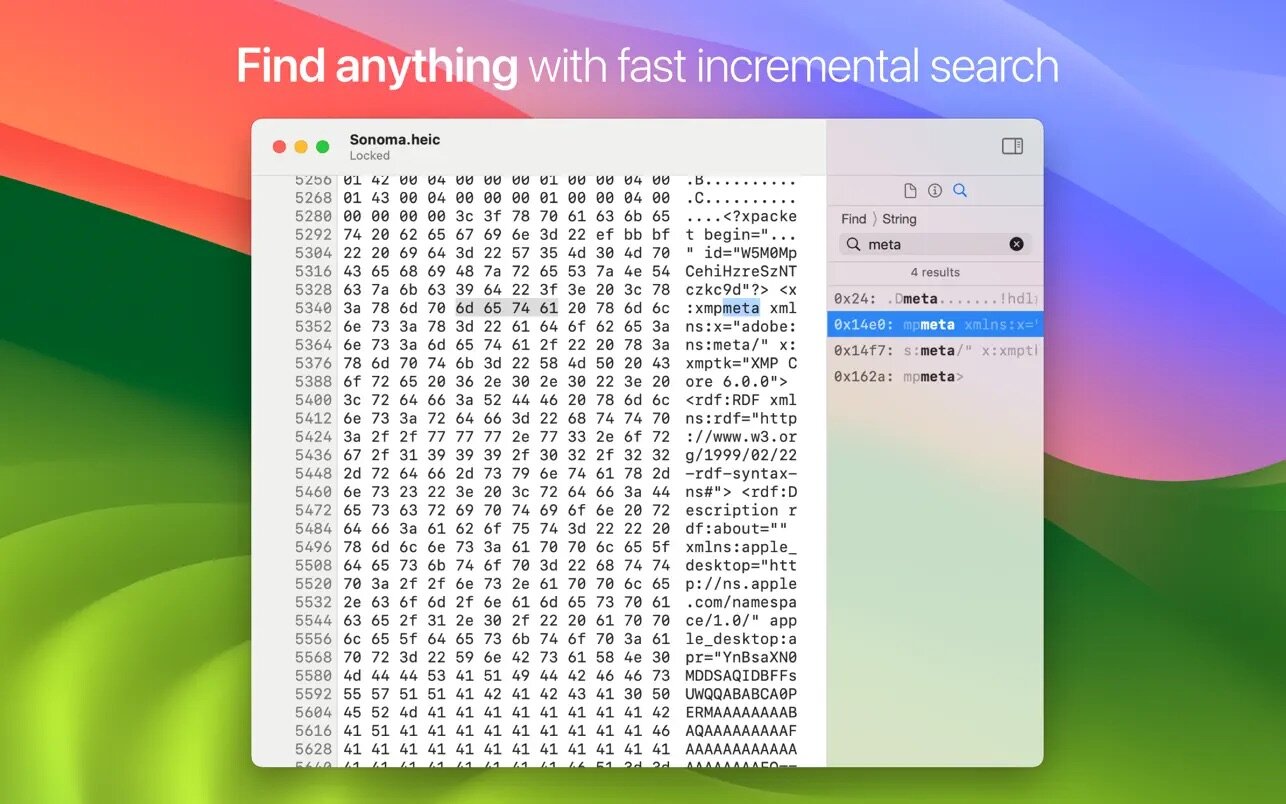
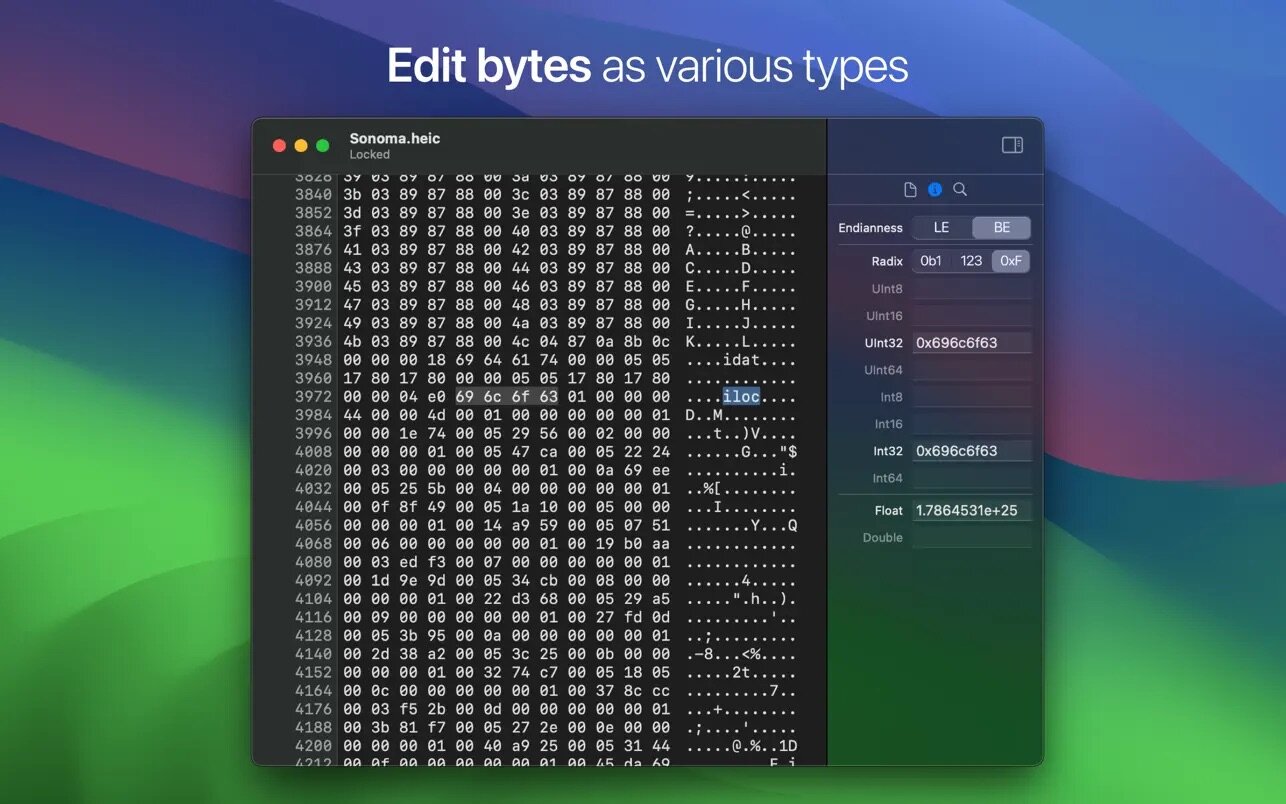
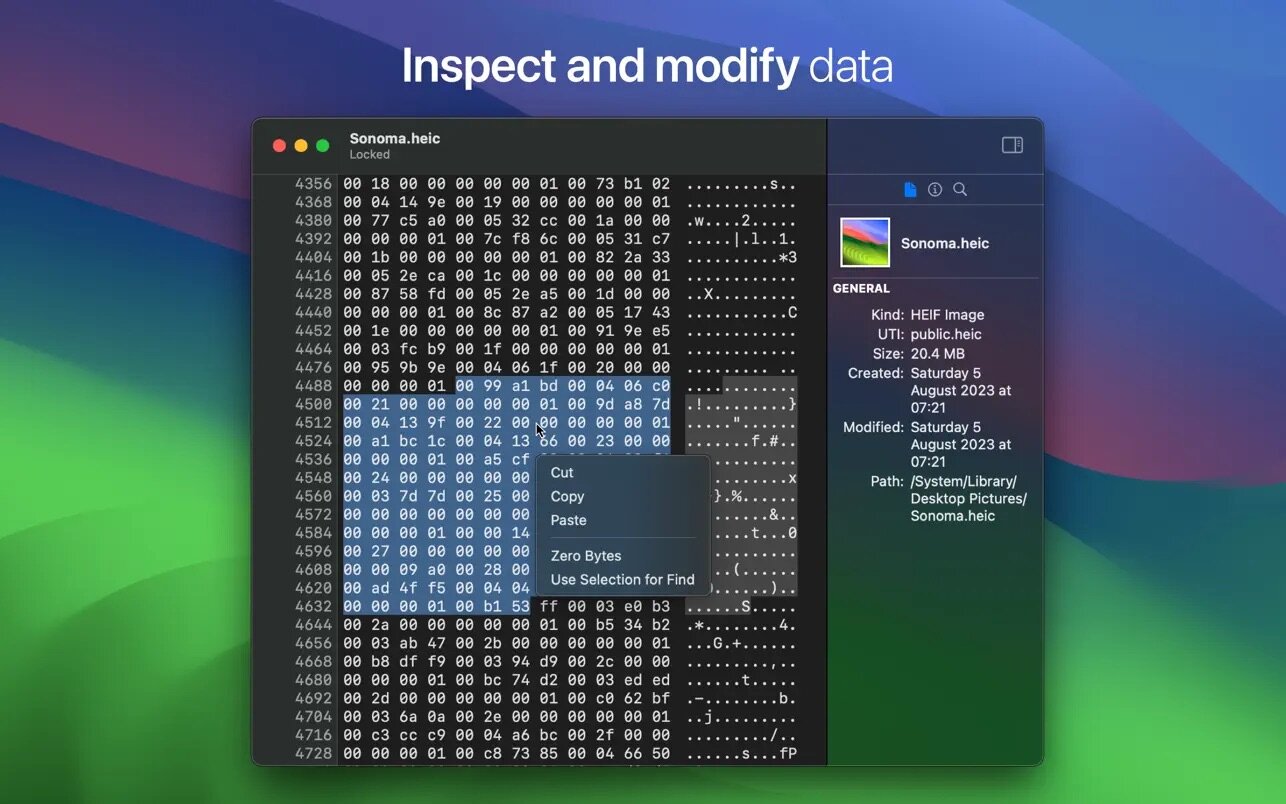
HextEdit is a fast, lightweight hex editor for macOS that lets you view and edit binary data quickly and precisely. It’s a simple, native app designed to work comfortably in the macOS interface—from the app icon to the full-height sidebar—while handling files both small and large.
Built for performance, HextEdit runs natively on Intel and Apple Silicon using Swift and an efficient data structure for fast editing. Edit values as little- or big-endian integers (signed or unsigned), floats, and doubles, and switch between binary, decimal, and hexadecimal representations with ease.
Key features
- Insert, delete, copy, and paste bytes or strings
- Undo/redo for safe editing
- Search instantly with incremental background find (strings, integers, and byte patterns)
- Edit numeric values (integers, floats, doubles) in any radix, with signed/unsigned and endianness support
- Jump to offset for precise navigation
- Zero selected bytes
- File version history with the ability to rewrite and continue safely
Version 1.1
- HextEdit has a new app icon, redesigned to match the look of macOS Tahoe.
Frequently asked questions
How do I install the app?
Mount the image, drag the app into the "Applications" folder and launch it. If the system blocks the launch, allow it in "System Settings → Privacy & Security".
The app is damaged or won't launch
Reinstalling from a fresh image usually helps. Make sure your macOS version matches the one listed in the compatibility specs.
How do I update?
Download the new version from the site and install it over the current one — your settings will be preserved.
The download link doesn't work
Try a mirror or a download manager. For large files the browser often drops the connection.
How do I completely remove the app?
Use an uninstaller utility — it cleans up the service files that remain after moving the app to the trash.





Choose a download source
HextEdit 1.1 · 7.48 MB
Previous versions
HextEdit 1.1
Previous versions are available to registered users.