
Codepoint 1.23
Codepoint Unicode character browser, icon search, and export tool
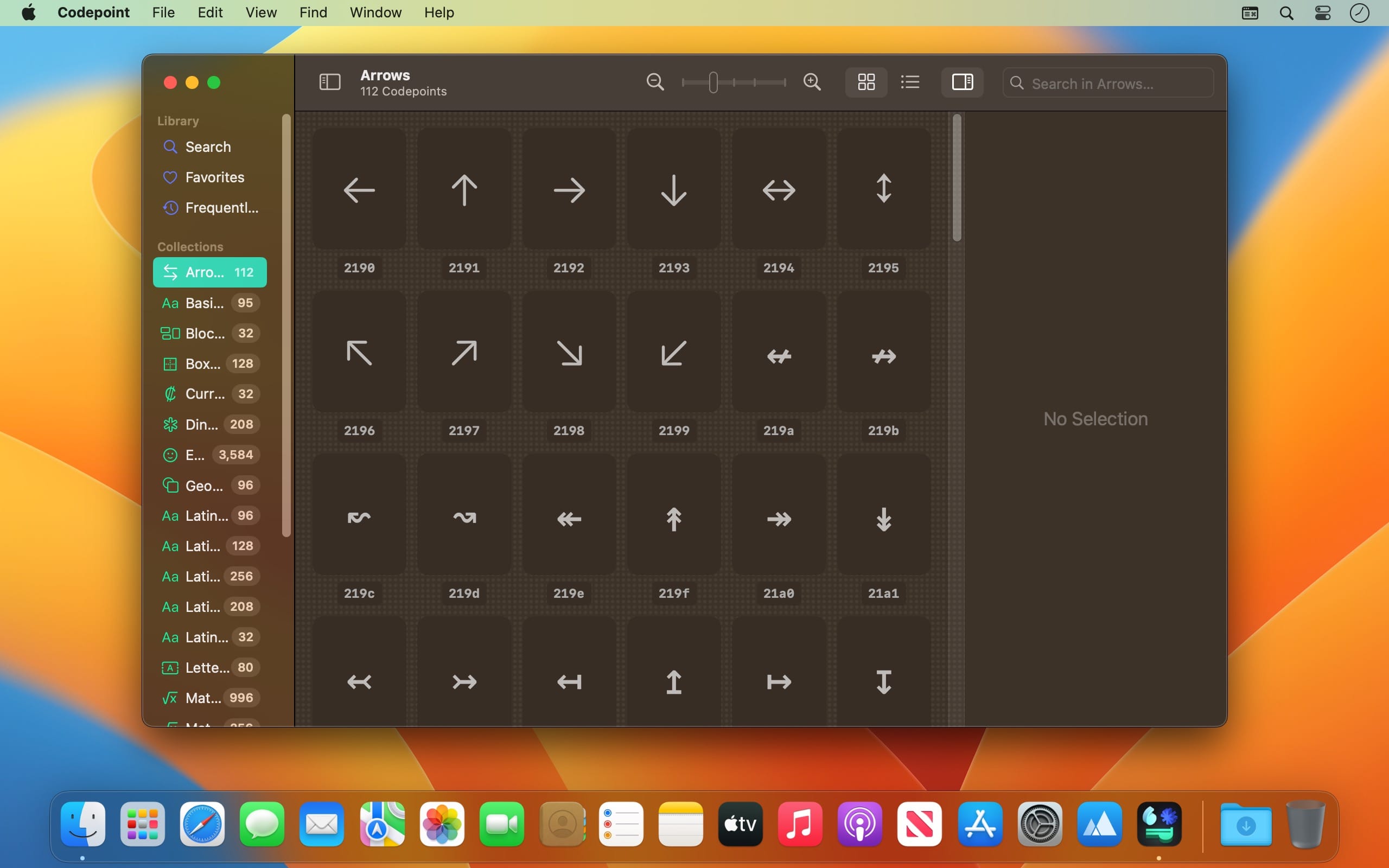
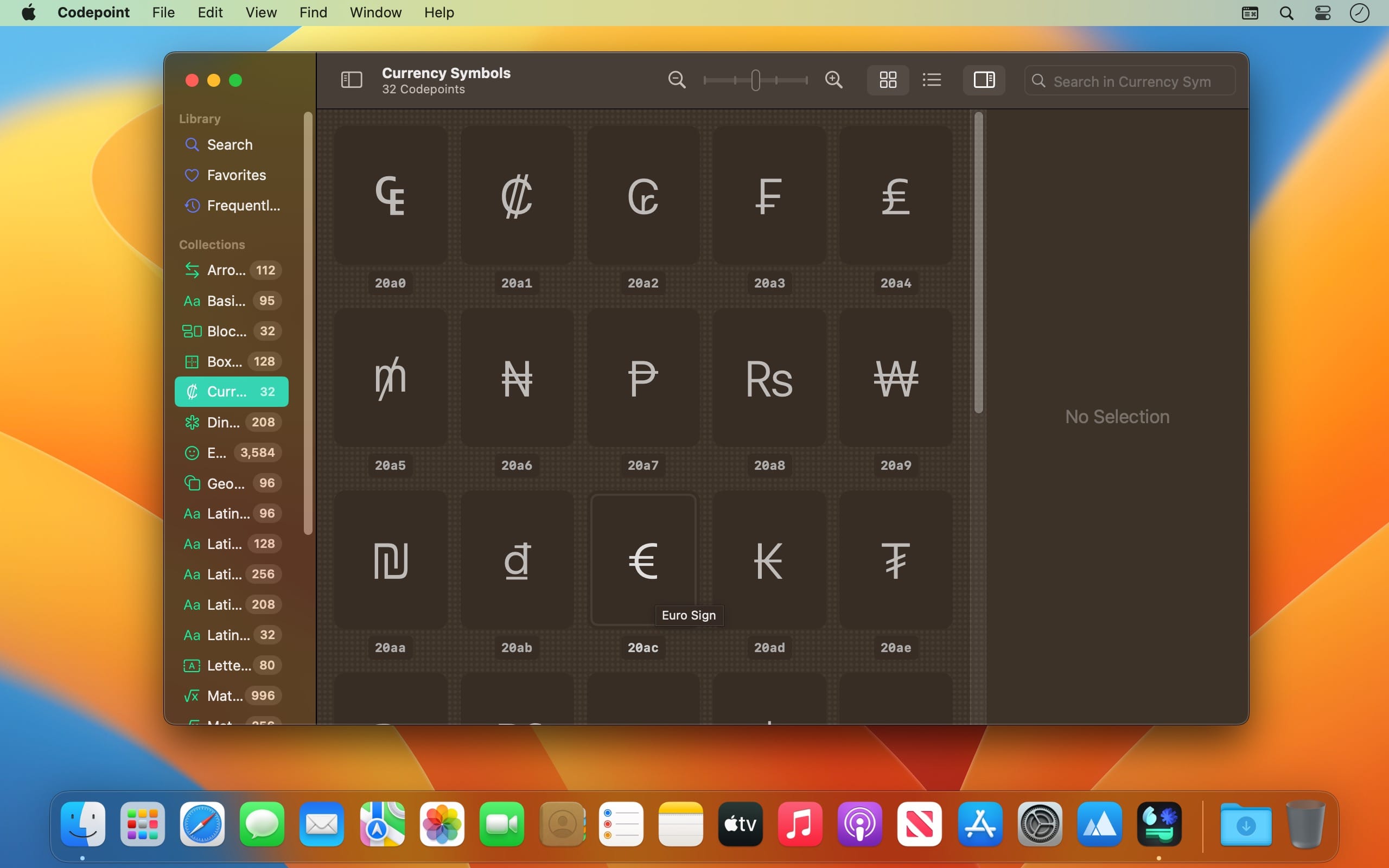
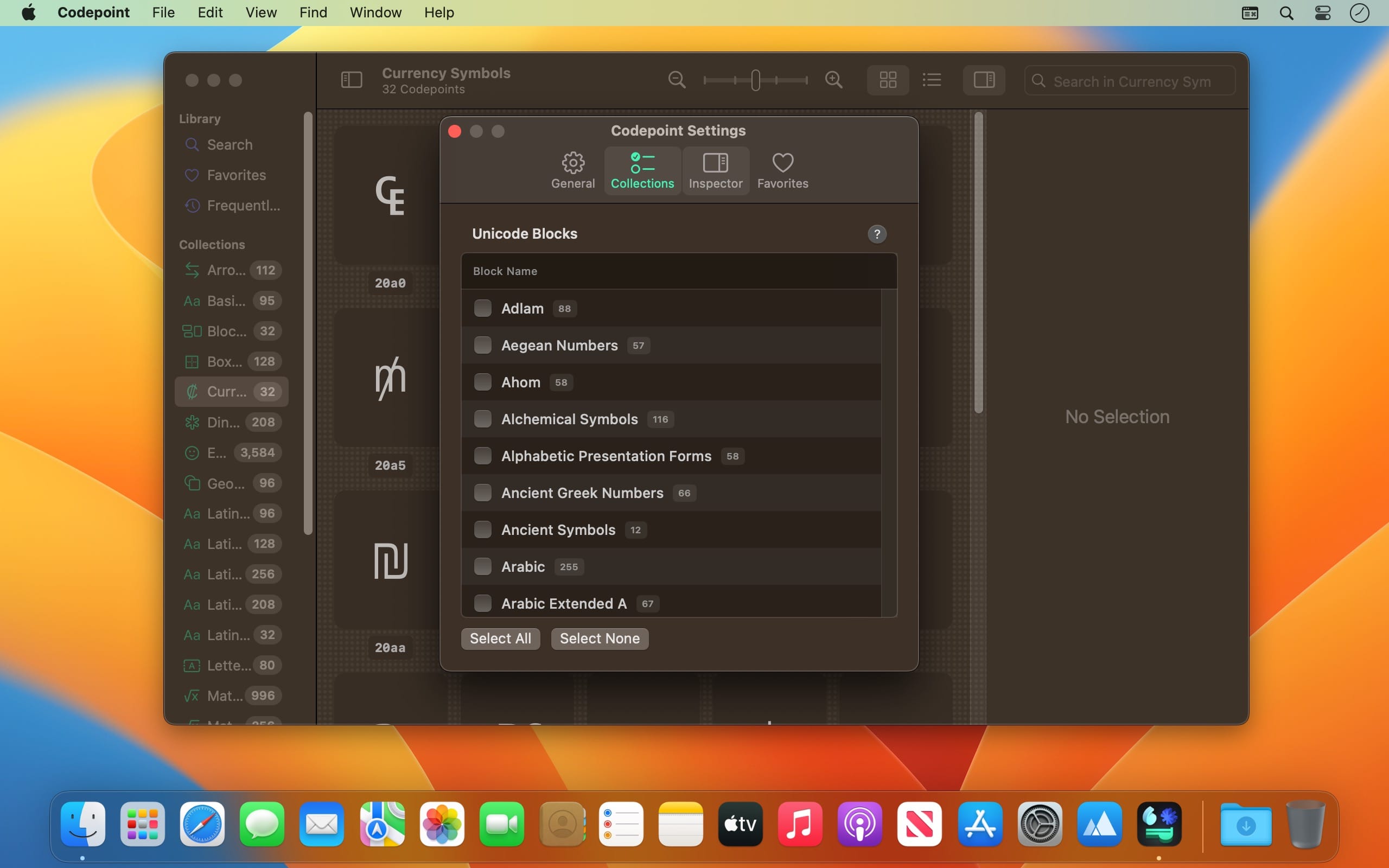
Codepoint is the modern type case for developers, designers, and typographers. Search, explore, and manage over 73,000 Unicode characters, including emojis and SF Symbols, all offline and at lightning speed.
Convert any codepoint into formats like HEX, decimal, UTF, HTML entities, Swift, or USDZ. Export glyphs as real 3D assets, view them in augmented reality on Apple Vision Pro, and inspect detailed glyph metrics for precision work.
With curated typographic notes, multi-codepoint support, iCloud-synced favorites, and widget support on iOS and macOS, Codepoint keeps the characters you need always within reach.
Features:
- Explore, search, and manage Unicode characters
- 73,000+ characters, including emojis and SF Symbols
- Fast, fully offline search
- Export to Unicode, decimal, HEX, HTML, USDZ, and more
- View glyphs in 3D and convert them to USDZ models
- Augmented reality support on Apple Vision Pro
- Typographic tips for selected glyphs
- iCloud-synced favorites
- Widget support on iOS and macOS
- Detailed glyph metrics
- Multi-codepoint support
Version 1.23
- Minor refinements throughout, so the app stays as reliable as you're used to.
Frequently asked questions
How do I install the app?
Mount the image, drag the app into the "Applications" folder and launch it. If the system blocks the launch, allow it in "System Settings → Privacy & Security".
The app is damaged or won't launch
Reinstalling from a fresh image usually helps. Make sure your macOS version matches the one listed in the compatibility specs.
How do I update?
Download the new version from the site and install it over the current one — your settings will be preserved.
The download link doesn't work
Try a mirror or a download manager. For large files the browser often drops the connection.
How do I completely remove the app?
Use an uninstaller utility — it cleans up the service files that remain after moving the app to the trash.





Choose a download source
Codepoint 1.23 · 62.84 MB