
SweetScape 010 Editor 14.0
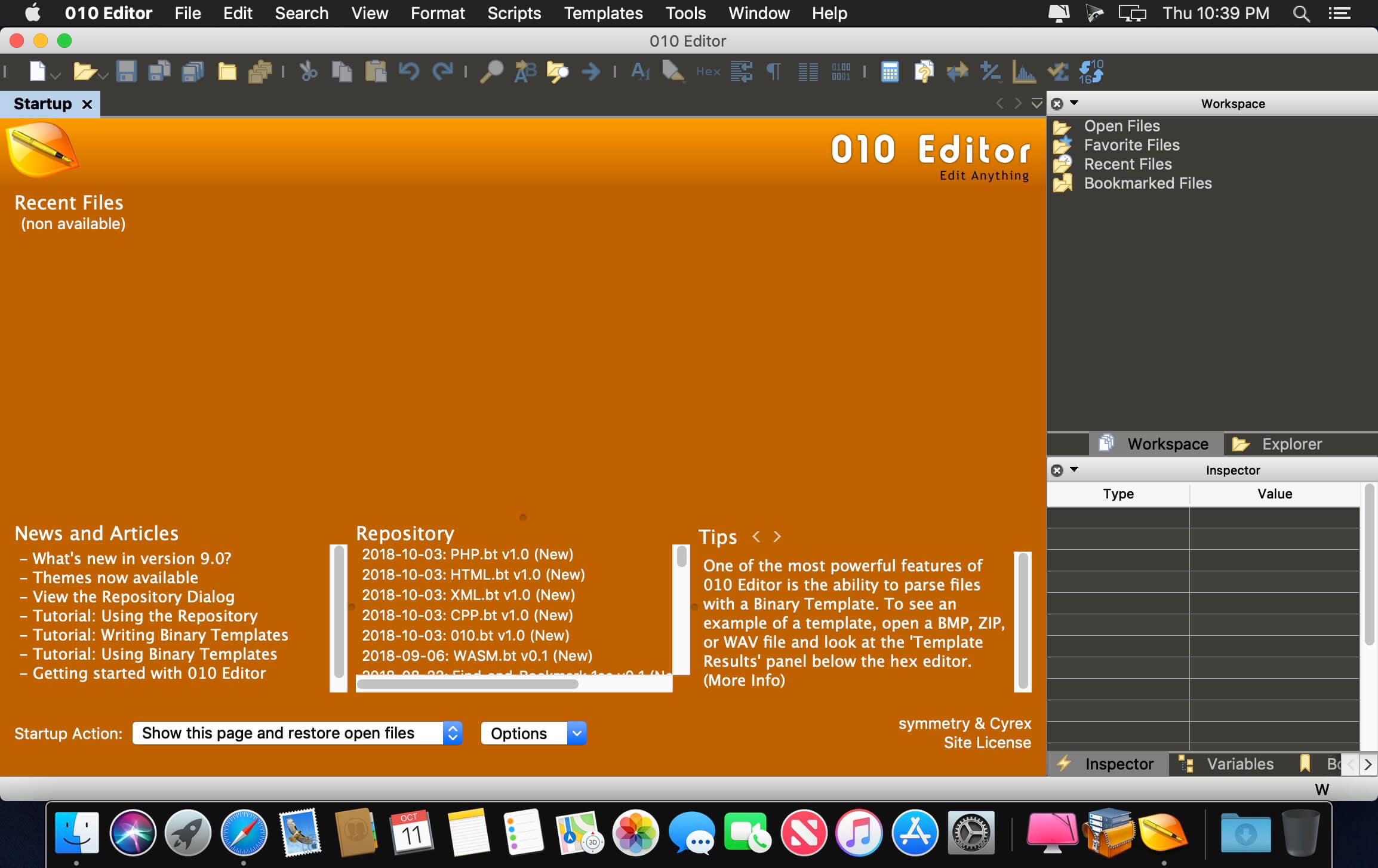

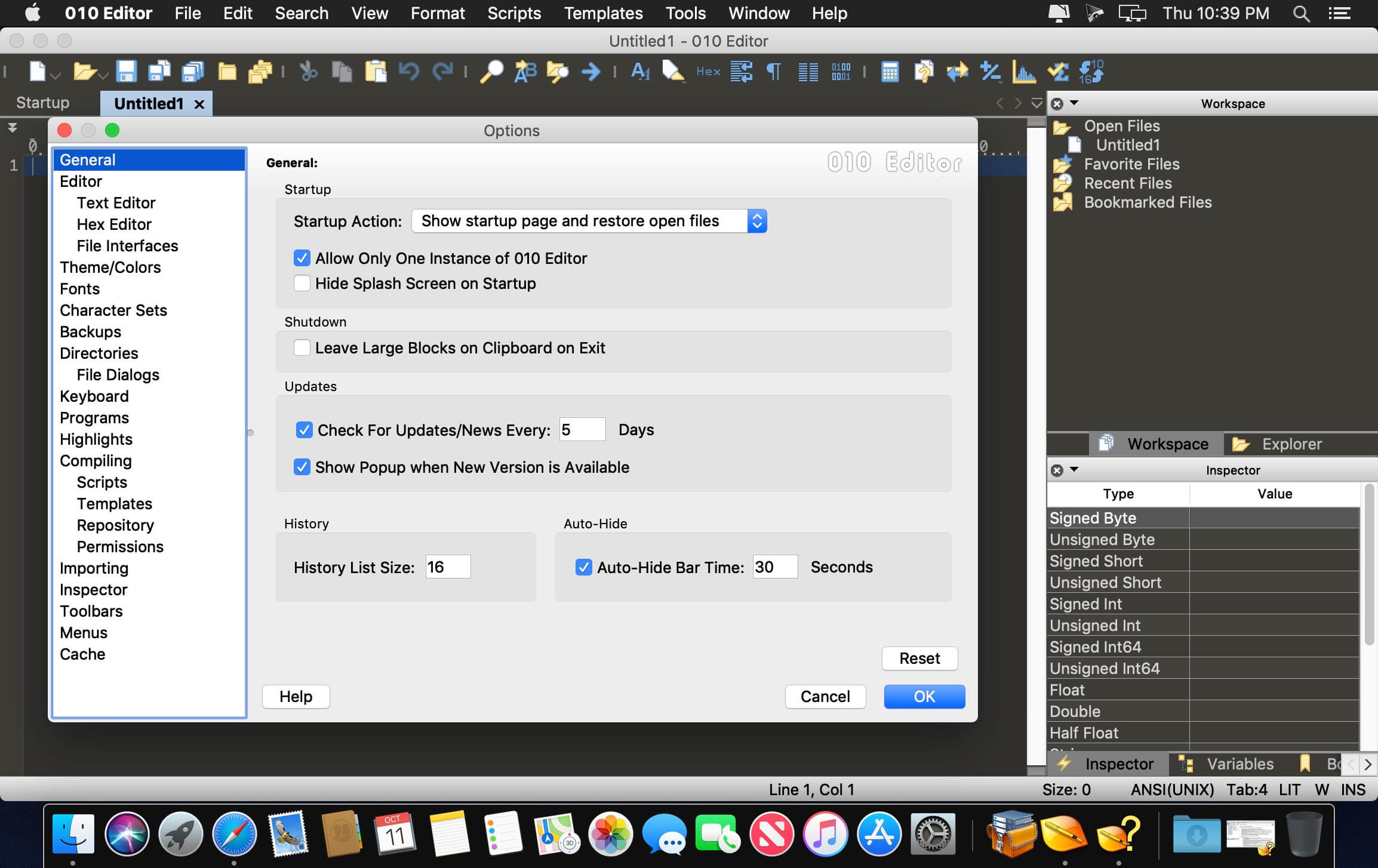
SweetScape 010 Editor is a professional-grade text editor and hex editor designed to quickly and easily edit any file or drive on your computer. Combining an easy-to-use interface with a whole range of editing tools, 010 Editor is a valuable tool for anyone working with text or binary files. One of the most powerful features of 010 Editor is the ability to parse virtually any binary file using a Binary Template. Instead of browsing through a long range of hex bytes as with traditional hex editors, Binary Templates allow a file to be understood. Templates are easy to write and can be used to completely parse any data format, such as BMP or ZIP files (Templates for reading these files are included with 010 Editor).
A Binary Template looks similar to a C/C++ structure, but is actually run as a program. Every time a variable is declared in a Template, that variable is mapped to a set of hex bytes in a file. Data in the file can then be read or written by modifying the variable. Because the Template is run as a program, if, for, or while statements as well as functions or complex expressions can be used. When a Template is run, the defined variables can be edited using the Template Results, as shown on the left. New Templates can be added to 010 Editor and can even be configured to run automatically when a file is loaded.
Features:
- View and edit any binary file on your hard drive (unlimited file size) and text files including Unicode files, C/C++ source code, etc.
- Unique Binary Templates technology allows you to understand any binary file format.
- Find and fix problems with hard drives, floppy drives, memory keys, flash drives, CD-ROMs, processes, etc.
- Analyze and edit binary data with powerful tools including Find, Replace, Find in Files, Binary Comparisons, Checksum/Hash Algorithms, Histograms, etc.
- Powerful scripting engine allows automation of many tasks (language is very similar to C).
- Import and export your binary data in a number of different formats.
Frequently asked questions
How do I install the app?
Mount the image, drag the app into the "Applications" folder and launch it. If the system blocks the launch, allow it in "System Settings → Privacy & Security".
The app is damaged or won't launch
Reinstalling from a fresh image usually helps. Make sure your macOS version matches the one listed in the compatibility specs.
How do I update?
Download the new version from the site and install it over the current one — your settings will be preserved.
The download link doesn't work
Try a mirror or a download manager. For large files the browser often drops the connection.
How do I completely remove the app?
Use an uninstaller utility — it cleans up the service files that remain after moving the app to the trash.




Choose a download source
SweetScape 010 Editor 14.0 · 24.26 MB
Previous versions
SweetScape 010 Editor 14.0
Previous versions are available to registered users.
Comments 2