
Looq 1.7.5
Quick Look: file preview app for Markdown, code, and data.
Quick Look — Supercharged file previews
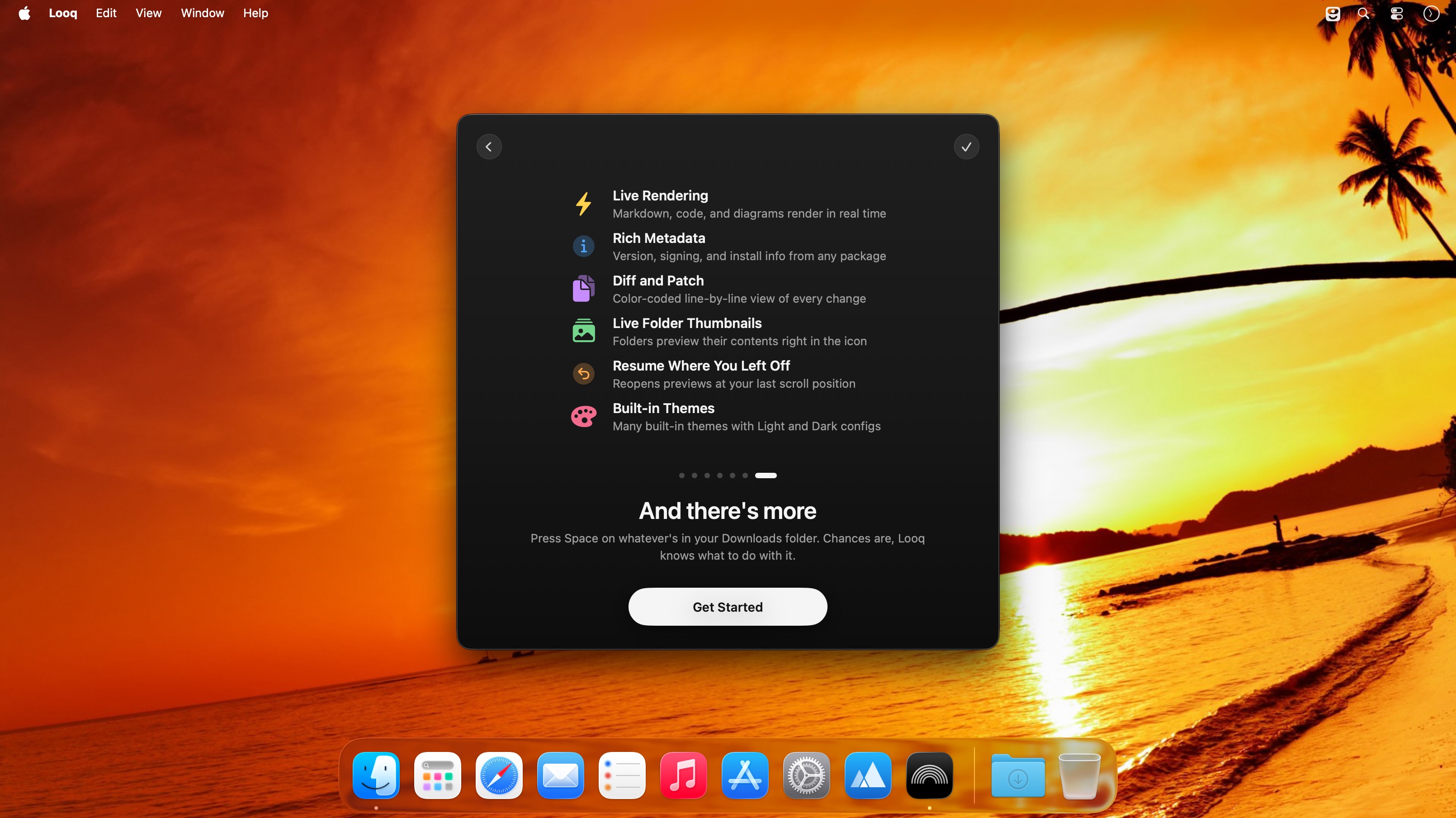
Preview files faster and smarter. Quick Look renders rich Markdown, code, data tables, archives and folders with features built for developers, writers, and power users.
Markdown
- Full GFM rendering with rich formatting and a live preview on save.
- KaTeX support for inline and block math.
- Mermaid diagram rendering.
- GitHub emoji shortcodes and alerts.
- Auto-generated table-of-contents sidebar.
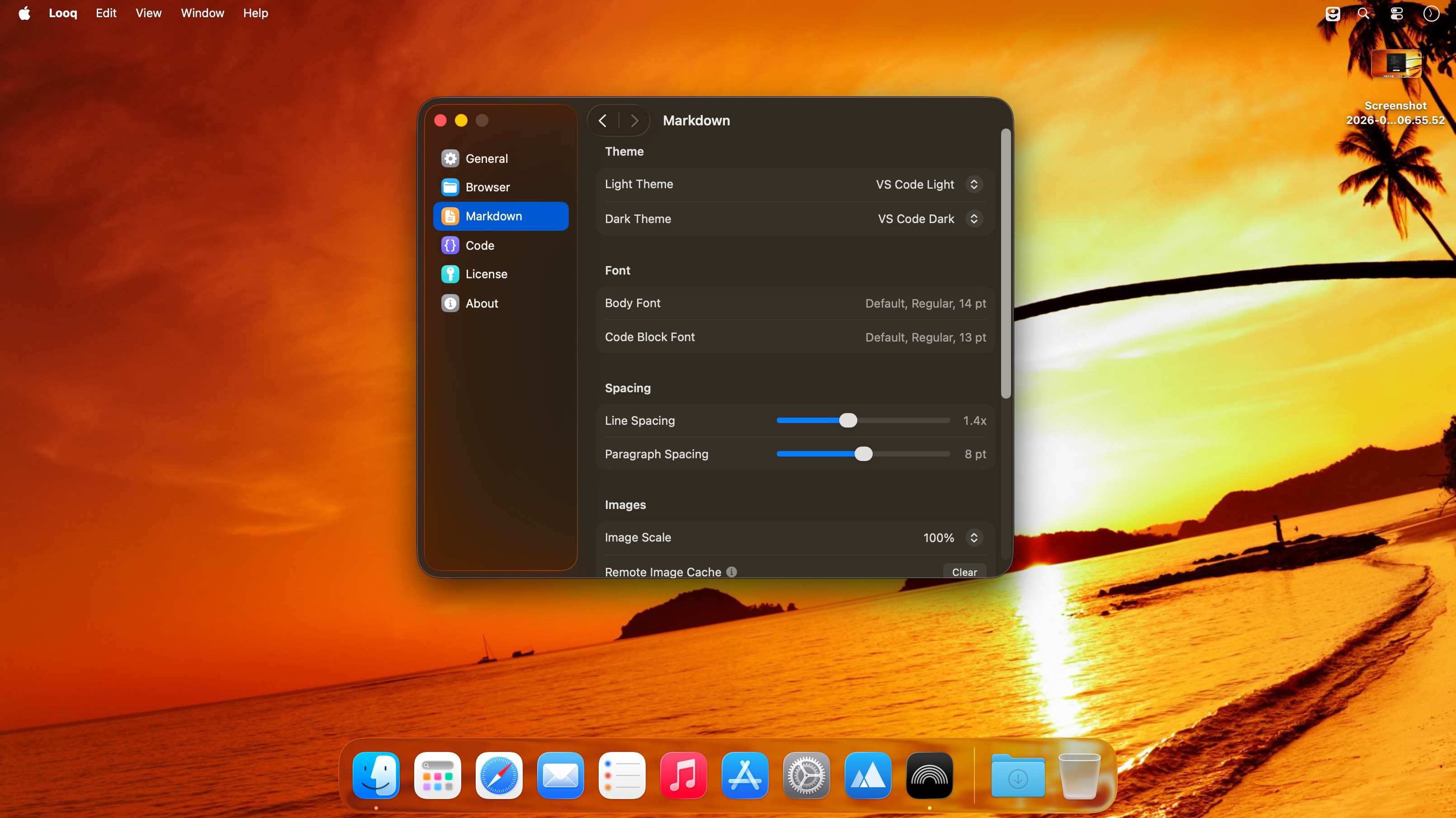
- Remote image caching and scroll-position memory.
Source code
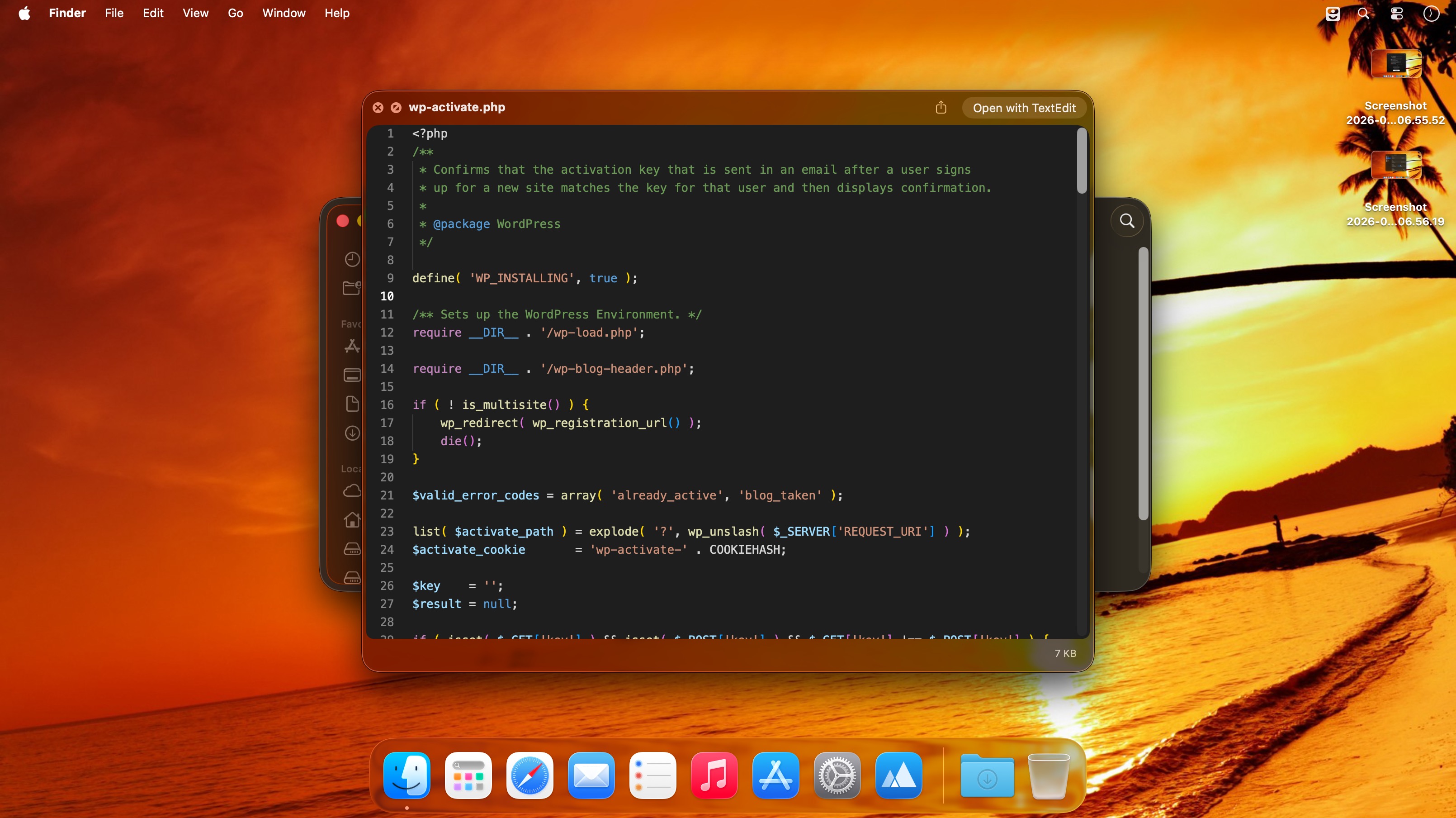
- Syntax highlighting for 190+ languages with progressive rendering and a sliding window for huge files.
- Configurable line numbers, fonts, tab width, word wrap, and independent light/dark themes.
- Shebang-based language detection and auto-formatting for JSON, CSS, XML, SVG, plist, and SQL.
Data files
- Native table views for CSV/TSV with resizable columns, alternating row colors and pagination for large files.
- SQLite multi-table preview with column type and constraint tooltips.
- Color-coded diffs/patches and quick multi-file tab switching.
Archives & folders
- Browse ZIP and TAR archives with a directory tree and fast binary parsing.
- Preview large archives quickly and view folder metadata (size, date, type) with sortable columns.
- Configurable folder display columns and Spotlight metadata in previews.
Workflows that just work
- Remembered scroll positions, configurable display options, and fast performance for large files make Quick Look ideal for daily code review, documentation, and data inspection.
Version 1.7.5:
- Improved notarization reporting for apps and disk images
- Fixed previews and Kind labels for scripts without a file extension
- Minor UI refinements
Frequently asked questions
How do I install the app?
Mount the image, drag the app into the "Applications" folder and launch it. If the system blocks the launch, allow it in "System Settings → Privacy & Security".
The app is damaged or won't launch
Reinstalling from a fresh image usually helps. Make sure your macOS version matches the one listed in the compatibility specs.
How do I update?
Download the new version from the site and install it over the current one — your settings will be preserved.
The download link doesn't work
Try a mirror or a download manager. For large files the browser often drops the connection.
How do I completely remove the app?
Use an uninstaller utility — it cleans up the service files that remain after moving the app to the trash.




Choose a download source
Looq 1.7.5 · 17.58 MB
Previous versions
Looq 1.7.5
Previous versions are available to registered users.