RightFont 10.2.1
RightFont — macOS font manager to preview, organize, and sync fonts
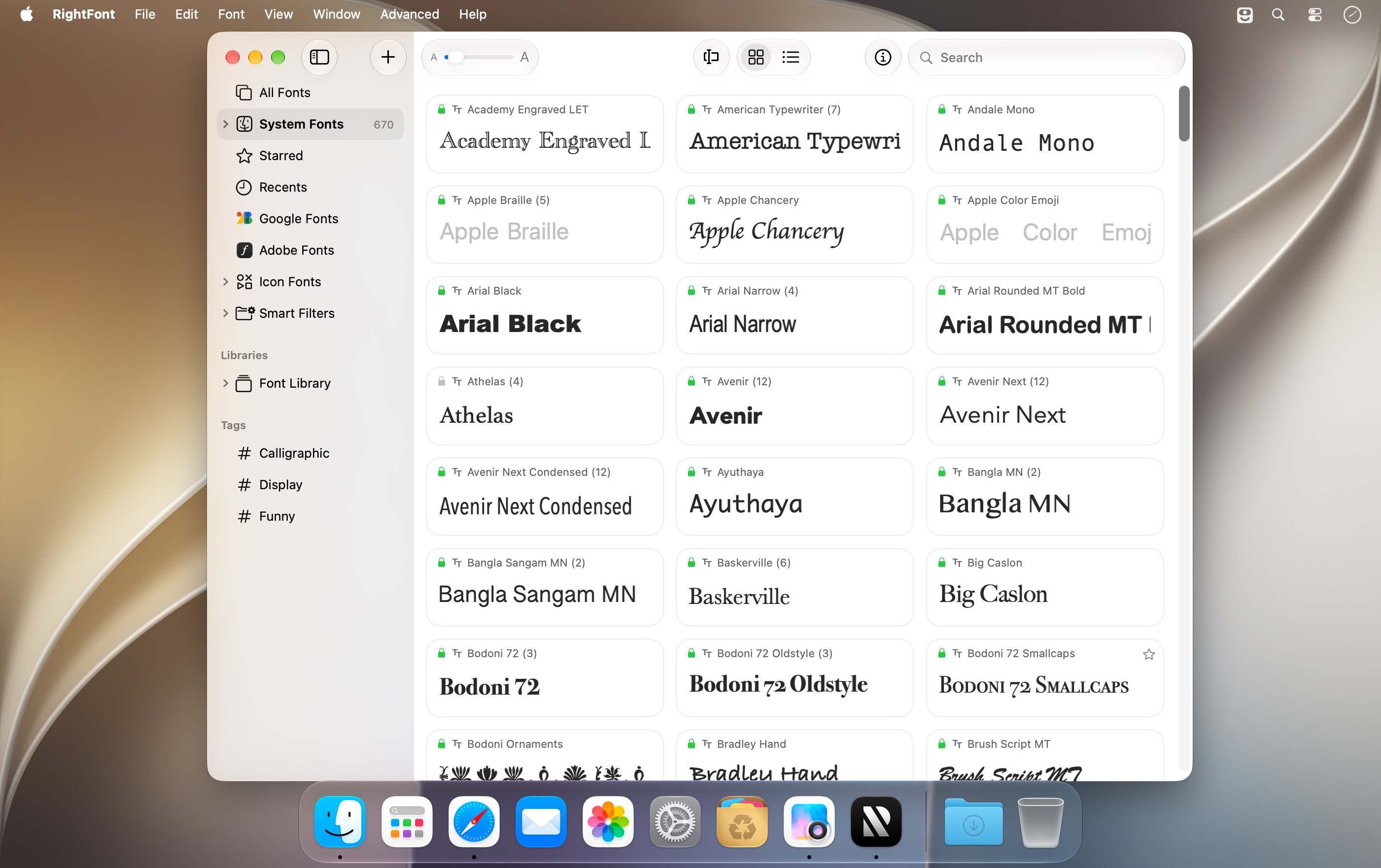
You open a client's file in Illustrator, and some of the fonts aren't installed. RightFont 10, a font manager for Mac, spots them on its own and offers to activate them. It does the same in Photoshop, Sketch, and other supported design apps.
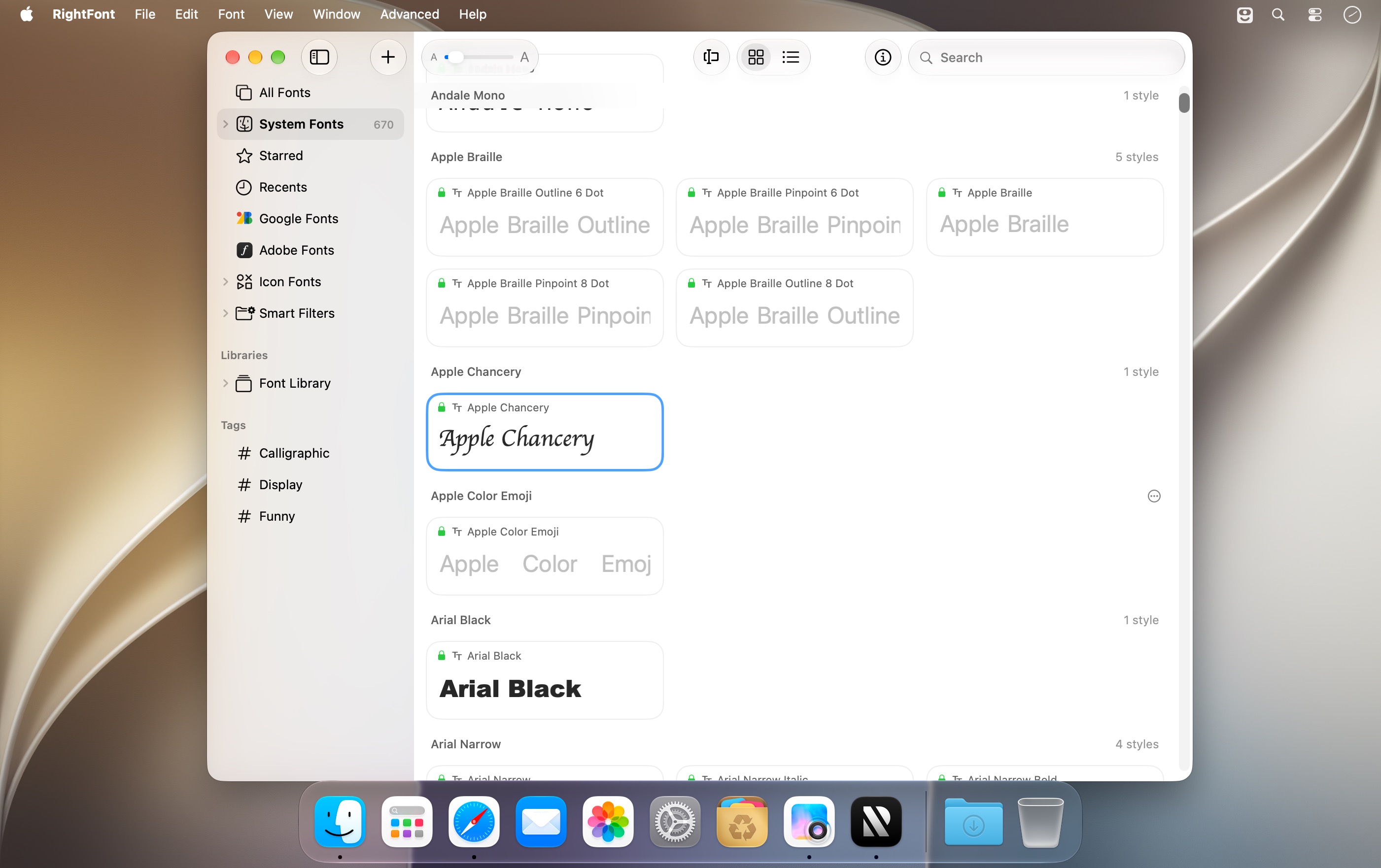
You don't have to copy fonts into the system folder. RightFont brings any folder on your drive, Google Fonts, and your team's libraries into one workspace. It stays fast even with tens of thousands of fonts. Preview a font before you install it, and turn it on only when you need it.
To change a font in your design, select the text or text layer and apply a font from RightFont. If that font isn't installed yet, RightFont activates it in the background.
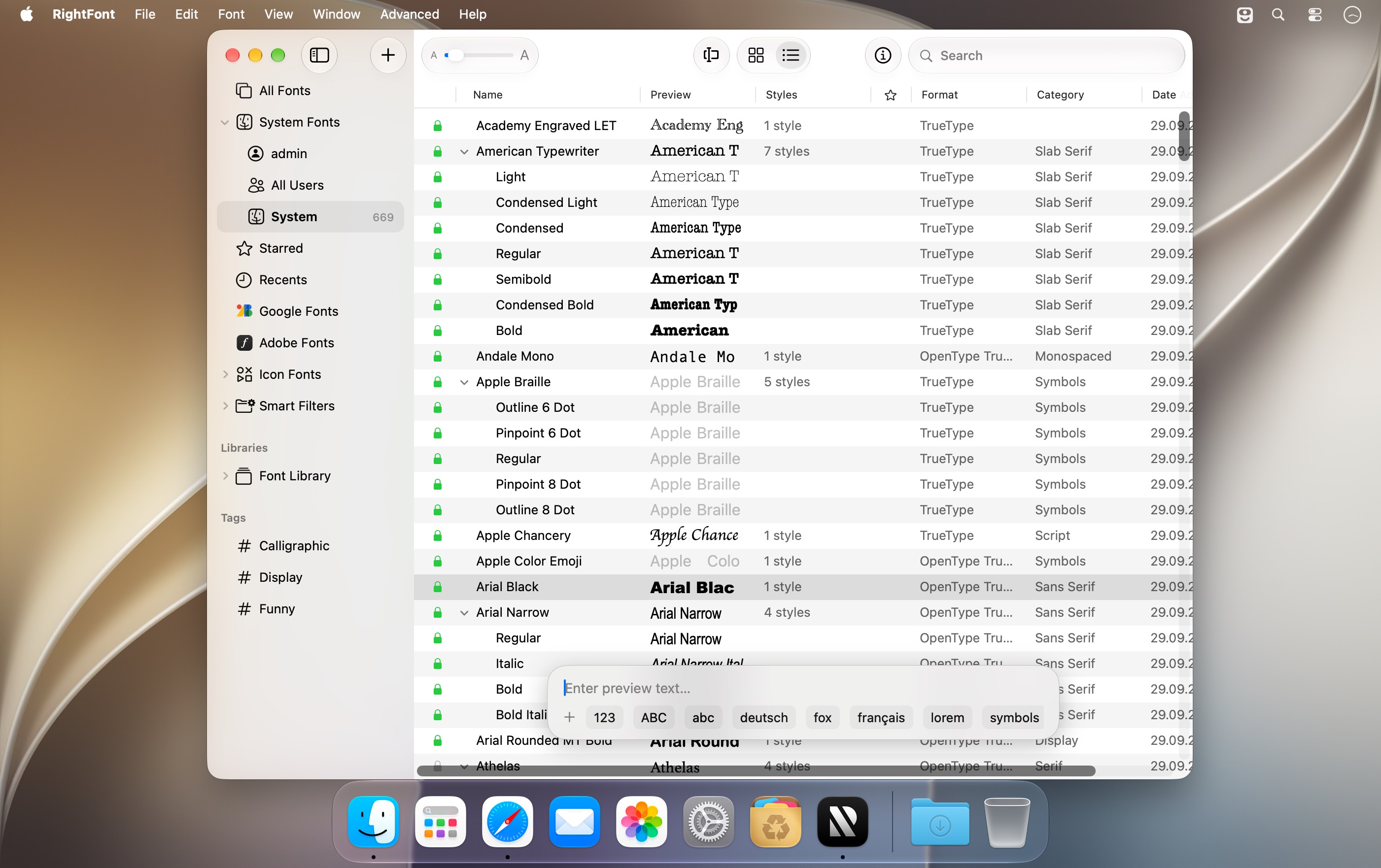
Search, tags, font sets, and smart filters narrow thousands of fonts down to a shortlist. Before you choose, compare fonts in different views and check their OpenType features and glyphs. Press the space bar to see detailed font info. You can share fonts, sets, and tags with your team.
Google Fonts sync to your Mac and work locally in any app. Icon fonts are included too: drag any of thousands of free icons straight into your design. RightFont runs natively on Apple silicon and supports Dark Mode.
Version 10.2.1
More reliable font imports, improved tag management, and fixes for Adobe Illustrator, QuarkXPress, and macOS 27.
Improved
- Clearer import progress, including a finalization stage and a count of unsupported files in the completion notification.
- Subtags can now be dragged back to the main Tags section.
Fixed
- Font imports now honor the Skip duplicate fonts setting and prioritize OTF and TTF files over web fonts when skipping duplicates.
- Fixed imports targeting the wrong library or set when names match, and font-set membership being lost after reloading a library.
- Fixed saving tag hierarchies, editing newly created tags, and duplicate names when renaming tags.
- Fixed Smart Filters incorrectly interpreting text entered in filter conditions.
- Fixed font selections being lost when changing preview text, font size, or view.
- Fixed Adobe Illustrator repeatedly relaunching after quitting when Auto Activation was enabled.
- Fixed font scanning changing the view in QuarkXPress and duplicate entries in its missing-font list.
- Fixed Inspector toolbar flickering, header spacing, and separator alignment on macOS 27.
- Improved stability when importing fonts, assigning tags, and dragging icon glyphs.
Frequently asked questions
How do I install the app?
Mount the image, drag the app into the "Applications" folder and launch it. If the system blocks the launch, allow it in "System Settings → Privacy & Security".
The app is damaged or won't launch
Reinstalling from a fresh image usually helps. Make sure your macOS version matches the one listed in the compatibility specs.
How do I update?
Download the new version from the site and install it over the current one — your settings will be preserved.
The download link doesn't work
Try a mirror or a download manager. For large files the browser often drops the connection.
How do I completely remove the app?
Use an uninstaller utility — it cleans up the service files that remain after moving the app to the trash.




Choose a download source
RightFont 10.2.1 · 18.74 MB
Comments 2