
iPack 2.3.5
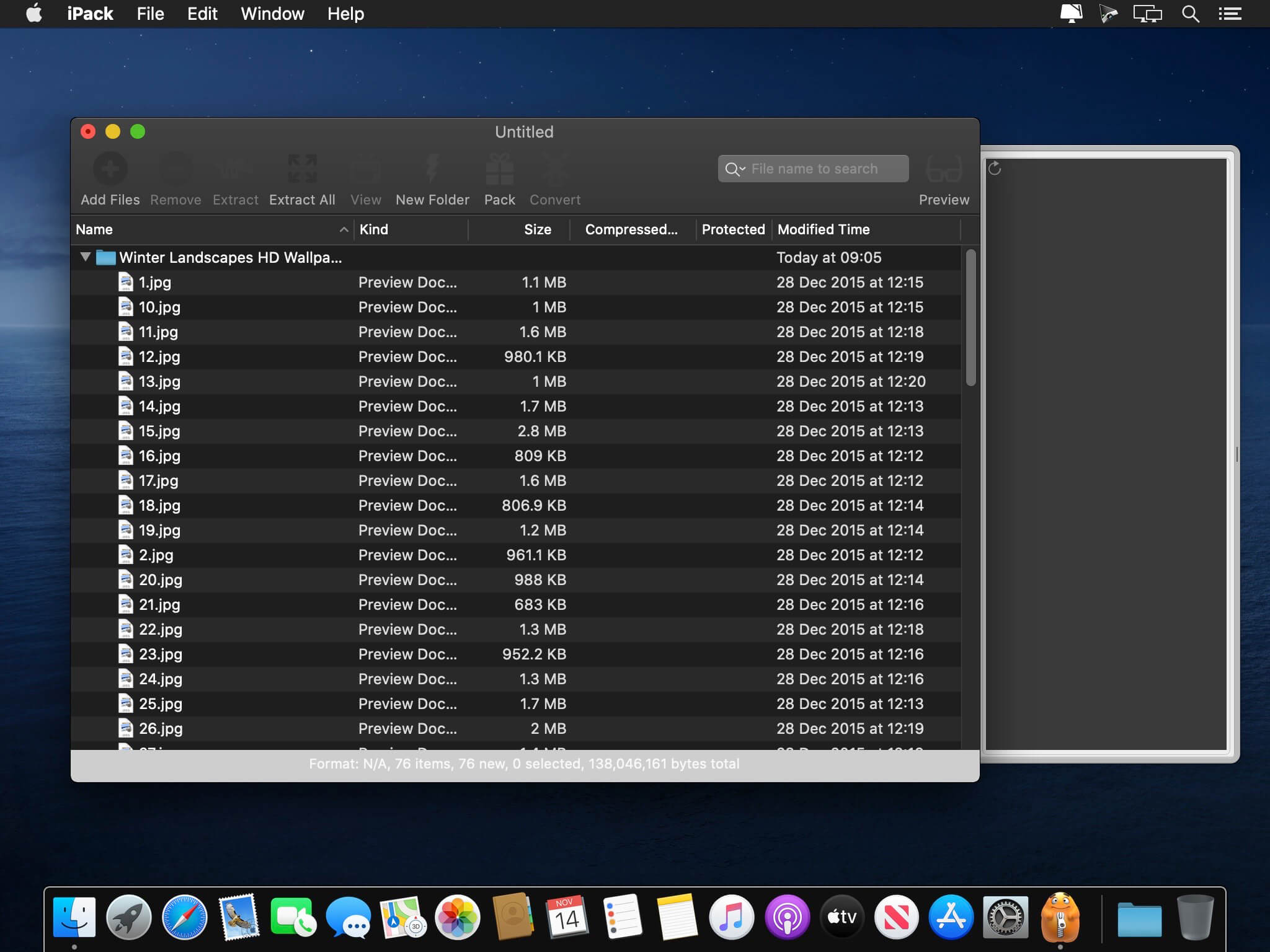
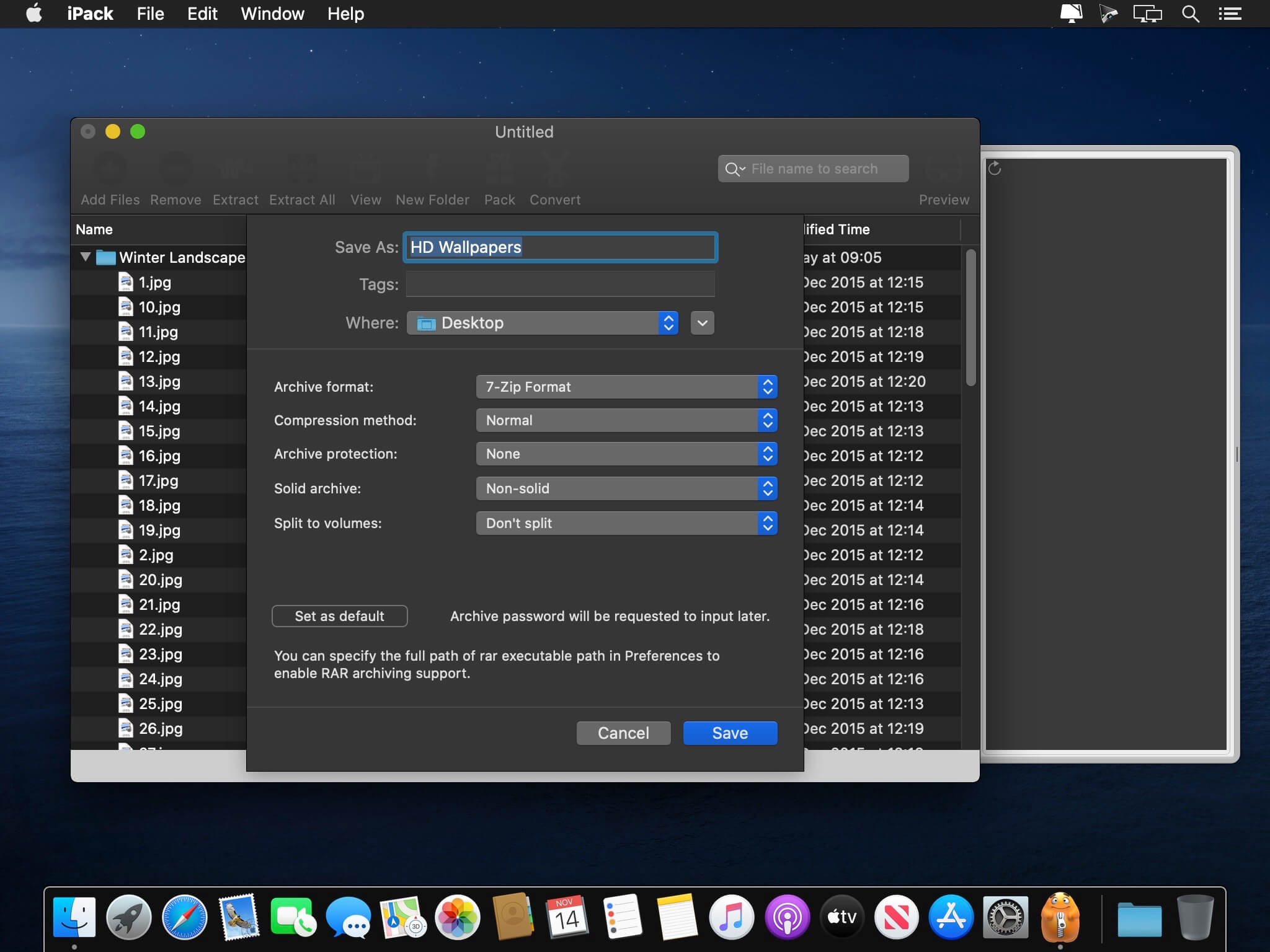
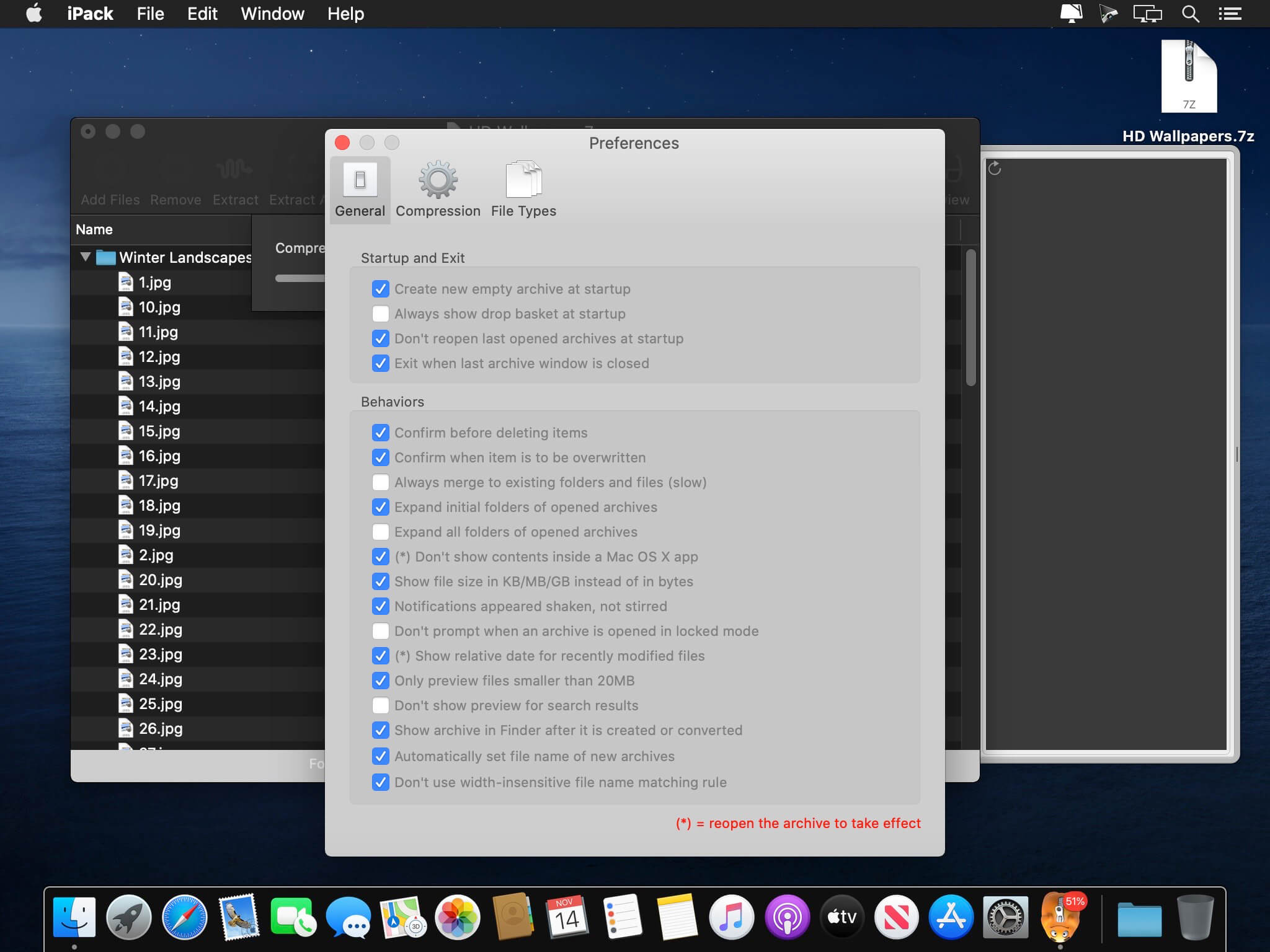
Pack is a full-featured compressed archives manager.
Highlights:
- Compress 7z, zip, jar, and rar archives
- Decompress 7z, zip, jar, rar, cab, deb, iso, arj, gz and bz2 archives
- NEW! Integration with Finder: compress and decompress files in Finder directly
- Quick preview files without extracting them
- Conversion from 7z/zip/rar/gz/bz2 to 7z/zip/rar formats
- Quick archive decompression by dragging files to the drop basket
- Take advantage of the power of multicore CPU: iPack works at least 100% faster when you have 2011 Macs.
- Superb speed benefited by 64-bit computing power
- Full support of international file names (especially Chinese, Japanese and Korean file names created by old archivers)
- Full support of password-protected archives
- Full support of drag and drop
- Multi-volumed archives support
- Search file names inside archives
Version 2.3.5
Version 2.3 series supports the Dark Mode of macOS Mojave and Catalina.
Version 2.3 series supports the Dark Mode of macOS Mojave and Catalina.
- Fixed: text color adjustments in Dark Mode.
- Fixed: progress not updated when extracting RAR archives.
- Fixed: possible crash when asking whether to overwrite existing items.
- Improved: support quick preview of files inside RAR 5 archives.
- Improved: don't warn about the file is modified when more than one operations are applied to the archive.
- Fixed: crash when overwriting items from tar files.
Frequently asked questions
How do I install the app?
Mount the image, drag the app into the "Applications" folder and launch it. If the system blocks the launch, allow it in "System Settings → Privacy & Security".
The app is damaged or won't launch
Reinstalling from a fresh image usually helps. Make sure your macOS version matches the one listed in the compatibility specs.
How do I update?
Download the new version from the site and install it over the current one — your settings will be preserved.
The download link doesn't work
Try a mirror or a download manager. For large files the browser often drops the connection.
How do I completely remove the app?
Use an uninstaller utility — it cleans up the service files that remain after moving the app to the trash.
VersioniPack 2.3.5
DeveloperHong Jiang
CompatibilityOS X 10.6 or later, 64-bit processor
LanguageEnglish
IncludesK'ed by HCiSO





Information
Visitors in the group Guests cannot leave comments on this publication.
Choose a download source
iPack 2.3.5 · 5.86 MB