BoltAI 2.16.0
BoltAI: macOS AI assistant with GPT prompts and custom assistants
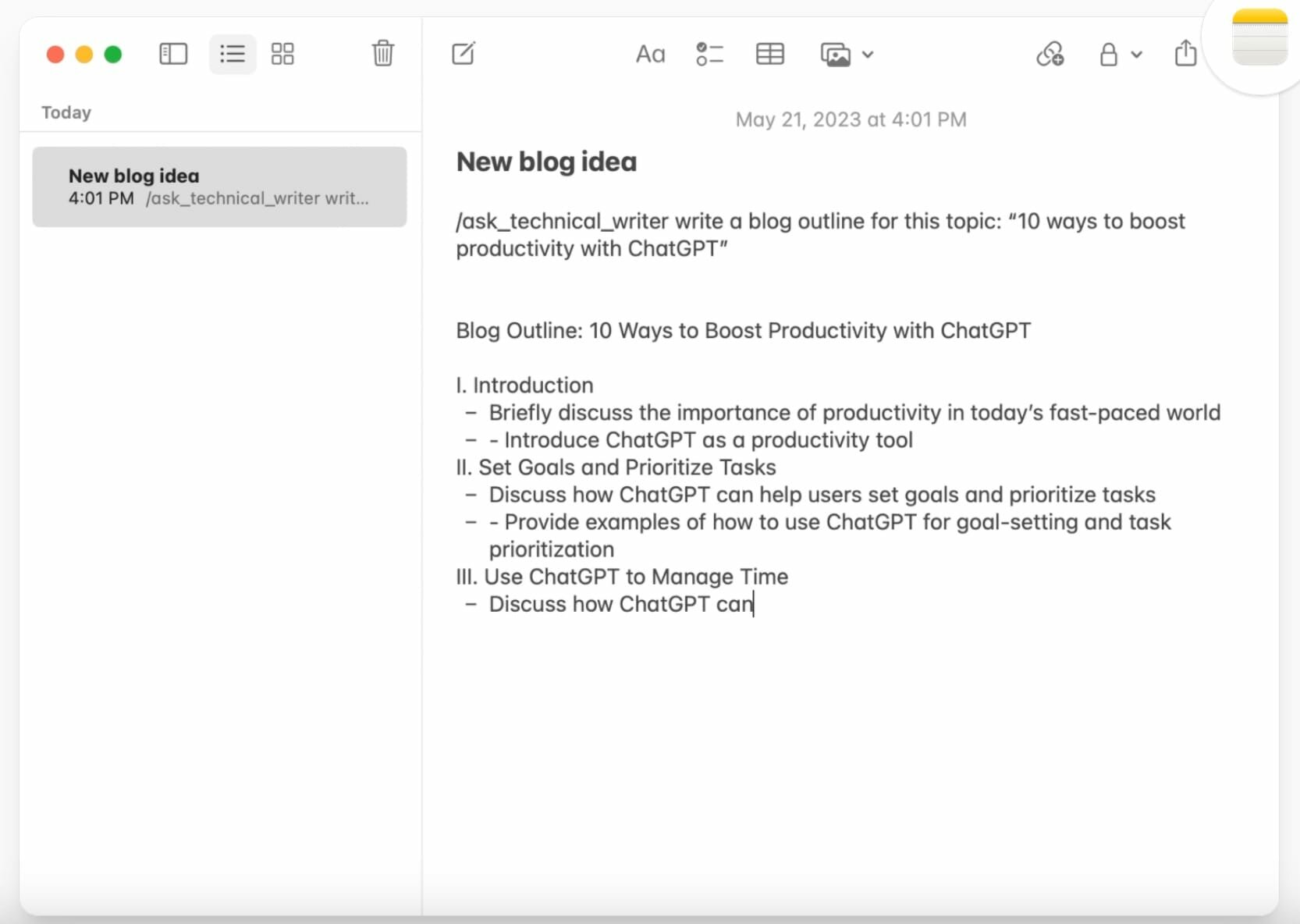
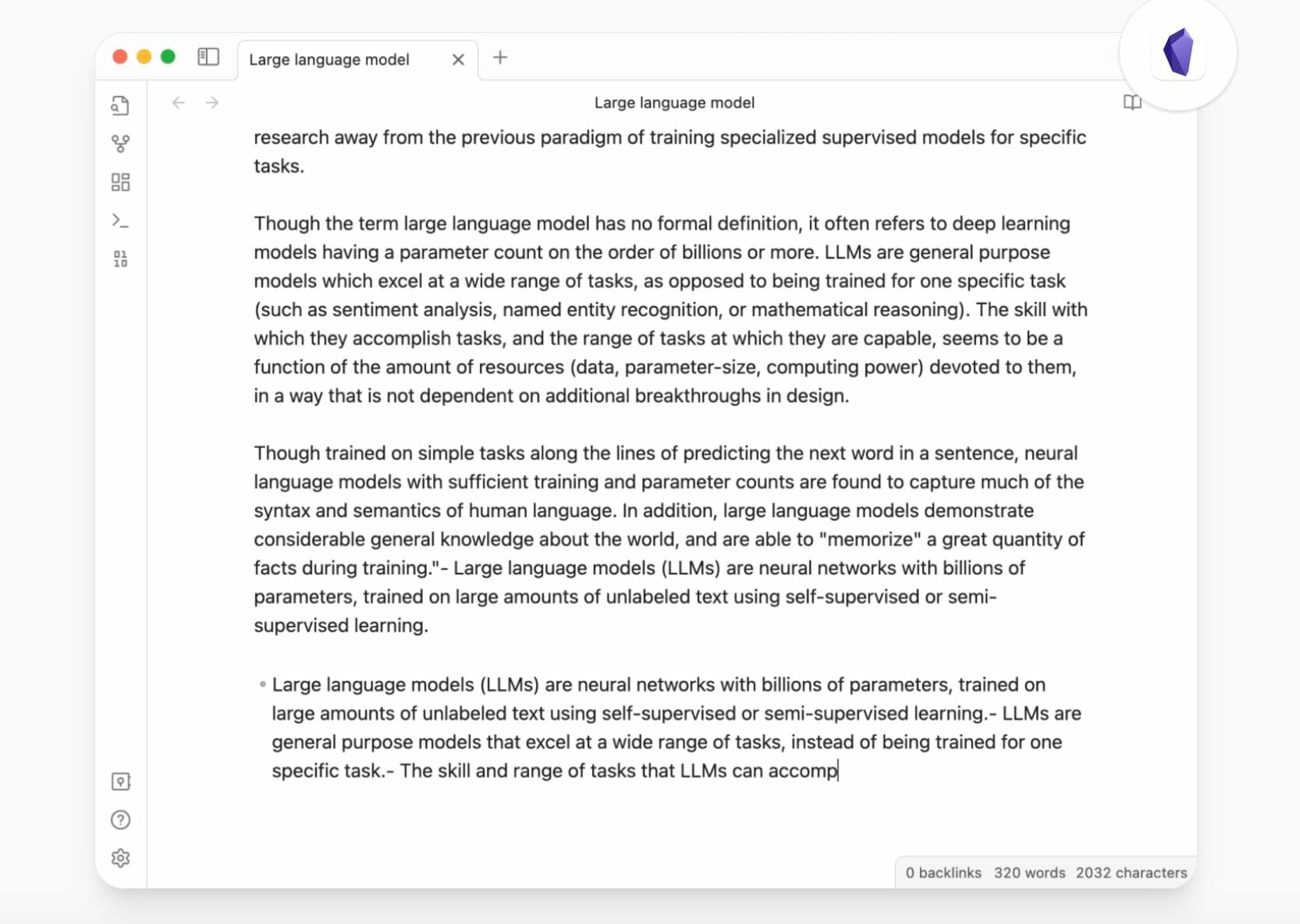
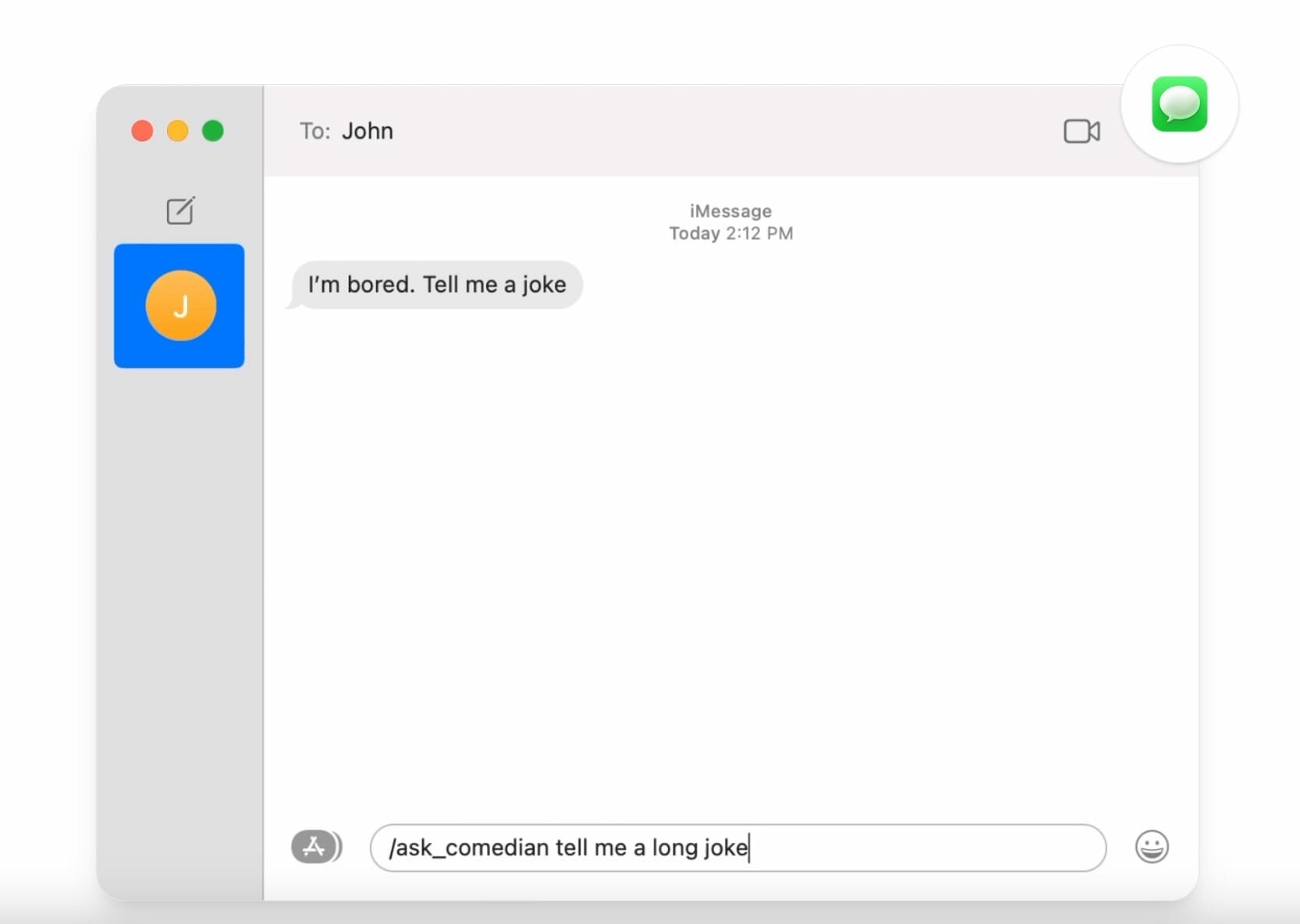
BoltAI is a powerful AI assistant designed for macOS users. It uses OpenAI GPT technology to provide AI assistance within macOS applications. It features a library of prompts, custom AI assistants, Stable Diffusion support, secure data storage, and automatic redaction of sensitive data to enhance security. BoltAI is a versatile tool that boosts productivity across a wide range of professions, from writing and development to management and entrepreneurship.
The era of artificial intelligence has arrived
Artificial intelligence will not replace humans. But those who know how to use it effectively will be more productive than those who don’t.
Integrate artificial intelligence into your workflow with BoltAI today.
Features:
- Native, fast, and powerful
No more 200 MB apps. Seamlessly integrated with your favorite apps. - Custom AI assistants
With BoltAI, you can create custom AI assistants by tailoring the AI’s behavior to specific tasks or roles. - Prompt library
BoltAI offers a library of prompts that you can use to get the most out of AI assistance. - Easily Customizable
Easily customize your preferred keyboard shortcuts for seamless integration into your workflow. - Secure
BoltAI securely stores your key in Apple Keychain and automatically redacts sensitive data, ensuring your privacy and peace of mind. - Respect Your Privacy
No analytics in the app. No intermediary servers. Your requests will be sent directly to OpenAI.
Version 2.16.0:
Frequently asked questions
How do I install the app?
Mount the image, drag the app into the "Applications" folder and launch it. If the system blocks the launch, allow it in "System Settings → Privacy & Security".
The app is damaged or won't launch
Reinstalling from a fresh image usually helps. Make sure your macOS version matches the one listed in the compatibility specs.
How do I update?
Download the new version from the site and install it over the current one — your settings will be preserved.
The download link doesn't work
Try a mirror or a download manager. For large files the browser often drops the connection.
How do I completely remove the app?
Use an uninstaller utility — it cleans up the service files that remain after moving the app to the trash.



Choose a download source
BoltAI 2.16.0 · 41.53 MB
Previous versions
BoltAI 2.16.0
Previous versions are available to registered users.