
Tower 2.6.6

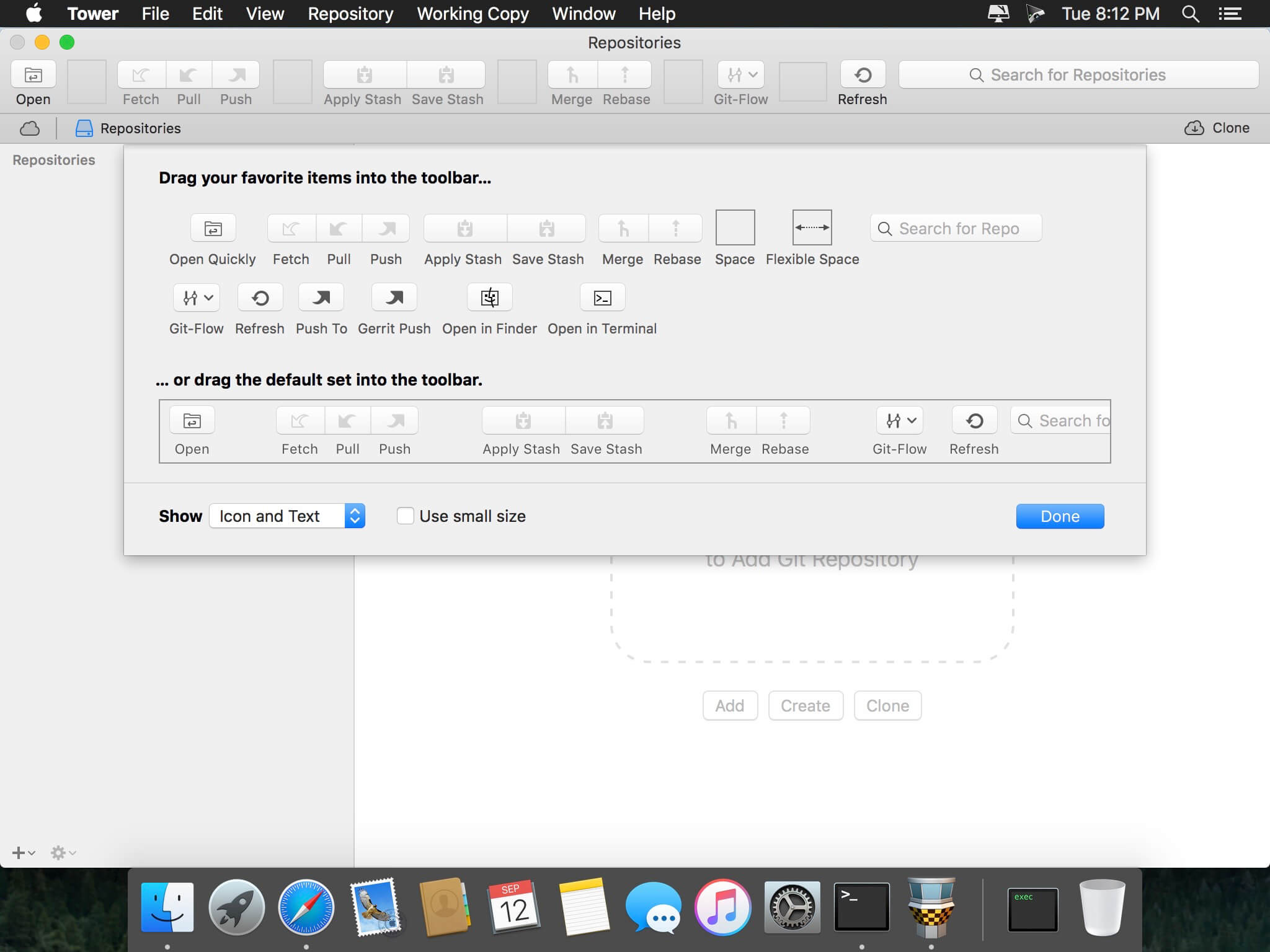
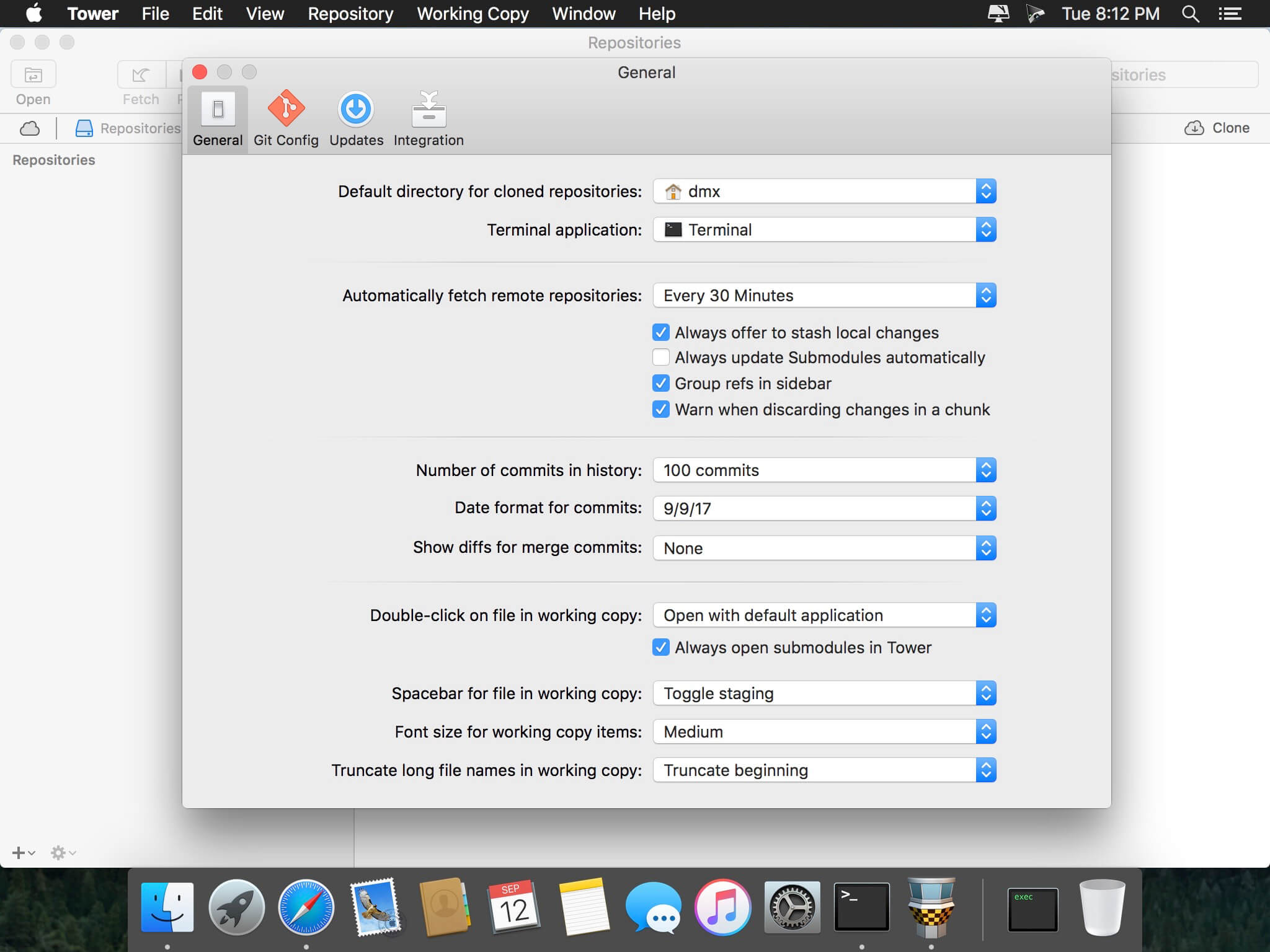
Tower is a powerful Git client for macOS that makes using Git easy and more efficient. Users benefit from its elegant and comprehensive interface and a feature set that lets them enjoy the full power of Git.
Learning Git with Tower. Tower abstracts Git's complexity in an easy-to-use interface. For example, lots of actions can be performed simply via drag and drop, and mistakes can be undone easily.
Using Tower as an Expert. Advanced users can increase their productivity with features like single line staging, submodule support, or the file history.
Features include:
- git-svn support
- file history
- git-flow support
- submodule support
- blame view
- single line staging (per-line committing)
- cherry-picking
- discard chunks/lines
- direct Github, Beanstalk, and Bitbucket integration
- Support for full-screen and Retina displays
- many powerful drag-and-drop features include merge, rebase, push /pull to/from remote, apply stash, create new branch, etc.
Version 2.6.6:
- Git LFS: Cloning now uses the configured service account
Frequently asked questions
How do I install the app?
Mount the image, drag the app into the "Applications" folder and launch it. If the system blocks the launch, allow it in "System Settings → Privacy & Security".
The app is damaged or won't launch
Reinstalling from a fresh image usually helps. Make sure your macOS version matches the one listed in the compatibility specs.
How do I update?
Download the new version from the site and install it over the current one — your settings will be preserved.
The download link doesn't work
Try a mirror or a download manager. For large files the browser often drops the connection.
How do I completely remove the app?
Use an uninstaller utility — it cleans up the service files that remain after moving the app to the trash.
VersionTower 2.6.6
DeveloperFournova Software GmbH
CompatibilityOS X 10.10 or later, 64-bit processor
LanguageEnglish
IncludesK'ed by TNT





Information
Visitors in the group Guests cannot leave comments on this publication.
Choose a download source
Tower 2.6.6 · 29.37 MB