
GitBar 1.2.3
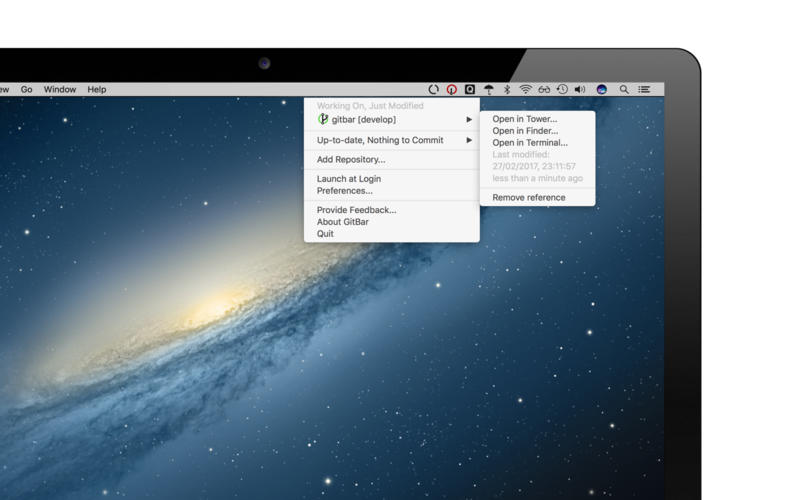
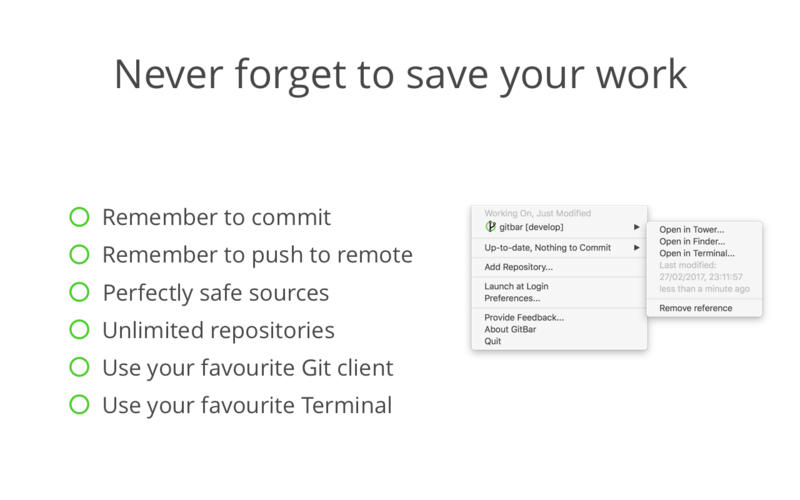
GitBar will remind you of uncommitted repository during the day when you forget it. GitBar will watch your local git repositories and samartly send notifications when you forgot to commit your work.
- Use the today widget during the day to quickly check if some modification is not safely committed.
- Use the shortcut to quicky open the menu and access the repository that needs to be committed
How it works
- Once the git repository is added to gitbar it is watched for modification.
- The state of the source is represented in the icon in gitbar
Icons
The icon shape indicates the current status of the repository
- Source is committed and modification are in sync with remote
- Source is committed but a push to remote is needed
- Source needs to be committed
Colors
The icons color indicates the age of the last modification.
- Last modification is a few minutes ago
- Source are older than 30 minutes
- Last modification is older than 2 hours, better commit!
Notifications
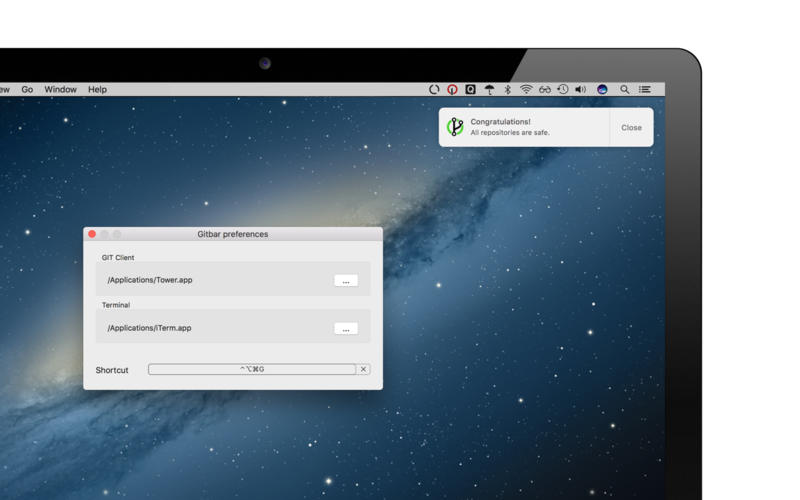
GitBar uses MacOS notification to notify when a repository is left with modifications for a long time.
Clicking on the notification opens the preferred git client to quickly commit.
Preferred Git Client
Selecting the repository in the GitBar menu or clicking on the notifications will open the preferred git client.
The app is used as preferred client is asked the first time repository is selected. If none is selected, Finder will be used.
Pico mama Web SiteGitBar - the menu bar git repository notifier Support
WHAT’S NEW
Version 1.2.3
- fixed a problem when "sleeping" notifications
- fixed about window positioning
SCREENSHOTS
Frequently asked questions
How do I install the app?
Mount the image, drag the app into the "Applications" folder and launch it. If the system blocks the launch, allow it in "System Settings → Privacy & Security".
The app is damaged or won't launch
Reinstalling from a fresh image usually helps. Make sure your macOS version matches the one listed in the compatibility specs.
How do I update?
Download the new version from the site and install it over the current one — your settings will be preserved.
The download link doesn't work
Try a mirror or a download manager. For large files the browser often drops the connection.
How do I completely remove the app?
Use an uninstaller utility — it cleans up the service files that remain after moving the app to the trash.
VersionGitBar 1.2.3
DeveloperPico Mama s.a.s.
CompatibilitymacOS 10.12 or later, 64-bit processor
LanguageEnglish
IncludesK'ed by TNT



Information
Visitors in the group Guests cannot leave comments on this publication.
Choose a download source
GitBar 1.2.3 · 8.19 MB